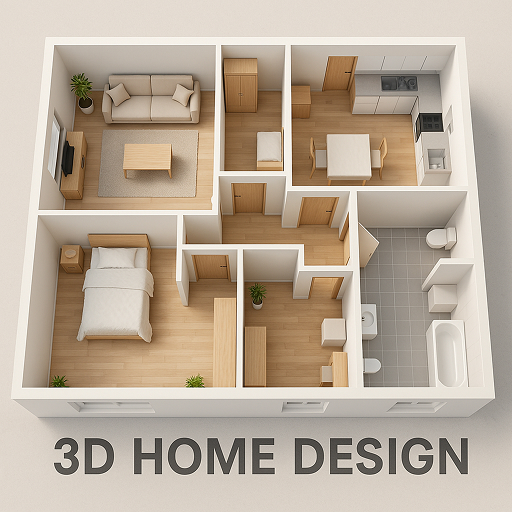
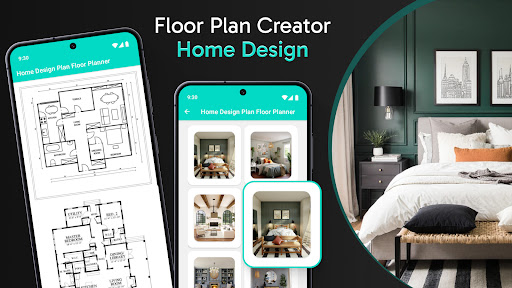

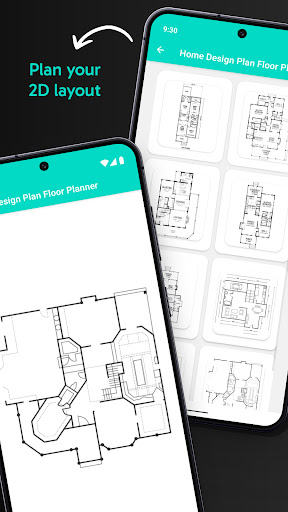

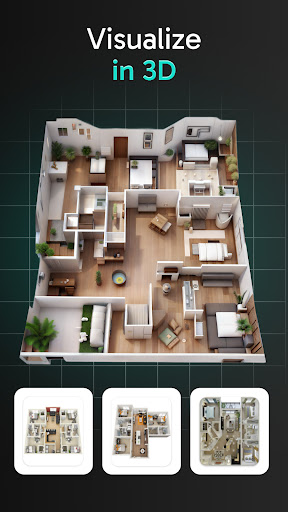
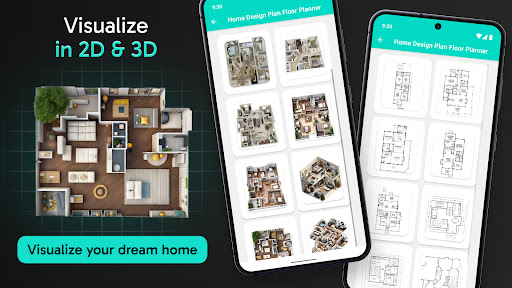
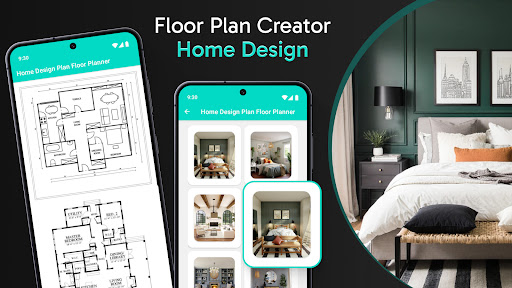

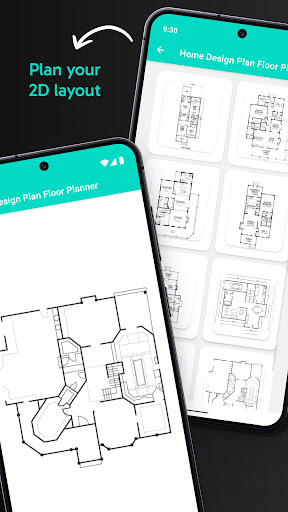
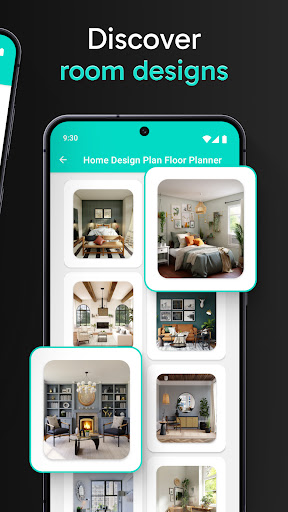
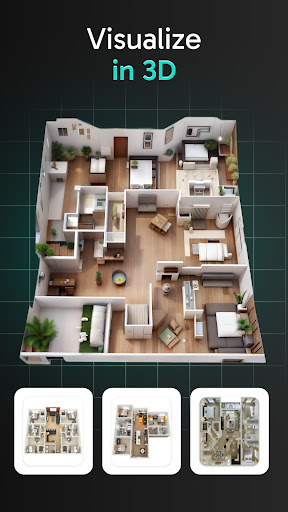
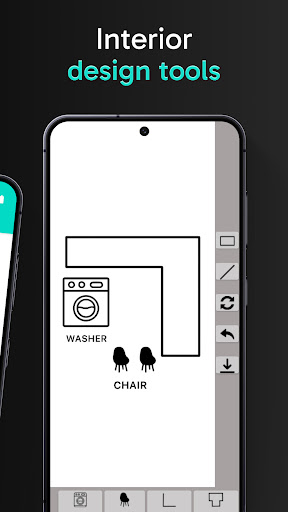

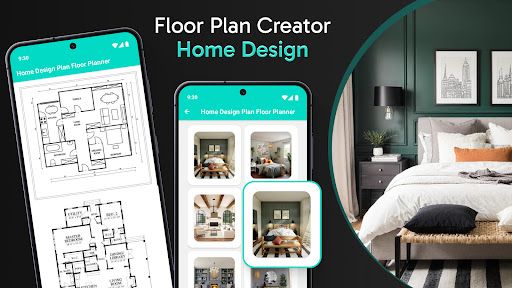

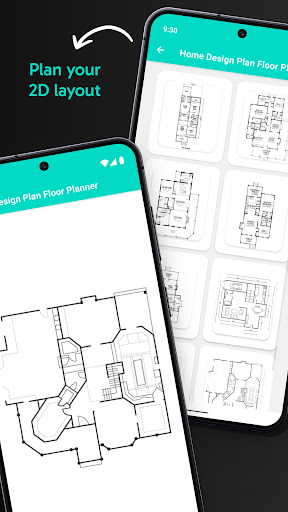
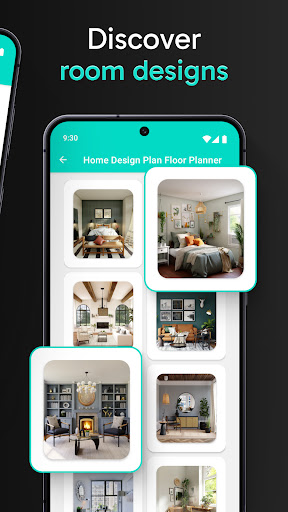
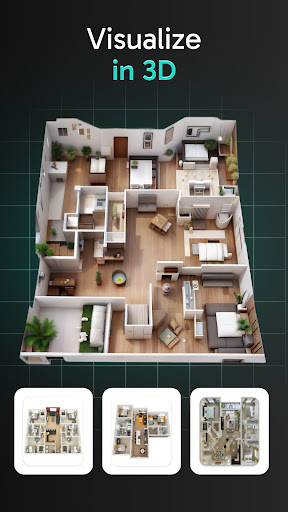
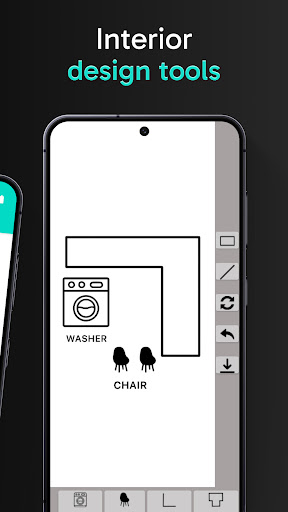
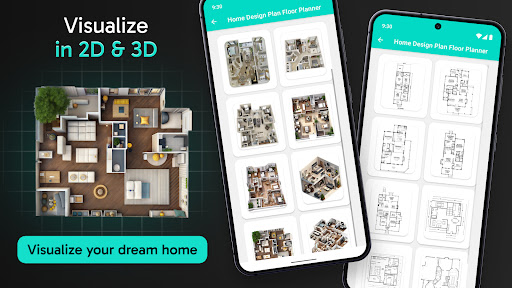
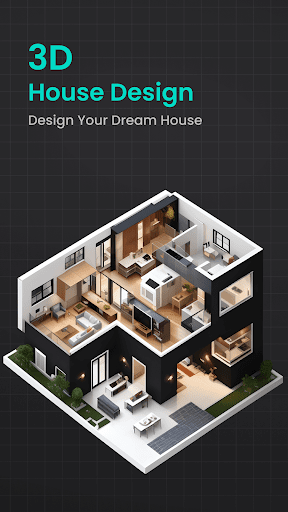
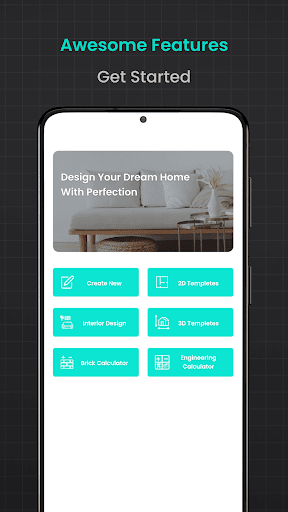
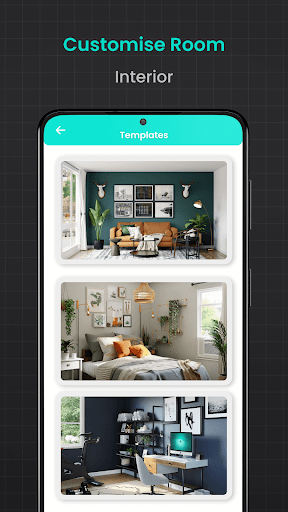
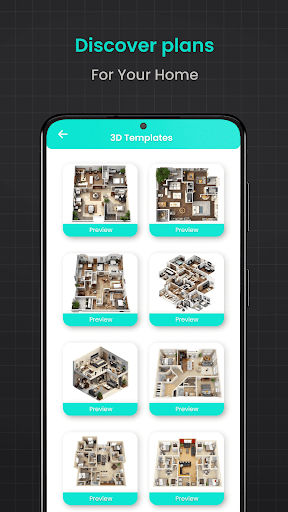
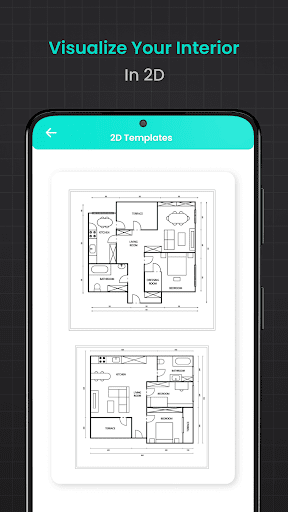
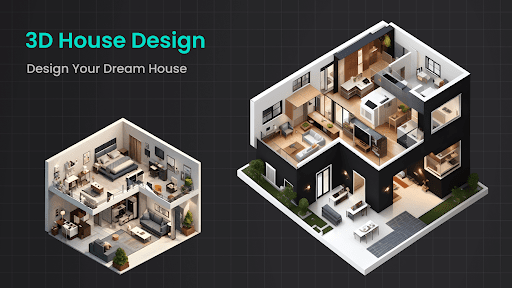
Floor Plan Creator Home Design is a comprehensive home design application that allows users to create detailed 2D house plans and explore them in 3D. The app provides an intuitive interface for visualizing layouts, experimenting with color schemes, and planning furniture arrangements.
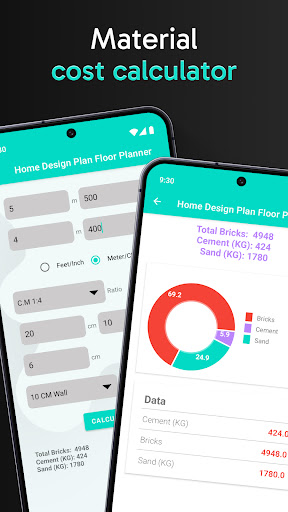
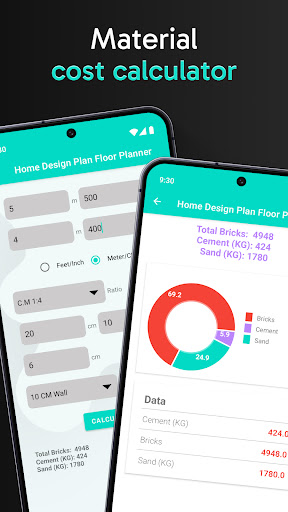
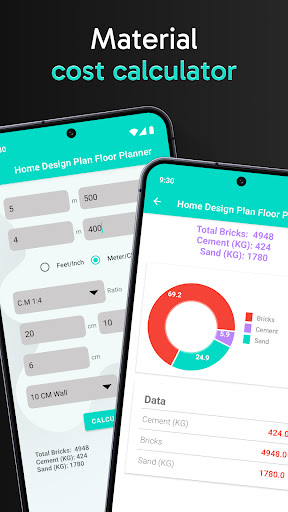
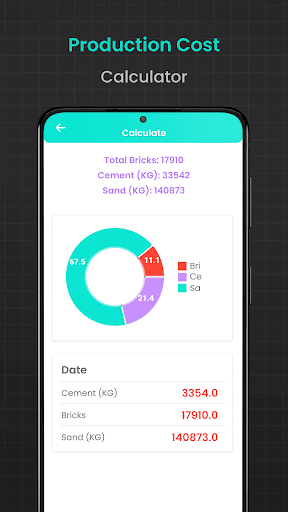
One of the standout features is its suite of calculation tools. Users can accurately estimate materials needed for construction projects, including bricks, flooring, cement, plaster, asphalt, and steel. This makes it an invaluable tool for both DIY enthusiasts and professional builders who need precise measurements for their projects.
Whether you're designing a new home or renovating an existing space, this app streamlines the process. It's particularly useful for those working on 3-bedroom house plans or modern house designs, offering specialized calculators and templates to ensure accuracy and efficiency in every step of the design process.
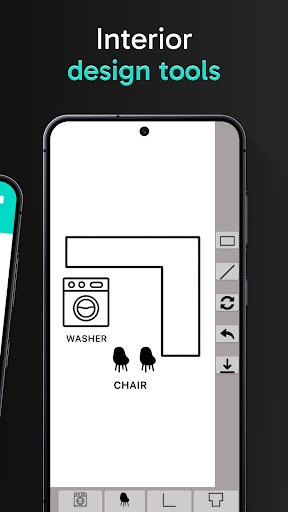
The app boasts an impressive array of features designed to simplify home design and decoration. Its core functionality lies in creating 2D floor plans that can be transformed into 3D visualizations, allowing users to see their designs come to life. The drag-and-drop interface makes it easy to experiment with different layouts and decor options.
A key innovation is the inclusion of multiple calculators for various construction needs. The brick calculator helps determine material quantities for walls, while the flooring calculator ensures accurate estimates for different types of floor coverings. Additional tools include cement, plastering, asphalt, and steel weight calculators, each designed to provide precise measurements for specific project requirements.
What sets this app apart is its versatility. It caters to both casual users looking to redesign their living space and professionals needing detailed construction estimates. The combination of design tools and calculation features makes it a one-stop solution for all aspects of home planning and renovation projects.
User-friendly interface
Comprehensive calculation tools
2D and 3D visualization
Wide selection of templates
Suitable for professionals and DIYers
Steep learning curve
Some features require premium
Occasional performance issues
Limited advanced tools
Interface can feel cluttered

Use Home by ShowingTime to easily manage showings, tours, feedback and more
 3.60
3.60
Technology powering many in-home services for residents across the United States
3.80
Find paints using a Color Muse & ColorSnap® Match
3.60
This Fire TV Remote control's your Fire TV Device and Insignia Fire TV Remote
3.70
Download today to join the community to help bring lost pets home faster.
4.70
Smart AI plant care schedules, Real plant experts, support & Thriving community!
4.20
Security App with HD Video, 2-way Audio, and event detection for Home monitoring
4.40
MLS-powered real estate app to find homes for sale & apartments for rent
4.70
3D House Design and AI Room Planner - from floor plans to full interior design.
4.40
Search for Homes, Rentals, Agents & Schools
4.70
Find homes for sale and apartments for rent in the best neighborhood.
4.70
Tailored Care Guides For Houseplants, Indoor Plants, Garden Plants & Flowers.
4.60
Wobble Fix Tool
4.40
Set up your devices, customize settings, and monitor your home—from anywhere
4.40
Control your thermostat, comfort, and home monitoring from your phone
4.30
Book your local plumber 24/7, track your service order & get exclusive coupons
4.00
Design house plans in 2D & 3D, style furniture, and preview renovation layouts
3.70
Calculate baluster spacing with ease and precision.
4.1
Universal TV Remote for TV, control all Smart TVs with your mobile phone.
4.2


User Reveiws