Home Planner

4.00

Information

Category:

House & Home

Price:

Free

Rank:

46

Rating:

4.00

Overview

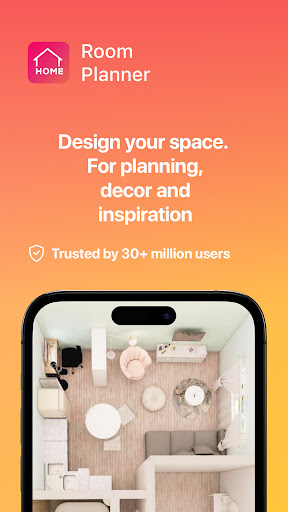
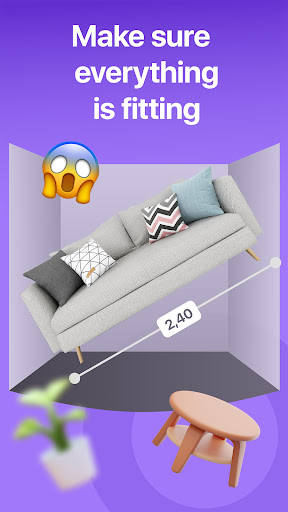
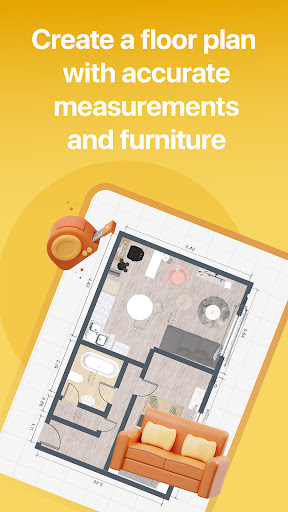
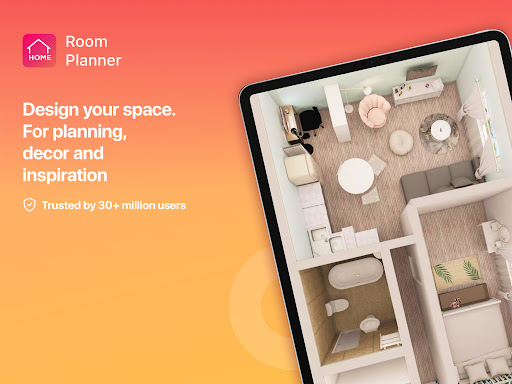
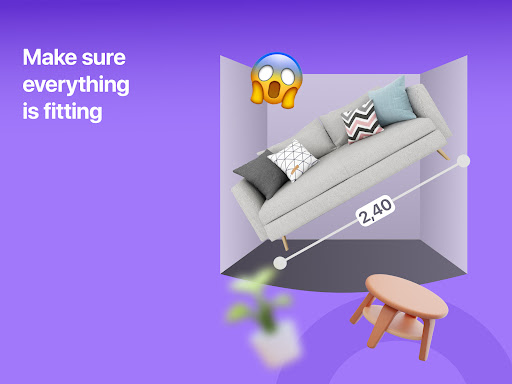
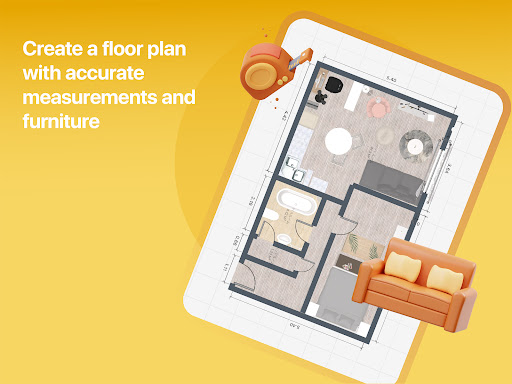
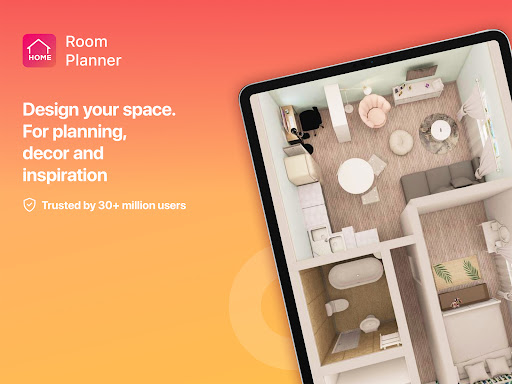
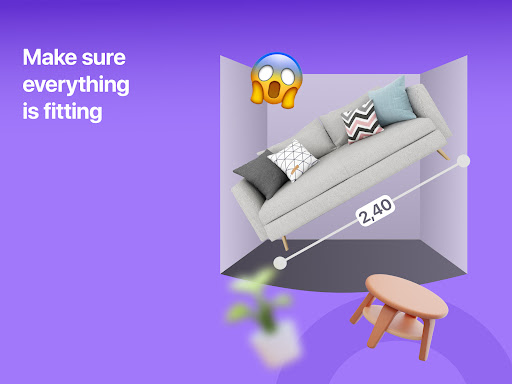
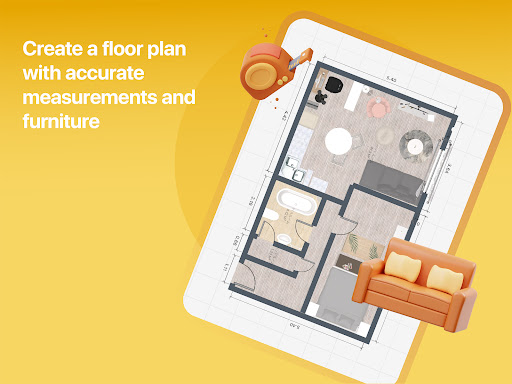
Home Planner is a comprehensive home design and 3D modeling application that empowers users to create detailed floor plans and visualize their dream spaces. The app offers precise measuring tools, allowing users to accurately map out walls, doors, and windows for both single rooms and entire house designs.

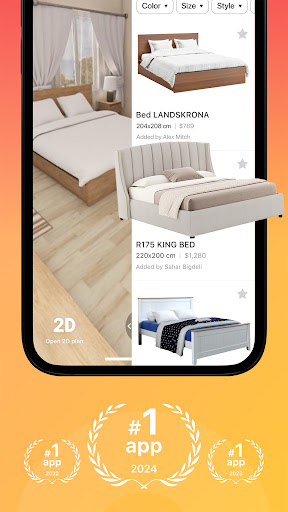
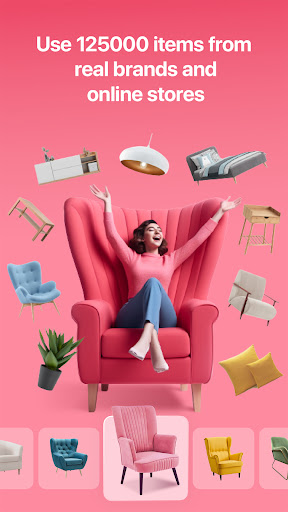
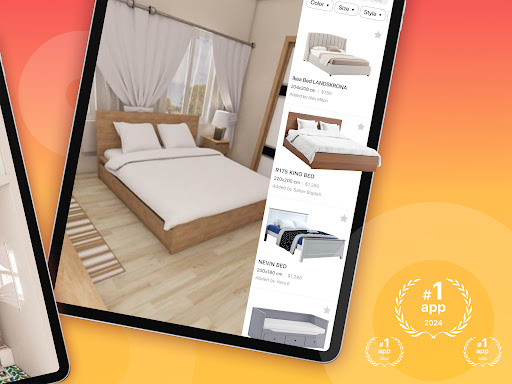
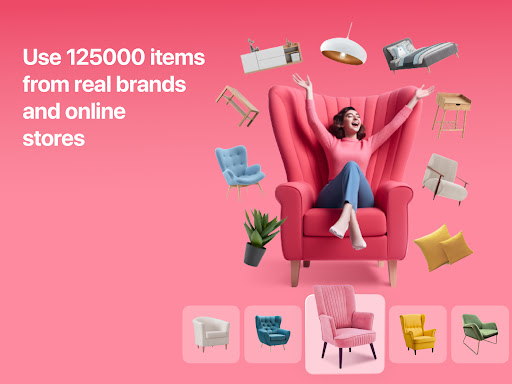
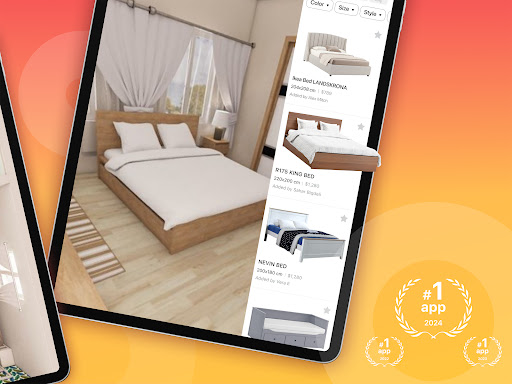
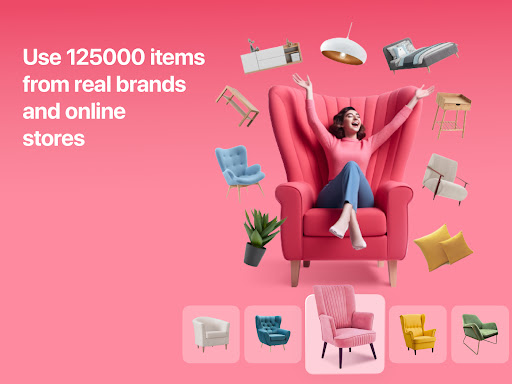
With advanced 3D modeling and virtual reality features, users can explore their designs from multiple angles, ensuring every detail meets their expectations before making real-life changes. The inclusion of over 200,000 furniture items provides extensive customization options, while pre-made projects and themes offer inspiration and guidance.

This app is ideal for homeowners planning renovations, interior designers seeking a digital tool, or anyone interested in experimenting with creative home layouts. Its high-quality renders and seamless sharing capabilities make it an invaluable resource for collaborative design projects.

Features

Home Planner stands out with its robust set of features tailored for home design enthusiasts. The app's built-in measuring tape and measure app functionality ensure precision when creating floor plans, while the extensive furniture catalog allows users to experiment with various styles and configurations.

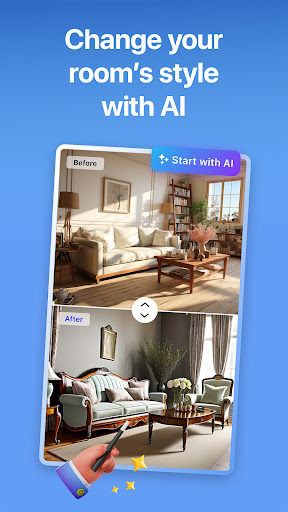
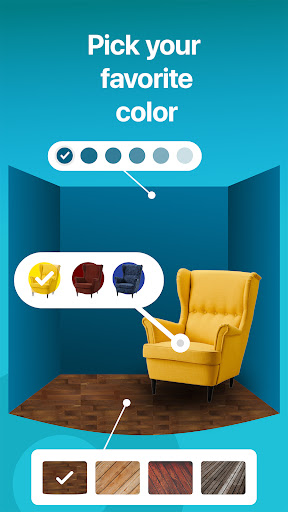
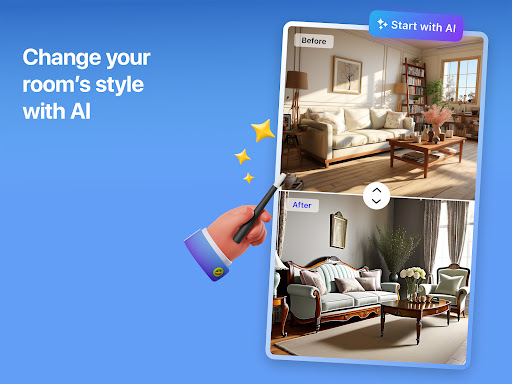
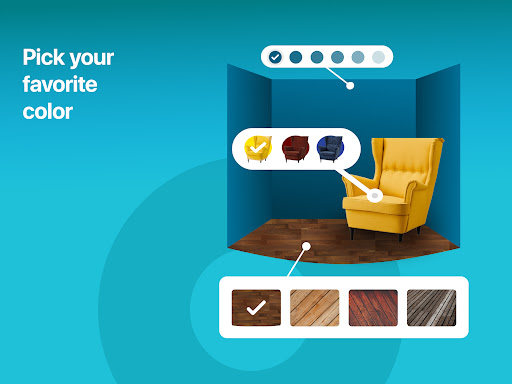
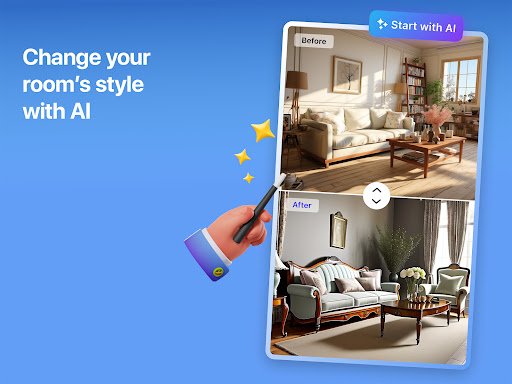
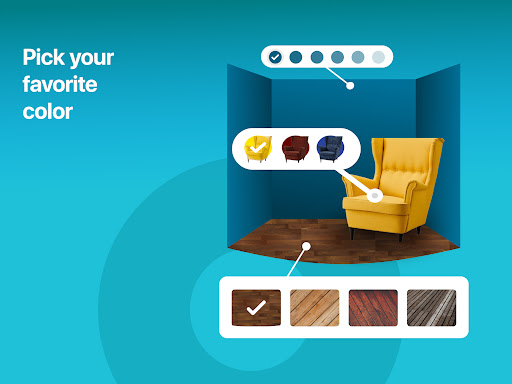
The remodel AI feature provides intelligent suggestions and pre-made design templates, streamlining the creative process. Users can customize every aspect of their designs, from wall colors to flooring materials, and view their creations in stunning HD renders. The app also supports offline functionality, enabling users to work on projects anywhere, anytime.

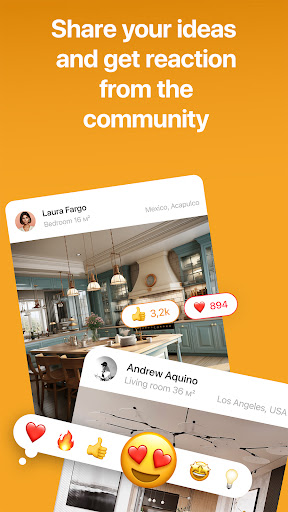
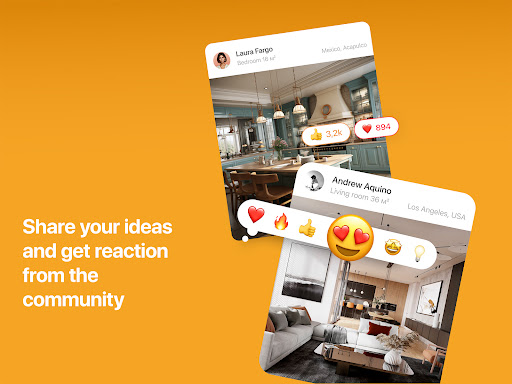
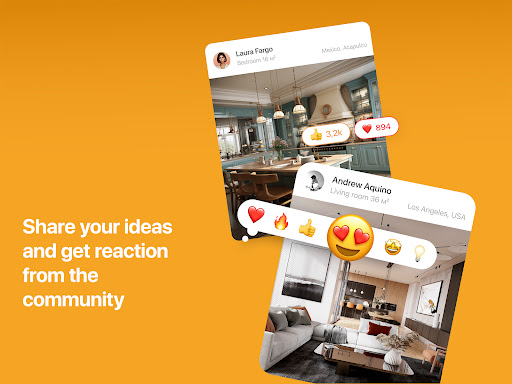
Additional highlights include seamless sharing options for collaboration with contractors or partners, and flexible subscription plans that unlock premium features like enhanced 3D modeling and exclusive furniture collections. These features collectively deliver a powerful yet user-friendly home design experience.

Property listing authenticity

In the realm of home design and remodeling applications like Room Planner the authenticity of property listings plays a crucial role in ensuring users can make informed decisions about their projects. Property listing authenticity refers to the accuracy and reliability of the information provided within the app regarding available furniture decor items and pre-made design templates. Room Planner excels in this area by offering a vast catalog of over 200000 items from reputable brands alongside professionally curated design projects that serve as reliable references for users. The app meticulously verifies each listing ensuring that every piece of furniture material or design element is accurately represented. This verification process includes cross-referencing product specifications with manufacturers and validating the availability of items. For users this means they can confidently experiment with different styles colors and layouts knowing that the elements they choose are genuine and accessible. The ability to rely on such authentic listings significantly enhances the planning process allowing users to visualize their dream spaces with precision and trust that their chosen designs can be realized in reality. By prioritizing property listing authenticity Room Planner not only elevates user experience but also sets a standard for reliability and accuracy in the home design app market.

Home management features

Home management features in applications like Room Planner encompass a broad spectrum of functionalities designed to assist users in organizing planning and executing their home design and remodeling projects efficiently. These features go beyond basic floor planning to include advanced tools for customization collaboration and visualization making the entire design process more intuitive and effective. Room Planner offers robust home management capabilities starting with its powerful customization options that allow users to modify every detail of their designs from wall colors and flooring types to furniture placement and decor styles. This level of customization ensures that users can create spaces that truly reflect their personal tastes and functional needs. Additionally the app provides seamless sharing functionalities enabling users to collaborate with partners roommates or contractors effortlessly. Whether working on-site or remotely users can share their designs receive feedback and make real-time adjustments ensuring that everyone involved in the project is on the same page. Another standout feature is the offline functionality which allows users to continue working on their projects without an internet connection ideal for measuring spaces or brainstorming ideas on the go. Furthermore Room Planner incorporates high-quality rendering and realistic snapshots through its 3D modeling capabilities giving users a lifelike preview of their designs. This helps in refining details such as lighting materials and spatial arrangements ensuring that the final outcome matches the envisioned design. With these comprehensive home management features Room Planner empowers users to take full control of their home design projects transforming complex tasks into manageable and enjoyable experiences.

Props

User-friendly interface

Extensive furniture catalog

Accurate measuring tools

Advanced 3D modeling

Offline functionality

Cons

Premium features locked

Steep learning curve

Limited free templates

Subscription costs

Occasional bugs

Features and Functions

What is this app and what can I use it for?

A home design app for creating floor plans and visualizing spaces in 3D

How do I download and install this app on my device?

Search 'Room Planner' on Google Play Store, tap Install, and open after download

How do I get started after opening the app for the first time?

Start by selecting a template or creating a new project from scratch

What are the main features and capabilities of this app?

Offers 3D modeling, VR previews, and a large furniture catalog for customization

How can I customize my experience and adjust preferences?

Adjust settings via the app menu to personalize units, themes, and layout preferences

How do I save or bookmark my favorite content for later access?

Use the Save option to store projects and revisit them anytime in the app library

How can I share content with friends or on social media?

Tap Share to export designs and post them directly on social media platforms

How do I access detailed information and explore more content?

Access details through the appu2019s 3D viewer or explore more templates in the catalog

What permissions does this app need and how do I manage them?

Requires storage and camera access; manage permissions in device settings

How do I check for updates and keep the app running smoothly?

Enable auto-updates in Google Play Store or manually check for updates regularly
Show more

User Reveiws

{{ comment.reviewer_name }}
{{ comment.review_date_formatted}}
{{ comment.review_content }}
{{ tab.name }}
{{ comment.reviewer_name }}
{{ comment.review_date_formatted}}
{{ comment.review_content }}
No reviews with this rating