
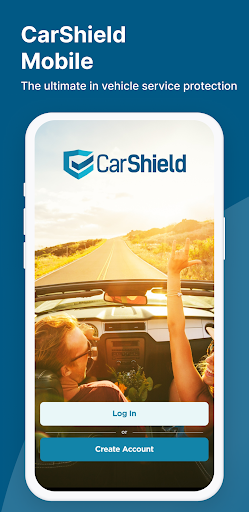
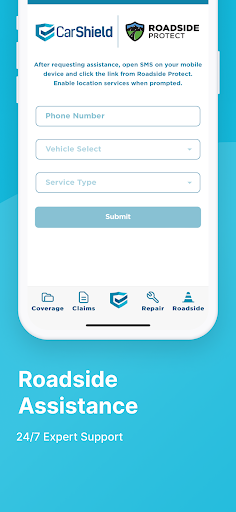
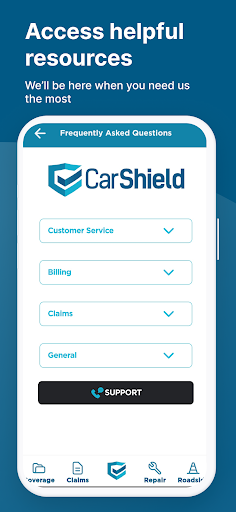
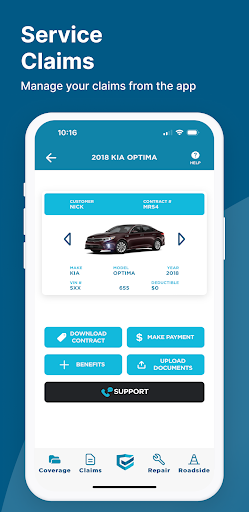
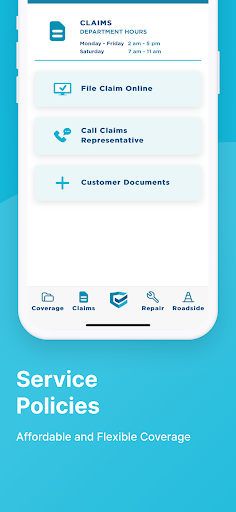
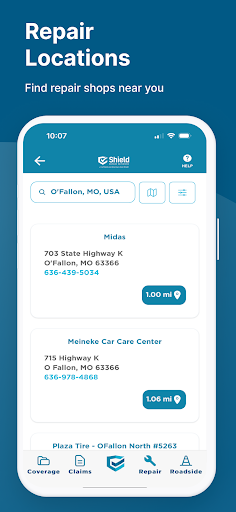
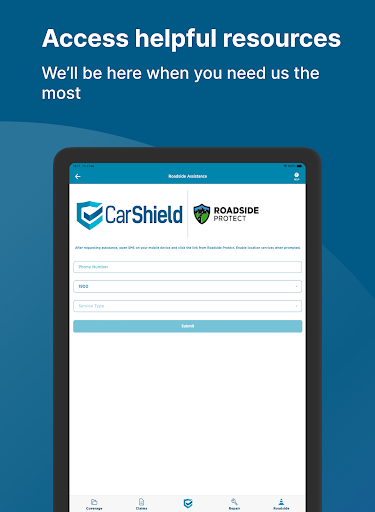
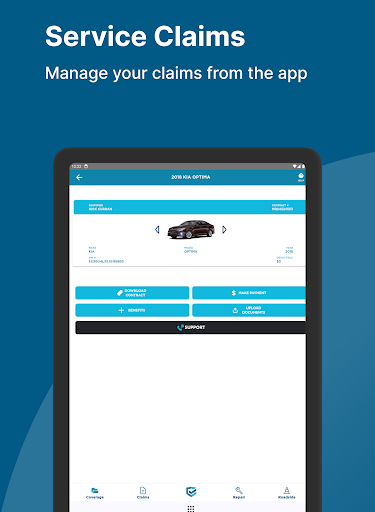
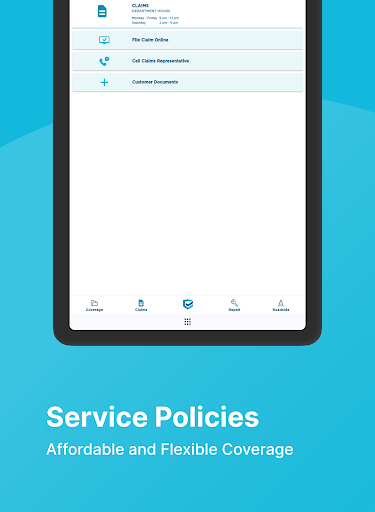
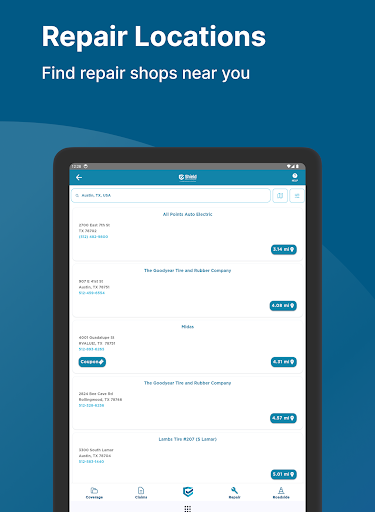
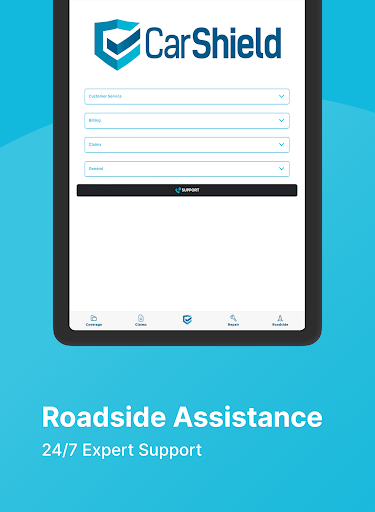
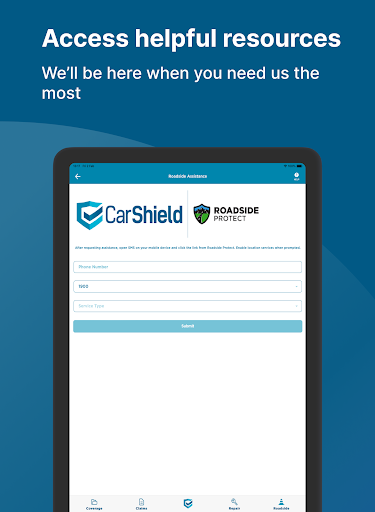
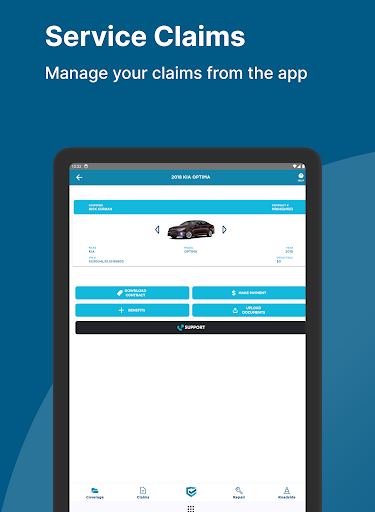
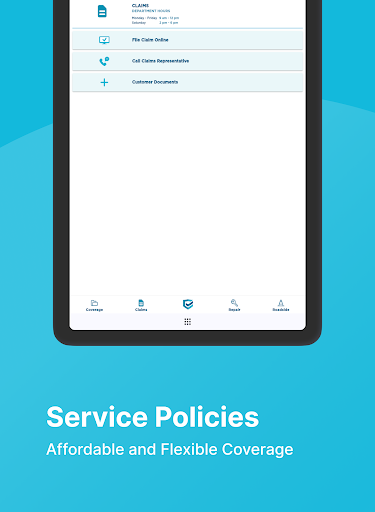
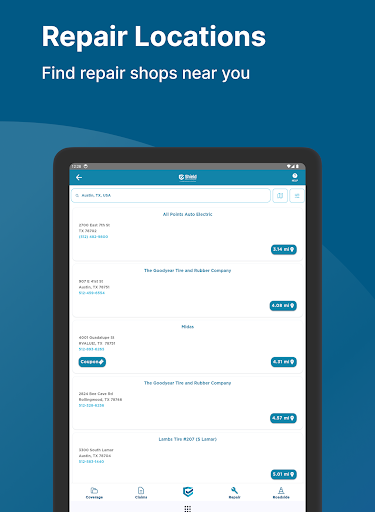
CarShield Mobile is a specialized application designed for vehicle service contract holders, enabling them to conveniently access their contract details on the go. The app provides essential information regarding claims processing, roadside assistance, and customer support services, ensuring users have critical resources available when needed most.
The application serves as a comprehensive tool for managing vehicle protection plans offered by CarShield, which are administered by American Auto Shield. It ensures that users can easily view their coverage details, understand potential deductibles, and know the terms of eligibility for rental car benefits as outlined in their specific contracts.
With its focus on convenience and accessibility, CarShield Mobile empowers vehicle owners to maintain better control over their automotive investments. Whether at home or on the road, users can quickly connect with necessary support services, making it an invaluable companion for safeguarding your vehicle's reliability and performance.
CarShield Mobile offers several key features that enhance the vehicle service contract management experience. Users can access detailed information about their specific contract coverage, including important terms and conditions, directly through the app's intuitive interface. This feature ensures that all vital policy details are readily available whenever needed.
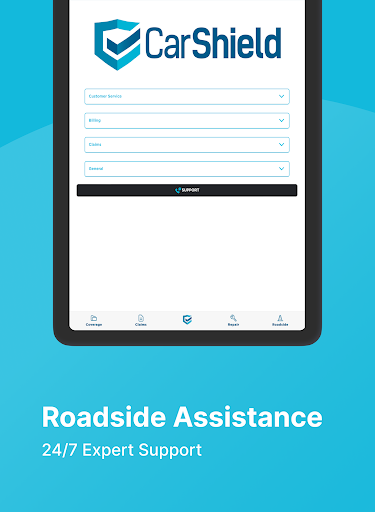
In addition to contract information, the app provides easy access to roadside assistance services and customer support channels. Whether facing a breakdown or requiring clarification on policy terms, users can swiftly connect with the appropriate resources. Furthermore, the app includes important disclaimers regarding deductibles, rental car eligibility, and parts usage, keeping users well-informed about their coverage limitations and benefits.
The application's design emphasizes user-friendliness and accessibility, making it simple for contract holders to navigate various features. By consolidating essential information and support resources into one convenient platform, CarShield Mobile significantly streamlines the vehicle service contract management process for its users.
User-friendly interface
Comprehensive contract details
24/7 roadside assistance
Quick customer support access
Convenient mobile access
Limited to contract holders
No coverage in California
Potential deductibles apply
Remanufactured parts usage
Rental car restrictions

ODB2 based monitoring application for the Chevy Bolt (2017-2021)
 4.00
4.00
OBD diagnostics, Live Data, DPF regeneration for BMW
4.00
Practice the drills within MotoJitsu Master Riding Program Volume 1 & 2!
4.80
Oil change service & coupons for car maintenance at Valvoline Instant Oil Change
4.70
1M+ high-quality auto parts at your fingertips. Fitment guaranteed.
4.70
Your car is talking. Start listening.
4.30
O'Reilly Pro will streamline your parts lookup and ordering process!
3.20
7-Day Returns on All Cars
4.80
Quick and easy car diagnostics to get you the right fix.
4.70
Play what you want through Android Auto
4.90
Car Values, Research and More
4.80
Lexus app currently supports 2010 or newer vehicles (2018 or newer for Hawaii).
4.80
MySubaru: Download. Connect. Love.
4.70
Trip computer+car diagnostic tool with widest variety of features and dashboard!
4.70
Secure mobile payments & fuel savings at Phillips 66®, Conoco® and 76® stations
4.40
OBD2 car scanner and diagnostics: read Check Engine, DTC, economy....
4.30
Monitor your behind-the-wheel behavior to become a safer driver and save.
4.10
App Mirroring for Tesla Car's Browser
2.80
Theme for Car Launcher
4.0


User Reveiws