
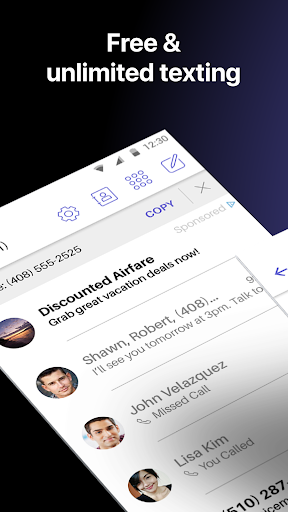
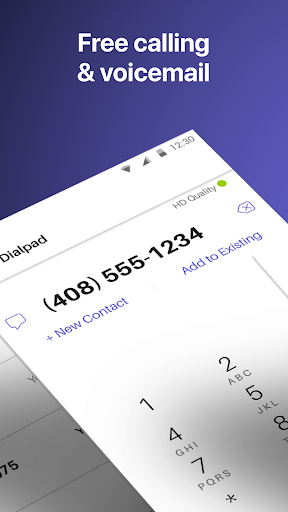
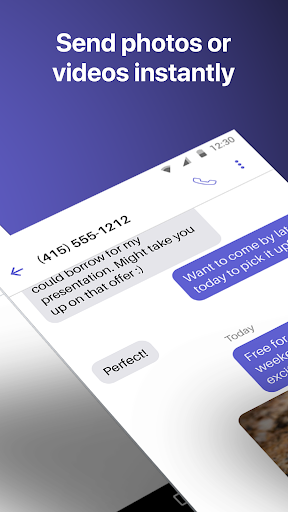
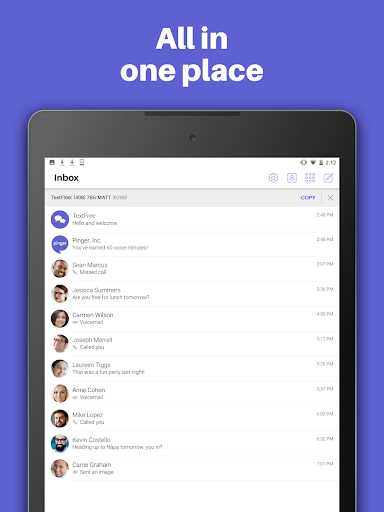
TextFree Voice is a comprehensive communication app that provides users with a free second phone number for unlimited calling and texting. The app allows you to make calls and send messages, including photos, videos, GIFs, audio messages, and PDFs, over Wi-Fi without using your primary number. It's an ideal solution for those who want to maintain privacy or separate personal and professional communications.
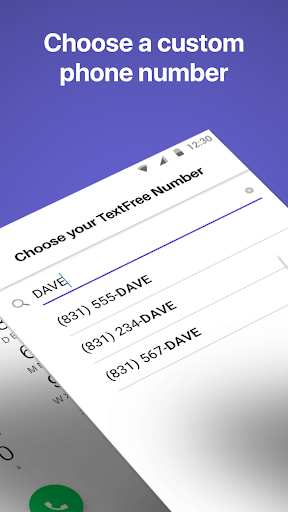
One of the standout features of TextFree Voice is its ability to offer a personalized local phone number. This feature enables users to stay connected with friends and family while enjoying the flexibility of custom call and texting tones, as well as personalized wallpapers. Whether you're at home or on the go, this app ensures you can communicate effortlessly and enjoy a seamless experience across multiple devices, including smartphones, tablets, and computers.
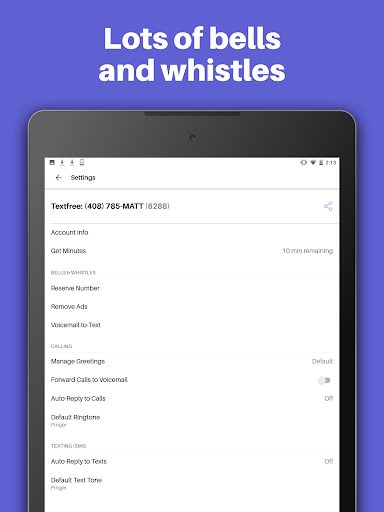
The true value of TextFree Voice lies in its robust functionality combined with user-centric features. From automatic responses through Auto-Reply to group texting capabilities, it enhances the way you interact with others. Additionally, the option to upgrade to TextFree Plus removes ads and offers advanced features like verification shortcodes for online accounts, making it a versatile tool for both casual and power users alike.
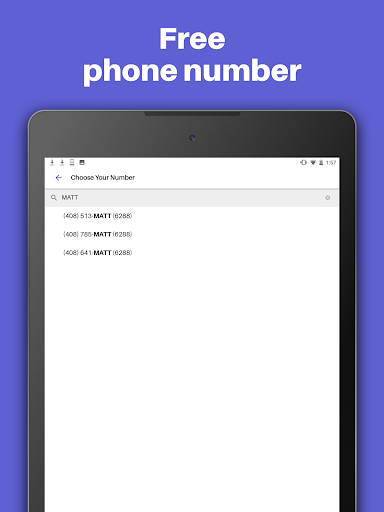
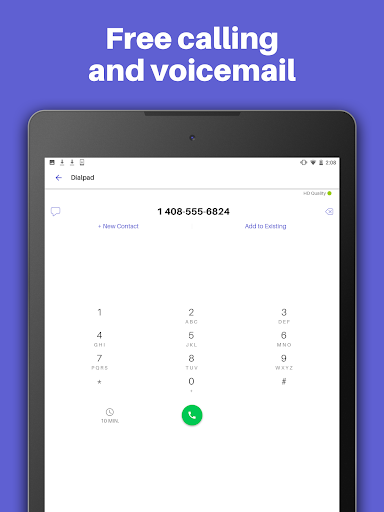
TextFree Voice stands out with its rich array of features designed to enhance communication. First and foremost, the app provides a free second phone number with an area code of your choice, allowing for unlimited calling and texting over Wi-Fi. This feature alone transforms how users manage their communications, offering unparalleled flexibility and control over their digital identity.
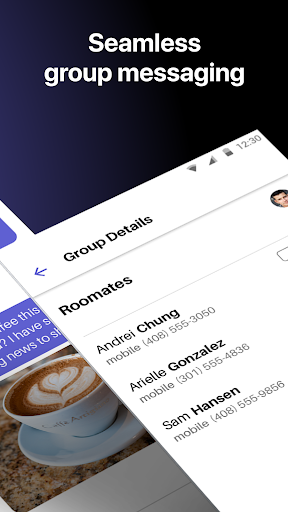
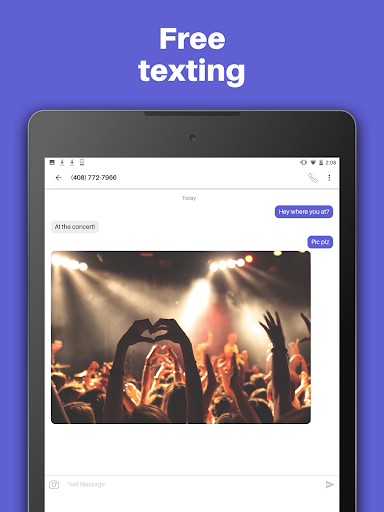
Beyond basic calling and texting, TextFree Voice supports multimedia messaging, enabling users to share photos, videos, GIFs, audio messages, and even PDFs. Group texting further enriches the experience by letting you stay in touch with multiple contacts simultaneously. Customizable elements such as unique call and text tones, along with personalized wallpapers, ensure that every interaction feels tailored specifically to you.
For users seeking additional benefits, upgrading to TextFree Plus unlocks a suite of premium features. These include ad-free usage, access to verification shortcodes for securing online accounts, and the ability to lock in your chosen second phone number indefinitely. With 24/7 customer support available, TextFree Voice not only meets but exceeds expectations, providing a reliable and feature-rich communication platform.
User-friendly interface
Free second phone number
Unlimited calling & texting
Multimedia messaging support
Customizable communication options
Limited without subscription
Occasional ads in free version
Verification codes require upgrade
Number change possible if not subscribed
Advanced features need paid plan

The video chat to meet people in the blink of an eye!
 3.90
3.90
Follow the Truth! Join America's leading free-speech social platform.
3.10
Dating for singles. Meet lonely people nearby online. Find your match here!
4.20
Live pics from your friends - Only the photos you want to see
4.60
Unlimited messages, WiFi Calling, Texting app. Text now with Second Phone Number
4.10
Calling and texting app. 2nd virtual line plus new phone number. Txt & talk now.
4.40
Reddit is where you’ll find your people and feel at home in every conversation.
4.60
A video app from OpenAI - AI video generation by the maker of ChatGPT
4.60
A little connection can go a long way
4.60
Get your NGL Link
4.60
live inside your fandom
4.60
Watch 24/7 live stream, and make real friends nearby
4.30
Online group games like Mafia, Word War, Scattergories, Ludo, Uno, and many more
4.30
The official Skool app. Stay connected to your communities on the go.
4.20
Discover an open-minded dating experience when you download today
4.10
Sell unwanted items and buy preloved stuff in your local community.
4.10
Watch, Edit, Upload and Share Gaming Clips
4.00
Meet online & chat with people! Talk, have fun, make connections in real time!
4.00
Instant messaging — simple, fast, secure, and synced across all your devices.
4.00


User Reveiws