



textPlus

4.10

Information

Category:

Social

Price:

Free

Rank:

22

Rating:

4.10

Overview

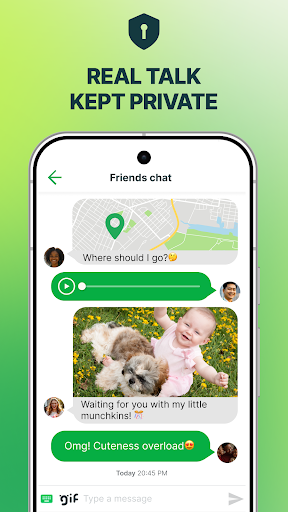
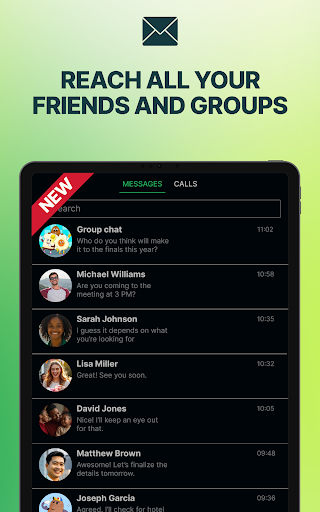
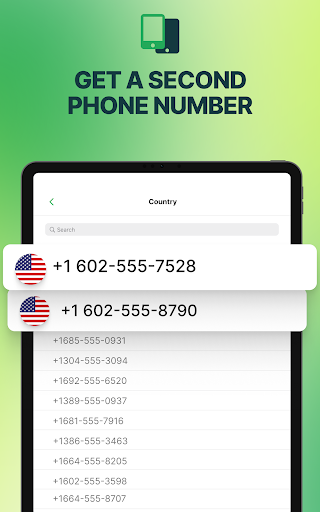
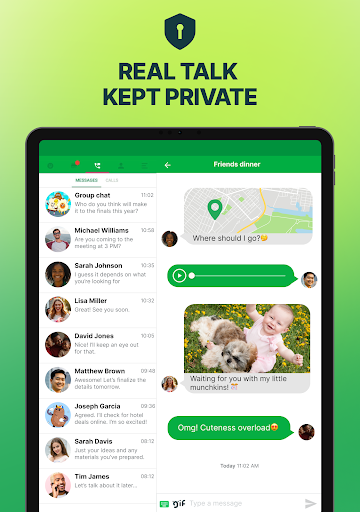
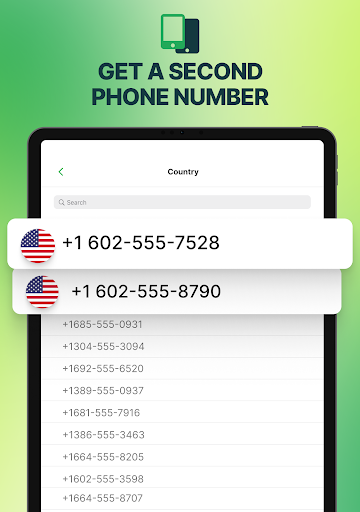
textPlus is a versatile communication app that provides users with a second U.S. phone number for free texting and affordable calling. It allows unlimited texting to any U.S. mobile number and supports MMS, group messaging, and WiFi calling without the need for a SIM card or traditional mobile plan. With over 150 million users, textPlus is ideal for those needing an additional line for work, travel, or privacy.

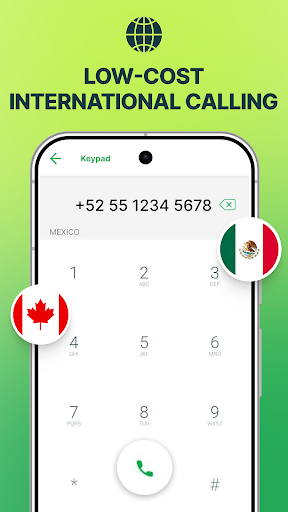
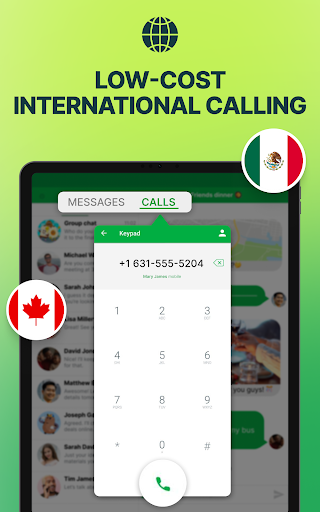
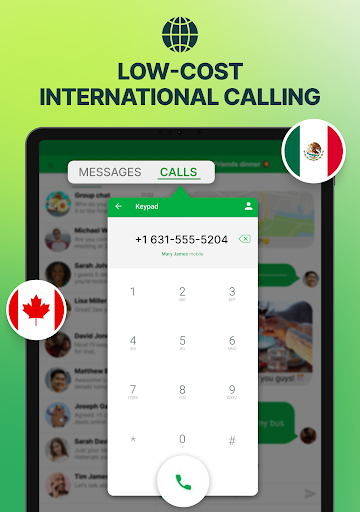
The app offers features such as low-cost international calling, multi-device sync, and secure communication without selling user data. Whether you're traveling internationally, managing separate work and personal lines, or simply looking to maintain privacy, textPlus delivers flexibility and control in how you communicate. Its seamless integration across devices ensures you stay connected wherever you are.

Features

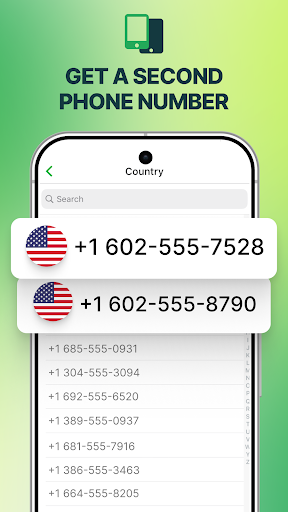
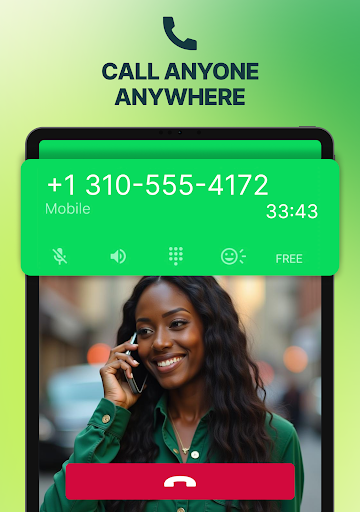
textPlus stands out with its comprehensive feature set tailored for modern communication needs. The app provides a real U.S. second phone number, enabling users to make calls, send texts, and access advanced messaging options like MMS and group chats. This functionality is supported across multiple devices via WiFi or mobile data, eliminating the need for physical SIM cards or restrictive contracts.

One of the key highlights is its affordability and flexibility. Users can enjoy unlimited free texting within the U.S., receive calls over WiFi at no extra cost, and take advantage of budget-friendly international calling rates. Additionally, textPlus ensures privacy by not selling user data, making it a secure option for personal and professional use. These features collectively enhance accessibility, convenience, and user control in managing communications effectively.

User profile customization & authenticity verification

User profile customization and authenticity verification are essential features in social applications like textPlus as they allow users to create personalized identities while ensuring the legitimacy of interactions within the app. In textPlus users can establish a second phone line with a U.S. number which acts as an extension of their digital identity. This feature is particularly useful for those who wish to maintain privacy or separate personal and professional lives. The ability to choose an area code and get a verified number adds a layer of authenticity to user profiles making it easier to trust the person on the other end of a call or message. Furthermore textPlus ensures that this second line is not only a virtual alias but also a functional tool for communication. Users can make calls send texts and engage in messaging without revealing their primary contact details thus safeguarding their privacy. The app's commitment to user privacy is further emphasized by its assurance that it does not sell user data. This approach fosters a secure environment where users feel confident that their information remains confidential. By providing these robust customization and verification options textPlus empowers users to manage their online presence effectively. Whether for business use travel or maintaining anonymity the app offers a reliable way to communicate while preserving individual privacy and security.

Connection discovery

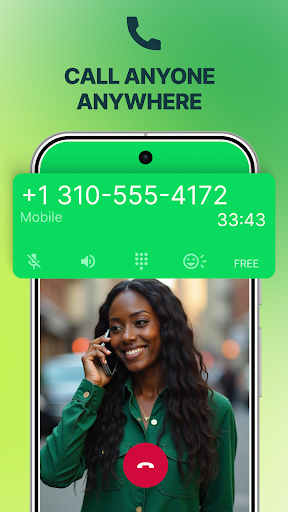
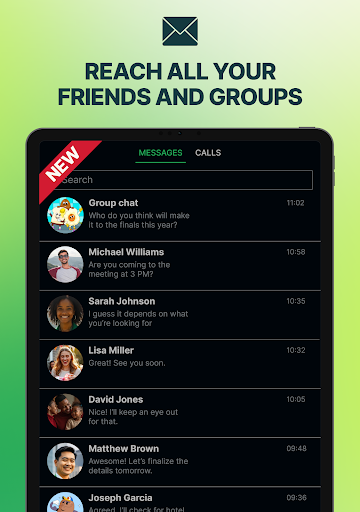
Connection discovery is a pivotal aspect of any social application enabling users to find and connect with others effortlessly. In the case of textPlus this functionality takes on added significance as the app provides users with a second phone number designed to facilitate both new and existing connections without compromising personal privacy. textPlus allows users to reach out to any U.S. mobile contact through unlimited free texting including MMS and group messages thereby expanding their network of contacts. The app supports WiFi calling which means users can place and receive calls over the internet without needing a traditional SIM card or mobile plan. This feature is especially beneficial for travelers or individuals looking to avoid roaming charges as it enables them to stay connected regardless of their location. Moreover textPlus enhances connection discovery by offering multi-device sync capabilities allowing users to access their call and message history across various devices such as smartphones and tablets. This seamless integration ensures that users never miss important communications and can respond promptly from whichever device is most convenient at the time. Additionally the app's low-cost international calling options provide an affordable way to maintain global connections broadening the scope of potential relationships. By combining these powerful tools for connection discovery with a strong emphasis on privacy and flexibility textPlus creates an environment where users can confidently expand their social and professional networks knowing that their primary contact information remains protected.

Props

Free second phone number

Unlimited U.S. texting

WiFi calling support

Multi-device sync

No hidden fees

Cons

Limited free international calls

Occasional connectivity issues

Ads in free version

Call quality varies

Requires internet

Features and Functions

What is this app and what can I use it for?

A second phone number app for free texting and calling.

How do I download and install this app on my device?

Search 'textPlus' on Google Play Store, tap Install, and open after download.

How do I get started after opening the app for the first time?

Choose a U.S. area code, verify your number, and start texting/calling.

What are the main features and capabilities of this app?

Free texting, WiFi calling, low-cost international calls, and multi-device sync.

How can I customize my experience and adjust preferences?

Adjust notification settings and personalize your profile in-app.

How do I save or bookmark my favorite content for later access?

Save contacts automatically by adding them to your in-app directory.

How can I share content with friends or on social media?

Use the Share button to post content or send messages via social media.

How do I access detailed information and explore more content?

Tap detailed info icons or swipe through menus for more content.

What permissions does this app need and how do I manage them?

Needs mic and contacts access; manage in device settings.

How do I check for updates and keep the app running smoothly?

Enable auto-updates in Google Play Store or check for updates manually.
Show more

User Reveiws

{{ comment.reviewer_name }}
{{ comment.review_date_formatted}}
{{ comment.review_content }}
{{ tab.name }}
{{ comment.reviewer_name }}
{{ comment.review_date_formatted}}
{{ comment.review_content }}
No reviews with this rating