
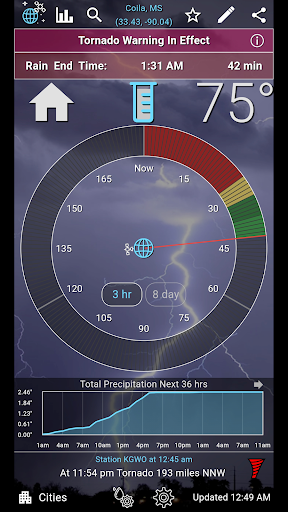
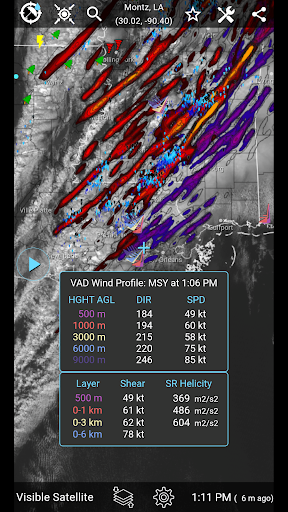
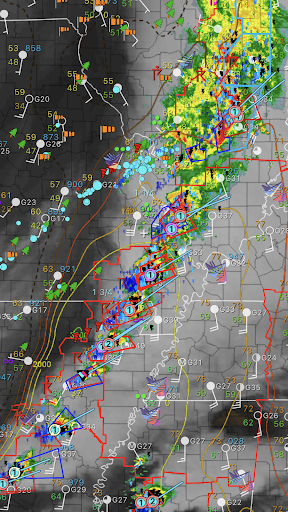
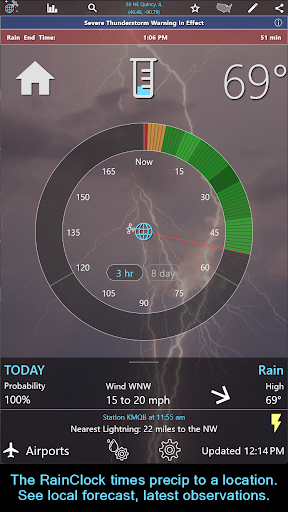
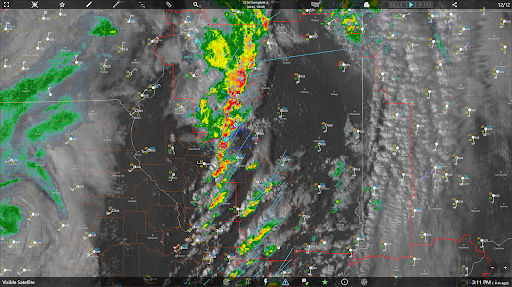
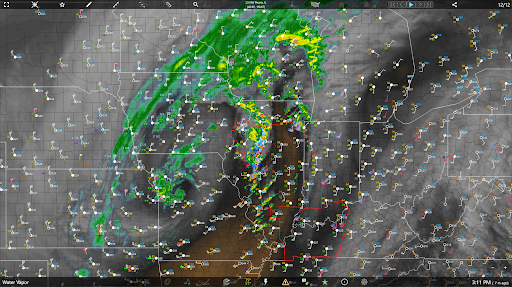
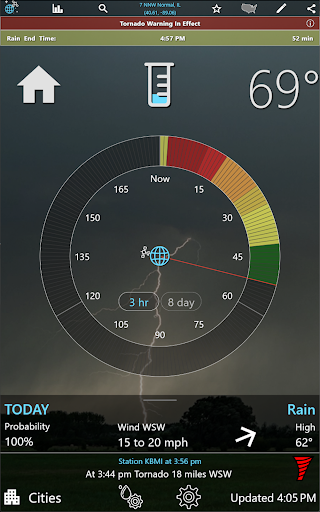
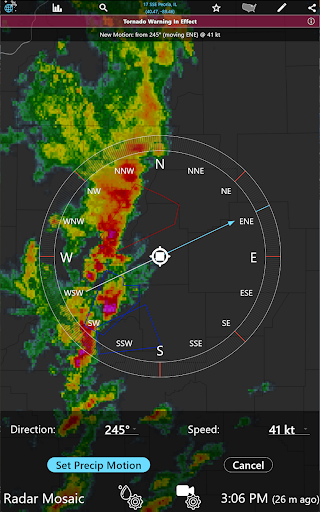
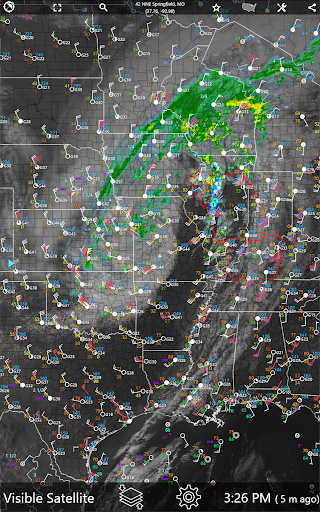
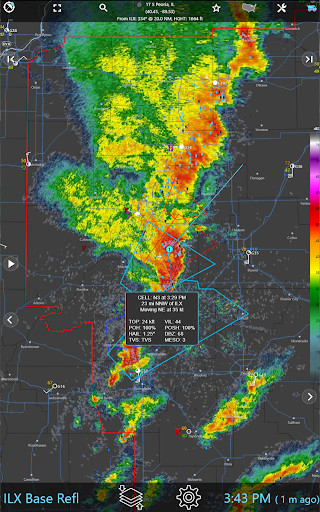
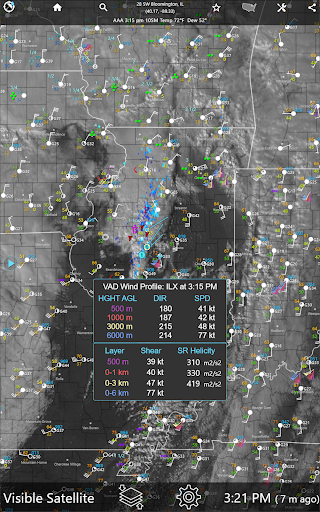
RainAware is a comprehensive weather application designed to provide users with detailed and localized weather information. The app's core functionality revolves around its ability to predict rain timing with impressive accuracy, offering forecasts up to three hours in advance. This feature, known as the Rain Clock, gives precise notifications such as 'Rain Starting in 30 min, Ending at 4:30 pm', allowing users to plan their activities accordingly. Additionally, the app provides interactive graphs for various weather parameters like temperature, wind speed, and cloud cover over the next 36 hours.
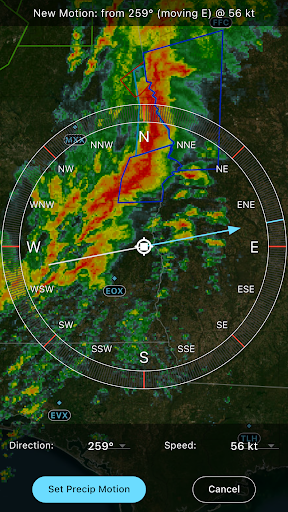
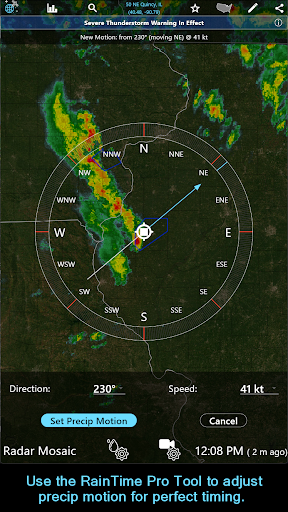
One of the standout features of RainAware is its advanced notification system. Users can receive alerts when rain is approaching or ceasing, and even configure specific conditions for these alerts, such as setting a proximity boundary for rain alerts. The app also includes visually rich satellite and radar imagery, along with specialized tools like the RainPro tool for refining precipitation motion. These capabilities make RainAware particularly useful for individuals who need accurate and timely weather updates, such as outdoor event planners or travelers.
RainAware offers an extensive set of features that cater to both casual users and weather enthusiasts. One of the primary highlights is the Rain Clock, which predicts rain timing to your exact location with notifications that are customizable based on user preferences. The background images within the app dynamically change to reflect the current weather conditions outside, providing a visually intuitive experience.
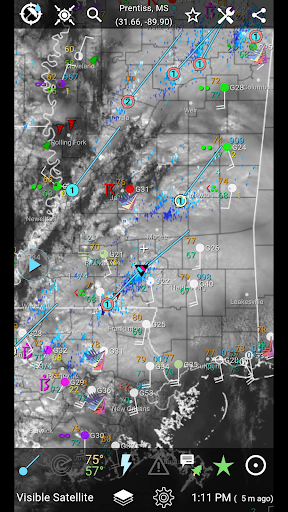
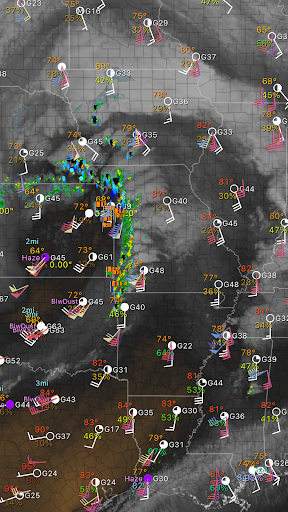
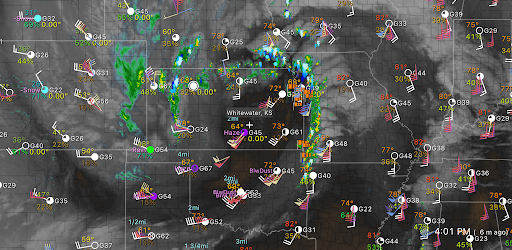
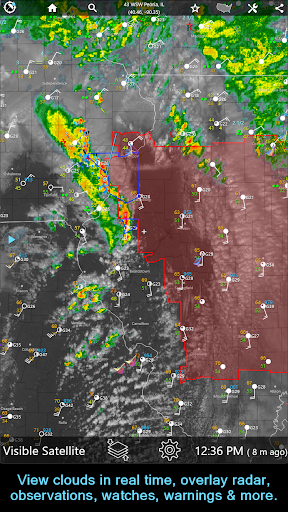
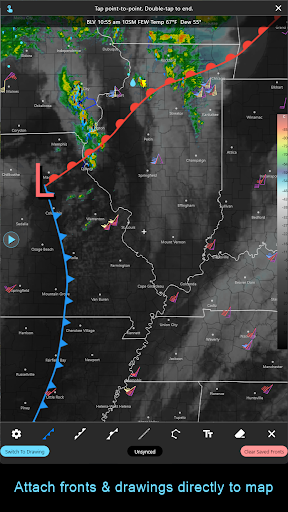
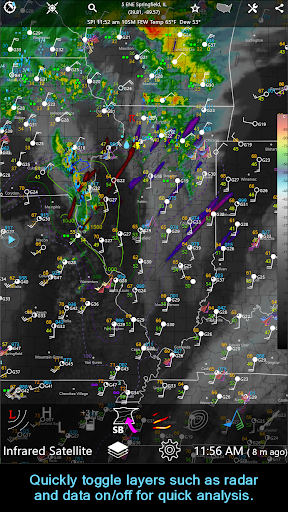
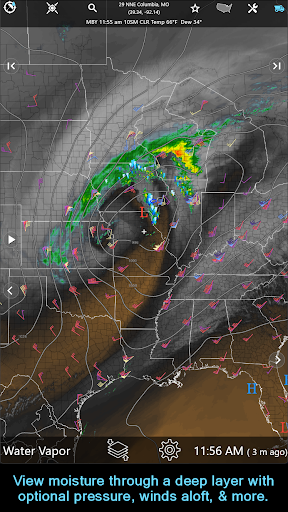
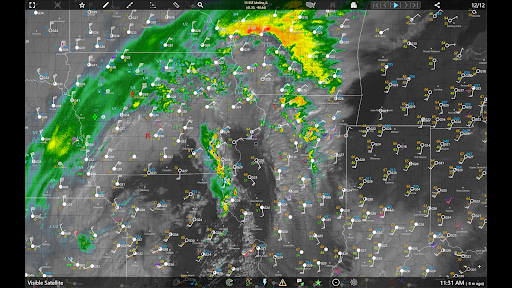
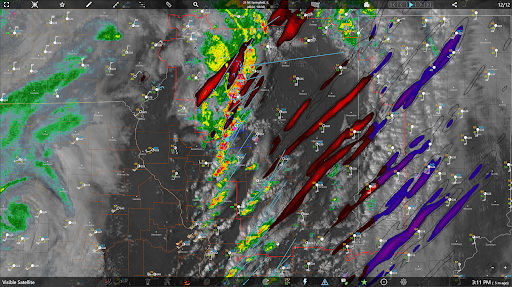
The app also excels in data visualization through its interactive graphs and weather badges. These badges appear only during significant or rapid changes in precipitation, temperature, or wind, ensuring that users are promptly informed of noteworthy weather events. Furthermore, the inclusion of satellite imagery, radar maps, and surface observations plotted on the map enhances the depth of information available to the user. Tools like the Drawing Tool allow users to annotate maps with text or drawings, while the Forecast Clock provides an eight-day forecast in an easy-to-read format.
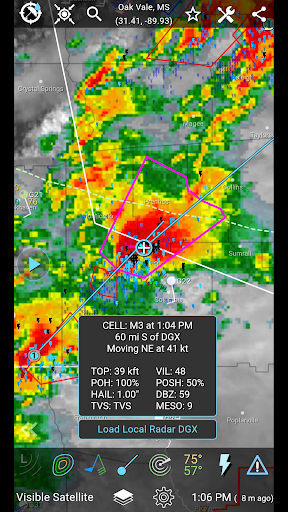
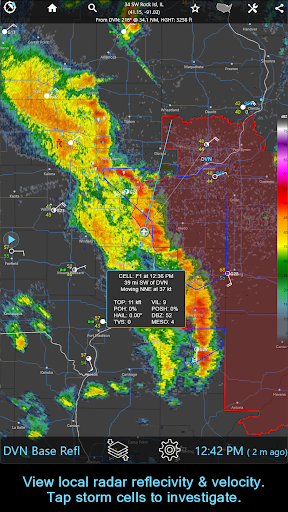
For those requiring more advanced functionalities, the subscription version unlocks features such as the RainPro tool, national radar products, and storm cell tracking. These tools offer refined precipitation motion analysis, hail swaths, and rotation tracks, making it invaluable for users in regions prone to severe weather. Overall, RainAware combines a user-friendly interface with powerful weather prediction tools, delivering substantial value to its users.
Accurate rain prediction
Customizable alerts
Interactive weather graphs
Advanced radar imagery
Comprehensive subscription features
Subscription cost may be high
Complex for beginners
Limited free version
Regional focus on USA
High data usage

The Weather Network TV App - Your weather when it really matters
 2.90
2.90
Get instant weather & temperature predictions right on your Wear OS smartwatch!
4.0
An unofficial app version of the National Weather Service (Weather.gov)
3.90
Live weather radar, widgets & forecasts. Track rain, storms & temperature.
4.20
Check forecasts, watch live news & track storms with FOX Weather.
3.80
Quickly check the Hanalei river gauge height during heavy rains on Kaua'i.
4.2
Digital Weather Watch Face for Wear OS 5+
4.1
Your Reliable Weather Companion
4.10
Live NOAA weather app to track storm, rain, wind, lightning & real local updates
4.20
Weather Forecast, Trending News, Hurricane & Storm Tracker, Alerts & Live Radar.
4.80
Hurricane Tracker, Rain Map
4.80
The reliable and trusted global air quality, wildfire, pollen, PM2.5 forecast
4.70
Road weather, live radar, wind, snow, and conditions along your driving route.
4.70
The weather channel, tiempo weather forecast, weather radar & weather map
4.70
My Aurora Forecast is the app for Northern Lights and Aurora Borealis alerts.
4.60
All-in-one weather radar launcher with rain, temperature maps & local forecast.
4.30
Analog Weather Watch Face for Wear OS 5+
4.10
Moon phase calendar with live wallpaper, lunar widget, & 3D simulation.
3.60
A powerful weather forecast to get real-time weather information
3.60


User Reveiws