
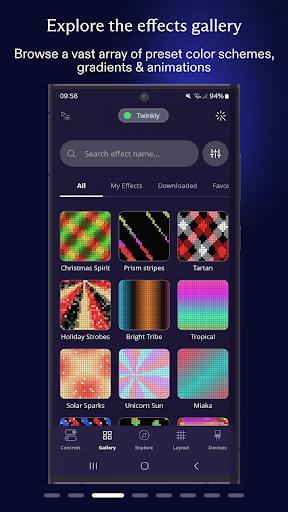
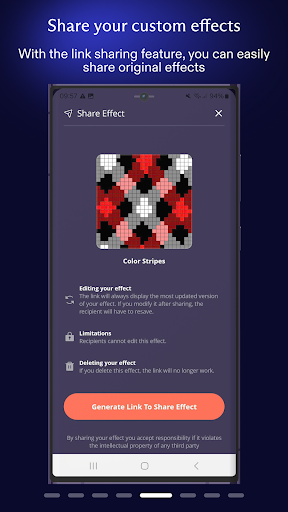
Twinkly is an innovative smart lighting control application designed to enhance your home ambiance through customizable light effects. The app allows users to precisely map and manage their Twinkly devices, offering unique features such as effect customization, playlist creation, and brightness adjustment. With seamless integration into smart home ecosystems like Amazon Alexa and Google Assistant, Twinkly provides hands-free voice control capabilities. Whether you're setting up a festive display or creating a personalized atmosphere for any occasion, Twinkly ensures your lighting setup is both functional and visually stunning.
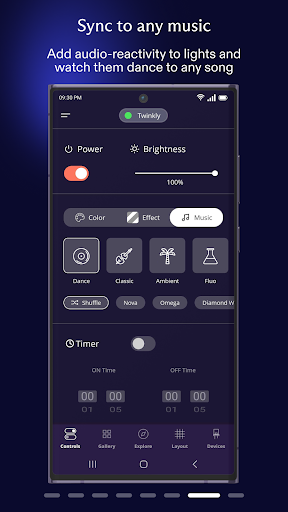
The application's standout feature is its ability to sync lights with music and sounds in real-time, making it perfect for parties, holidays, or simple mood lighting. By grouping multiple devices and assigning user roles, Twinkly makes managing complex lighting installations effortless. Its intuitive interface and robust functionality make it an essential tool for anyone looking to elevate their home lighting experience.
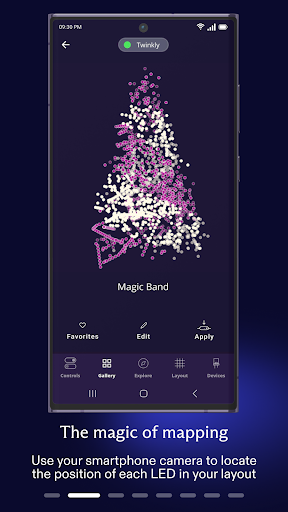
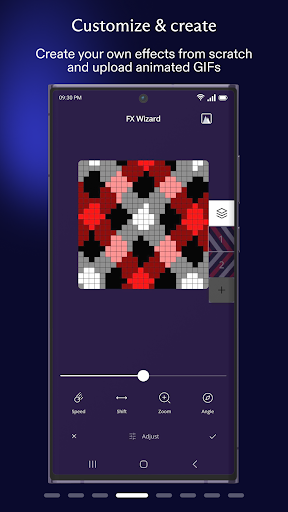
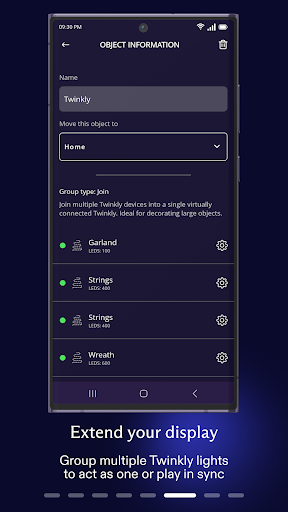
Twinkly offers an impressive array of features that set it apart from other smart lighting applications. One of its core functionalities is the ability to map your lights, allowing for precise control over individual bulbs to play, customize, and create stunning visual effects. This mapping capability ensures that every corner of your space can be illuminated exactly how you envision. Additionally, the app supports advanced device management by enabling users to group multiple devices, create comprehensive installations, and assign specific user roles for collaborative control.
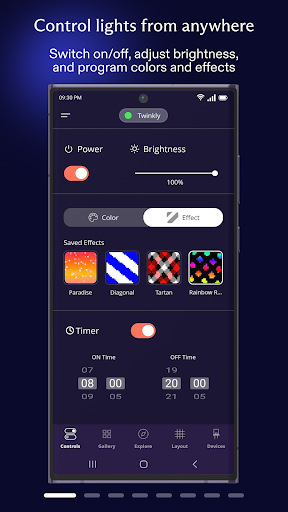
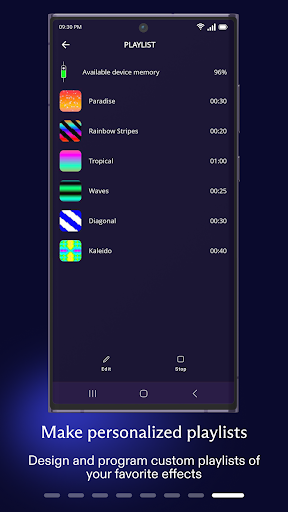
Beyond basic lighting adjustments, Twinkly includes practical tools such as timers and playlists, which help automate your lighting schedules and ensure a dynamic display. Integration with popular smart home platforms like Amazon Alexa and Google Assistant adds another layer of convenience through voice commands. Perhaps most impressively, Twinkly's music synchronization feature allows lights to dance in harmony with sound, providing an immersive audio-visual experience. These features collectively offer unparalleled customization and ease of use, making Twinkly a top choice for smart lighting enthusiasts.
User-friendly interface
Extensive customization options
Voice control compatibility
Real-time music sync
Multi-device management
Premium features require subscription
Occasional connectivity issues
Limited third-party integrations
Higher energy consumption
Steep learning curve for beginners

Home Ideas | Renovation Advice | Local Pros. Go From Dream to Home with Houzz.
 4.70
4.70
Tailored Care Guides For Houseplants, Indoor Plants, Garden Plants & Flowers.
4.60
An awesome mobile app for Home Security Surveillance - uses ZoneMinder
3.20
Innovative and budget-friendly housing options
4.60
Floor Plan Creator Home Design with 2D interior design and 3d view.
3.90
Night Owl Protect helps you secure, protect, and connect your world!
4.60
Find the perfect paint color with advanced tools to explore and visualize color.
3.80
A Smarter Home in Seconds
4.70
Connect with reliable pros for maintenance services, plumbing, and home design!
4.80
Turn old phones into security cameras, baby monitors, pet cams, and more.
4.70
Resident Center, powered by Buildium, is designed with simplicity in mind.
4.50
Control your Daikin, Amana & Goodman heating & cooling systems from anywhere
4.40
Security App with HD Video, 2-way Audio, and event detection for Home monitoring
4.40
Set up your devices, customize settings, and monitor your home—from anywhere
4.40
The official app for Home Assistant. Control your home anywhere in the world.
4.30
Control your Vivint Smart Home with the next generation Vivint App.
4.30
USHUD.com helps you find the best homes for sale in your area
4.00
Control Fire TV & mirror your phone screen instantly over Wi-Fi.
3.30
Universal TV remote Control for Roku TV brands via WiFi remote
4.1


User Reveiws