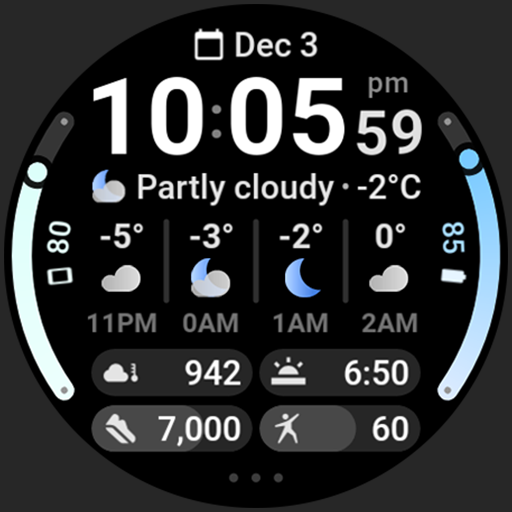
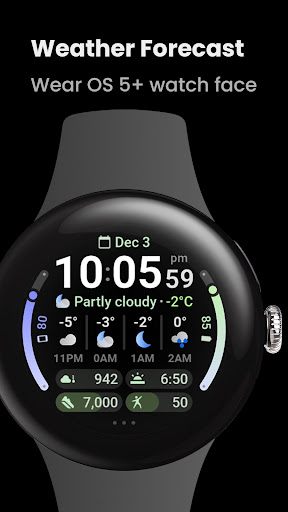
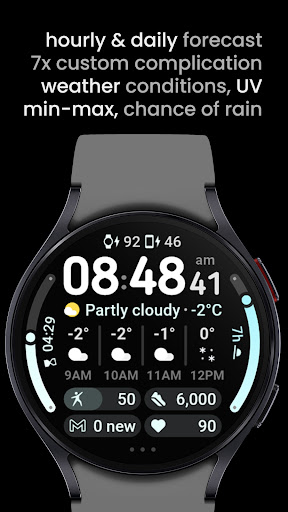
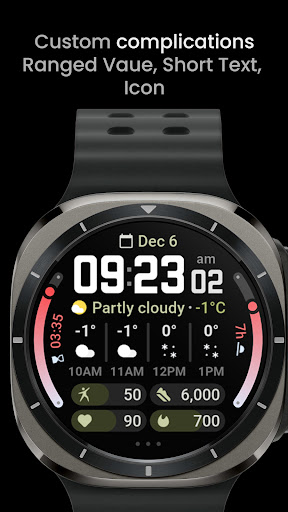



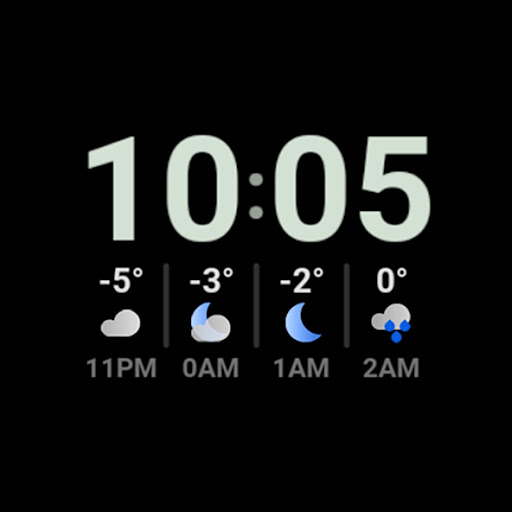
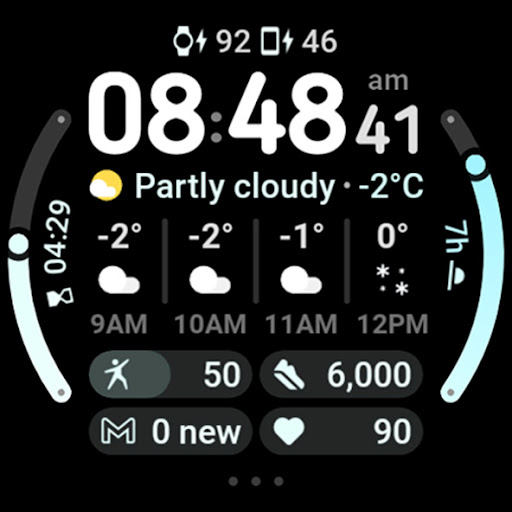
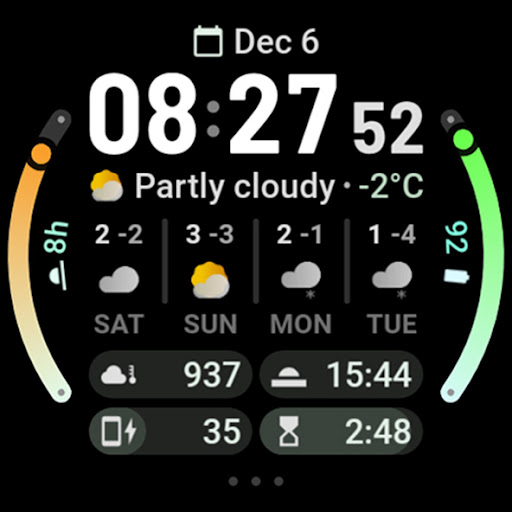
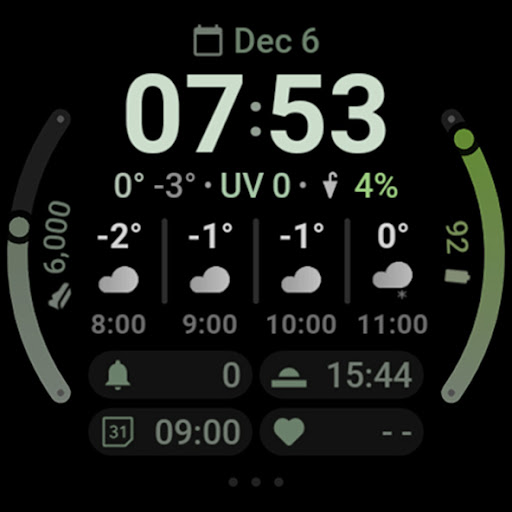
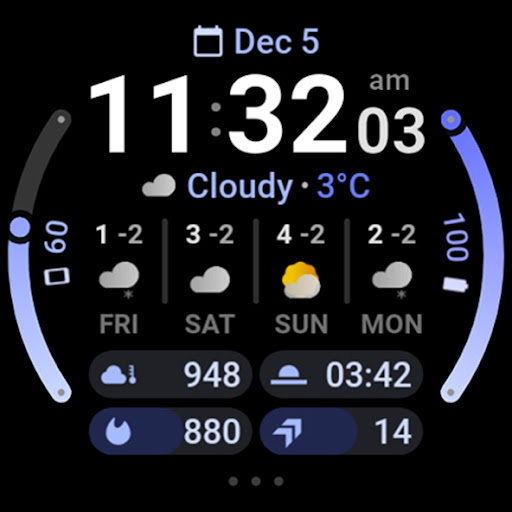
Weather Forecast Watch Face is a specialized application designed exclusively for Wear OS 5+ devices, providing users with an interactive and customizable weather display on their smartwatches. This app stands out by offering real-time weather data such as current conditions, temperature, UV index, chance of rain, and detailed hourly and daily forecasts directly on the watch face.
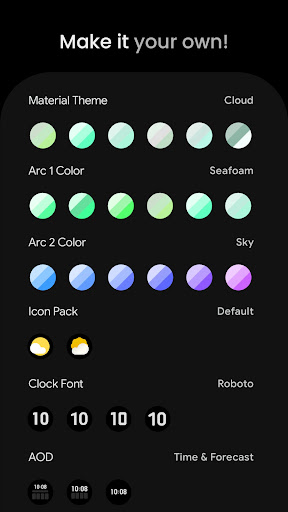
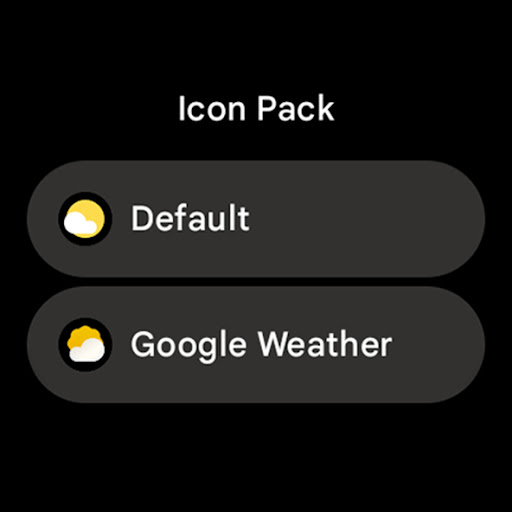
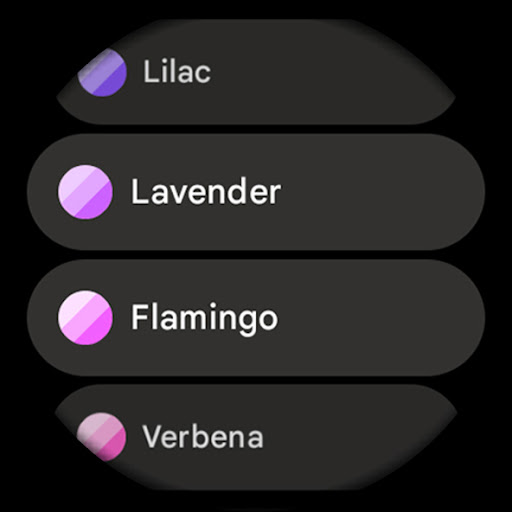
In addition to its comprehensive weather tracking capabilities, this app features advanced customization options including material color themes, multiple complication slots, and optional digital clock fonts. Users can personalize their watch faces with different themes, arc colors, and icon packs, ensuring a unique and tailored experience. The tap-to-interact functionality allows quick access to weather apps and system settings, making it both functional and user-friendly.
This application is particularly useful for outdoor enthusiasts or anyone who needs instant access to weather information without having to pull out their phone. By delivering critical weather updates right on your wrist, Weather Forecast Watch Face enhances convenience and preparedness, allowing users to plan their day effectively based on the latest weather insights.
Weather Forecast Watch Face boasts a rich set of features that cater to both utility and personalization. One of its standout functionalities is the dynamic weather condition row that animates every five seconds, cycling through various weather statistics. This feature ensures that users are always aware of changing weather patterns throughout the day.
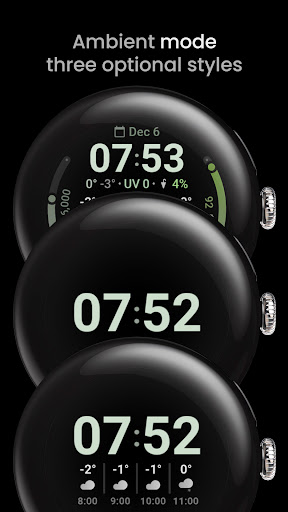
The app supports multilanguage options and offers seven custom complication slots, accommodating a variety of data types like ranged values, short texts, and monochromatic icons. With flavors feature support exclusive to Wear OS 5, users can enjoy additional customization layers. Moreover, the inclusion of three optional Always-On Display (AOD) looks and the ability to toggle between 12/24-hour time formats add further flexibility to match individual preferences.
Another innovative aspect is the tap interaction capability; tapping on the weather forecast switches between hourly and daily views, while tapping on the current weather condition launches the associated weather app. These intuitive controls enhance user engagement and streamline navigation within the app, setting it apart from conventional watch faces.
Real-time weather updates
Highly customizable interface
Interactive tap functions
Multiple language support
Dynamic animations
Limited to Wear OS 5+
Complex setup for beginners
Potential loading issues on Galaxy Watches
Additional purchases may be required
Consumes more battery due to animations

Ultimate weather forecast + moon phase for Wear OS 5+ (Pixel, Galaxy, et al.)
 4.70
4.70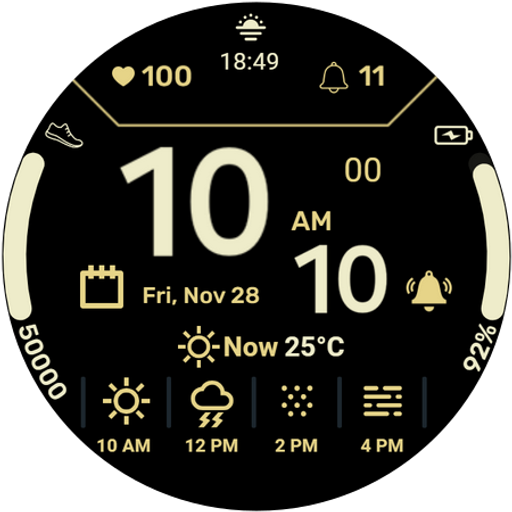
Get instant weather & temperature predictions right on your Wear OS smartwatch!
4.4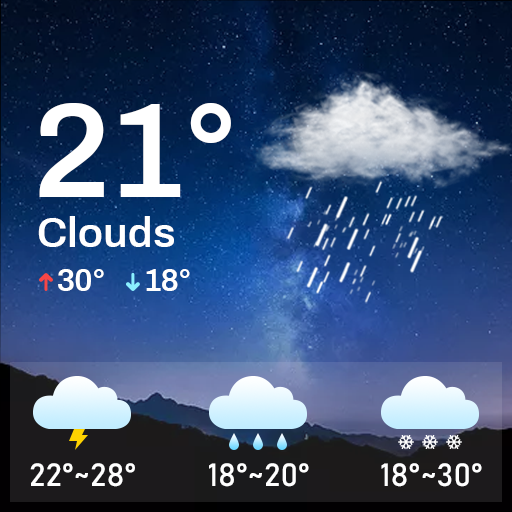
Know the weather earlier.
3.90
Quickly check the Hanalei river gauge height during heavy rains on Kaua'i.
4.4
Weather forecast & live radar map
4.20
Your ultimate app for accurate local weather information!
4.60
The weather channel, tiempo weather forecast, weather radar & weather map
4.70
Magnetic Compass meets smart tech: Get directions and weather alerts seamlessly
3.30
Weather channel forecasts weather daily & hourly, local and national air quality
4.70
A professional, comprehensive and accurate weather forecast app
4.90
NOAA forecast & radar for your exact location.
4.80
Powerful US and worldwide earthquake feed with earthquake alerts and maps.
4.60
Industry leading whitetail movement predictor & hunting app.
4.60
Get the ad-free version of the highly rated WeatherBug app for accurate weather!
4.50
Accurate Weather App: various widgets, real-time storm radar, hurricane tracker.
4.50
Weather related custom complications for Wear OS. UV, Hi-Lo, AQI and more!
4.40
Weather watch face for Wear OS 5
4.40
Hyperlocal Forecasts, Live Radar, Severe Weather alerts & Homescreen Widgets
4.30
Live NOAA weather app to track storm, rain, wind, lightning & real local updates
4.20


User Reveiws