

Autotrader

4.40

Information

Category:

Auto & Vehicles

Price:

Free

Rank:

4

Rating:

4.40

Overview

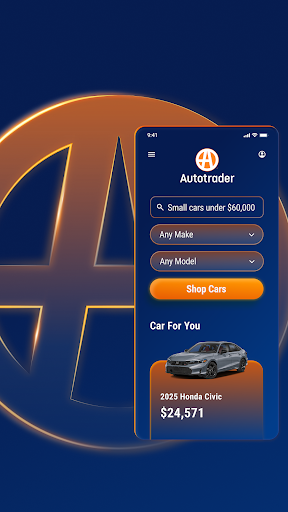
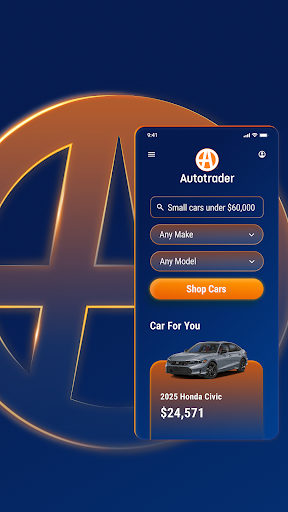
Autotrader is a premier automotive marketplace application designed to streamline the process of buying and selling new, certified, and used vehicles. With an extensive network of over 20,000 sellers and more than 6 million cars available for browsing, Autotrader provides users with unparalleled access to a diverse inventory of vehicles. The app leverages Kelley Blue Book® Price Advisor to ensure fair pricing on every listing, empowering buyers with confidence in their purchasing decisions.

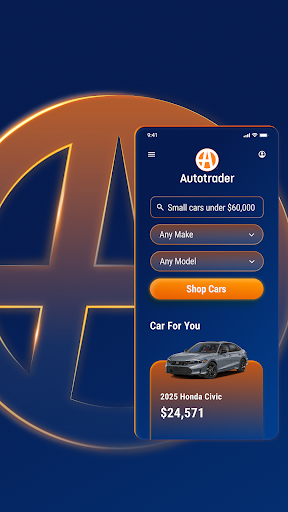
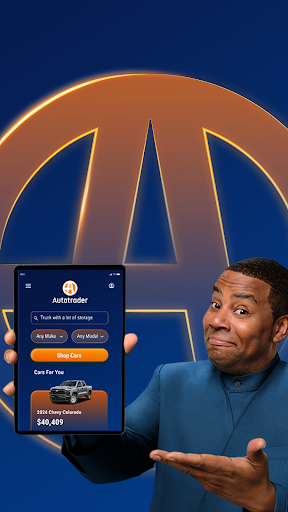
The app's advanced personalization features allow users to tailor their car shopping experience according to their preferences. Whether it's receiving price drop alerts or getting recommendations based on desired features, Autotrader ensures that users are always informed and engaged. Its unique filtering system enables shoppers to refine searches by specific criteria such as delivery options, interior color, and technological features, making it easier than ever to find the perfect vehicle from the comfort of home.

Features

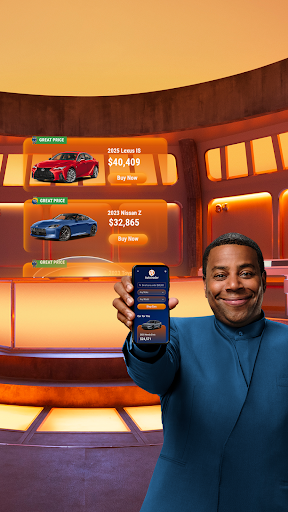
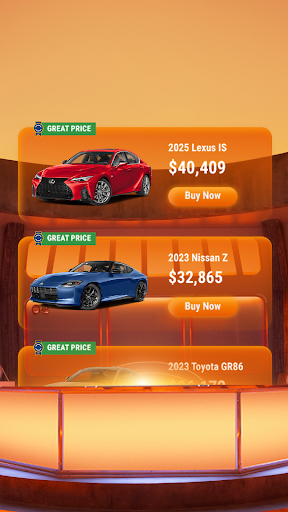
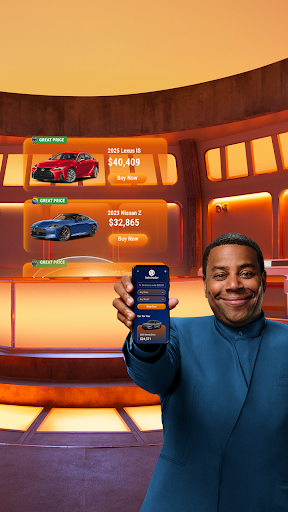
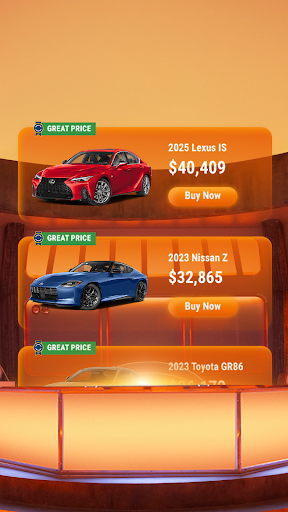
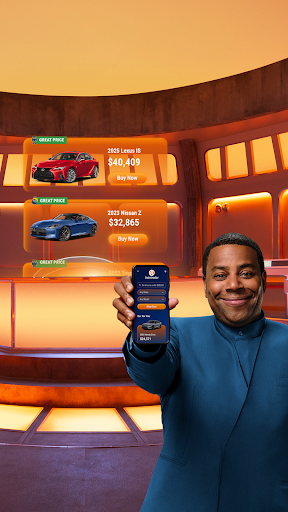
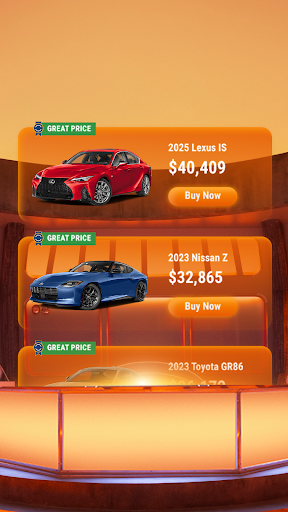
Autotrader stands out with its comprehensive suite of features tailored for both casual browsers and serious buyers. One of its key functionalities is the ability to compare and track multiple vehicles while providing detailed condition reports when available. This feature allows users to make informed decisions by highlighting listings with Good Price or Great Price badges, indicating exceptional value.

In addition to robust search capabilities, Autotrader offers convenient communication tools. Users can easily share listings via email or text, contact sellers directly through phone, text, or email, and even create a personalized watchlist by signing up for a free 'My Autotrader' account. These features collectively enhance user engagement and simplify the car-buying process, ensuring a seamless experience across all devices.

Detailed vehicle information

The Autotrader app provides comprehensive and detailed vehicle information to assist users in making informed decisions when shopping for cars. Each listing on the app includes a wealth of data ranging from basic specifications such as make model year and mileage to more nuanced details like specific technology features safety ratings and even interior color options. This level of detail is crucial for buyers who want to ensure that the vehicle they are interested in meets their exact requirements. The app's extensive network of over 20000 sellers ensures that users have access to a wide variety of cars trucks and SUVs with varying specifications. Additionally Autotrader enhances the car buying experience by offering vehicle condition reports when available which provide further insights into the vehicle's history and current state. Users can also find valuable pricing information through the Kelley Blue Book Price Advisor featured on every listing helping them determine whether the listed price represents a fair deal. With the ability to filter search results based on specific criteria such as exterior and interior features or desired technologies Autotrader empowers users to narrow down their choices effectively. This attention to detail extends to unique filters that allow users to shop for vehicles that can be delivered directly to their doorsteps eliminating the need for dealership visits. By providing such thorough vehicle information Autotrader ensures that users can confidently select a car that aligns perfectly with their preferences and needs.

Price transparency

Price transparency is a cornerstone of the Autotrader app's value proposition ensuring that users have clear and accurate pricing information at their fingertips. Every vehicle listing within the app comes equipped with the Kelley Blue Book Price Advisor a trusted resource that offers guidance on whether the asking price represents a fair deal. This feature analyzes market data to suggest a reasonable price range for each vehicle taking into account factors such as condition mileage and regional demand. Autotrader goes a step further by highlighting listings with a Good Price or Great Price badge prominently displayed in the top right corner of the listing. These badges serve as visual indicators that the vehicle is priced competitively providing users with immediate reassurance about the value they are getting. Beyond individual listings the app's vast network of over 20000 sellers allows users to compare prices across multiple dealerships ensuring they can identify the best deals available. For those seeking additional savings Autotrader enables users to set up alerts for price drops on specific vehicles or searches ensuring they never miss an opportunity to save. The app's transparent approach to pricing extends to its filtering capabilities where users can refine their search based on budget constraints. Whether searching for new certified or used cars Autotrader's commitment to price transparency empowers users to make confident purchasing decisions backed by reliable and up-to-date market information.

Props

User-friendly interface

Extensive vehicle inventory

Personalized recommendations

Fair pricing assurance

Convenient communication tools

Cons

Limited classic car listings

Occasional technical glitches

Requires account creation

Some features may be overwhelming

Premium services come at a cost
Features and Functions

What is this app and what can I use it for?

Autotrader is a car buying app offering millions of listings with price guidance

How do I download and install this app on my device?

Download Autotrader from Google Play Store and follow installation prompts

How do I get started after opening the app for the first time?

Sign up for an account and set your preferences to begin exploring cars

What are the main features and capabilities of this app?

Key features include price advisor, personalized filters, and dealer contacts

How can I customize my experience and adjust preferences?

Adjust settings in your profile to customize notifications and search filters

How do I save or bookmark my favorite content for later access?

Save favorite cars by adding them to your watchlist within the app

How can I share content with friends or on social media?

Share listings via email or text directly from vehicle details page

How do I access detailed information and explore more content?

Access detailed info by tapping on specific listings for full descriptions

What permissions does this app need and how do I manage them?

App requires location access; manage permissions in device settings

How do I check for updates and keep the app running smoothly?

Check Google Play Store regularly for app updates and improvements
Show more

User Reveiws

{{ comment.reviewer_name }}
{{ comment.review_date_formatted}}
{{ comment.review_content }}
{{ tab.name }}
{{ comment.reviewer_name }}
{{ comment.review_date_formatted}}
{{ comment.review_content }}
No reviews with this rating