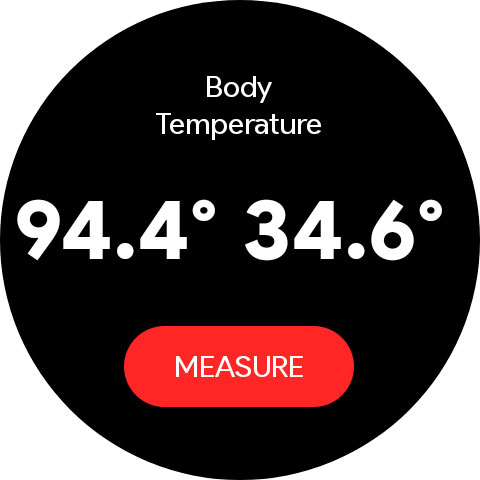
Body Temperature Pro

3.20

Information

Category:

Health & Fitness

Price:

$ 0.99

Rank:

11

Rating:

3.20

Overview

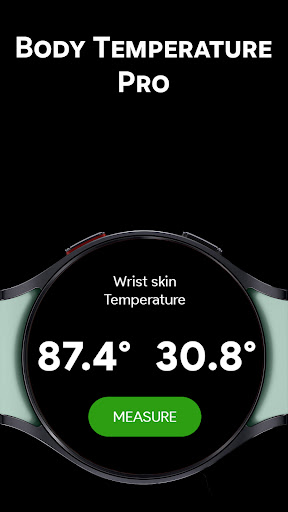
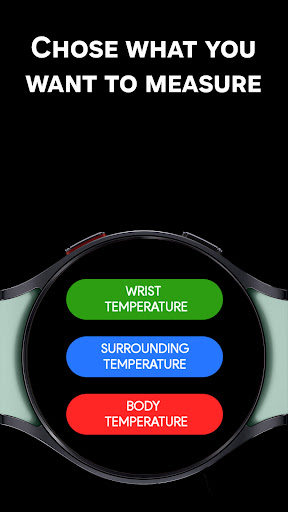
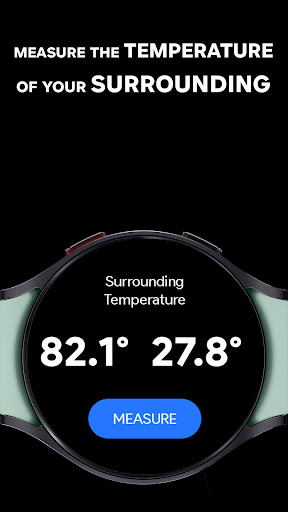
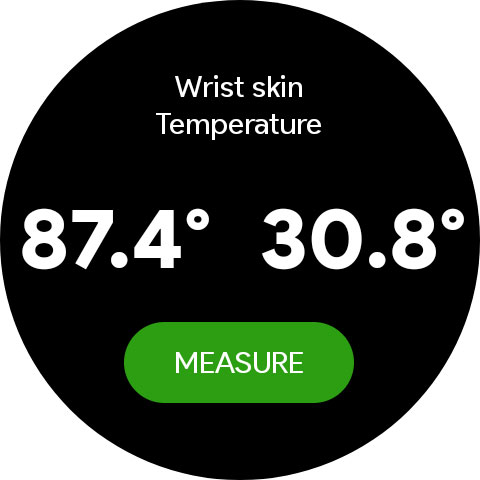
Body Temperature Pro is a cutting-edge health application designed specifically for Galaxy Watch users. This app leverages the built-in temperature sensor of your smartwatch to provide accurate wrist and ambient temperature readings. Unlike other apps that offer simulated data, Body Temperature Pro ensures real-time, precise measurements, making it an essential tool for those who prioritize health monitoring.

The app stands out with its advanced features such as the Calibrator Tool, which allows users to adjust readings for improved accuracy. Additionally, the Temperature History Viewer enables you to track past readings, offering valuable insights into temperature trends over time. Whether you're monitoring your health or simply curious about your environment, Body Temperature Pro delivers reliable data tailored to your needs.

Features

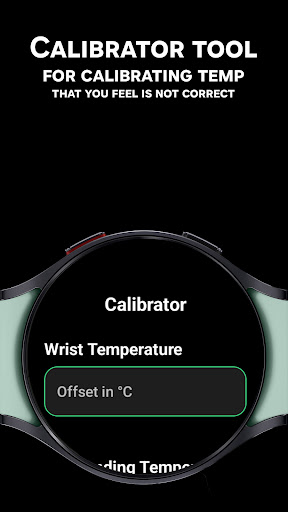
Body Temperature Pro boasts a comprehensive suite of features designed to enhance user experience and accuracy. One of its standout functionalities is the Calibrator Tool, which lets users fine-tune temperature readings by comparing them with external thermometers. This ensures personalized and precise measurements every time you use the app.

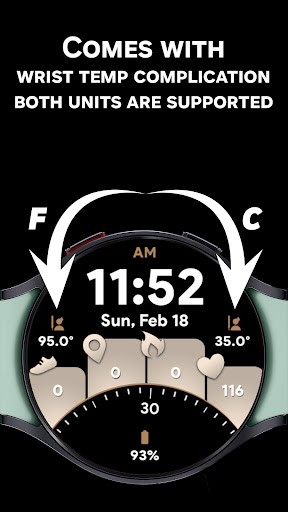
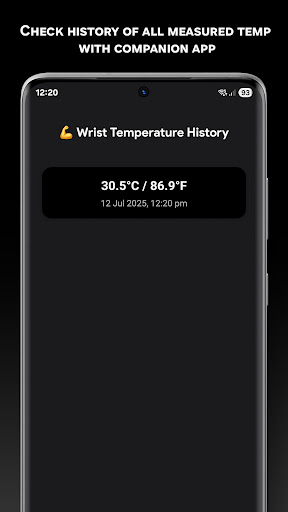
Another remarkable feature is the Temperature History Viewer available in the companion app. This tool provides a detailed log of all past wrist, body, and ambient temperature readings, allowing users to monitor changes and identify patterns over time. Furthermore, the app supports both Celsius and Fahrenheit units, catering to a global audience. With an intuitive interface, beautiful UI animations, and complications support, Body Temperature Pro combines functionality with aesthetics, ensuring a seamless and enjoyable user experience.

Personalized planning

In the realm of health and fitness applications like Body Temperature Pro personalized planning refers to the app's ability to adapt temperature readings based on individual user data and preferences This feature is crucial as it allows users to receive tailored insights into their body and ambient temperatures which can be influenced by a variety of personal factors such as skin type watch placement and environmental conditions Body Temperature Pro achieves personalized planning through its innovative Calibrator Tool This tool enables users to adjust temperature readings by entering an offset value that aligns the wrist or ambient temperature measurements with those from a trusted external thermometer By supporting both positive and negative offsets the app ensures that each user can fine-tune their experience to match real-world values The benefits of this personalized approach are significant Users gain more accurate and reliable temperature data which they can use to make informed decisions about their health and comfort For instance athletes might use the wrist temperature readings to optimize their training schedules while individuals in fluctuating environments can better understand how different settings affect their body temperature Overall personalized planning in Body Temperature Pro empowers users with precise control over their temperature monitoring leading to enhanced personal insights and improved lifestyle choices

Progress visualization

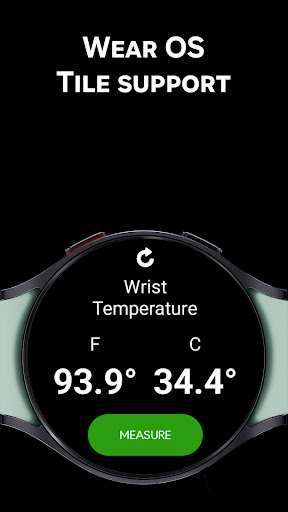
Progress visualization within health and fitness apps such as Body Temperature Pro involves presenting temperature data in a clear and engaging manner so users can easily track changes and trends over time This functionality is essential for helping users understand their thermal patterns whether they are monitoring wrist temperature for athletic performance ambient temperature for environmental awareness or experimental body temperature for personal curiosity Body Temperature Pro excels in progress visualization by offering features like the Temperature History Viewer available in the companion app This viewer displays all past wrist body and ambient readings allowing users to see their temperature data in a comprehensive format Furthermore the app supports beautiful UI animations and provides Wear OS Tiles for one-tap measurement updates ensuring that users have a visually appealing and interactive experience The advantages of effective progress visualization are manifold It enables users to identify patterns recognize anomalies and celebrate improvements For example someone using the app to monitor their wrist temperature during workouts might notice correlations between temperature changes and exercise intensity Similarly individuals experimenting with the body temperature feature can visualize how different activities or times of day influence their readings By providing robust progress visualization tools Body Temperature Pro not only enhances user engagement but also facilitates deeper understanding and utilization of temperature data ultimately contributing to better health and fitness outcomes

Props

Real sensor-based readings

Accurate calibration tool

Comprehensive history tracking

User-friendly interface

Trusted by thousands

Cons

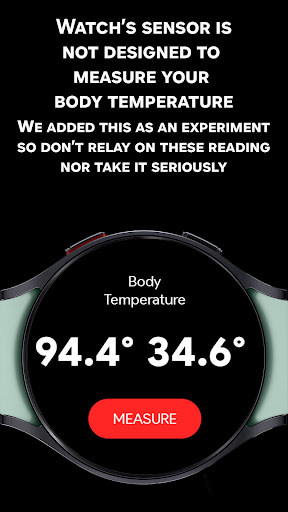
Experimental body temp

Limited device support

Potential inaccuracies

No true body temp

Requires snug fit

Features and Functions

What is this app and what can I use it for?

A precise wrist & ambient temperature app for Galaxy Watches.

How do I download and install this app on my device?

Search 'Body Temperature Pro' in Play Store on your watch.

How do I get started after opening the app for the first time?

Ensure snug fit, avoid heat, take multiple readings for accuracy.

What are the main features and capabilities of this app?

Real readings, calibration tool, temp history tracking, Wear OS tiles.

How can I customize my experience and adjust preferences?

Use Calibrator Tool to adjust readings for accuracy.

How do I save or bookmark my favorite content for later access?

Temperature history saved automatically in companion app.

How can I share content with friends or on social media?

Share readings via companion app's export function.

How do I access detailed information and explore more content?

Access detailed logs in companion app's history viewer.

What permissions does this app need and how do I manage them?

Needs sensor access; manage in watch settings.

How do I check for updates and keep the app running smoothly?

Check Play Store updates regularly for latest version.
Show more

User Reveiws

{{ comment.reviewer_name }}
{{ comment.review_date_formatted}}
{{ comment.review_content }}
{{ tab.name }}
{{ comment.reviewer_name }}
{{ comment.review_date_formatted}}
{{ comment.review_content }}
No reviews with this rating