
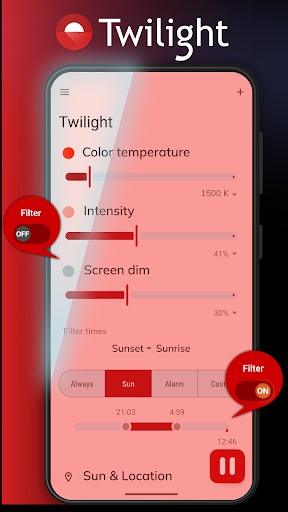
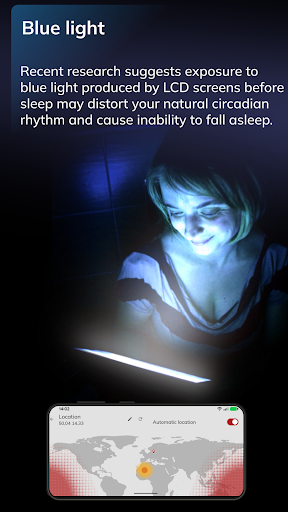
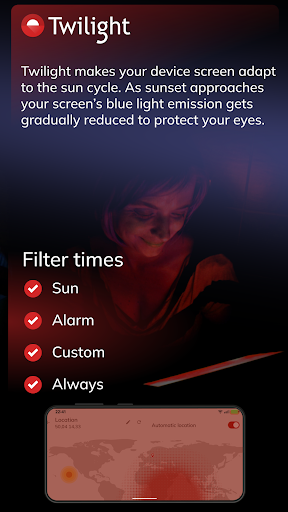
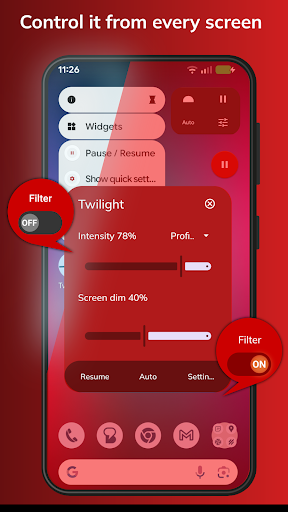
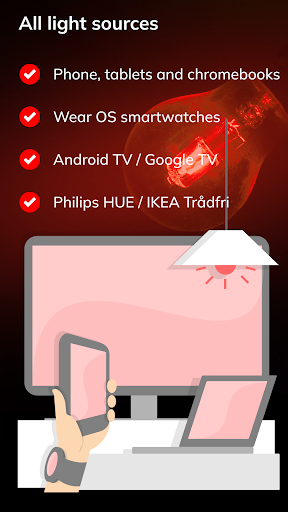
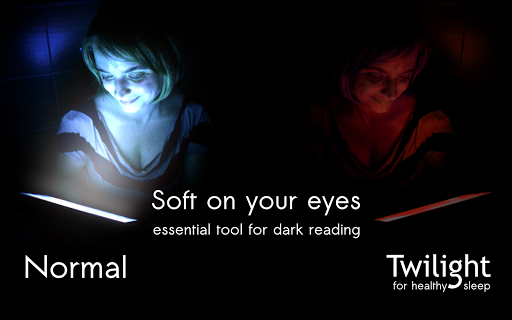
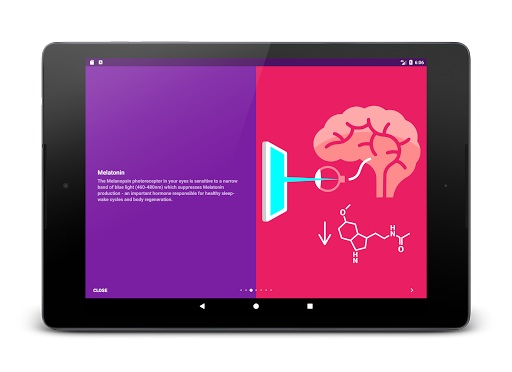
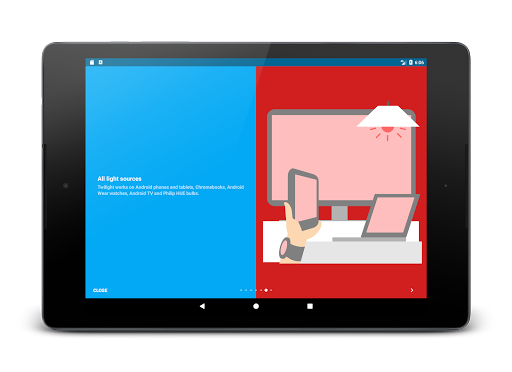
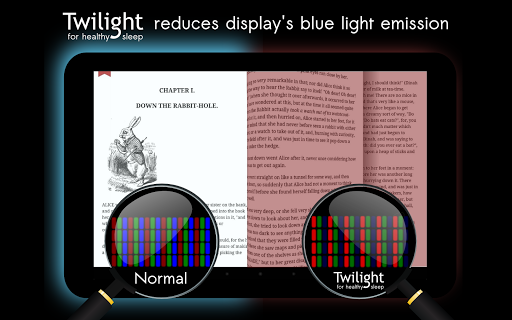
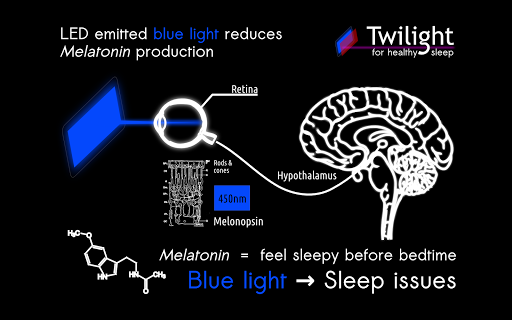
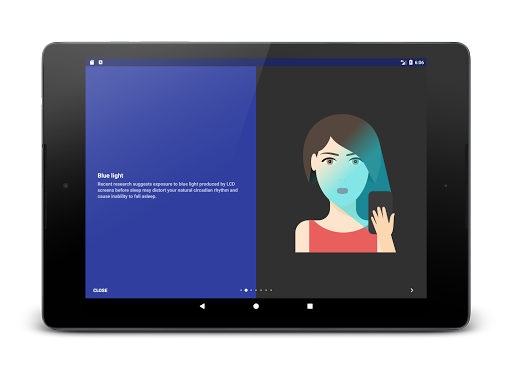
Twilight Pro Unlock is a specialized application designed to help users improve their sleep quality by reducing blue light exposure from their devices. The app adjusts the screen's color temperature after sunset, creating a softer red filter that aligns with your natural circadian rhythm. This feature helps in minimizing the suppression of melatonin production, which is crucial for healthy sleep-wake cycles.
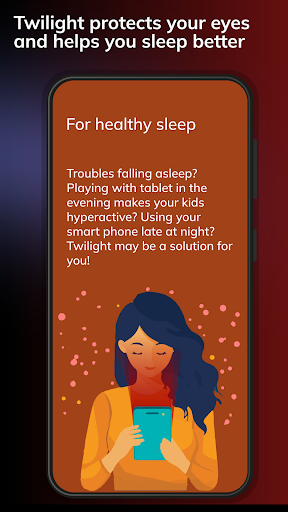
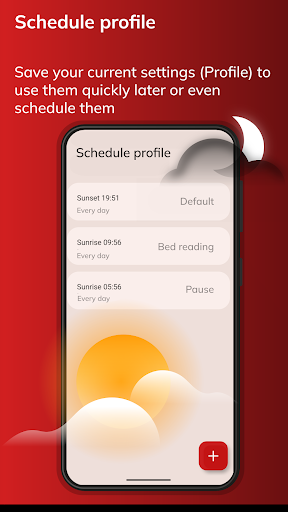
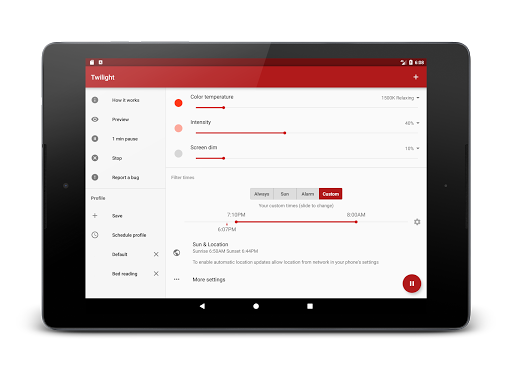
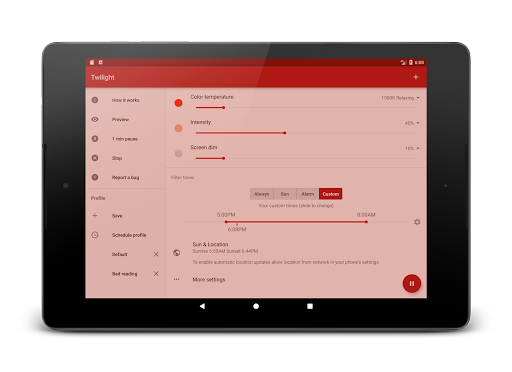
In addition to its core functionality, Twilight Pro offers advanced features such as multiple predefined profiles, adjustable transition times, and the ability to disable the service during inactive hours. These options allow users to customize their experience according to their specific needs and preferences. Whether you're reading on a tablet or using your smartphone late at night, Twilight can help delay sleep disturbances caused by prolonged screen time.
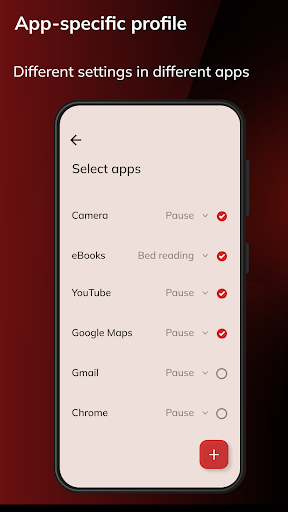
Twilight Pro stands out with its comprehensive set of features tailored to enhance user experience. One notable feature is the customizable profiles that let users choose from more than two predefined settings, ensuring personalized adjustments based on individual preferences. Additionally, the adjustable transition time allows for a seamless shift in screen filtering, making it easier on the eyes when moving between different lighting environments.
Another significant aspect is the option to turn off Twilight services during periods when they are not needed, conserving device resources and maintaining optimal performance. As new updates roll out, PRO users often receive access to cutting-edge features first. With these capabilities, Twilight Pro provides an innovative solution to managing digital device usage while prioritizing health and well-being.
Enhances sleep quality
Customizable profiles
Adjustable transition times
Disables during inactive hours
Early access to new features
Paid version required
May affect screen clarity
Limited free features
Requires manual setup
Compatibility issues

Chair Workout: Women's Edition for safe, flexible, and personalized fitness.
 4.40
4.40
Transform your body and soul with DBFFitness, with a 40-day fitness journey.
4.3
Personal Measurements - Track your gains!
4.50
Histamine intolerance, low FODMAP diet and irritable bowel syndrome (IBS)
4.00
Measure your Pupil Distance for Eyeglasses and VR headsets in 3 quick steps.
4.70
Find Paid Clinical Trials In Your Area
3.70
Fast Body building & Weight Loss. Home Workouts with Daily Coach, No Equipment.
4.30
Jogging app for calorie counter and distance tracker. Running app to lose weight
4.20
Monitor blood sugar, gain insights, and manage diabetes with ease.
3.20
Meditation app, head space app provides calm music to help you meditate & sleep
5.00
sobriety counter app to help and motivate people to stop drinking alcohol.
4.90
Weight loss app: home workout for women to lose weight & burn calories.
4.80
a fun app full of surprises :)
4.70
When the night comes, we prepare your eyes for deep, sweet dreams
4.70
Load the bar with this barbell & plate calculator. It's leg day, not brain day!
4.70
Build Healthy Habits!
4.60
The simplest way to track your 21 Day Program containers, exercises, and water.
4.50
Raccoon AI Calorie Counter. Intermittent Fasting & Timer. Macro, Carb, Protein
4.50
Sync your activities of the most popular sports tracking services
2.70


User Reveiws