
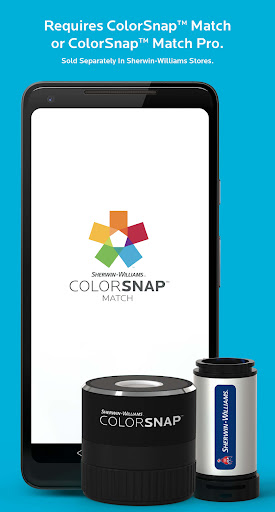
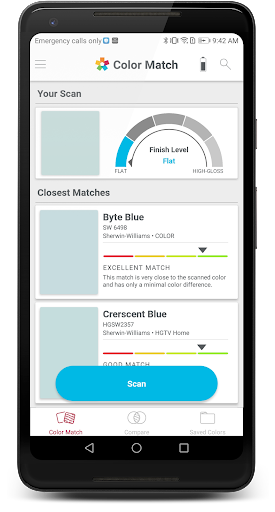

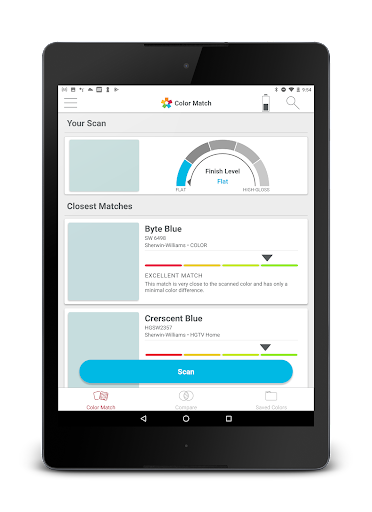
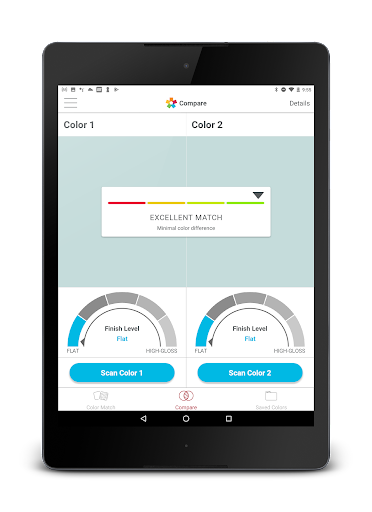
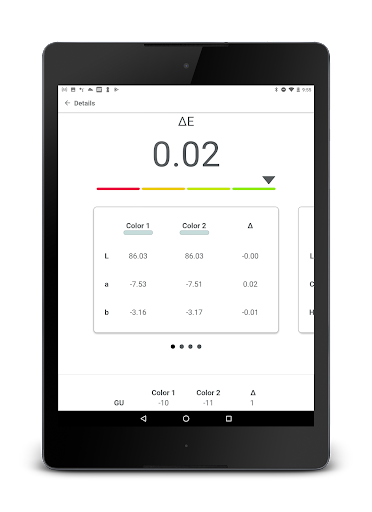
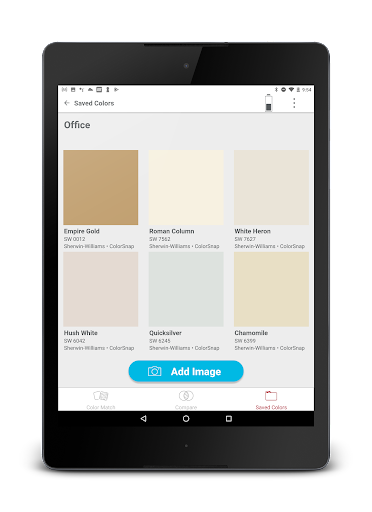
ColorSnap Match is an innovative mobile application designed to simplify the process of paint color matching. The app connects seamlessly with ColorSnap™ Match Pro or ColorSnap™ Match devices, which are available for purchase at Sherwin-Williams stores. By utilizing advanced scanning technology, this app allows users to scan any flat surface and instantly match it to the closest Sherwin-Williams paint color. For professionals and DIY enthusiasts alike, this tool eliminates the guesswork typically involved in identifying paint colors.
In addition to color matching, the ColorSnap™ Match Pro device can also determine a paint's sheen, providing even more accuracy when selecting paint finishes. This feature ensures that users can achieve precise results without needing to visit a store for physical samples. Whether you're working on home renovations or professional projects, ColorSnap Match streamlines the color selection process, saving both time and effort while delivering reliable matches every time.
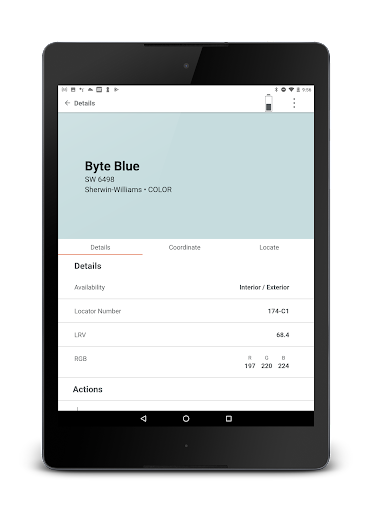
ColorSnap Match offers a comprehensive suite of features that cater to various needs within the painting process. One of its standout capabilities is the ability to scan and match colors from any flat surface directly to the nearest Sherwin-Williams paint shade. This functionality not only simplifies color identification but also enhances project efficiency by reducing trial and error. Additionally, for those using the ColorSnap™ Match Pro device, the app provides detailed information about a paint's sheen, ensuring accurate finish selections.
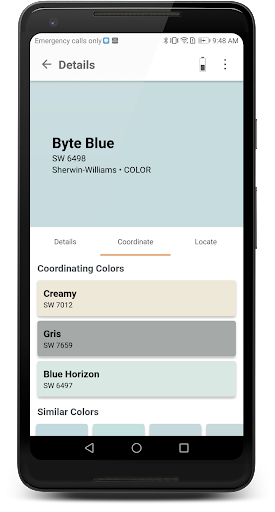
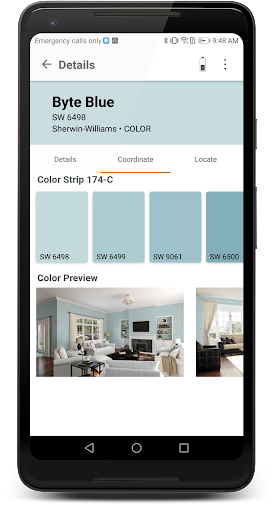
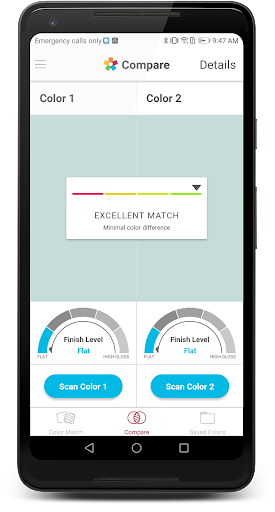
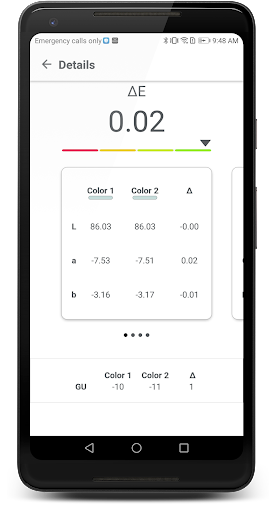
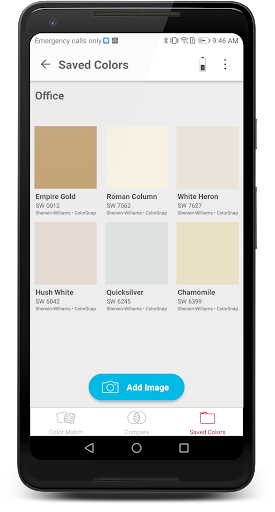
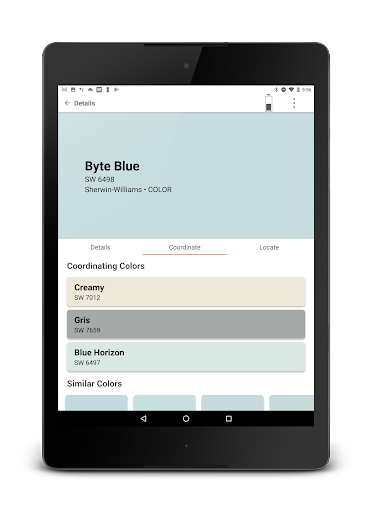
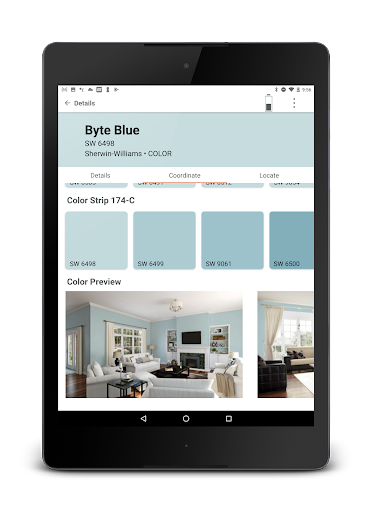
Beyond basic color matching, the app includes several other valuable tools. Users can compare two different colors side-by-side, allowing for informed decisions when choosing between similar shades. The app also enables users to save and share their favorite paint colors along with accompanying photos, facilitating collaboration and future reference. Furthermore, users can explore coordinating colors and locate the nearest Sherwin-Williams store, making it easier than ever to complete projects with confidence and convenience.
User-friendly interface
Accurate color matching
Sheen detection feature
Save and share options
Locate nearby stores
Requires separate device
Limited to Sherwin-Williams
No automatic updates
Occasional connectivity issues
Premium pricing for tools

Home Ideas | Renovation Advice | Local Pros. Go From Dream to Home with Houzz.
 4.70
4.70
Universal TV remote Control for Roku TV brands via WiFi remote
4.3
Resident Center, powered by Buildium, is designed with simplicity in mind.
4.50
IP camera view and playback, for your WiFi cam or home security cctv system.
3.70
The only mappable smart lights for custom decoration.
4.50
Innovative and budget-friendly housing options
4.60
Security App with HD Video, 2-way Audio, and event detection for Home monitoring
4.40
Universal Tv Remote Control for all Tv. Cast for chromecast & all Tv Controller
4.20
Make your phone a surveillance camera remote with a home camera app for Android!
4.40
B-hyve Pro App for landscape irrigation professionals
4.70
A Smarter Home in Seconds
4.70
Make Renting Easy
4.40
SmartRent - Opening Doors To A Smarter World
4.40
WiZ smart light system
4.40
3D House Design and AI Room Planner - from floor plans to full interior design.
4.40
Find contractors for all home renovation projects. Remodeling, repair, and more.
4.20
Our app allows Sunrun customers to monitor systems, pay bills, and get support.
3.80
Find the perfect paint color with advanced tools to explore and visualize color.
3.80
An awesome mobile app for Home Security Surveillance - uses ZoneMinder
3.20


User Reveiws