

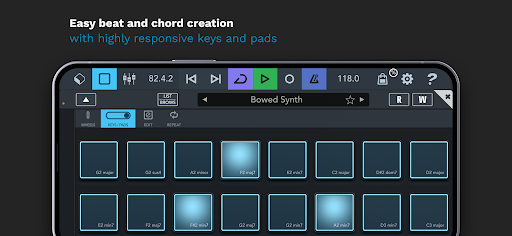
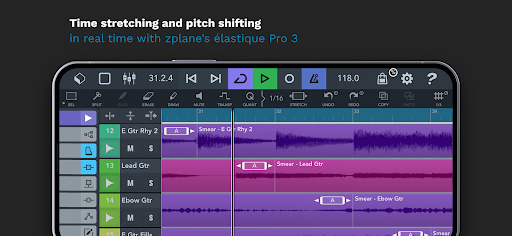

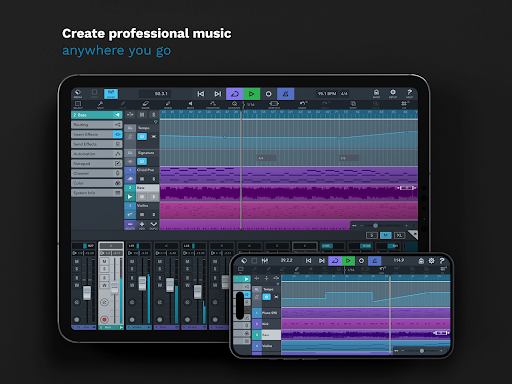


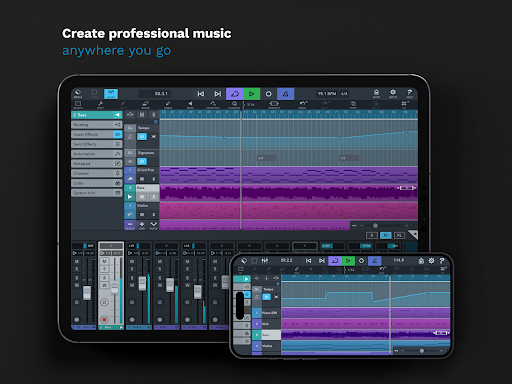
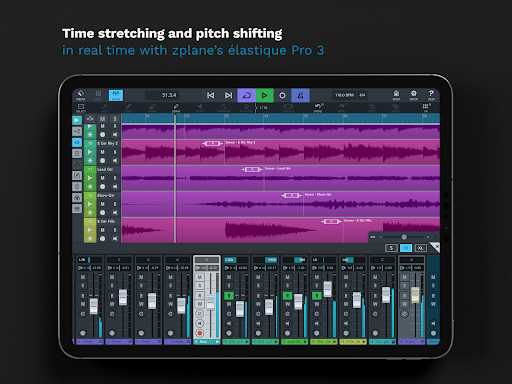
Cubasis 3 is a multi-award winning mobile DAW and full music production studio that allows musicians to capture their ideas and turn them into professional-sounding songs. The app offers an intuitive interface for recording, mixing, editing audio, and creating beats and loops on smartphones, tablets, or Chromebooks. With its advanced features like time-stretching, pitch-shifting, and tempo track support, Cubasis 3 stands out as one of the most complete audio and MIDI DAWs available on Android and Chrome OS.
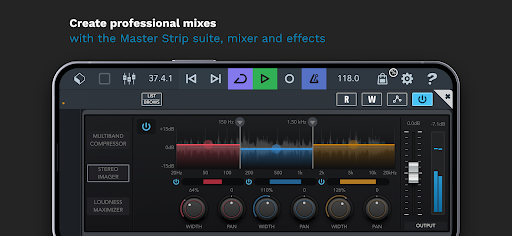
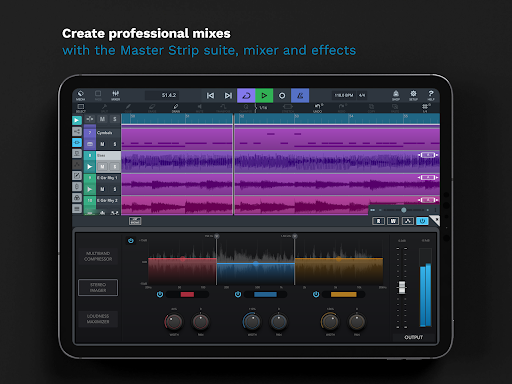
One of the key strengths of Cubasis 3 is its unlimited number of audio and MIDI tracks, coupled with a 32-bit floating-point audio engine and high-resolution audio I/O. The app includes professional-grade tools such as the Master Strip Suite, mixer, and effects, enabling users to produce polished mixes. Additionally, it supports external gear integration and third-party apps, making it a versatile tool for both amateur and professional music creators who need flexibility in their production setup.
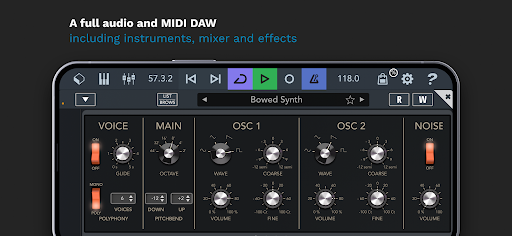
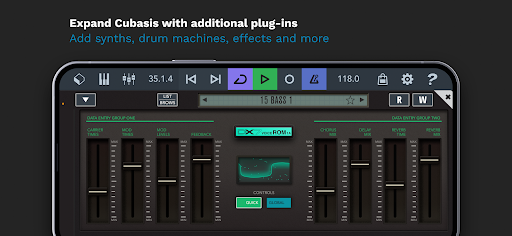
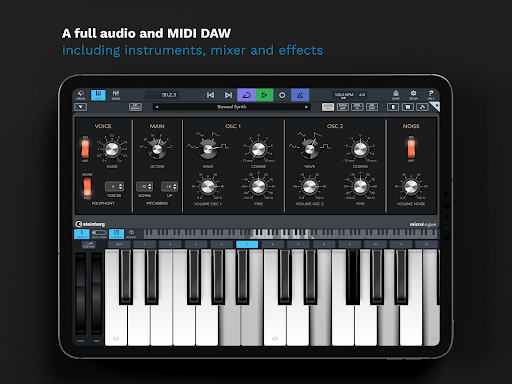
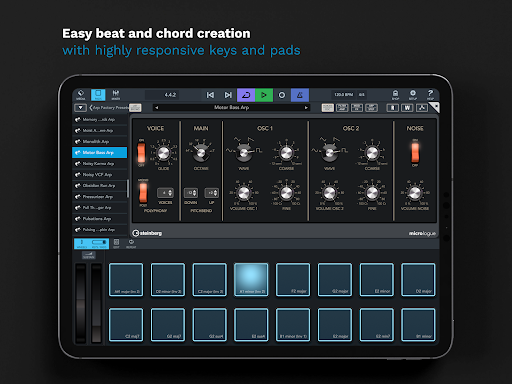
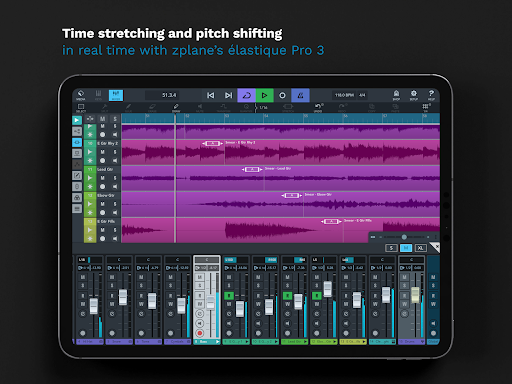
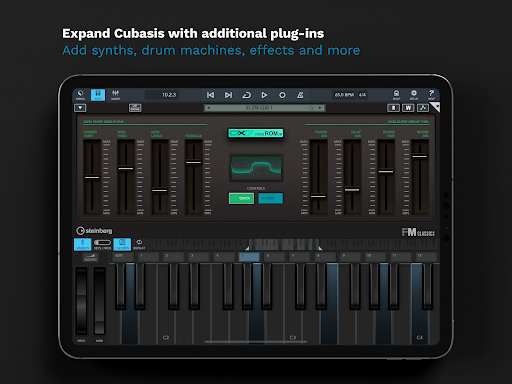
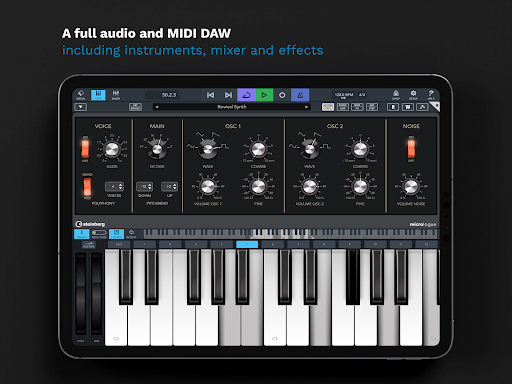
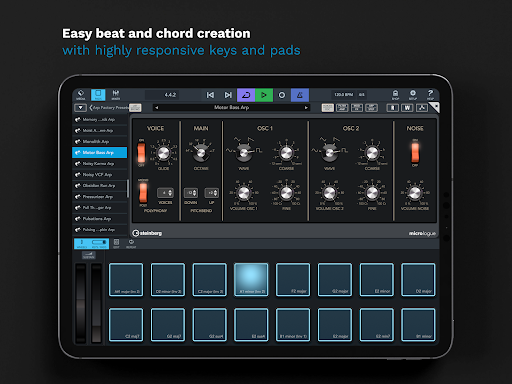
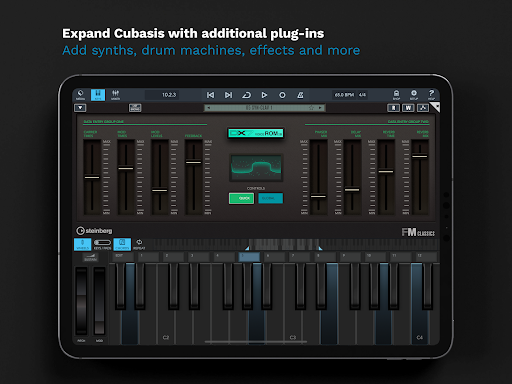
Cubasis 3 boasts an impressive array of features designed to meet the needs of modern music producers. It includes real-time time-stretching and pitch-shifting powered by zplane’s élastique 3, alongside virtual instruments like the Micrologue synthesizer and MicroSonic sound library. These tools provide users with ready-to-go presets and over 120 virtual instrument sounds, from acoustic pianos to drum kits, ensuring a wide range of creative possibilities.
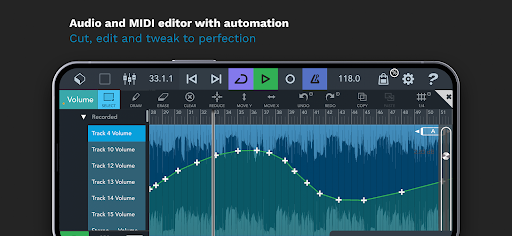
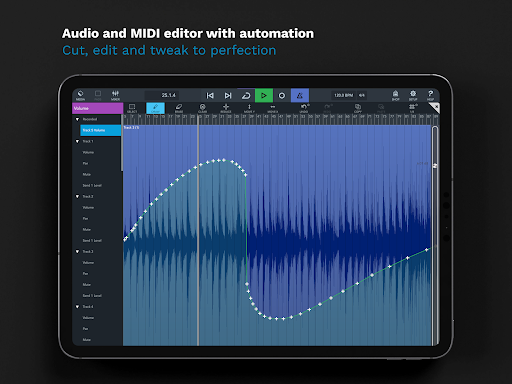
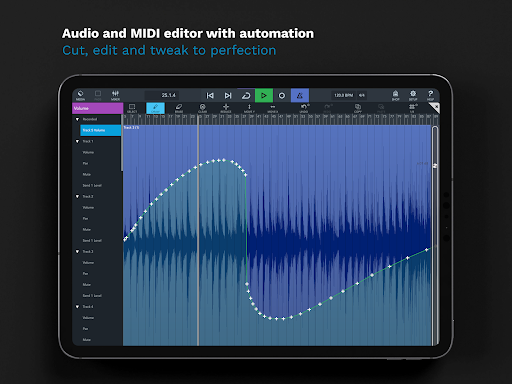
The mixer in Cubasis 3 is equipped with studio-grade channel strips and 17 effects processors, supporting sidechain functionality for dynamic mixing. Automation capabilities allow precise control over every aspect of the mix, while the Master Strip plug-in suite delivers exceptional sound quality. With over 550 MIDI and timestretch-capable audio loops, users can quickly build complex arrangements. Furthermore, Cubasis 3 supports exporting projects to various platforms including Cubase, Google Drive, Dropbox, and more, facilitating seamless collaboration and project management.
Intuitive user interface
Professional-grade tools
Unlimited audio/MIDI tracks
Real-time audio processing
Extensive export options
Limited hardware support
High system requirements
Complex for beginners
Additional in-app purchases
Occasional bugs reported

The Skullcandy App Experience
 3.20
3.20
The Music Journey in Your Hands
4.30
10-Band Audio Equalizer, Sound / Bass Booster for Spotify Users & Music Players
4.40
Remove ads permanently from Music Visualizer
4.5
Walkout Song DJ is the most intuitive app to manage your sports music.
4.70
The ultimate media player for Android devices
3.90
Ultimate Sonos Controller
4.70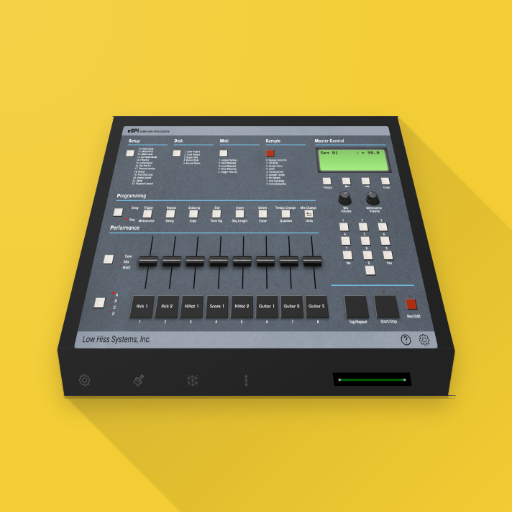
The original SP-1200 experience on your iPad
4.20
Ringtone Maker is free app create ringtone from music files or your recording.
4.40
Listen radio AM / FM Stations. Live AM / FM Radio App Station. Radio Com.
4.70
SqueezePlayer turns your Android phone or tablet into a SqueezeBox on its own!
4.60
DJ Music Mixer - DJ Remix: remix songs, make beat music & record mix of DJ.
4.40
Advanced 10-Band Audio Graphic Equalizer Sound Booster Pro
4.30
Bass Booster Pro takes auto-equalizing to the next level!
4.30
Enjoy singing any song, no matter how high or low it is
4.30
Turn your phone into a musical instrument from the future!
3.90
USB audio recording and playback finally possible on Android 3.1 or higher!
3.90
Turn Every Moment into Music
3.60
Make music anywhere. Turn your device into an instrument.
4.2


User Reveiws