
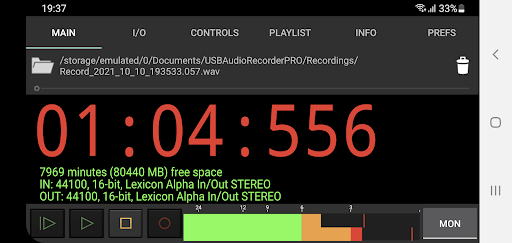
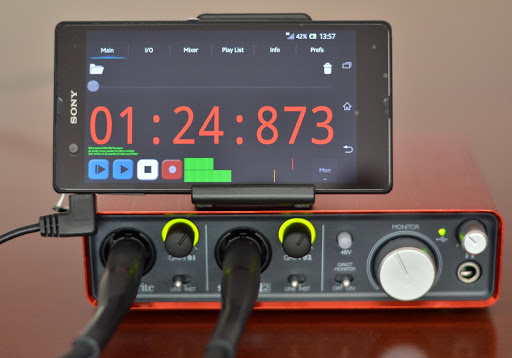
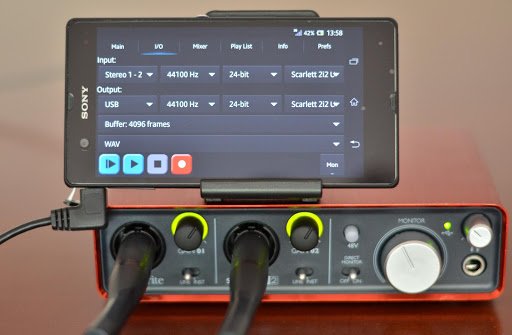
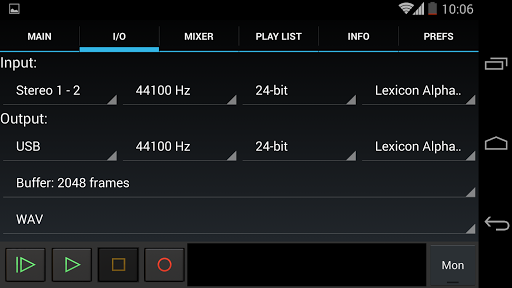
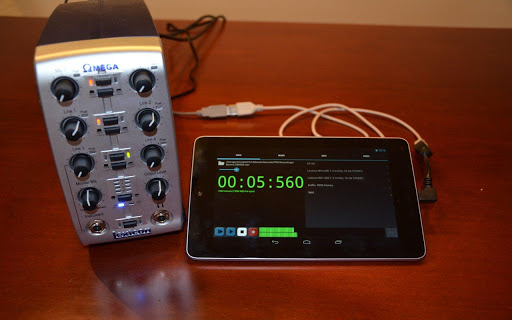
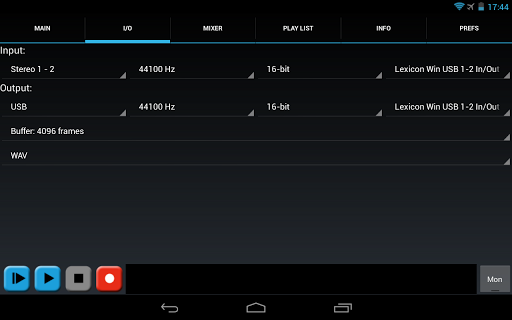

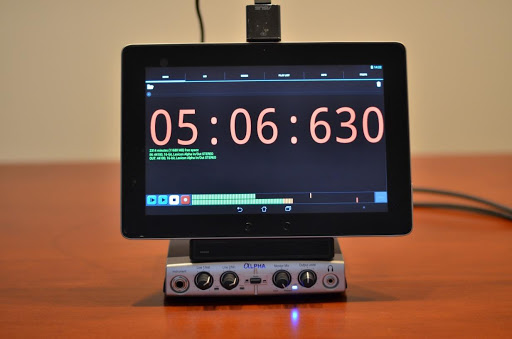
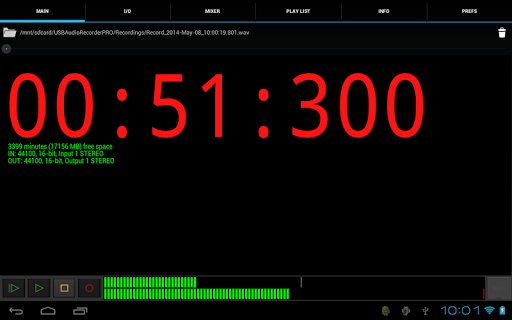
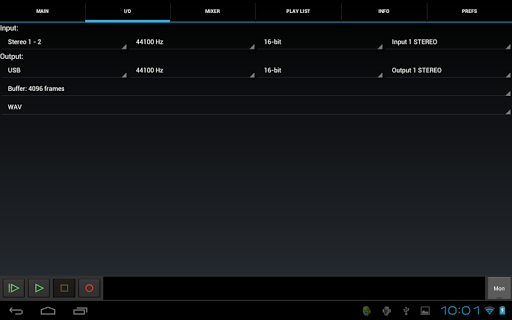
USB Audio Recorder PRO is a specialized audio recording and playback application designed for users who require high-quality audio processing directly through a USB audio interface. The app offers an extensive range of professional features including mono, stereo, and multichannel recording options, supporting sample rates up to 384 kHz depending on the connected device. It also provides flexible format selections such as WAV, FLAC, OGG, and AIFF, ensuring maximum compatibility and quality.
One of the key strengths of this app lies in its custom-built USB audio driver, which bypasses the limitations of Android's native audio support. This allows users to achieve superior audio performance without the need for device rooting. However, it is important to note that the app only enables USB audio functionality within itself, meaning other apps cannot utilize the connected USB audio device. With its comprehensive feature set, the app is particularly well-suited for musicians, podcasters, and audio professionals seeking a portable yet powerful solution for their recording needs.
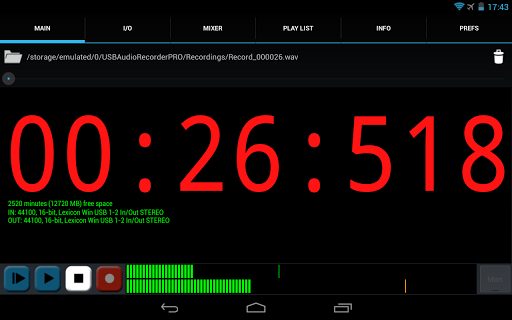
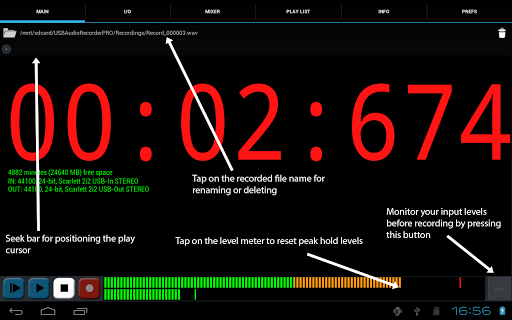
The app boasts an impressive array of features tailored for both casual and professional audio enthusiasts. Key functionalities include input/output selection, customizable buffer sizes ranging from 1024 to 16384 frames, and real-time level meters with peak hold capabilities. These features allow users to fine-tune their recording setup and monitor audio levels effectively. Additionally, the app supports bit depths of 16-, 24-, and 32-bit, catering to various professional audio standards.
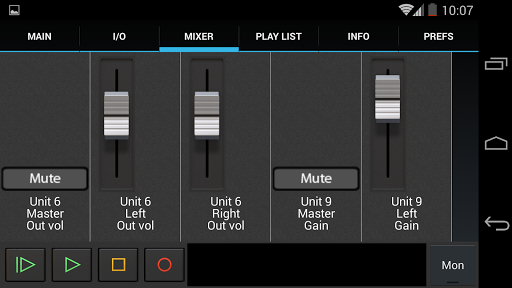
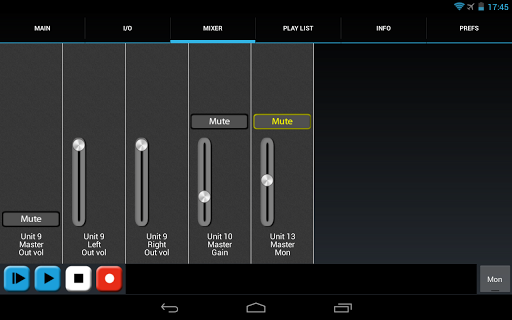
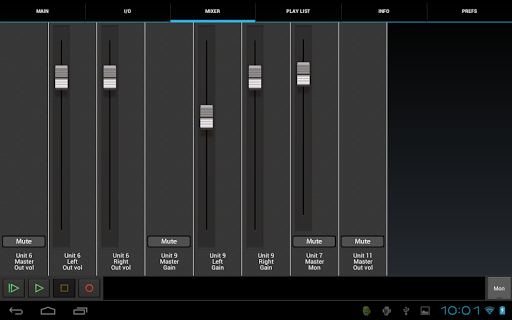
Another standout aspect is its ability to handle multichannel recording while providing stereo playback using the first two outputs of compatible devices. The app also includes a basic playlist functionality for directory playback, internal controls like gain and mute accessible via the mixer screen, and the option to share recordings directly through platforms like GMail or SoundCloud. These robust features make USB Audio Recorder PRO a versatile tool for anyone needing reliable, high-fidelity audio recording and playback on their Android device.
High-quality audio recording
Custom USB audio driver
Multichannel support
No root required
Flexible format options
Limited device compatibility
No MP3 support
Complex for beginners
Requires OTG cable
Device-specific issues
Performance-Synthesizer & Multi-Track-Sequencer, polyphonic + multi timbral!
 4.70
4.70
Most Advanced AI Song Generator and Music Creator. Rap, Pop, Rock, Gospel & more
4.70
Listen to live FM radio stations, sports, music and news on global radios online
4.70
Unleash your creativity! Turn simple prompts into full fledged songs.
4.70
The Minimalistic Premium Music Player. Handmade with passion for music
2.20
Slow music down without changing pitch.
3.70
Master Salsa Rhythm quickly and with a lot of fun!
4.30
Offline Tunes, Unlimited Vibes
3.90
Melody Beat: Great for travel, workouts, offline vibes, play your tunes anytime.
4.10
Brian Eno and Peter Chilvers’ acclaimed music app Bloom, radically reinvented.
4.80
Over 100 million tracks available for high quality streaming and download
4.60
AI Music Maker: Generate And Compose AI Tunes & AI Songs & AI Music & AI Melody!
4.60
Visualize the guitar fretboard, master scales & play through changes like a pro!
4.50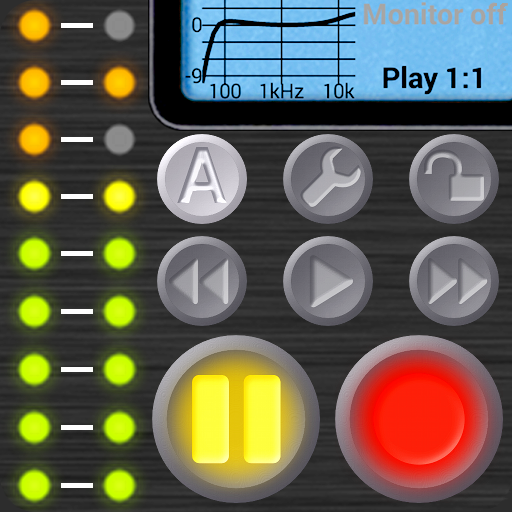
Your HD audio recorder on the go for music, meetings, ambience, animal sounds…
4.30
Time Guru will strengthen your internal sense of musical time via random muting.
4.30
The alternative folder based music player.
4.20
Powerful beat maker & DJ mixer to remix tracks, make music, & perform DJ mix
3.70
Control your MIDI USB or Bluetooth devices in app and avoid some trampling
3.30
Music Streaming suite for Ampache, Nextcloud Music and compatible backends.
4.2


User Reveiws