Camera endoscope / OTG USB

3.30

Information

Category:

Libraries & Demo

Price:

Free

Rank:

7

Rating:

3.30

Overview

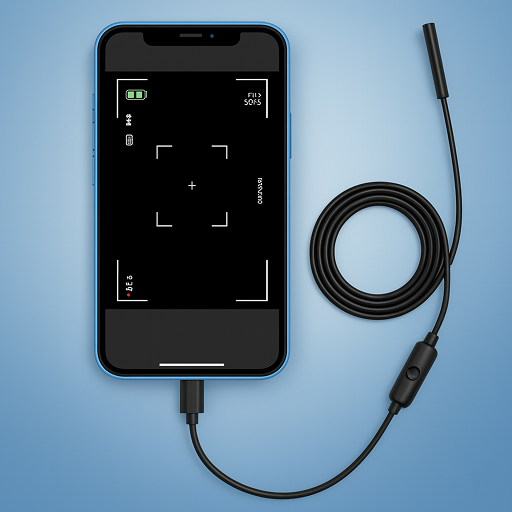
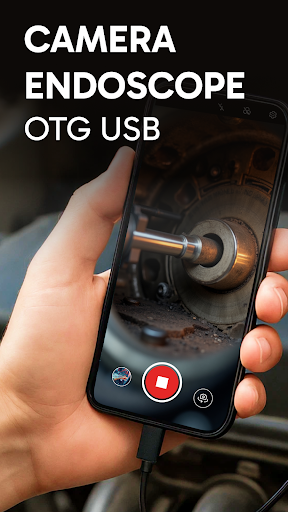
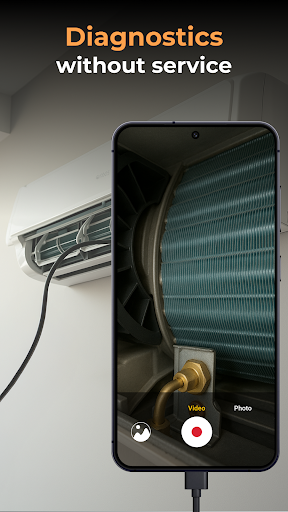
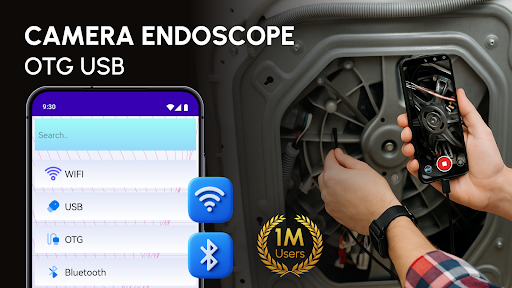
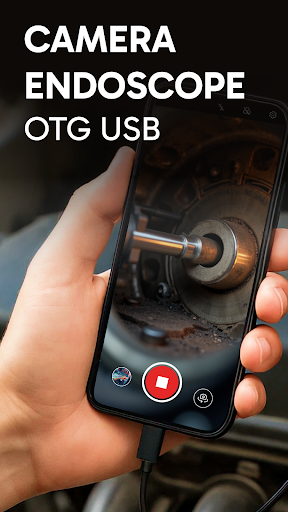
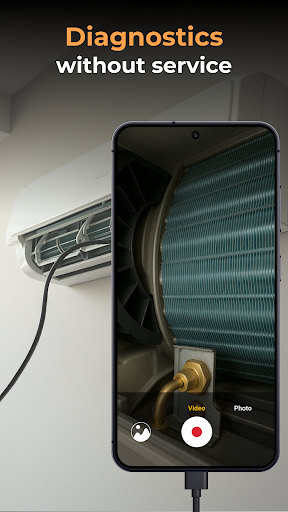
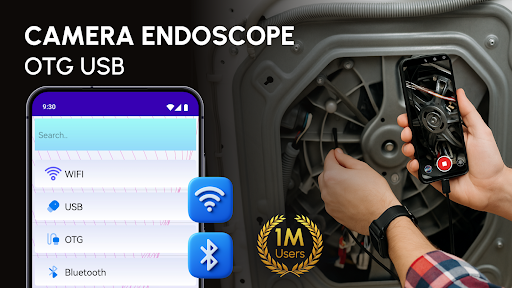
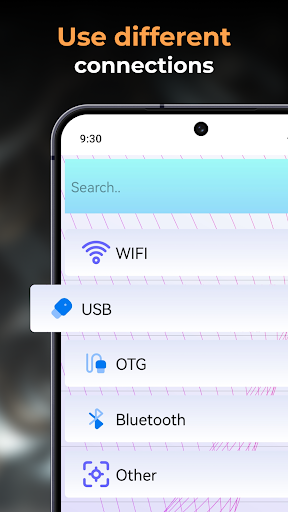
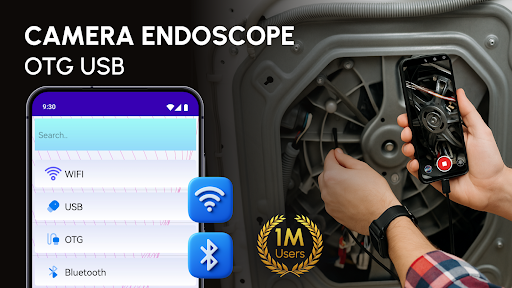
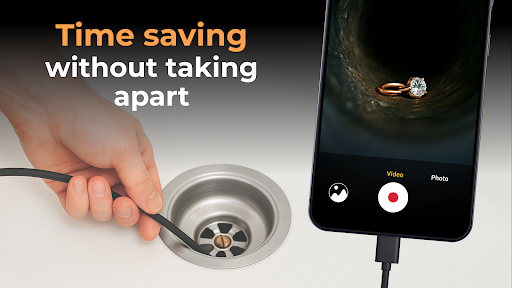
Camera endoscope / OTG USB is an innovative inspection tool that transforms your Android device into a professional-grade inspection system. Designed for both professionals and DIY enthusiasts, this application supports real-time video capturing through external cameras connected via USB OTG interface.

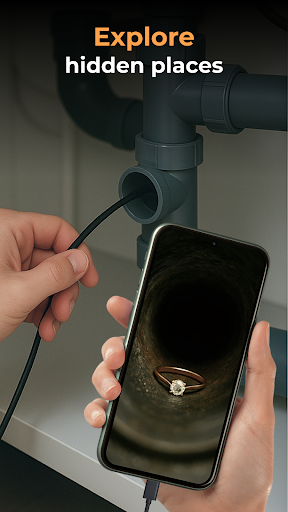
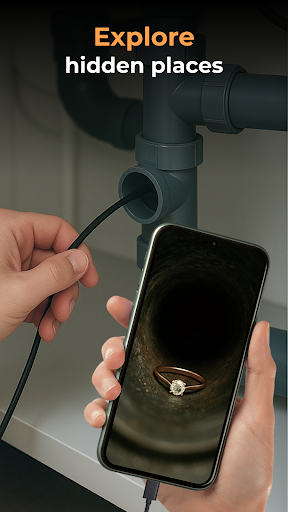
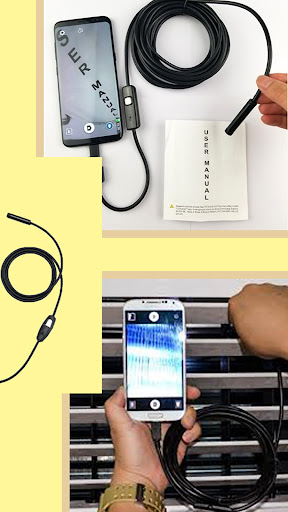
The app's key strength lies in its versatility - it works seamlessly with various inspection tools including borescopes and microscopes. Users can conveniently record high-quality images and videos while exploring tight spaces or examining intricate machine parts. The built-in gallery feature provides efficient media management capabilities, allowing users to store, view, delete, and share their captured content with ease.

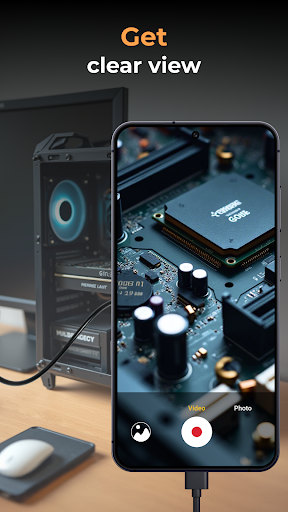
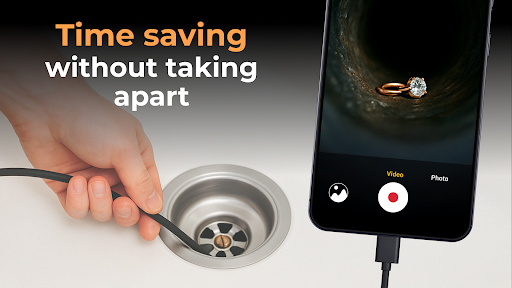
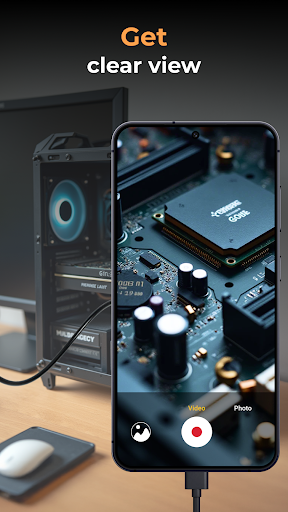
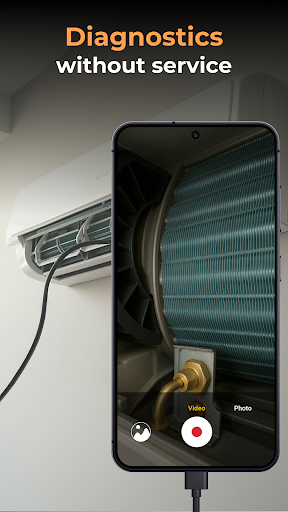
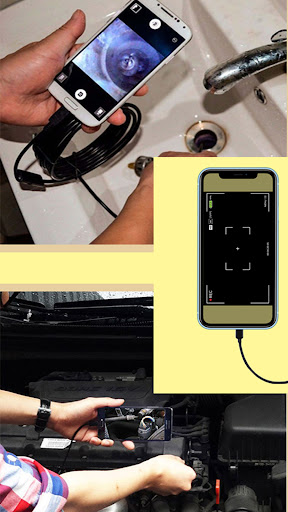
This application proves particularly valuable in technical fields such as plumbing, automotive repair, and electronics diagnostics. Its plug-and-play functionality eliminates guesswork when inspecting hard-to-reach areas, making it an essential tool for detailed examinations and documentation.

Features

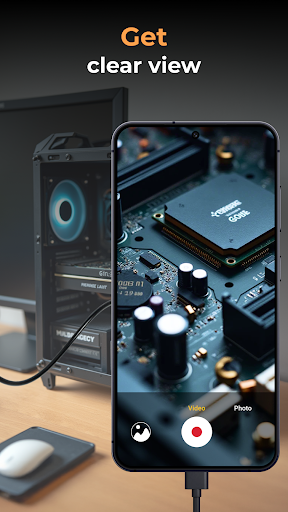
The Camera endoscope / OTG USB application boasts several distinctive features that enhance its functionality. Primarily, the app supports real-time video capturing through external endoscope cameras, providing immediate visual feedback during inspections. This capability is crucial for accurate diagnosis and documentation of findings in various professional settings.

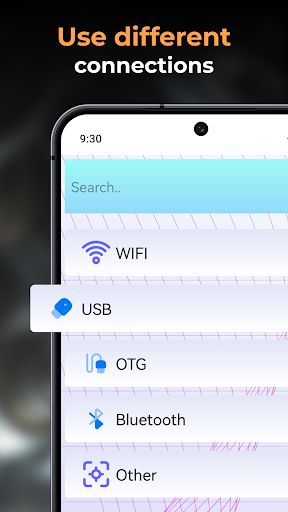
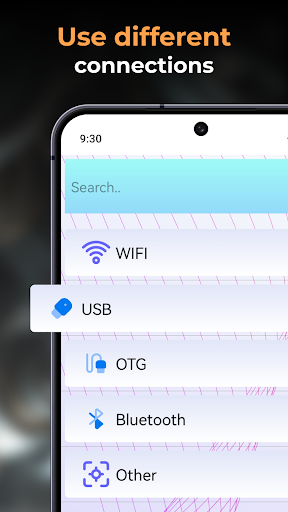
A notable advantage is its compatibility with multiple devices through the OTG Connector Software for Android. The application maintains stable connections whether used for pipe inspection or microscopic examination. Additionally, the media management system is thoughtfully designed - all captured images and videos are automatically stored in an organized gallery, where users can easily manage their files through intuitive touch controls.

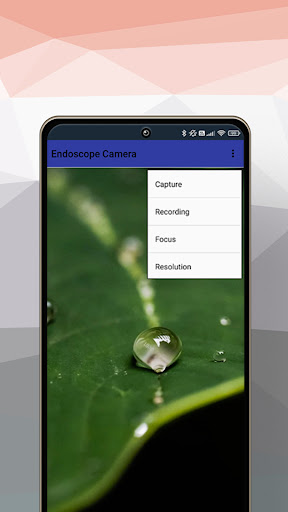
The app's performance optimization extends to its seamless integration with different types of inspection tools. From simple setup procedures to advanced capture settings, each feature is engineered to provide maximum utility while maintaining user-friendly operation. The ability to adjust camera settings and manage media files directly within the application streamlines the entire inspection process.

Functionality completeness & coverage

The Endoscope Camera: USB OTG Camera app demonstrates exceptional functionality completeness and coverage making it an indispensable tool for various inspection tasks. Functionality completeness refers to the app's ability to provide all necessary features required for effective camera operation and media management. This application supports real-time video image capturing enabling users to inspect hard-to-reach areas with precision. Its compatibility with a wide range of external devices including borescopes microscopes and other inspection tools showcases its broad coverage. The app facilitates high-quality video and image recording which is crucial for detailed analysis. Additionally the built-in gallery feature allows for efficient storage and management of all captured media files enhancing the overall user experience. Users benefit from the app's comprehensive functionality as it eliminates the need for multiple separate tools. Whether it's for plumbing work car repairs or electronics diagnostics this app provides a one-stop solution for all inspection needs. The easy setup with OTG Connector Software further adds to its appeal making it accessible even to non-technical users. With stable fast connections and plug-and-play features the app ensures reliable performance across different devices. This reliability combined with its extensive feature set makes the Endoscope Camera: USB OTG Camera app a versatile choice for both professionals and hobbyists seeking to enhance their inspection capabilities.

Usability & operational smoothness

Usability and operational smoothness are critical factors that determine the overall effectiveness of any application and the Endoscope Camera: USB OTG Camera excels in these aspects. Usability refers to how easily users can navigate and utilize the app's features while operational smoothness pertains to the seamless execution of tasks without interruptions. This app offers an intuitive interface that simplifies the process of connecting and controlling external cameras such as borescopes and microscopes. The straightforward setup using a compatible device with a USB OTG cable ensures that users can quickly start inspecting without facing complex installation procedures. Real-time camera viewing provides immediate feedback which is essential for accurate inspections. Furthermore the app's optimized performance for Android users ensures that media management functions like delete view and share operate smoothly without lag or errors. These features collectively contribute to a hassle-free user experience allowing individuals to focus on their inspection tasks rather than struggling with the app's controls. The ability to capture store and organize media files with ease enhances productivity and efficiency. Long press functionalities for media files exemplify the app's attention to detail in providing practical solutions for everyday use. Overall the Endoscope Camera: USB OTG Camera app delivers a user-friendly experience that combines powerful features with operational fluidity catering to both professional and casual users who require reliable inspection tools.

Props

User-friendly interface

Real-time video capture

Wide device compatibility

Efficient media management

Stable connection performance

Cons

Limited free features

Requires OTG adapter

Device compatibility issues

No cloud backup

Basic editing tools

Features and Functions

What is this app and what can I use it for?

An inspection tool connecting external cameras to Android devices for detailed examinations.

How do I download and install this app on my device?

Search Camera endoscope / OTG USB on Google Play Store and install it on your Android device.

How do I get started after opening the app for the first time?

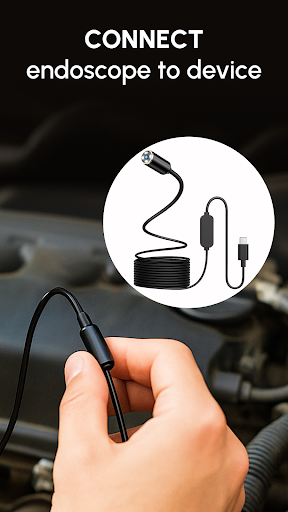
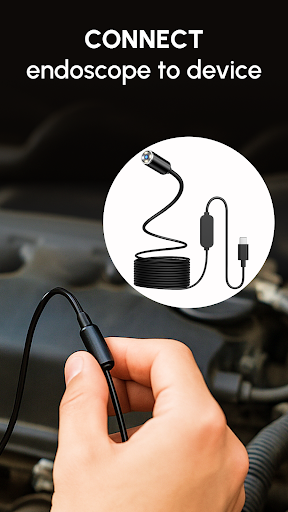
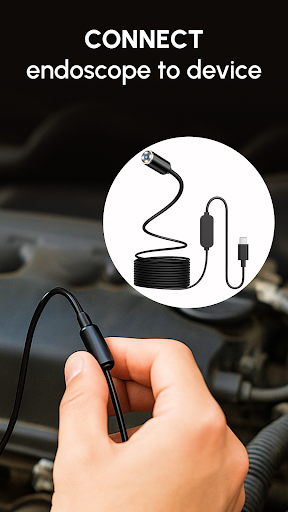
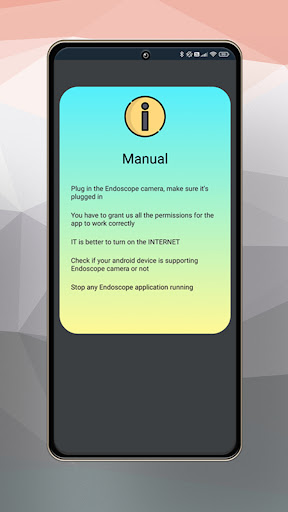
Connect your camera via OTG cable, open the app, and select camera icon for live view.

What are the main features and capabilities of this app?

Real-time video capture, media management, and compatibility with various inspection tools.

How can I customize my experience and adjust preferences?

Adjust camera settings through the app's interface for optimal viewing experience.

How do I save or bookmark my favorite content for later access?

Media files are automatically saved in built-in gallery for easy access later.

How can I share content with friends or on social media?

Use the share function in gallery to send content via social media or messaging apps.

How do I access detailed information and explore more content?

View detailed information about captured media in the organized gallery section.

What permissions does this app need and how do I manage them?

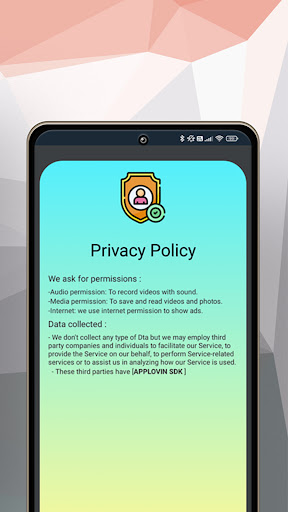
The app needs camera and storage permissions which can be managed in settings.

How do I check for updates and keep the app running smoothly?

Enable automatic updates in Google Play Store to keep the app current.
Show more

User Reveiws

{{ comment.reviewer_name }}
{{ comment.review_date_formatted}}
{{ comment.review_content }}
{{ tab.name }}
{{ comment.reviewer_name }}
{{ comment.review_date_formatted}}
{{ comment.review_content }}
No reviews with this rating