Mirror Link

3.20

Information

Category:

Libraries & Demo

Price:

Free

Rank:

35

Rating:

3.20

Overview

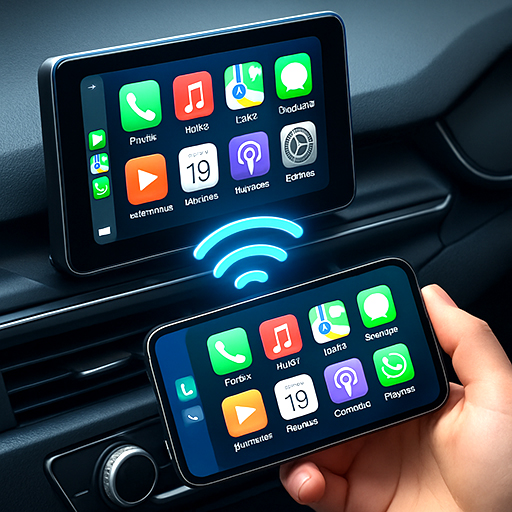
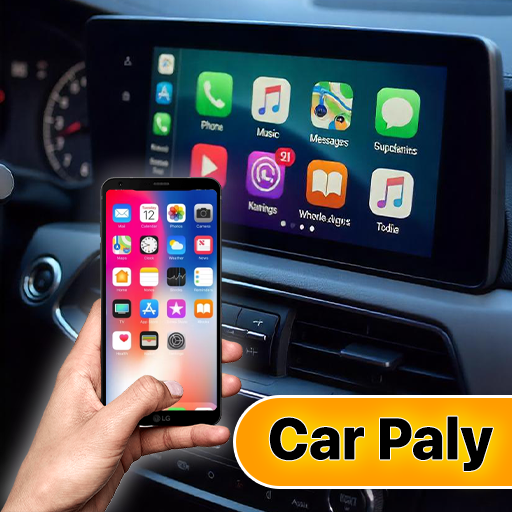
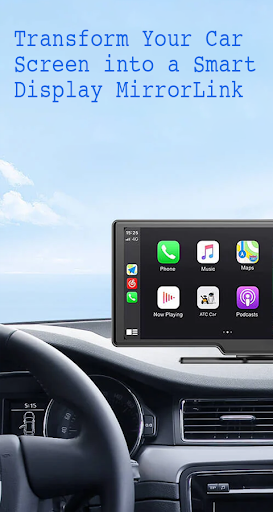
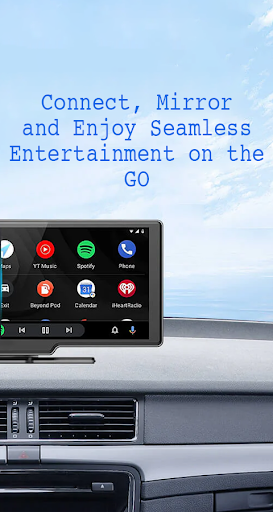
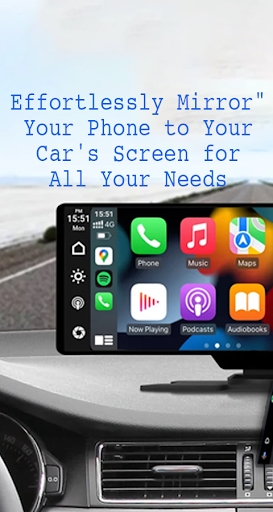
Mirror Link is a cutting-edge application that allows users to seamlessly connect their smartphones to their car's display system. This app supports both wireless and USB connections, providing flexibility and convenience for drivers. By mirroring the phone's screen onto the car's larger display, Mirror Link enhances driving safety while offering easy access to essential phone features.

The app's core functionality revolves around its ability to share your smartphone's screen with your car's display in real-time. Whether you're looking to enjoy multimedia content, manage calls, or use navigation apps, Mirror Link makes it possible through your car's touchscreen interface. The app is compatible with various car models and devices, making it a versatile solution for modern drivers who want to stay connected while keeping their focus on the road.

Features

Mirror Link offers an impressive array of features designed to enhance the driving experience. One of its standout capabilities is static screen sharing, which allows users to display their smartphone screen on their car's display with remarkable stability. The app supports both wireless and USB connections, giving users the freedom to choose their preferred method of connectivity.

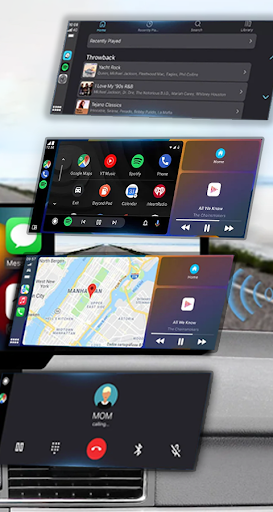
Beyond basic screen sharing, Mirror Link enables full access to your phone's features through your car's display. You can listen to music, watch videos, send texts, make calls, and use navigation apps directly from your car's touchscreen. The app also includes automation features that can play and pause media automatically when connecting to your car's display. Its universal compatibility with all car brands and devices with built-in web browsers makes it an exceptionally versatile tool for modern drivers.

Functionality completeness & coverage

Functionality completeness and coverage refer to the extent to which an application provides a comprehensive set of features that cater to user needs across different scenarios. For Mirror Link, this aspect is particularly crucial as it aims to seamlessly integrate smartphone functionalities with car display systems enhancing driving safety and convenience. The app demonstrates commendable functionality completeness by offering both wireless and USB connection options for screen sharing. This dual connectivity approach ensures that users can establish a stable link between their smartphones and car displays regardless of the vehicle's technological capabilities. The inclusion of multimedia access further enriches the user experience allowing drivers and passengers to enjoy music videos text messages calls and navigation maps directly on the car screen. Additionally the automation feature which enables automatic play and pause of music upon device connection showcases the app's attention to detail in creating a seamless user experience. Mirror Link also supports full mirroring of the phone screen providing users with complete access to their smartphone's interface on the larger car display. This level of functionality coverage ensures that users can interact with their favorite apps and services without any limitations. The universal compatibility with all car brands and devices having built-in web browsers significantly broadens the app's usability making it accessible to a wide range of vehicles and devices. Furthermore the integration with both Apple CarPlay and Android Auto systems highlights the app's commitment to covering major automotive software ecosystems. These comprehensive features collectively contribute to a robust solution that not only meets but exceeds user expectations in terms of functionality completeness and coverage ultimately enhancing road safety by minimizing distractions and providing intuitive access to essential smartphone features while driving.

Usability & operational smoothness

Usability and operational smoothness are critical factors that determine how easily and efficiently users can interact with an application achieving their desired outcomes without unnecessary complications or frustrations. In the context of Mirror Link these aspects are meticulously addressed through various features designed to streamline the connection process and ensure a consistent user experience. The app offers static screen sharing which allows users to project their smartphone screens onto their car displays with remarkable stability eliminating flickering or disconnection issues that might otherwise distract drivers. The availability of both wireless and USB connection options caters to different user preferences and vehicle configurations enhancing overall usability. Establishing a connection is remarkably straightforward requiring just one click to initiate screen sharing and communication between devices. This simplicity is further emphasized in the app's instructions which outline a clear four-step process for connecting smartphones to car displays using Miracast or Wireless Display options. Moreover the automatic play and pause feature when connecting to a car display demonstrates the app's focus on operational smoothness by removing manual intervention and creating a more natural user experience. The smart mirror link functionality works seamlessly with both older and newer car models ensuring that users do not encounter compatibility issues regardless of their vehicle's age or technological sophistication. Additionally the universal compatibility with all car brands and devices having built-in web browsers contributes significantly to the app's usability making it accessible to a broad audience. The integration with popular systems like Mirror Link CarPlay and Android Auto further enhances operational smoothness by maintaining consistency with familiar automotive interfaces. These carefully considered design choices result in an application that not only facilitates safe and convenient access to smartphone features while driving but also delivers a consistently reliable and user-friendly experience across various devices and vehicles.

Props

User-friendly interface

Wireless and USB options

Enhanced driving safety

Universal compatibility

Automation features

Cons

Requires compatible devices

Occasional connection issues

Limited advanced features

Basic UI design

Dependent on car's hardware

Features and Functions

What is this app and what can I use it for?

Mirror Link connects phones to car displays for safer access to apps and media

How do I download and install this app on my device?

Download Mirror Link from Google Play Store and install it on your Android device

How do I get started after opening the app for the first time?

Open Mirror Link, enable Miracast on your car's display, then select Connect Car

What are the main features and capabilities of this app?

Key features include screen sharing, multimedia access, and automatic playback control

How can I customize my experience and adjust preferences?

Customize experience through connection type selection and display settings

How do I save or bookmark my favorite content for later access?

Save favorite content by creating custom playlists within supported apps

How can I share content with friends or on social media?

Share content via car's display using integrated social media and messaging apps

How do I access detailed information and explore more content?

Access detailed information through car's display interface and app settings

What permissions does this app need and how do I manage them?

App needs display and media permissions, manageable through device settings

How do I check for updates and keep the app running smoothly?

Check for updates in Google Play Store and maintain stable connections
Show more

User Reveiws

{{ comment.reviewer_name }}
{{ comment.review_date_formatted}}
{{ comment.review_content }}
{{ tab.name }}
{{ comment.reviewer_name }}
{{ comment.review_date_formatted}}
{{ comment.review_content }}
No reviews with this rating