









Hacker

4.20

Information

Category:

Libraries & Demo

Price:

Free

Rank:

1

Rating:

4.20

Overview

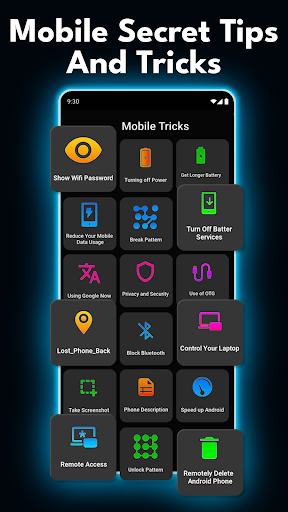
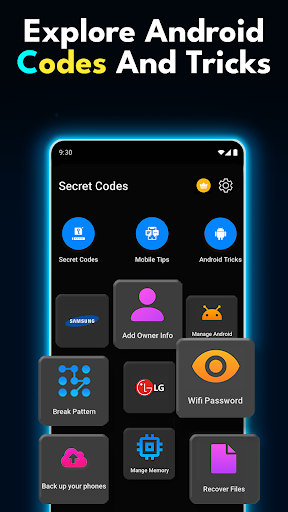
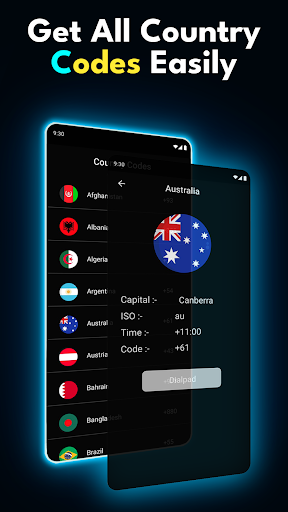
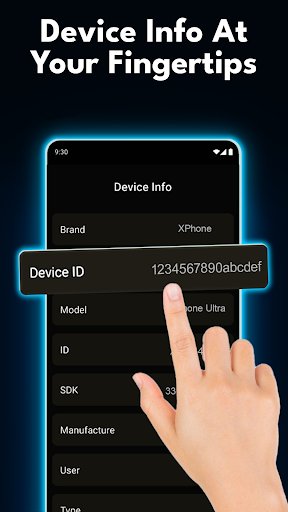
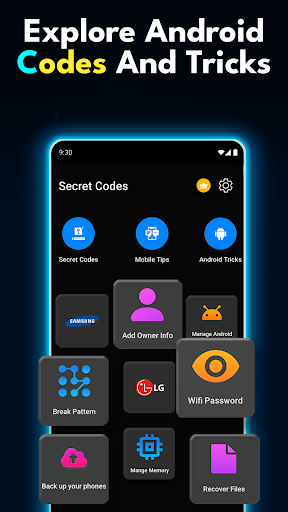
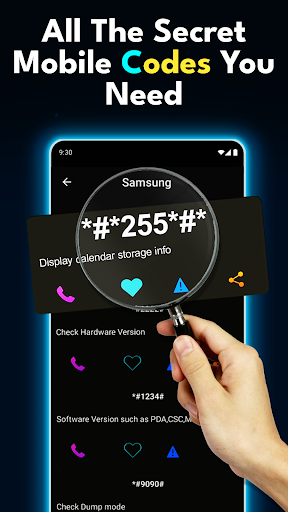
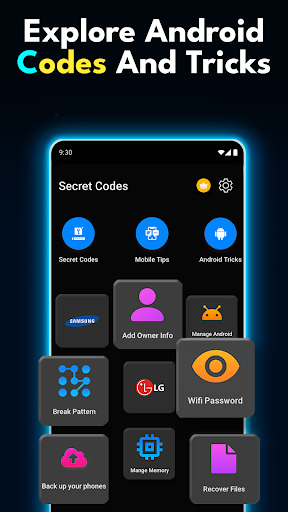
Hacker is a specialized application designed to unlock the hidden potential of Android devices. This app serves as an ultimate guide for tech enthusiasts and professionals who want to explore advanced settings and features on their mobile phones. With a comprehensive collection of secret codes, mobile hacks, and tips, users can access hidden menus, run diagnostics, and customize their device settings.

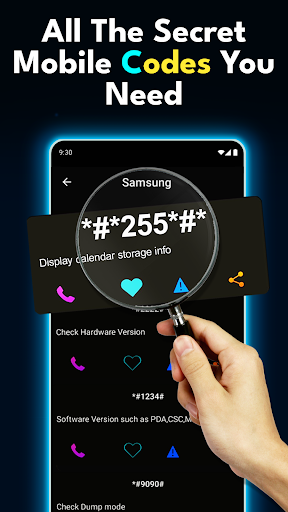
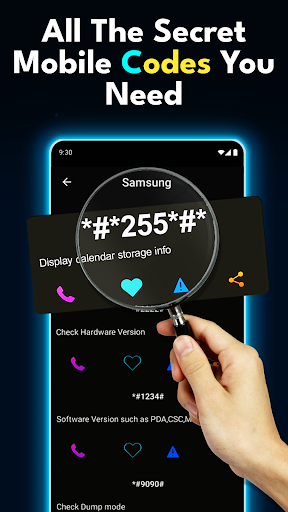
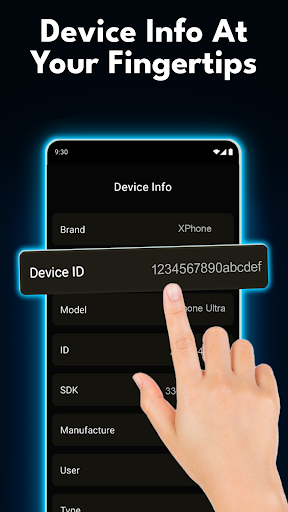
The app provides an offline list of all essential codes including USSD codes, phone codes for Android, and various phone hacks. These features allow users to troubleshoot issues, test hardware functionality, and optimize their device performance. Whether you are a DIY fan or a tech professional, Hacker offers tools that cater to both casual users and experts looking to maximize their device's capabilities.

Features

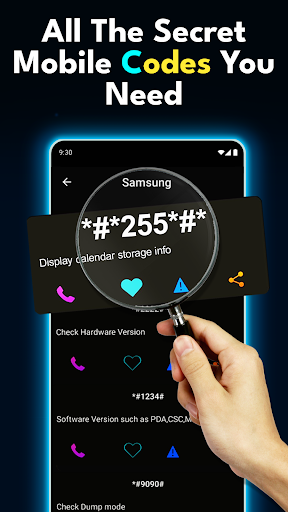
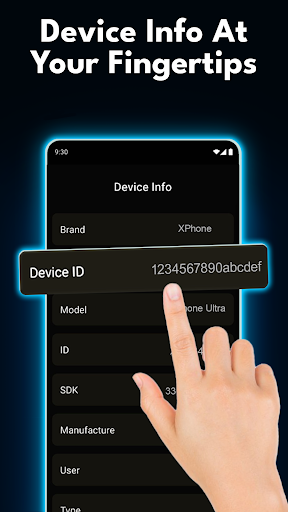
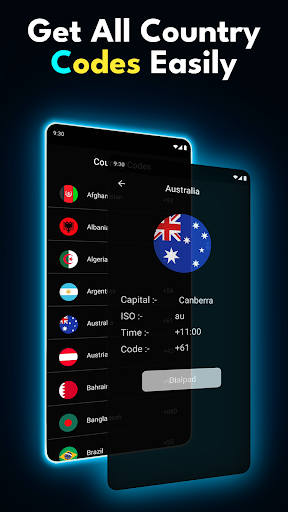
Hacker stands out with its extensive range of functionalities tailored for Android users. The app includes a regularly updated database of all mobile secret codes and Android-specific codes which help in unlocking hidden features and conducting necessary tests on your device. Each code comes with detailed descriptions ensuring ease of use even for beginners.

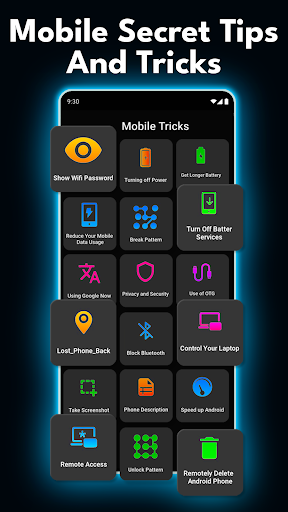
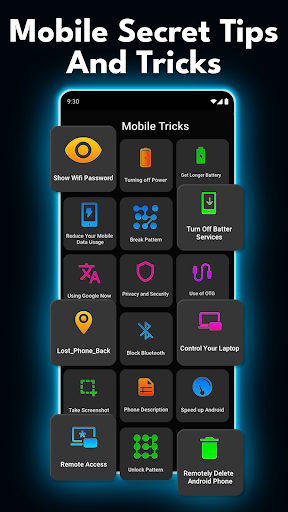
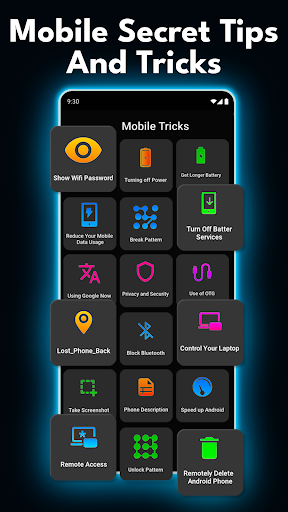
One notable feature is the quick access to mobile secret tips and tricks, allowing users to save time while performing routine tasks or troubleshooting common issues. Additionally, the app supports all major USSD codes enabling management of connectivity settings directly from the dialer. With trusted phone hacks and optimization tips at your disposal, Hacker ensures that you have everything needed to enhance daily usage and maintain optimal device health.

Functionality completeness & coverage

The Functionality completeness & coverage of the Secret Codes and Mobile Hacks App is a crucial aspect that sets it apart as an essential tool for Android users. This feature refers to the app's ability to provide a comprehensive collection of secret codes, tips, tricks, and USSD codes that unlock hidden functionalities within Android devices. The importance of this feature lies in its capacity to offer users extensive control over their devices by accessing advanced settings and diagnostic tools not typically available through standard user interfaces. The Secret Codes and Mobile Hacks App achieves complete functionality coverage by maintaining an exhaustive database of all mobile secret codes, including those specific to various Android devices and manufacturers. It regularly updates this database to ensure compatibility with new device models and Android versions. Furthermore, the app categorizes these codes into intuitive sections such as hardware testing, network information retrieval, firmware version checking, and device resetting options. Beyond just listing codes, the application provides detailed explanations for each entry, describing its purpose, proper usage, and potential effects on the device. This educational approach helps prevent accidental misuse while maximizing the utility of each code. For users, this level of functionality completeness translates into significant practical benefits. They gain the ability to perform professional-grade diagnostics on their devices without requiring specialized technical knowledge or expensive equipment. The app enables them to verify hardware components' integrity, monitor battery health, check warranty status, and even backup essential data before performing factory resets. Moreover, the inclusion of various phone hacks and customization options allows users to personalize their Android experience beyond manufacturer limitations. The true value of this comprehensive coverage becomes evident when considering how it empowers both casual users and technical professionals alike. While enthusiasts can explore hidden features and optimize their devices' performance, service technicians can utilize the app as a portable diagnostic toolkit. The offline availability of all these features ensures that users can access critical information even without internet connectivity, making it particularly valuable in situations where immediate technical assistance might not be available. By providing such extensive functionality coverage, the Secret Codes and Mobile Hacks App establishes itself as more than just a reference tool but rather as a complete solution for Android device management and optimization.

Usability & operational smoothness

Usability & operational smoothness in the Secret Codes and Mobile Hacks App represents a fundamental aspect that directly impacts user satisfaction and overall effectiveness of the application. This feature encompasses how intuitively users can navigate through the app's interface, locate desired secret codes, understand their functions, and execute commands without encountering unnecessary complications or confusion. The significance of usability in this context cannot be overstated, as the app deals with potentially complex technical operations that need to be accessible to users with varying levels of technical expertise. The Secret Codes and Mobile Hacks App demonstrates exceptional usability through several key design choices and operational features. First, it employs a well-structured hierarchical navigation system that organizes codes into logical categories based on their functions, such as device information, network settings, hardware testing, and security features. Each category contains clearly labeled entries with concise descriptions that explain the purpose and expected outcome of each code. The app further enhances usability by implementing intelligent search functionality that allows users to quickly find specific codes using keywords or partial number sequences. To ensure operational smoothness, the developers have implemented instant code execution capabilities that eliminate unnecessary steps between selecting a code and activating its function. When a user selects a particular code, the app provides clear instructions about what to expect during execution and any necessary precautions. Additionally, the application maintains consistent formatting throughout its interface, using recognizable icons and color-coded warnings to indicate different types of operations and their associated risks. The benefits of this focus on usability extend far beyond mere convenience. For less technically inclined users, the smooth operational flow builds confidence in executing potentially intimidating technical procedures. The app's thoughtful design prevents common mistakes by incorporating confirmation dialogs before executing critical operations and providing detailed explanations of each step in the process. Advanced users appreciate the efficiency gained through quick access to frequently used functions and the ability to bookmark important codes for future reference. The app's offline functionality contributes significantly to its operational reliability, ensuring that users can depend on it regardless of network conditions. Furthermore, regular updates not only expand the code database but also refine the user interface based on community feedback, creating a continuously improving user experience. This commitment to usability and operational excellence transforms what could have been a mere collection of technical codes into a sophisticated yet approachable tool that maximizes both functionality and accessibility. By prioritizing these aspects, the Secret Codes and Mobile Hacks App successfully bridges the gap between complex technical operations and everyday user needs, making advanced device management accessible to a broader audience while maintaining professional-grade capabilities.

Props

User-friendly interface

Comprehensive code database

Regular updates

Offline functionality

Trusted content

Cons

Limited iOS support

Advanced user focus

Occasional bugs

Ads present

Complex navigation

Features and Functions

What is this app and what can I use it for?

Hacker reveals Android secrets via codes and tricks for power users.

How do I download and install this app on my device?

Visit Google Play Store link provided then tap install.

How do I get started after opening the app for the first time?

Open app view main menu select desired function start exploring.

What are the main features and capabilities of this app?

Includes secret codes tips tricks diagnostic tools customization options.

How can I customize my experience and adjust preferences?

Adjust preferences within settings personalize experience according needs.

How do I save or bookmark my favorite content for later access?

Save favorites by bookmarking key sections easy future reference.

How can I share content with friends or on social media?

Share findings via integrated social media links email messaging apps.

How do I access detailed information and explore more content?

Access details through categorized lists search bar dedicated info pages.

What permissions does this app need and how do I manage them?

App requires basic permissions managed via device settings screen.

How do I check for updates and keep the app running smoothly?

Enable auto-updates Play Store ensure latest version always installed.
Show more

User Reveiws

{{ comment.reviewer_name }}
{{ comment.review_date_formatted}}
{{ comment.review_content }}
{{ tab.name }}
{{ comment.reviewer_name }}
{{ comment.review_date_formatted}}
{{ comment.review_content }}
No reviews with this rating