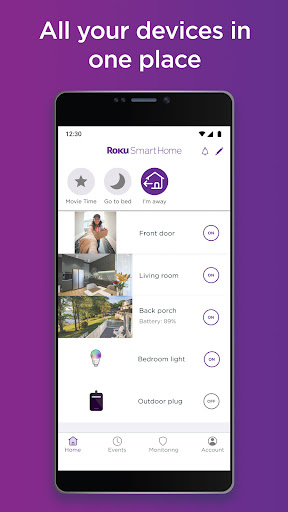

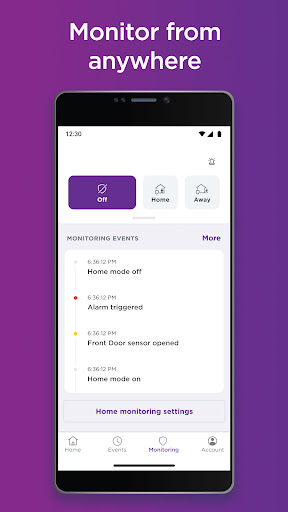
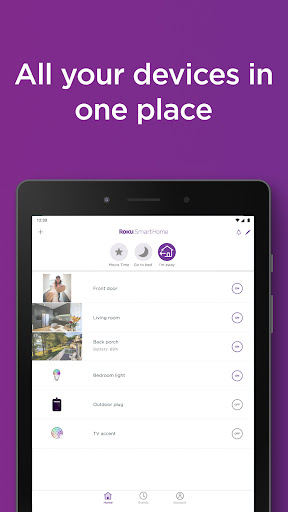
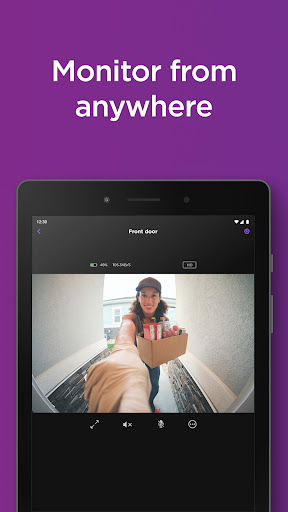
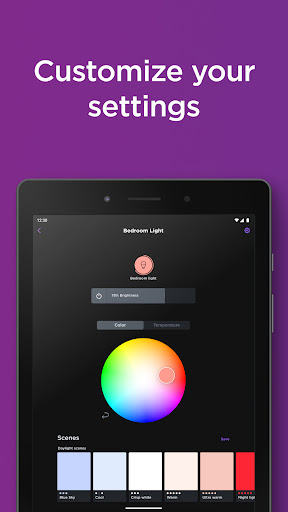
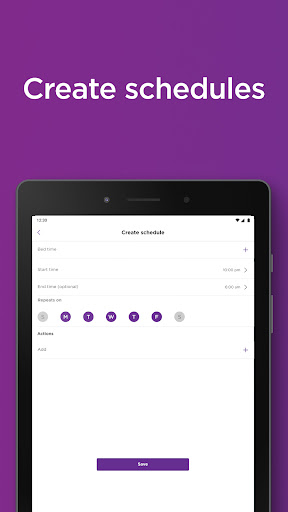
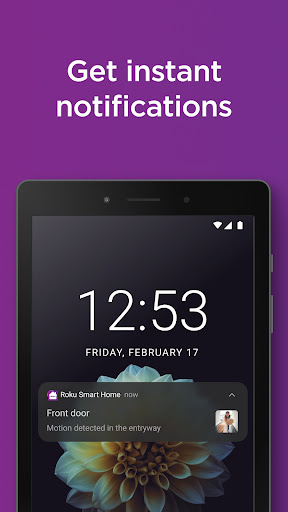
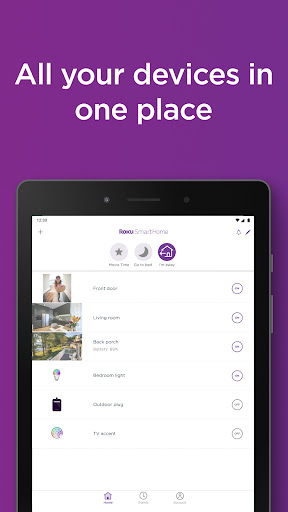
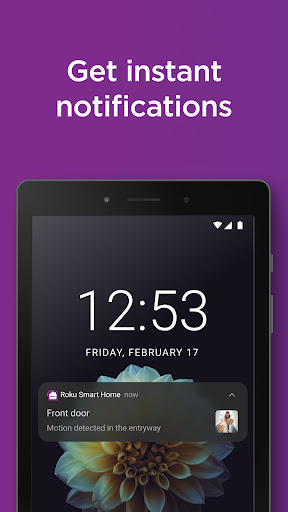
Roku Smart Home is a comprehensive smart home management app that allows users to control and monitor various smart devices such as security cameras, video doorbells, smart bulbs, light strips, and plugs. The app provides an intuitive interface for setting up and managing all your Roku Smart Home devices in one place.
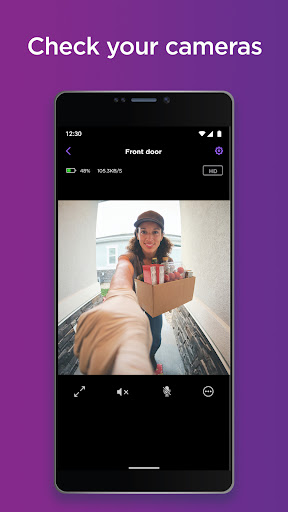
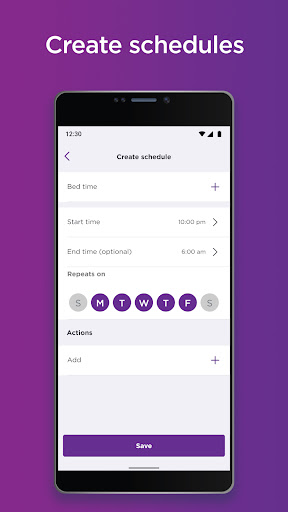
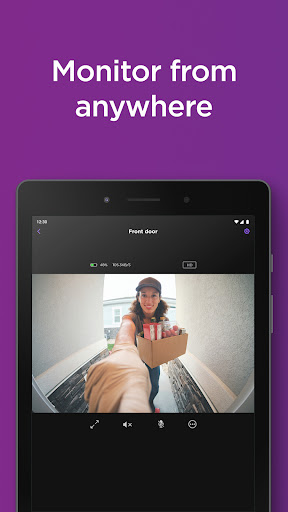
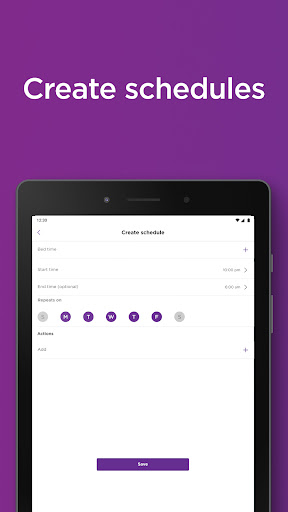
With features like live footage monitoring, two-way audio communication, customizable notifications, and motion detection zones, the app ensures optimal home security. Additionally, it offers advanced lighting controls with customizable presets, brightness adjustment, and scheduling capabilities for smart lights and plugs.
The app's subscription service enhances functionality by providing cloud storage for motion-triggered recordings and smart detection features that identify people, pets, packages, and vehicles. This makes Roku Smart Home an essential tool for creating a connected and secure living environment.
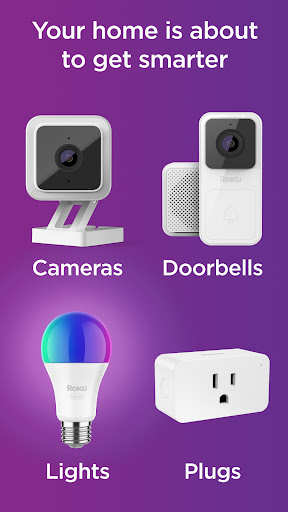
The Roku Smart Home app stands out with its extensive device compatibility, supporting indoor and outdoor security cameras, video doorbells, smart bulbs, light strips, and plugs. Its guided setup process simplifies device installation through step-by-step instructions within the app.
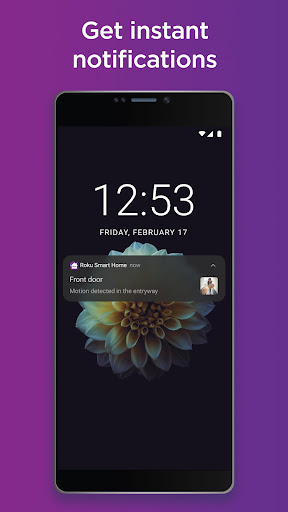
Advanced security features include instant motion and sound notifications, live video streaming, and two-way audio communication. Users can customize their experience by setting up specific motion detection zones and filtering alerts based on identified objects like people or pets.
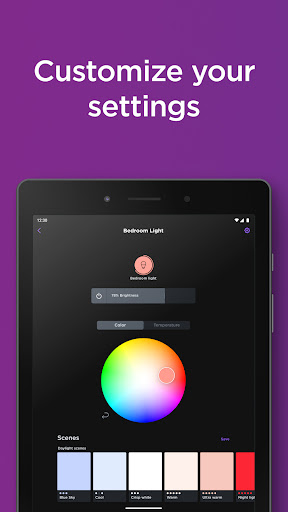
For smart lighting, the app offers detailed customization options including color changing, brightness control, and preset creation. Smart plug management enables remote control of household devices with programmable schedules, giving users complete control over their home automation system.
User-friendly interface
Comprehensive device support
Advanced security features
Customizable lighting options
Convenient remote management
Subscription required for full features
Limited third-party integration
Occasional connectivity issues
Higher energy consumption
Learning curve for new users
Home Ideas | Renovation Advice | Local Pros. Go From Dream to Home with Houzz.
 4.70
4.70
B-hyve Pro App for landscape irrigation professionals
4.70
AI-powered home design, interior design, home decor, and room design solutions
4.50
Book your local plumber 24/7, track your service order & get exclusive coupons
4.00
Find the perfect paint color with advanced tools to explore and visualize color.
3.80
Plan your remodel AI home renovation easily using planner 5D and home decor AI.
4.40
WiZ smart light system
4.40
Samsung remote app helps control all Samsung Smartthings TVs. Fast and Stable!
4.10
A Smarter Home in Seconds
4.70
MLS-powered real estate app to find homes for sale & apartments for rent
4.70
Download today to join the community to help bring lost pets home faster.
4.70
Turn old phones into security cameras, baby monitors, pet cams, and more.
4.70
Your guide to apartments & rental homes. Find your next place to rent with AG.
4.60
Parcel Pending Resident App
4.50
Wobble Fix Tool
4.40
Make your phone a surveillance camera remote with a home camera app for Android!
4.40
Control your thermostat, comfort, and home monitoring from your phone
4.30
Universal Tv Remote Control for all Tv. Cast for chromecast & all Tv Controller
4.20
Calculate baluster spacing with ease and precision.
4.1


User Reveiws