
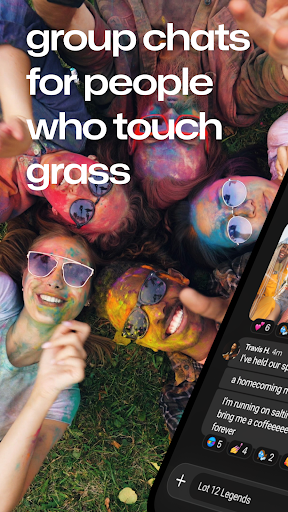
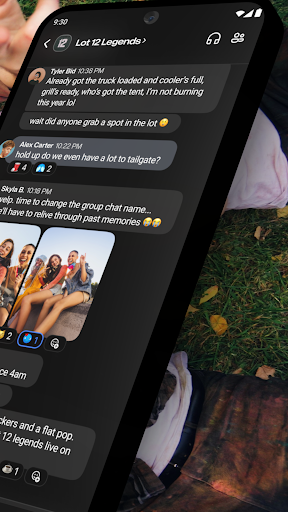
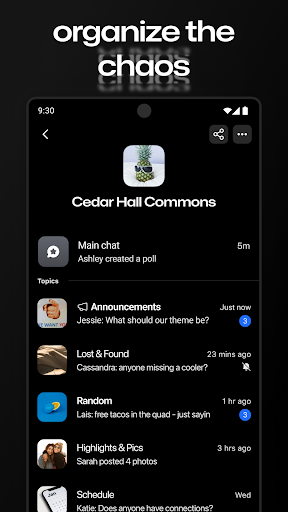
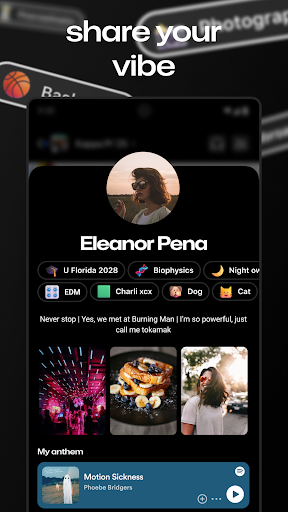
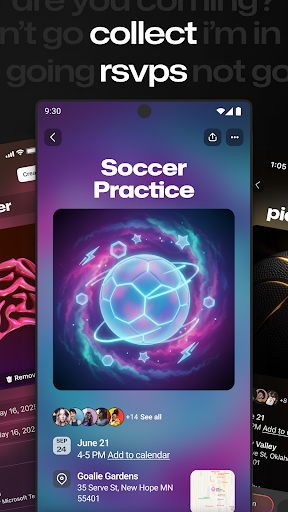
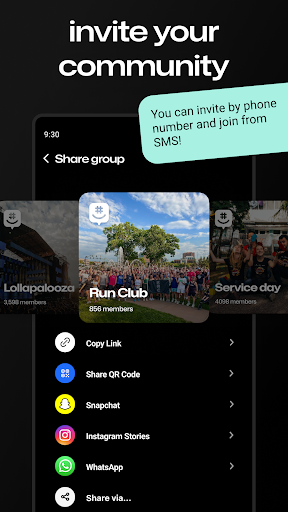

GroupMe is a free communication app that allows users to stay connected with their important contacts through group chats. The app supports various types of groups, including family, friends, coworkers, and more. GroupMe offers features such as adding people via phone numbers or email addresses, controlling notifications, using exclusive emoji, sharing images and GIFs, and exploring shared content in the gallery.
One standout feature is its ability to integrate SMS for new users without the app, allowing them to participate in chats immediately. Additionally, users can enjoy direct messaging with all the group chat features but on a one-on-one level. GroupMe also provides web access at groupme.com, making it versatile for use across different devices. This app is particularly useful for those who want to maintain close connections regardless of geographical distance.
GroupMe stands out with its comprehensive set of communication tools. Users can create groups based on different categories like family, roommates, or coworkers. The app allows you to add anyone to a group via their phone number or email address, and even those without the app can join the conversation over SMS. Notifications are highly customizable, enabling users to mute specific chats or the entire app.
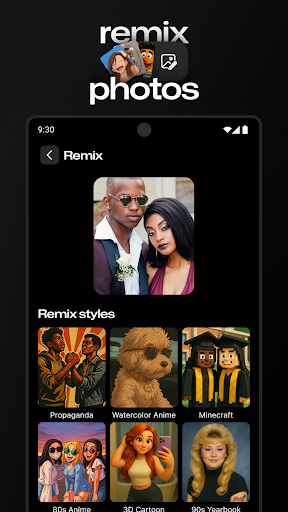
Beyond basic text, GroupMe offers exclusive emoji and supports meme images, GIFs, and URL content display within chats. The gallery feature saves shared photos and videos, allowing easy access later. Direct messages provide a texting-like experience but with enhanced features. Furthermore, GroupMe can be accessed from computers via groupme.com, ensuring flexibility and convenience for users who switch between devices.
User-friendly interface
Customizable notifications
Exclusive emoji collection
Integrated media sharing
Cross-platform accessibility
SMS limited to US
Standard messaging rates apply
No voice calling feature
Limited video call options
Occasional bugs reported

Manage your data, talk & text - affordable phone plans & data usage made simple
 4.30
4.30
BiP is a fast, secure, free messaging and HD video calling app!
4.10
Fast and simple walkie talkie app
4.20
Simplify texting with Messages SMS, offline messaging, themes & smart tools!
4.30
2nd Phone Number Line for Anonymous Texting, Calling, and Picture Messages
4.30
Watchgram for Telegram: Experience seamless Telegram messaging on your watch
1.80
Measure BHP, Torque & 0-60 Clear car OBD faults View engine data in Google Earth
4.00
A browser that does more than load page, like keeping your privacy safe.
4.70
A customizable phone number in the cloud
4.20
FolderSync enables easy sync of files between cloud storage and Android devices.
4.60
Connect and browse the internet with a fast VPN proxy server and IP blocker.
4.50
A web browser that respects your privacy.
4.30
Phone Dialer with Caller ID, Address Book & Contacts Manager.
4.30
Message and video call your family and friends in HD!
3.80
Quickly and easily identify and block unknown callers
3.70
Auto Reply SMS, Text Messaging, Away SMS Response, Busy SMS messages, Block Text
3.10
A Browser with powerful ad blocker to help focus on what really matters.
3.00
Comprehensive and powerful scan tool app with enhanced functions
3.00
Radio communication simulator for gaming communities
4.5


User Reveiws