
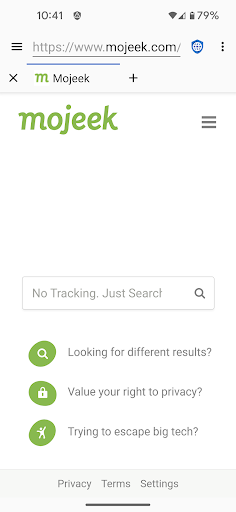

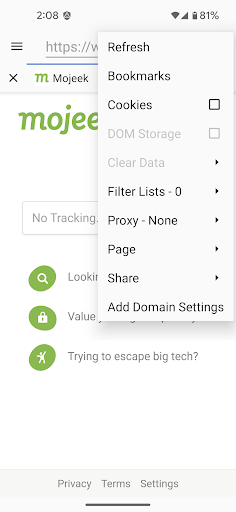
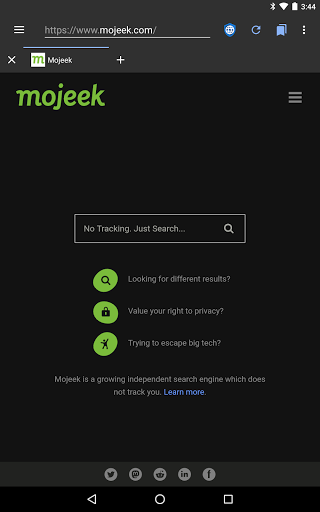
Privacy Browser is a communication app designed to protect user privacy by minimizing data collection both online and locally. Its primary function is to block invasive tracking technologies like JavaScript, cookies, and DOM storage that are commonly used by websites to monitor user activity. By disabling these privacy-sensitive features by default, the app ensures users retain control over their personal information.
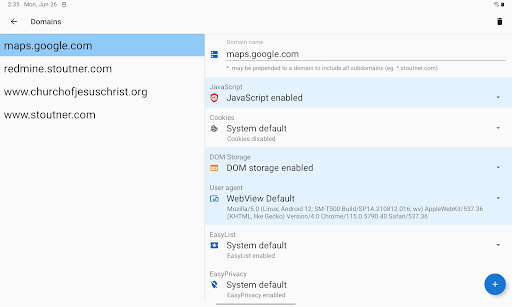
The app offers advanced privacy protection through features like EasyList ad blocking, Tor Orbot proxy support, and SSL certificate pinning. Additionally, Privacy Browser allows users to customize domain-specific settings, enabling certain features only when necessary. This selective functionality ensures optimal security while maintaining usability for specific websites. With its focus on privacy-first browsing, Privacy Browser is ideal for users seeking secure internet access without compromising their personal data.
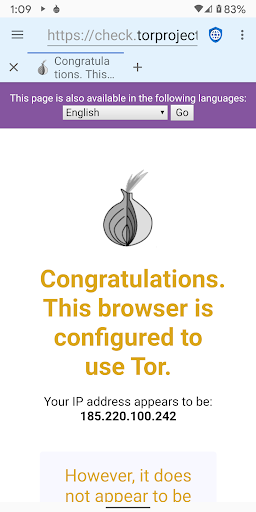
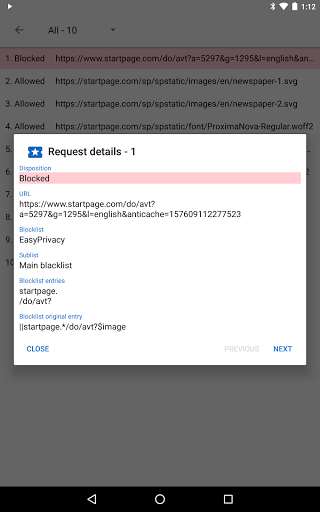
Privacy Browser stands out with its robust set of privacy-focused features tailored for secure communication. One of its key functionalities is the integrated EasyList ad-blocking system, which prevents intrusive ads from loading and reduces unnecessary data sharing. The app also supports Tor Orbot proxy, allowing users to browse anonymously by routing traffic through the Tor network, thus enhancing privacy significantly.
Another notable feature is SSL certificate pinning, which protects against man-in-the-middle attacks by ensuring secure connections to trusted servers. Privacy Browser further empowers users with tools like import/export capabilities for settings and bookmarks, making it easy to manage preferences across devices. These features collectively create a secure browsing environment where users can navigate the web without exposing their personal information to potential threats.
Strong privacy protection
EasyList ad blocking
Tor Orbot proxy support
Customizable domain settings
SSL certificate pinning
Limited WebView compatibility
No default multimedia support
Advanced setup required
Slower on older devices
Fewer convenience features

Save 10% automatically on your first international mobile top up.
 4.60
4.60
SMS & MMS Messaging App to easily send messages or schedule SMS on Chat
4.10
An app dedicated solely to marriage, not dating, and supported by a rigorous verification mechanism to ensure seriousness.
4.5
Weargram is an unofficial Telegram Client for Wear OS.
3.50
Call & Text Anywhere With A Canadian Number.
3.60
Read OBD2 data and DTCs Create custom dashboards Enhanced diagnostics available
4.70
A customizable phone number in the cloud
4.20
Fast internet with AI, Adblock & VPN. Browse on a safe, incognito web browser.
4.70
Get through your inbox faster with the mail app designed to simplify your life.
4.40
Useful. Social. Expressive.
4.70
Manage BoostMobile Account
4.60
Messenger, an MMS & SMS messages app with Blockers, Driving mode & Private box
4.60
Block spam calls & scam - no more annoying calls with the call blocker function
4.30
Google's fast and secure browser
4.10
Messenger app for faster and simpler SMS text messaging, and personalized themes
4.10
Share the moment!
4.10
Fast Dialer & Contact Manager with Caller ID and Spam Protection
4.00
Quickly and easily identify and block unknown callers
3.70
Secure Messaging App to Enhance Messenger Texting Experience and Organize SMS.
3.50


User Reveiws