
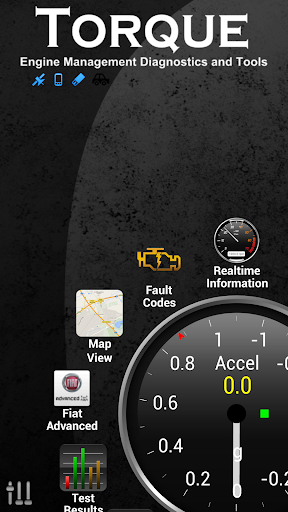
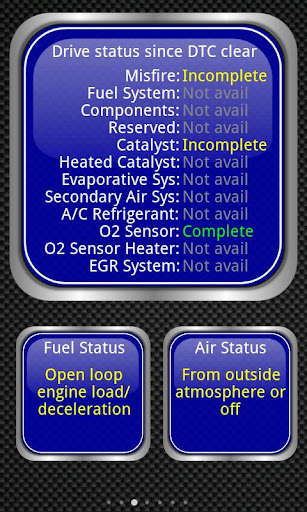

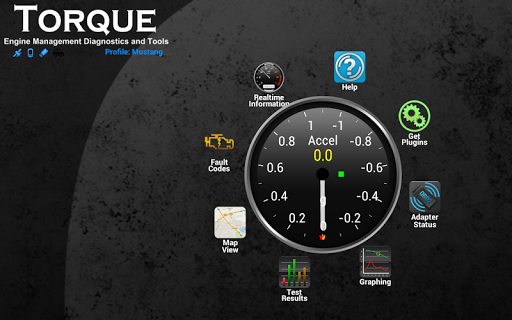
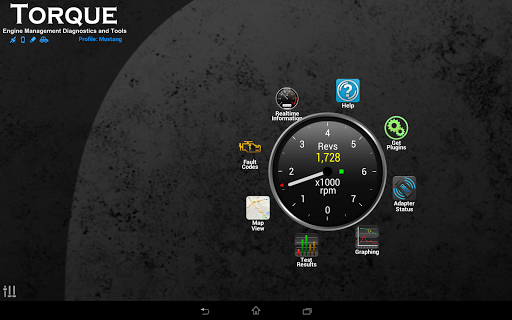

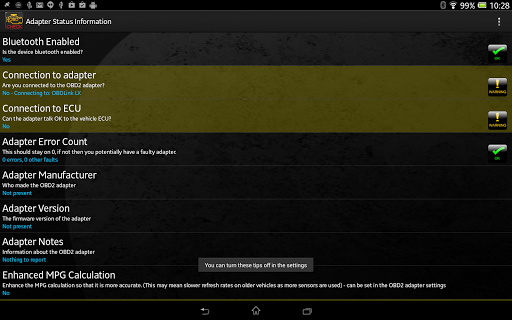
Torque Pro is a comprehensive vehicle diagnostics and performance monitoring tool designed for car enthusiasts and professionals alike. The app connects to your vehicle's OBD II port via a Bluetooth adapter, providing real-time data on engine performance, fault codes, and sensor readings.
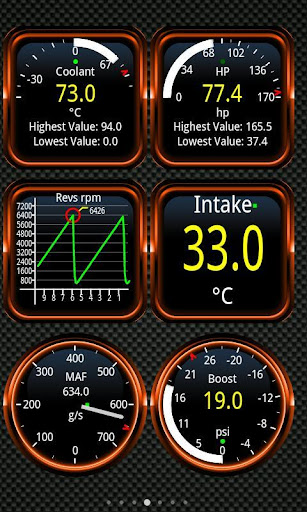
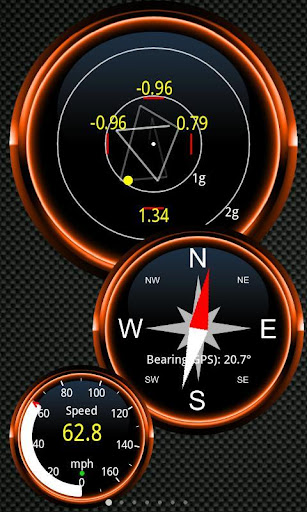
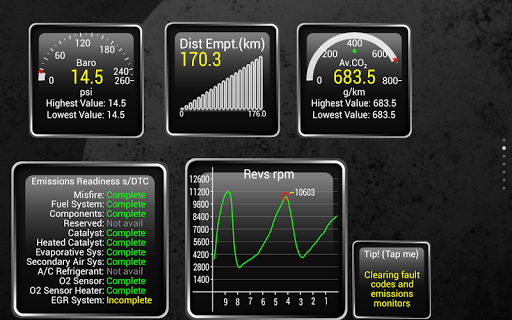
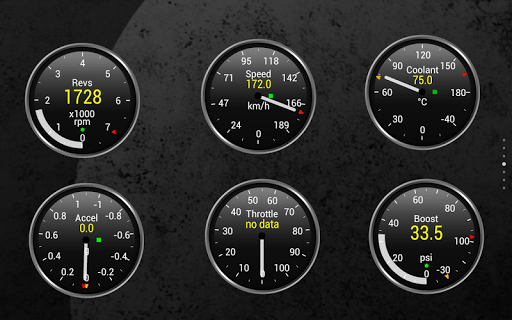
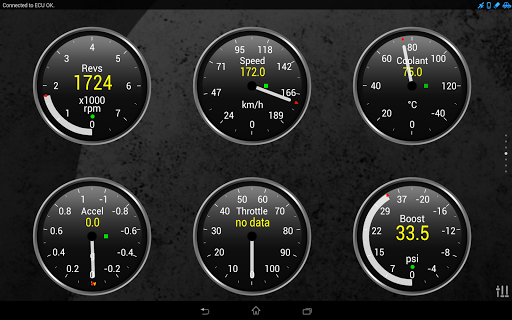
With its customizable dashboard, users can create personalized layouts featuring various gauges and widgets that display critical information such as transmission temperatures, turbo boost levels, and CO2 emissions. This level of customization allows users to focus on the metrics most important to them, whether they're diagnosing issues or optimizing performance.
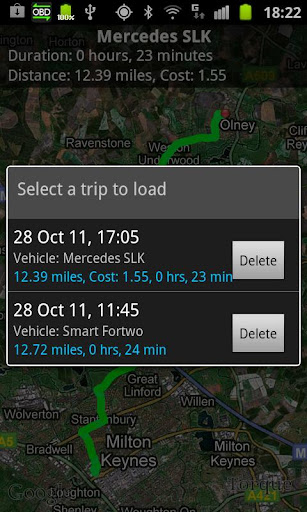
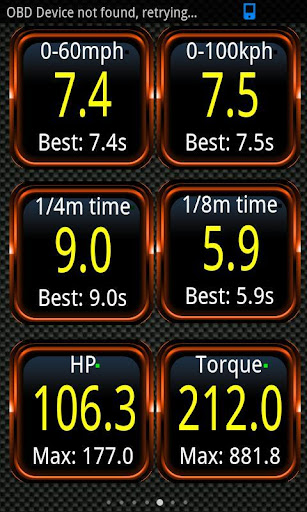
The app also offers advanced features like dyno testing, 0-60 speed timings, and GPS-tagged tracking logs, making it an invaluable tool for anyone looking to understand their vehicle's capabilities better. Its compatibility with a wide range of vehicles and devices ensures broad usability, while the active community forum provides ongoing support and feature requests.
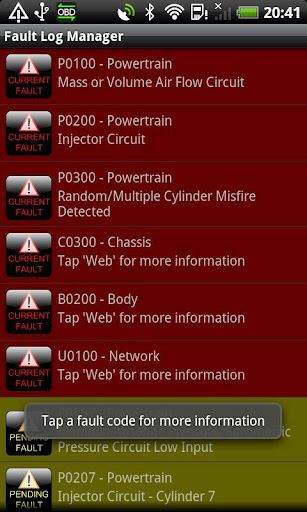
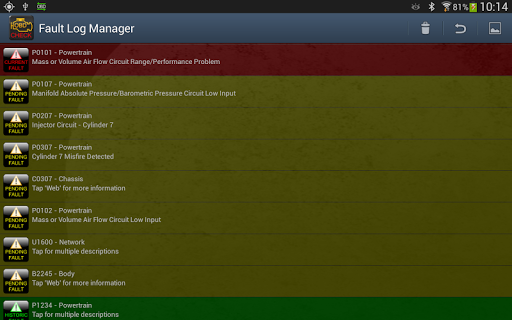
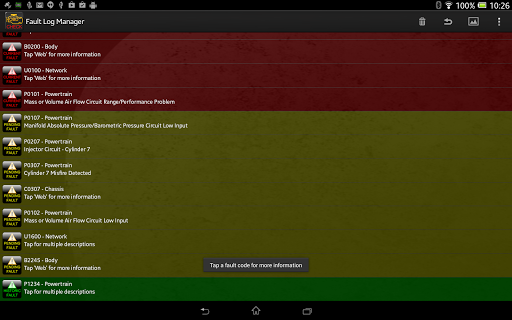
Torque Pro stands out with its extensive feature set tailored for automotive diagnostics and performance tracking. One of its key functionalities is the ability to read and clear DTCs (Diagnostic Trouble Codes), helping users address issues promptly and potentially saving on repair costs.
The app's dyno functionality calculates horsepower and torque, offering insights into your vehicle's true performance capabilities. Additionally, the 0-60 timing feature provides more accurate acceleration measurements compared to standard GPS-based methods, giving users precise data about their vehicle's speed.
Another notable aspect is the Track Recorder plugin, which allows users to video their journeys with overlaid OBD II data, creating a black box recorder for their vehicle. With theme support, graphing capabilities, and integration with third-party apps through AIDL API, Torque Pro delivers a versatile and powerful solution for vehicle monitoring and diagnostics.
User-friendly interface
Extensive feature set
Customizable dashboard
Real-time data monitoring
Wide vehicle compatibility
Requires separate OBD adapter
Some features vehicle-dependent
Potential Bluetooth connectivity issues
Advanced features may overwhelm beginners
Fault code database could be more comprehensive

Radio communication simulator for gaming communities
 4.1
4.1
فیلتر شکن قوی پرسرعت کلید جدید برای اندرویدسریع ترین وی پی ان برای همه اپراتورها
4.70
Adblock & VPN Browser: Blocks banners, pop-ups and video ads, fast downloader!
4.60
SMS & MMS Messaging App to easily send messages or schedule SMS on Chat
4.10
Google's fast and secure browser
4.10
Official NDI app: turn your phone into a professional live-streaming IP camera.
3.20
Call Blocker app: Identify unknown callers, block spam calls, fraud & robocalls
4.30
A softphone app with seamless SIP calling and an intuitive VoIP dialer
3.50
Get through your inbox faster with the mail app designed to simplify your life.
4.40
Welcome to the future of phone service.
4.60
Build your web browser around you with private search, and more.
4.60
Phone Dialer with Caller ID, Address Book & Contacts Manager.
4.30
Federated instant messaging for your mobile device (Jabber, XMPP, Snikket)
4.10
Messages: Fast, simple SMS app with scheduling and smart features.
4.00
Messages is Private SMS Messenger 2023 with text message, instant messaging.
4.00 3.90
3.90
Tether to Windows, OS X, Linux PCs or Android tablets. No root. No tether fees.
3.90
Call & Text Anywhere With A Canadian Number.
3.60
Chat on the Jabber network (XMPP protocol); support for SMS and other gateways
2.10


User Reveiws