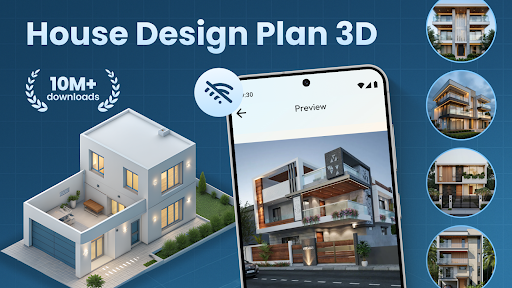

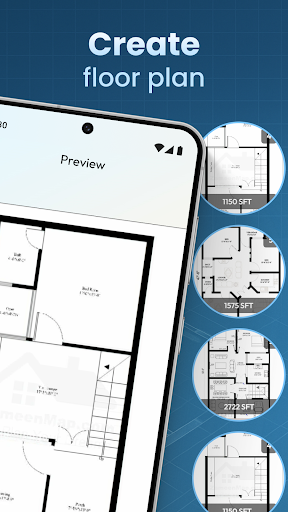
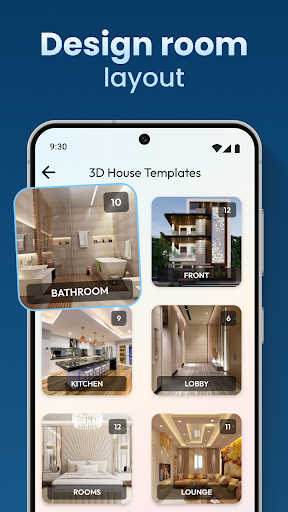
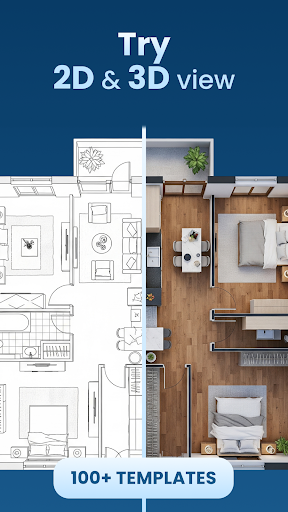
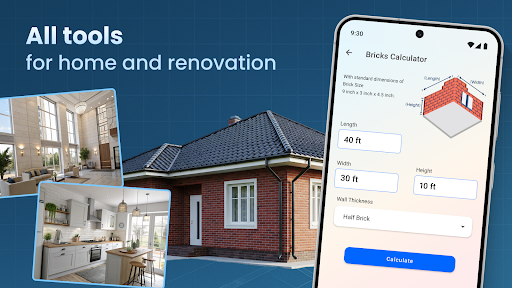
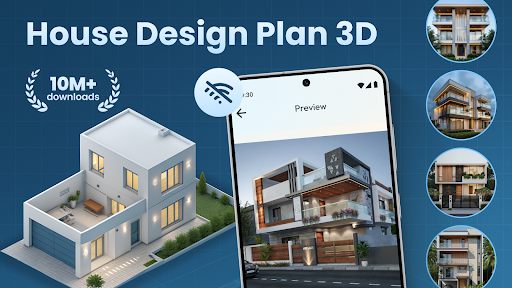
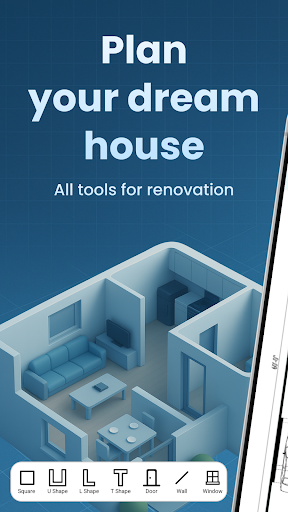
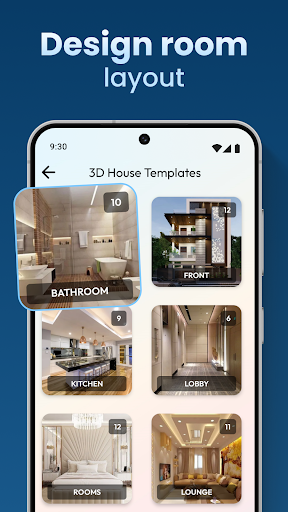
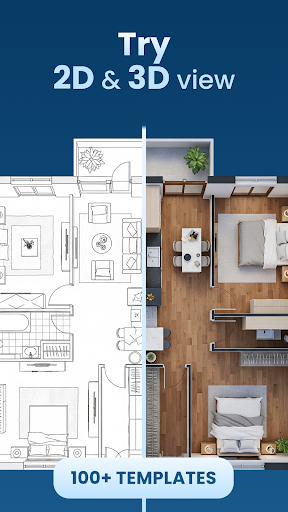
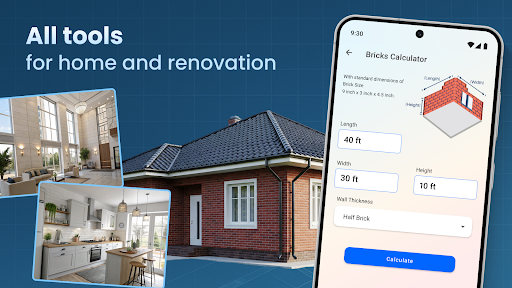
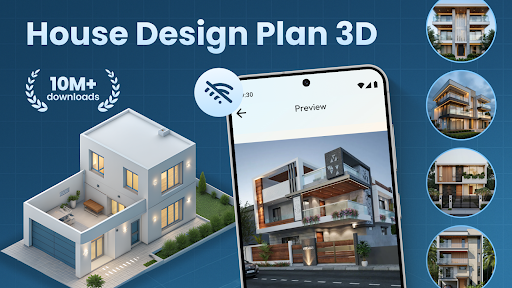
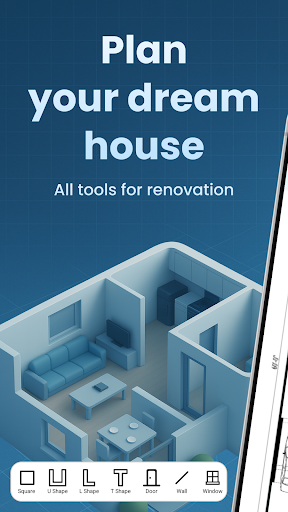
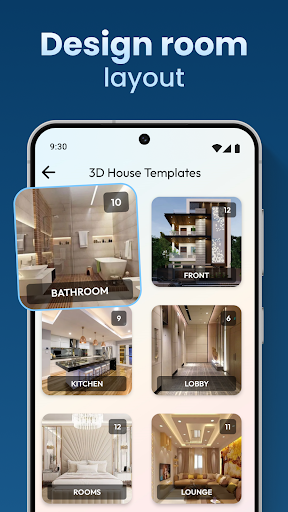
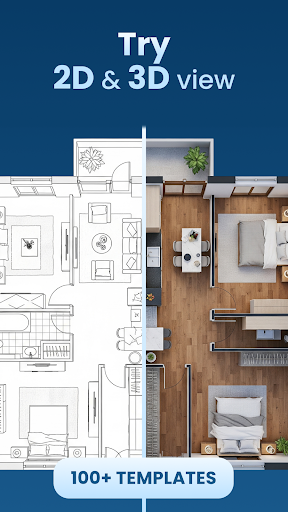
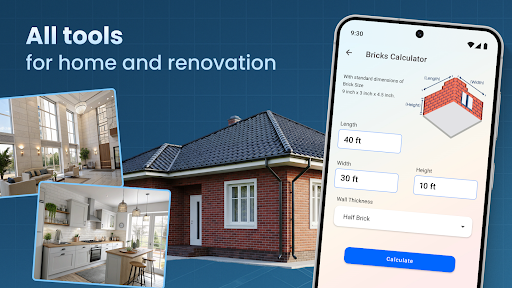
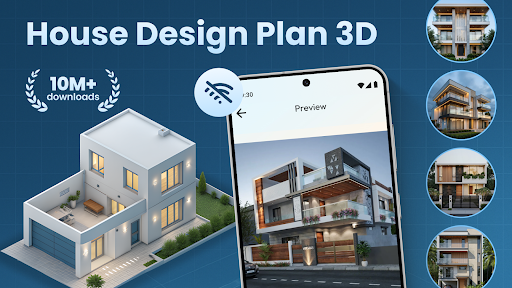

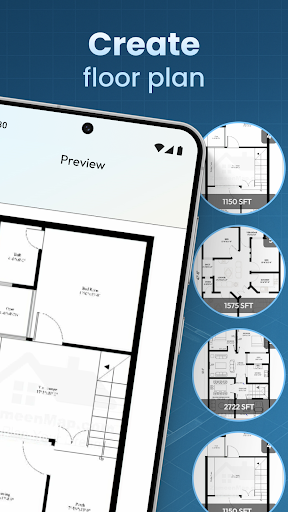
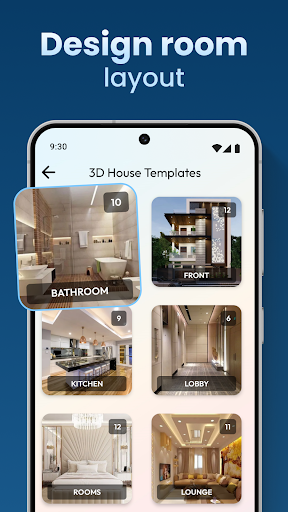
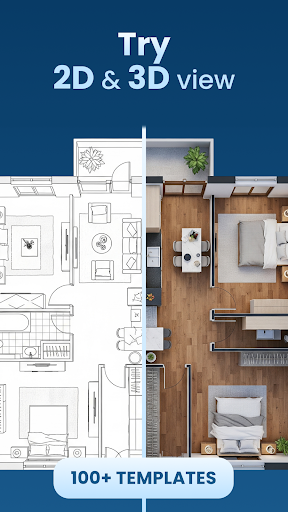
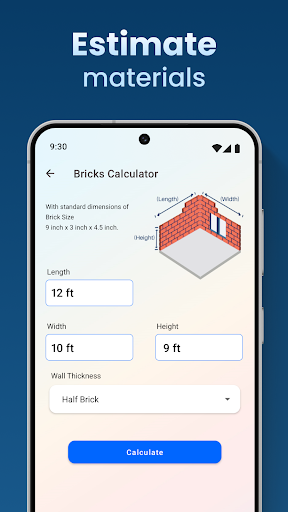
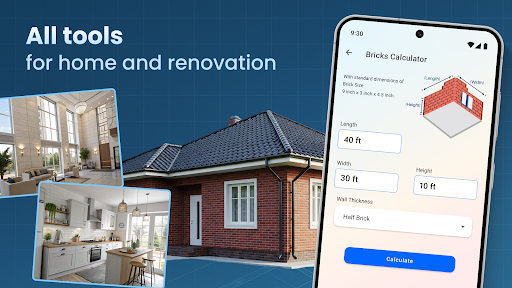
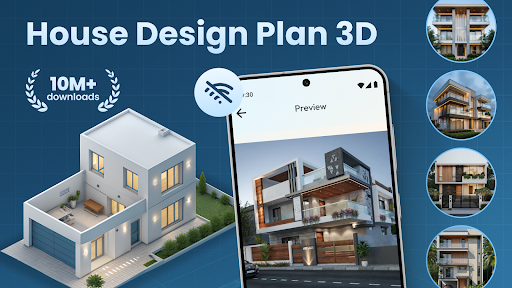
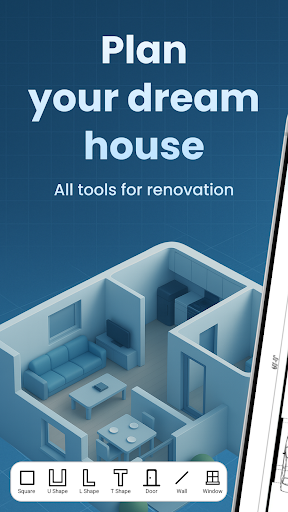
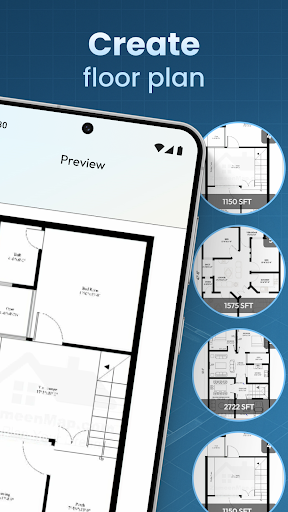

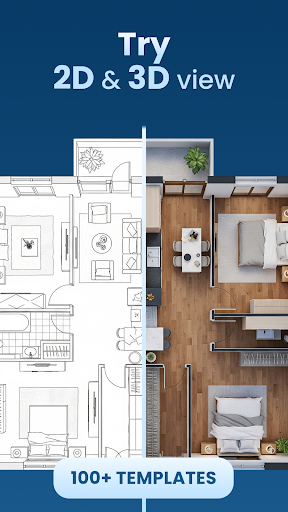
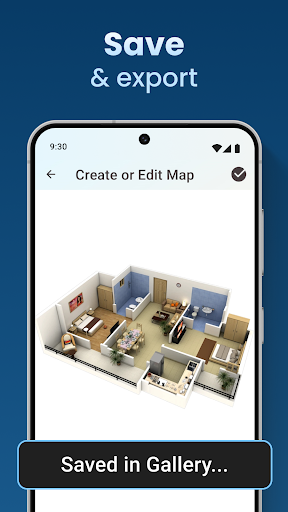
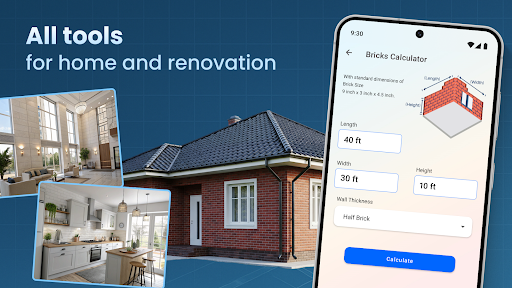
House Design Plan 3D App is a comprehensive home design tool that allows users to create detailed floor plans and visualize their dream homes in fully-rendered 3D. The app provides an intuitive drag-and-drop interface for designing room layouts, customizing interiors, and arranging furniture with precision. Whether you're a beginner or an experienced designer, this application offers the tools needed to craft professional-quality designs.
The app stands out with its real-time 3D visualization capabilities, enabling users to view every detail of their design choices, from wall textures to lighting effects. It includes guided help features and pre-made design templates, making it accessible for new users while still offering advanced options for seasoned designers. With its complete set of interior design tools, users can experiment with different color schemes, furniture arrangements, and architectural elements.
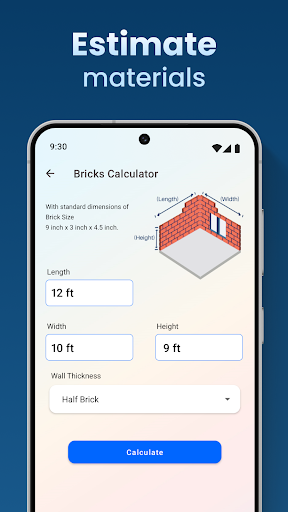
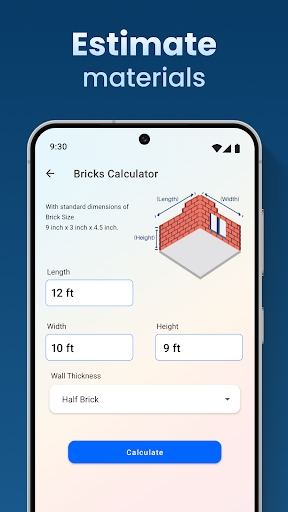
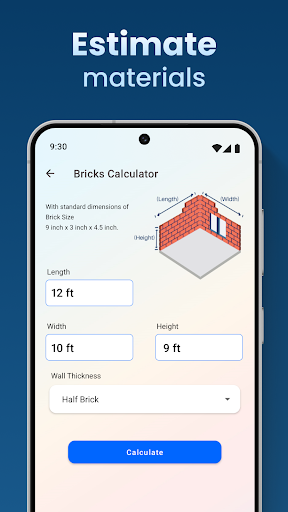
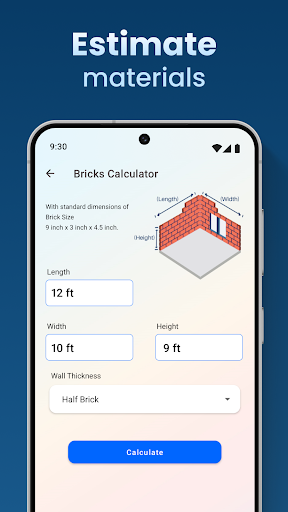
Ideal for homeowners planning renovations or professionals creating client presentations, House Design Plan 3D App bridges creativity and practicality. By providing accurate measurements and realistic previews, it ensures that your design ideas can be effectively translated into real-world construction projects.
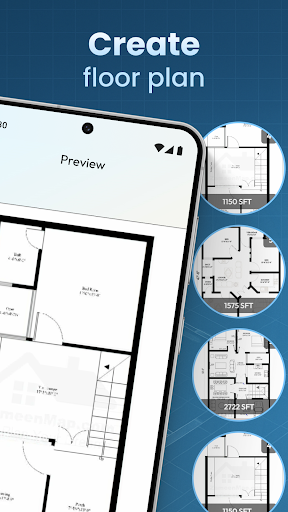
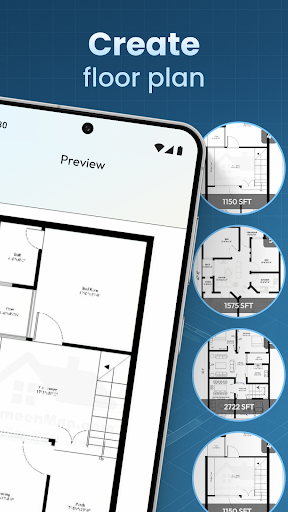
House Design Plan 3D App boasts an impressive array of features designed to streamline the home planning process. Its core functionality revolves around the creation of detailed floor plans using an intuitive drag-and-drop interface. Users can draw walls, partition rooms, and experiment with different layouts effortlessly. The real-time 3D rendering engine allows immediate visualization of every design choice, helping users make informed decisions about space utilization.
The app's customization options extend to every aspect of interior design. Through the Decorate House Designer feature, users can select from a wide range of furniture pieces, wall textures, flooring materials, and lighting fixtures. The Build A House: 3D Room Designer toolset provides step-by-step guidance while maintaining creative freedom. Advanced users will appreciate the Architecture Design: House Plans module, which supports complex multi-level designs and professional-grade blueprints.
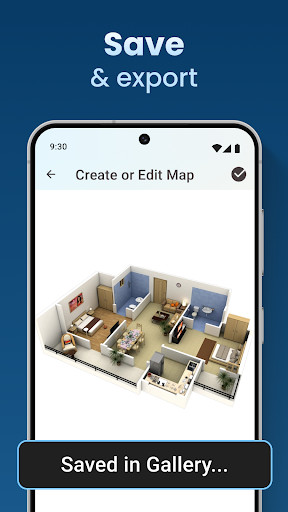
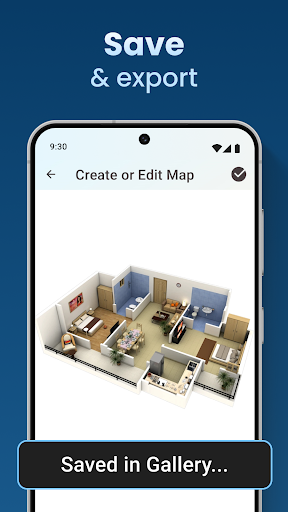
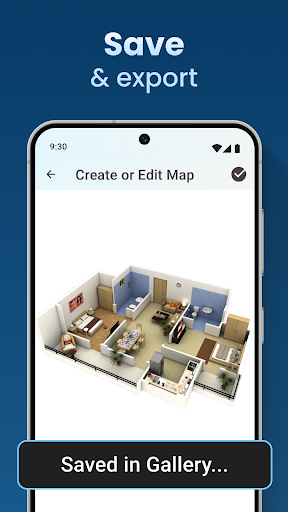
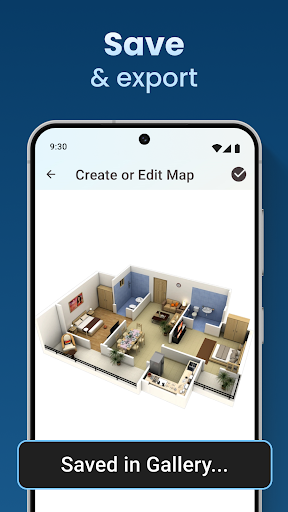
Additional features include project saving and preview capabilities through Home Builder Decoration App integration, ensuring work continuity across sessions. The app also incorporates learning elements, allowing users to develop their design skills progressively. These comprehensive tools make House Design Plan 3D App suitable for both personal home planning and professional design work.
User-friendly interface
Real-time 3D visualization
Extensive customization options
Guided design assistance
Cross-session project saving
Steep learning curve
Advanced features costly
Occasional performance issues
Limited free templates
High system requirements

Technology powering many in-home services for residents across the United States
 3.80
3.80
This Fire TV Remote control's your Fire TV Device and Insignia Fire TV Remote
3.70
AI-powered home design, interior design, home decor, and room design solutions
4.50
SmartRent - Opening Doors To A Smarter World
4.40
Control your Vivint Smart Home with the next generation Vivint App.
4.30
Search for Homes, Rentals, Agents & Schools
4.70
Turn old phones into security cameras, baby monitors, pet cams, and more.
4.70
An easier way to make payments and maintenance requests from anywhere.
3.50
Set up your devices, customize settings, and monitor your home—from anywhere
4.40
Connect with reliable pros for maintenance services, plumbing, and home design!
4.80
Download today to join the community to help bring lost pets home faster.
4.70
Plants, Beauty, Collectibles
4.60
Night Owl Protect helps you secure, protect, and connect your world!
4.60
Your guide to apartments & rental homes. Find your next place to rent with AG.
4.60
Rent on-the-go with TurboTenant’s app made just for renters
4.50
The only mappable smart lights for custom decoration.
4.50
3D House Design and AI Room Planner - from floor plans to full interior design.
4.40
Fully control your Philips TV with this all-in-one remote control app.
4.20
Find the perfect paint color with advanced tools to explore and visualize color.
3.80


User Reveiws