
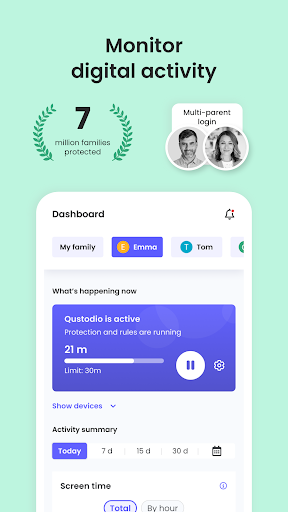
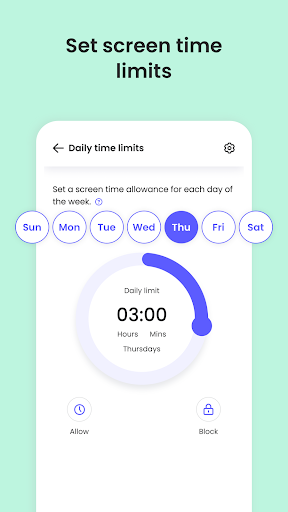

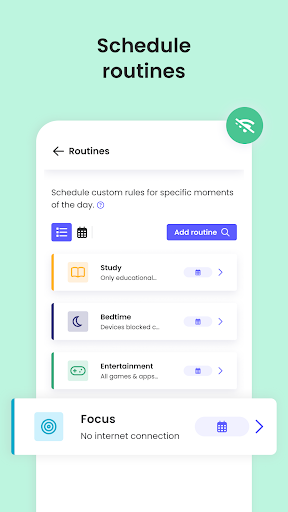

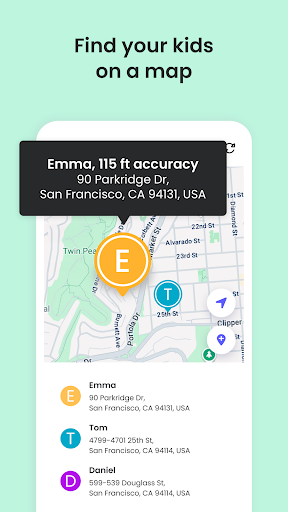

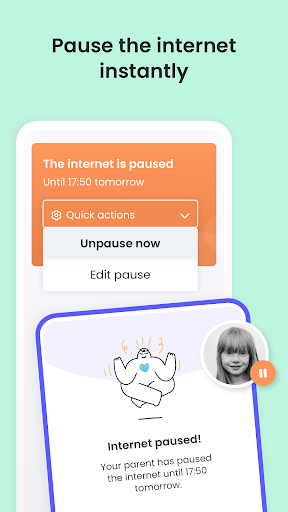
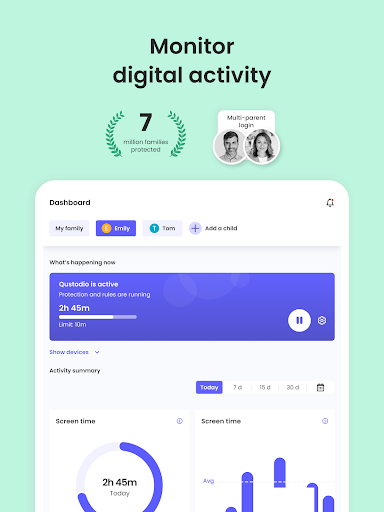
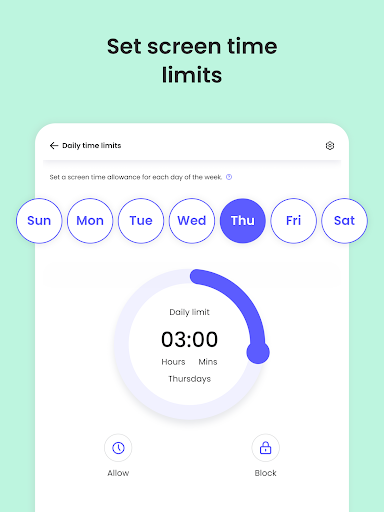
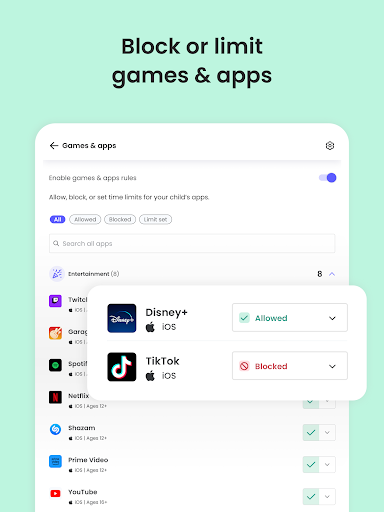
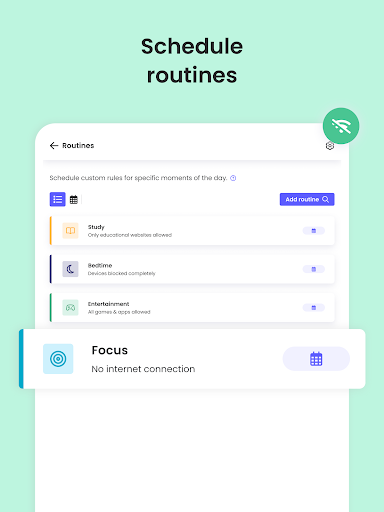
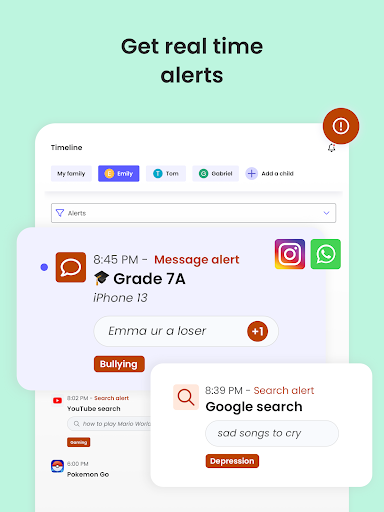
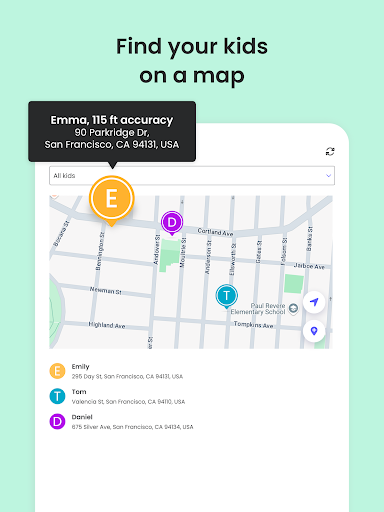
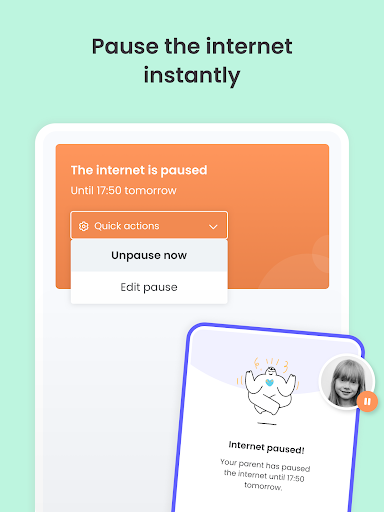
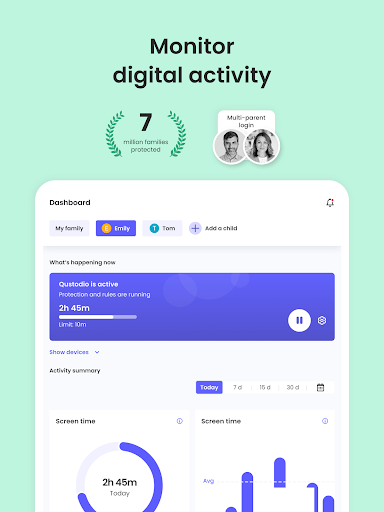
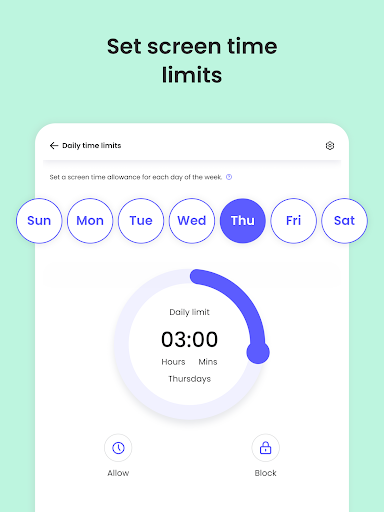

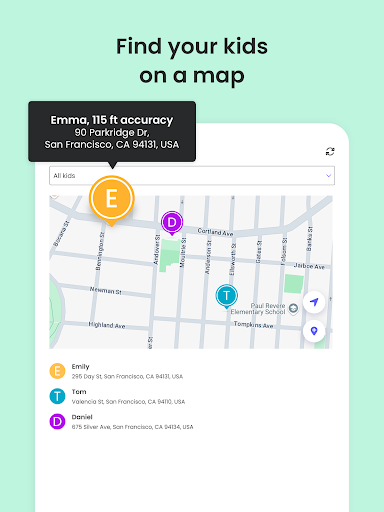
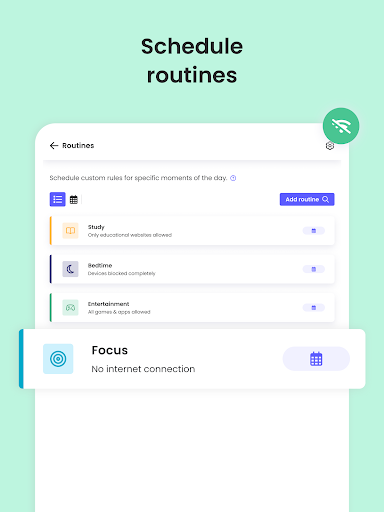
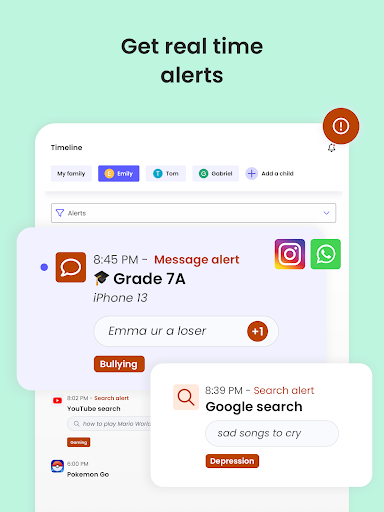
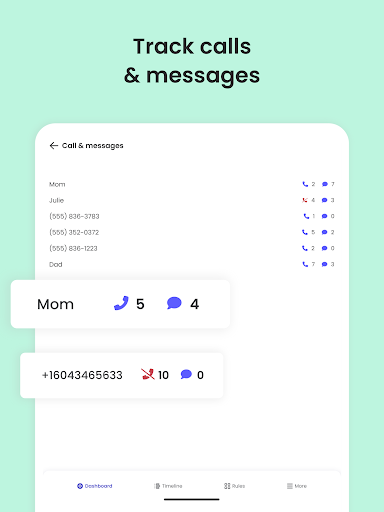
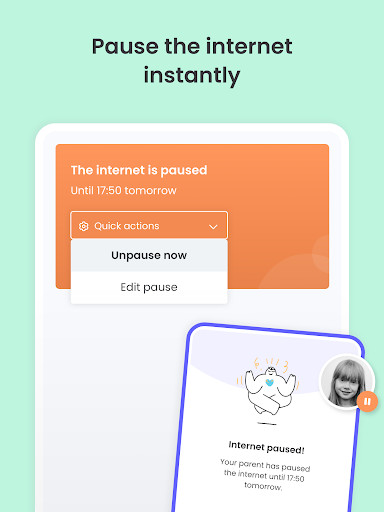
Qustodio Parental Control App is a comprehensive digital parenting solution that helps parents manage their children's screen time and online safety. The app offers features such as setting daily screen time limits, blocking inappropriate apps and websites, and providing AI-powered alerts for suspicious online activities. It also includes a family locator function that uses GPS to track the child's location.
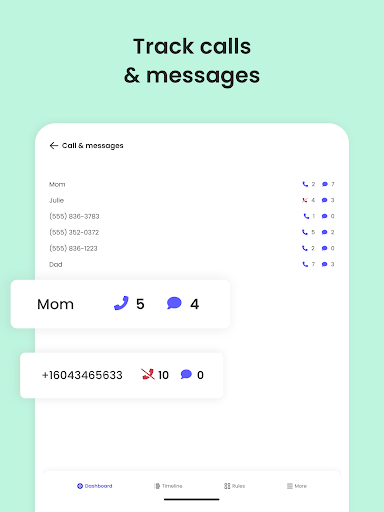
This parental control tool stands out with its ability to monitor social media platforms like WhatsApp, Instagram, and Line, while offering detailed activity reports. Parents can protect their children from harmful content by filtering out games, pornographic material, and gambling sites. With support for multiple platforms including Android, iOS, and Kindle, Qustodio ensures a consistent protection layer across all devices.
The app's value lies in its holistic approach to digital parenting, combining screen time management, content filtering, and location tracking into one easy-to-use platform. This makes it an essential tool for modern parents looking to create a safer digital environment for their children while nurturing healthy tech habits.
Qustodio Parental Control App boasts an impressive array of features designed to give parents complete control over their children's digital experiences. One of its standout capabilities is the automatic screen time limitation feature, which disables devices after the allocated time has expired. This helps establish healthy boundaries around technology use.
The app's AI-powered monitoring system provides real-time alerts about potentially dangerous online behavior, including suspicious search queries and harmful messages across various platforms. Its sophisticated content filtering system allows parents to block inappropriate websites and applications while enforcing safe search protocols across all major search engines. Additionally, the family locator feature offers precise GPS tracking, enabling parents to monitor their children's whereabouts in real time.
What sets Qustodio apart is its comprehensive reporting system, delivering detailed 30-day activity logs alongside customizable daily and weekly summaries. The app also supports co-parenting arrangements through its supervision sharing feature, allowing multiple guardians to collaborate in protecting their children's digital well-being.
Comprehensive protection
Multi-platform support
AI-powered alerts
Detailed activity reports
Real-time location tracking
Premium features locked
Complex setup process
Requires companion app
Limited free version
Resource intensive

All-In-One Pregnancy Tracker, Your Baby's Milestones, Growth Stages & Parenting
 4.70
4.70
Little loved one's monitoring, Sleep tracking and Parenting content.
3.80
Magic chalkboard coloring and drawing!
4.20
Learn according to the age of your child and consult with other moms.
4.20
3D Baby size, Fruit comparisons, Smart Checklist, Trending Names & Training.
4.90
Kids story books for children. Baby reading books with audio for pre-k toddlers
4.70
Watching baby, helping parents
4.10
SemLog aims to raise awareness among families and their children
3.40
It is a screen time management tool for games and mobile applications
4.50
A simple way to track your baby’s breastfeeding, diaper changes, sleep patterns.
4.90
Track your labor contractions
4.90
Daily Routine & Timer for kids, ADHD, & Autism
4.80
Track Pregnancy, Baby Feeding, Sleep, Diaper Changes, Postpartum Health & More!
4.80
Parental control App for Location, Remote Camera, Screen Mirroring, Block Apps.
4.60
Reliable phone tracker by number & locate phone app. Protect your family.
4.50
All-in-one pregnancy app, contraction timer, kick counter & due date calculator
4.40
FamilyMode helps you manage your family’s digital lives—at home or on the go.
4.30
Family parental control app: limit screen time, block apps, GPS tracker.
4.20
The Baby’s Bounty App is your hub to register for our diaper banks in Nevada
3.70


User Reveiws