

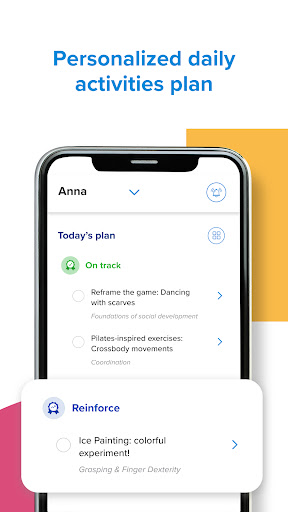
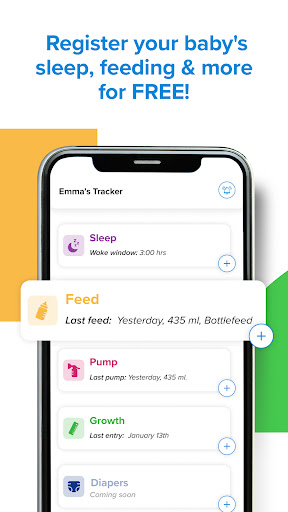
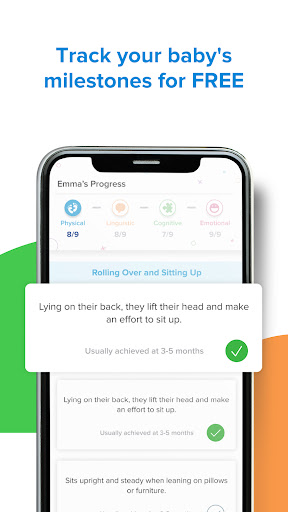
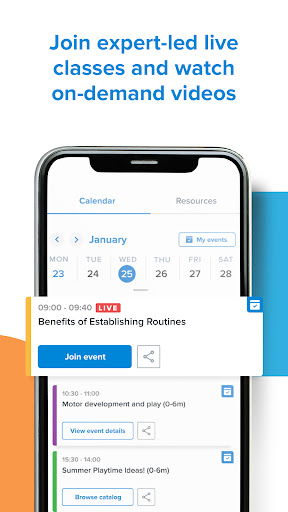
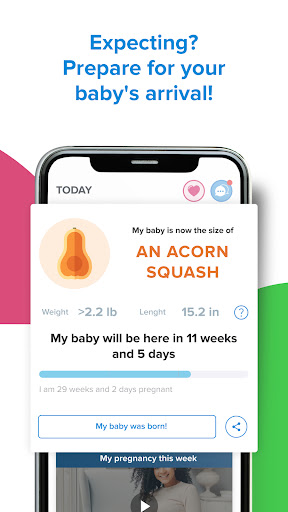
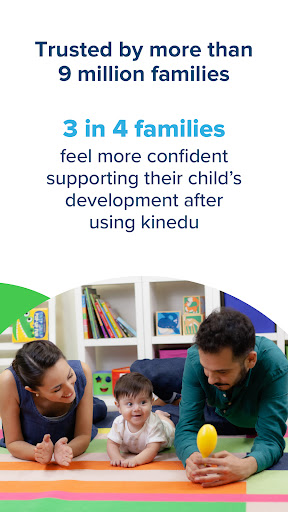
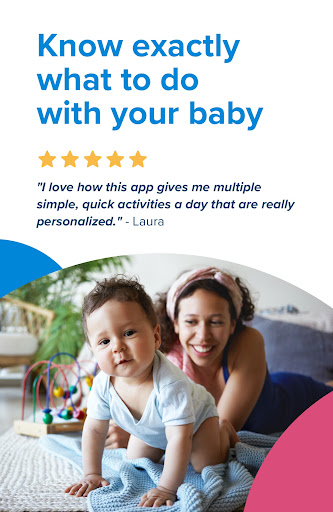
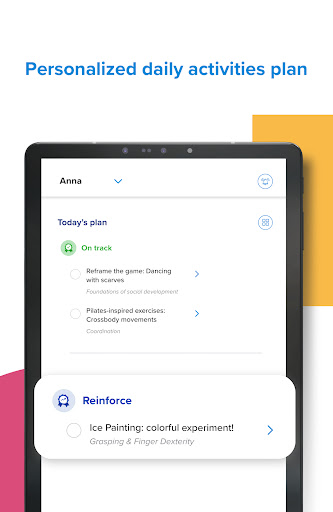
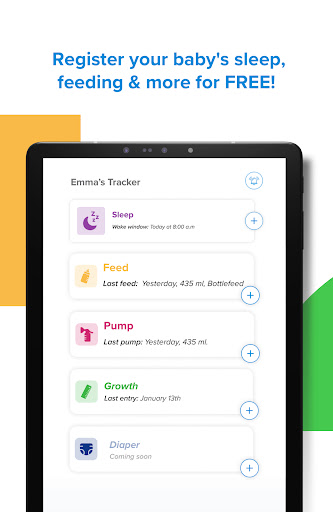
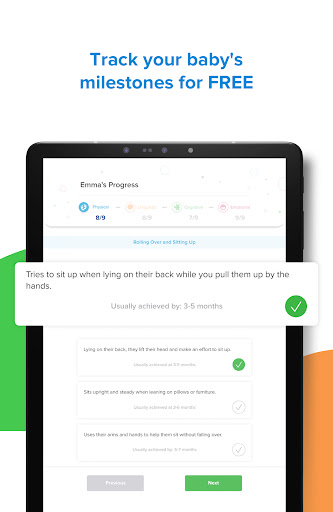
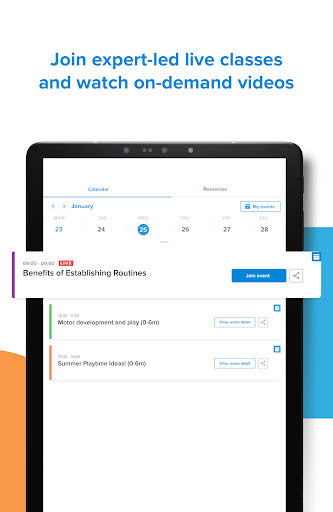
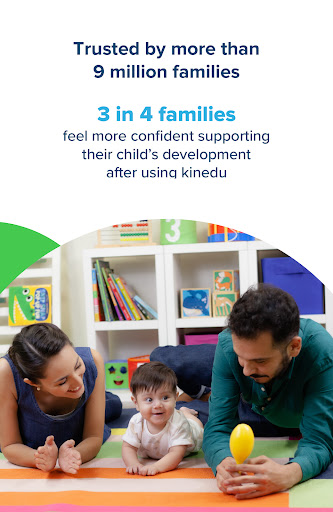

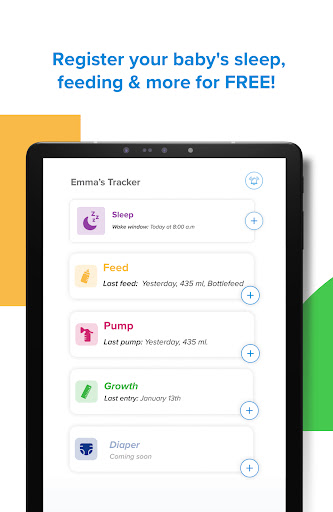

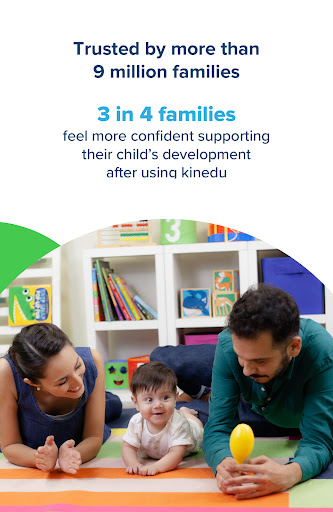
Kinedu is a comprehensive parenting app designed to support families from pregnancy through early childhood. Trusted by over 9 million parents and recommended by pediatricians, this app provides personalized daily plans based on your child's developmental stage or pregnancy phase. The app offers customized activities developed in partnership with Stanford University, developmental milestone tracking, expert-led classes, and a baby tracker for monitoring sleep, feeding, and growth.
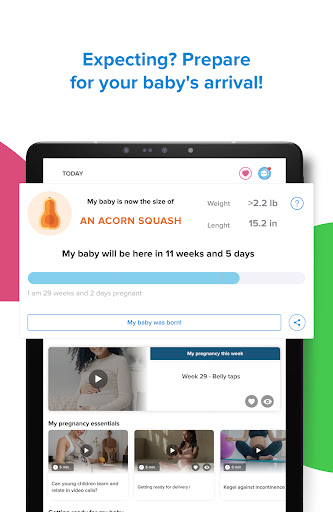
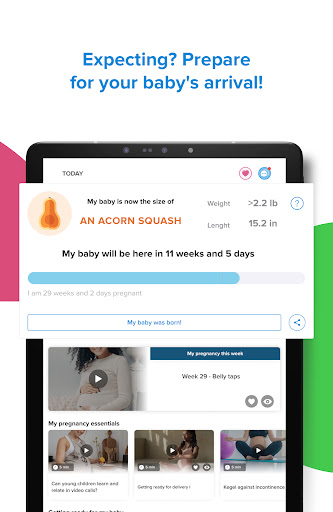
What sets Kinedu apart is its holistic approach to child development. The app not only supports parents with newborns and young children but also guides expecting mothers through their pregnancy journey. Users can access a rich library of resources including articles, videos, and live sessions with experts. With both free and premium subscription options, Kinedu ensures that every family has access to essential tools for fostering their child's growth and development.
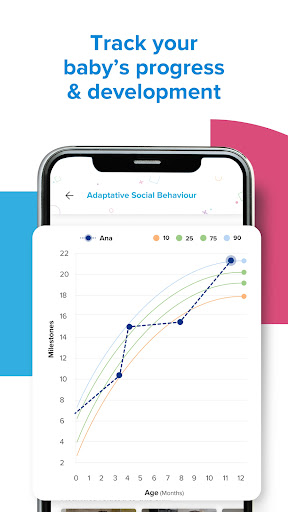
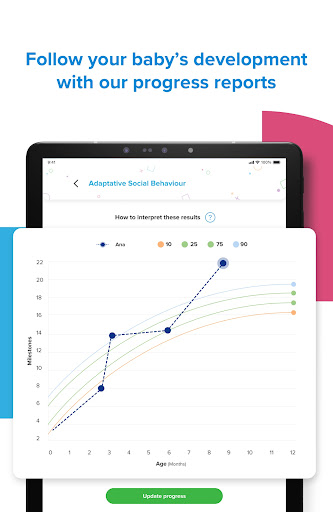
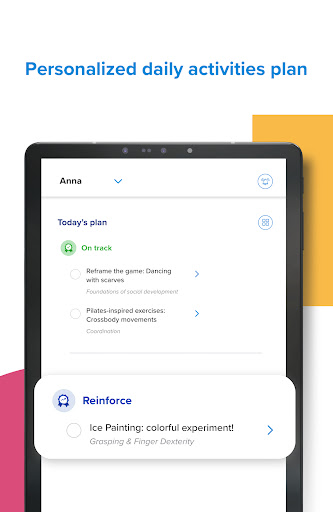
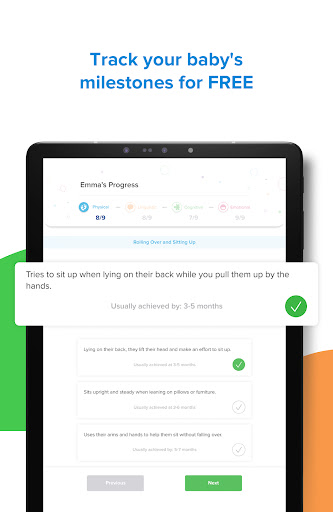
Kinedu stands out with its unique combination of features tailored for modern parenting needs. The app's personalized content engine creates daily activity plans specific to each child's developmental stage or the mother's pregnancy phase. These activities are designed to stimulate key developmental skills at the right time, ensuring optimal growth. Additionally, the Progress tab allows parents to track milestones across four key areas of development, providing detailed reports similar to those used by pediatricians.
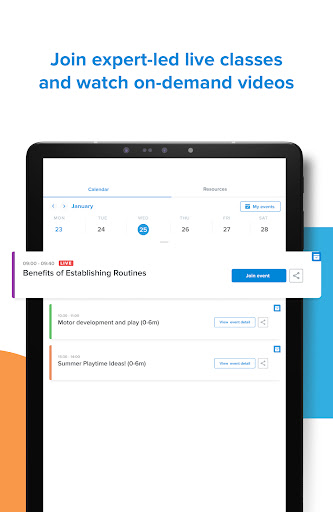
The app also includes a robust learning component with live and pre-recorded expert classes covering topics from prenatal care to positive parenting techniques. Another notable feature is Ana, the AI assistant available to premium subscribers, who can answer unlimited questions about child development. The app's social features enable parents to connect with other families, creating a supportive community for sharing experiences and advice throughout their parenting journey.
User-friendly interface
Expert-developed content
Comprehensive tracking tools
Live expert sessions
AI-powered assistance
Premium subscription required
Limited free content
Internet connection needed
Occasional app crashes
Steep learning curve

Daily Routine & Timer for kids, ADHD, & Autism
 4.80
4.80
Discover fun videos, kids songs, bedtime stories and games
3.60
Family GPS locator app — child location tracker. GPS kids tracker, family safety
4.70
Real-time family location with consent, check-ins & SOS—private by default.
4.40
3D Baby size, Fruit comparisons, Smart Checklist, Trending Names & Training.
4.90
Affirmations | Stories | Bible
4.10
Lullabies, Night Light & Age-based Routines to help your baby fall asleep
4.5
Parental control: child monitoring app, screen time control, GPS child tracker
4.40
FamilyAlbum helps you share, save, and remember your child's special moments.
4.80
Track Pregnancy, Baby Feeding, Sleep, Diaper Changes, Postpartum Health & More!
4.80
Pinardin - Smart Parental Control, Online Safety & GPS Tracking!
4.80
Track your pregnancy, kick & contraction counter, baby & mom's heartrate monitor
4.60
Live Location, Alerts & 2-Way Voice for Kids and Adults with Special Needs
4.60
Reliable phone tracker by number & locate phone app. Protect your family.
4.50
App/Game blocker & GPS tracker
4.50
Magic chalkboard coloring and drawing!
4.20
Keep Your Family Safe with Pollog Family Assistants
4.10
The Baby’s Bounty App is your hub to register for our diaper banks in Nevada
3.70
Happiest Baby App replaces the SNOO App (the mobile companion to SNOO & SNOObie)
3.20


User Reveiws