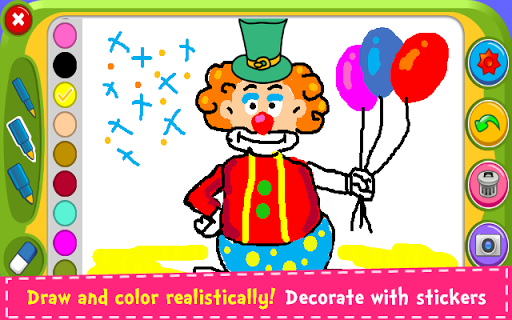
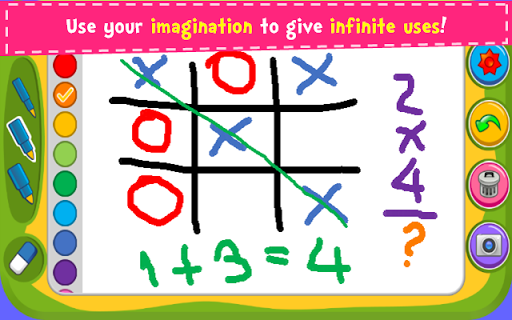
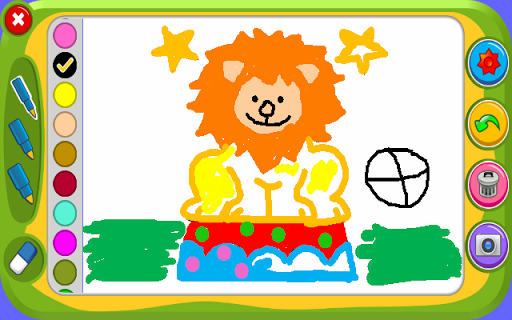
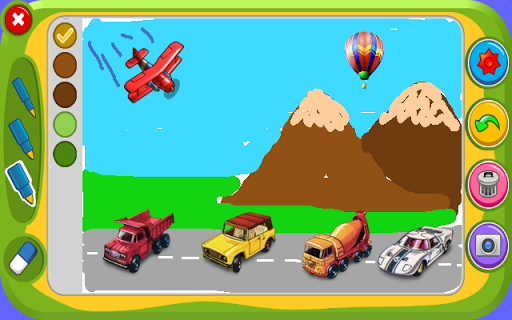
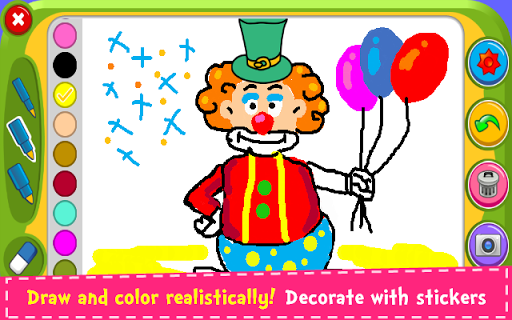
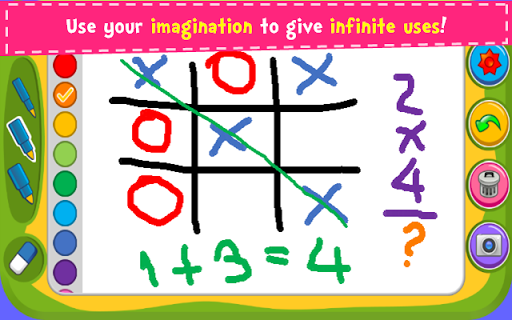
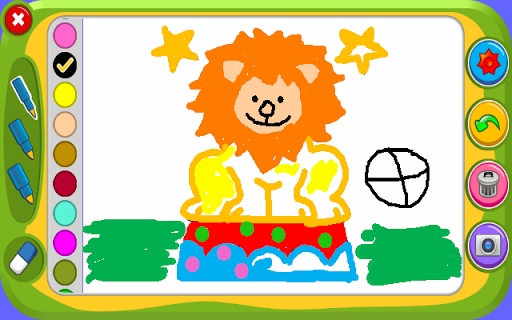
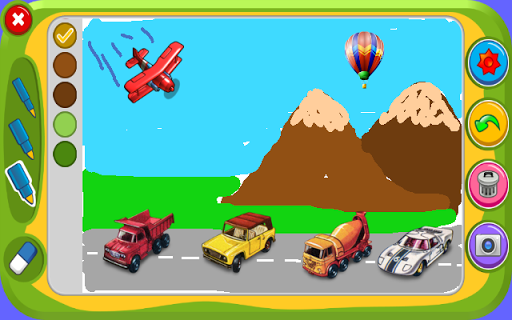
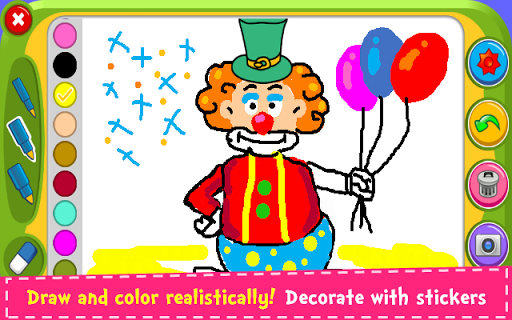


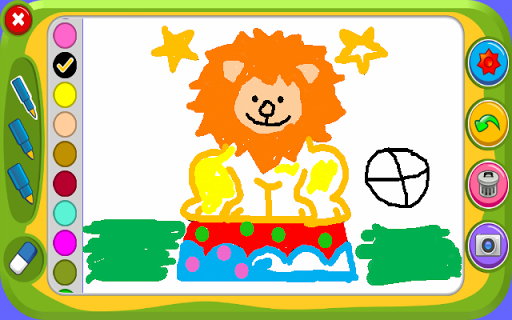
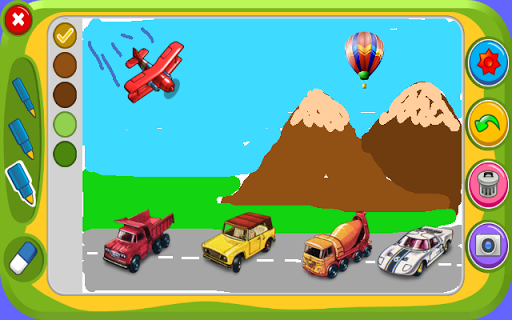
Magic Board is an engaging drawing and coloring game designed for users of all ages. This app allows you to express your artistic talents by providing a realistic drawing experience with various pencil strokes and colors. It promotes creativity, concentration, and fine motor skills, making it especially beneficial for children's development.
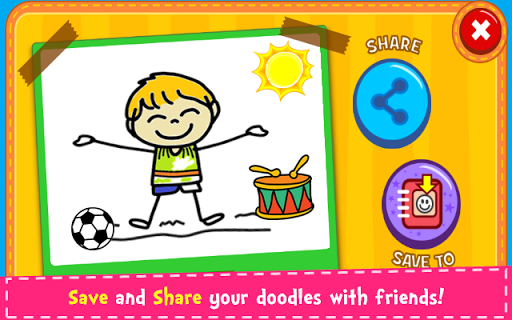
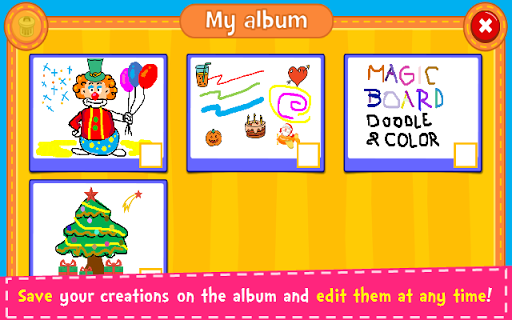
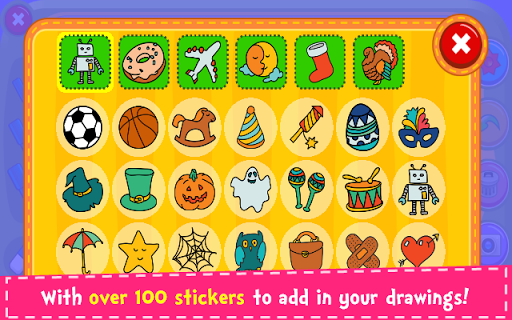
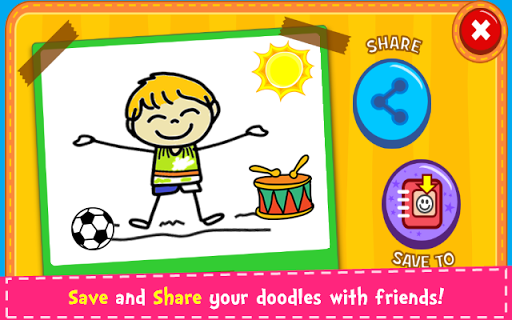
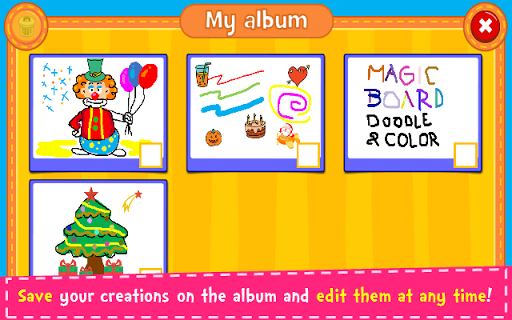
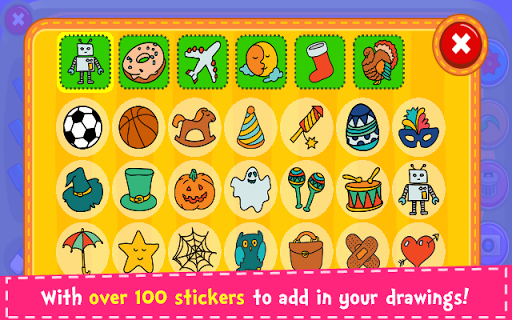
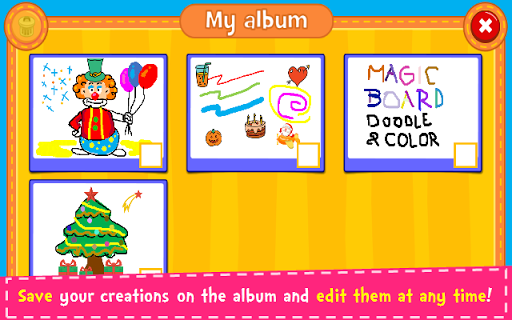
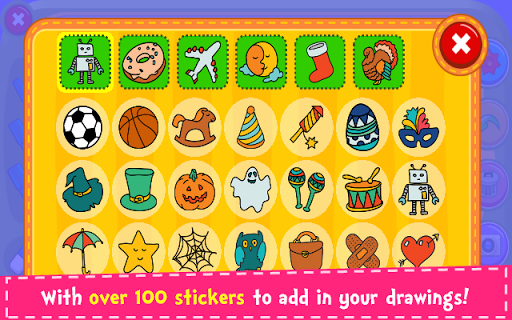
With over 100 stickers available, users can decorate their artwork and save their creations in an in-app album for future editing. Sharing these doodles is made easy through social media platforms like Facebook and Instagram, as well as messaging apps such as WhatsApp. Magic Board offers a simple, intuitive design that works seamlessly across smartphones and tablets, ensuring accessibility and ease of use for everyone.
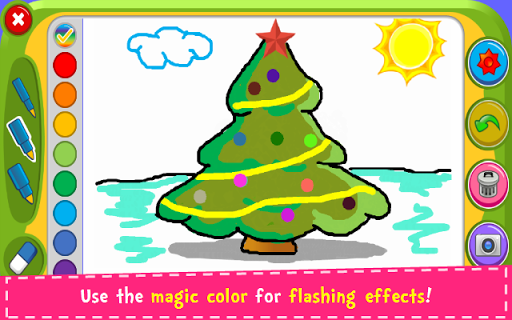
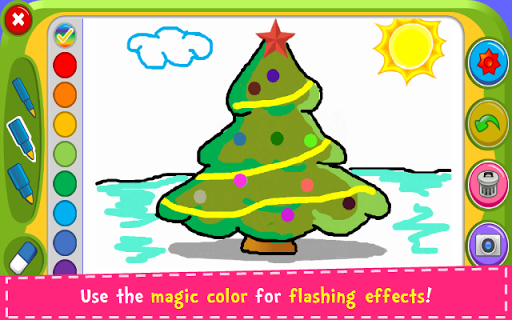
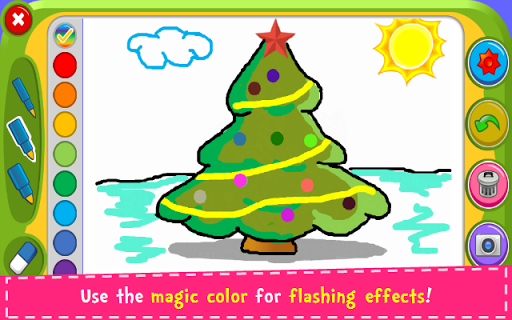
Magic Board stands out with its rich feature set tailored for an optimal creative experience. The app provides a dynamic color palette with a flash effect, generating endless bright colors for vibrant drawings. Users can choose from different pencil strokes and enjoy the flexibility of an eraser function, 'Undo' option, and 'Clear All' feature to refine their artwork.
All content within the app is 100% free, including support for both English and Spanish languages, which broadens its user base. The inclusion of over 100 adorable stickers adds a layer of fun to decorating paintings. Additionally, Magic Board ensures convenience by allowing users to save, edit, and share their drawings effortlessly, enhancing the overall user engagement and satisfaction.
User-friendly interface
Free content
Variety of tools
Multi-language support
Fun and educational
Limited advanced features
No offline mode
Ads may be present
Basic design
Occasional bugs

GPS phone tracker: find kids on map. Location tracking and parental control.
 4.50
4.50
Educational resource for parents to inspire creativity in their children.
4.00
Cherish every beat - capture your baby's heart sounds with our app
4.30
Keep Your Family Safe with Pollog Family Assistants
4.10
Play activities, milestones, expert-led classes, baby tracker, and more!
3.00
Watching baby, helping parents
4.10
Save money on diapers. Get the Pampers Rewards app.
3.90
Screen Time, App and Web Block & Monitoring, Location Tracker
3.60
GPS tracker app: Simple GPS phone tracker for fast family location tracking
4.60
A simple way to track your baby’s breastfeeding, diaper changes, sleep patterns.
4.90
Track your labor contractions
4.90
Track baby’s development & growth week by week with BabyCenter’s pregnancy app!
4.90
Introduce real food to baby with First Foods® Database, baby led weaning BLW
4.80
Real-time family location with consent, check-ins & SOS—private by default.
4.40
Speech Therapy Exercises For All!
4.40
FamilyMode helps you manage your family’s digital lives—at home or on the go.
4.30
Fake call application designed for parents and adults to discipline their children through the children's police.
4.20
The Baby’s Bounty App is your hub to register for our diaper banks in Nevada
3.70
SemLog aims to raise awareness among families and their children
3.40


User Reveiws