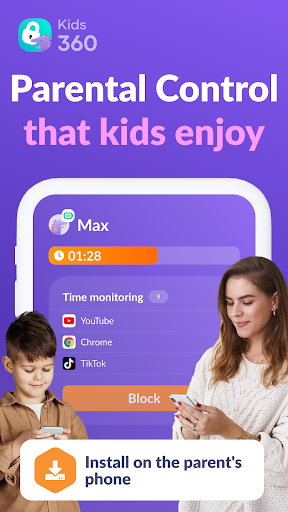

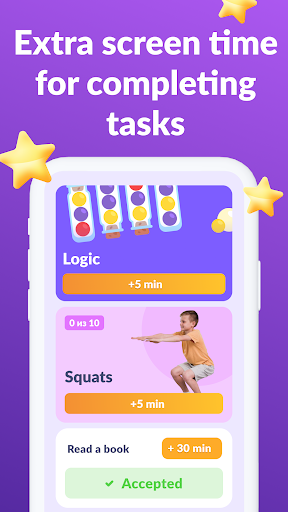

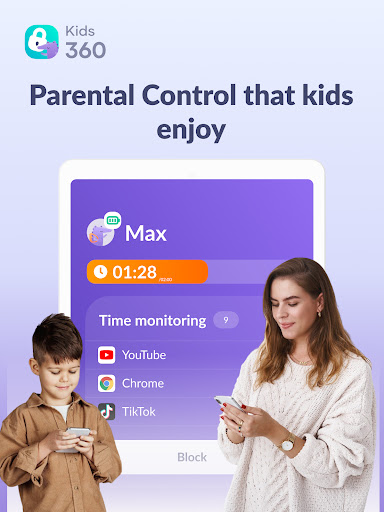
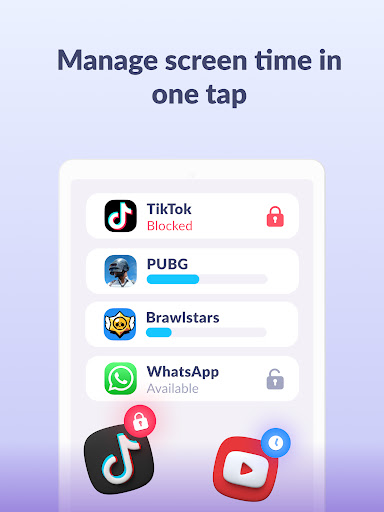
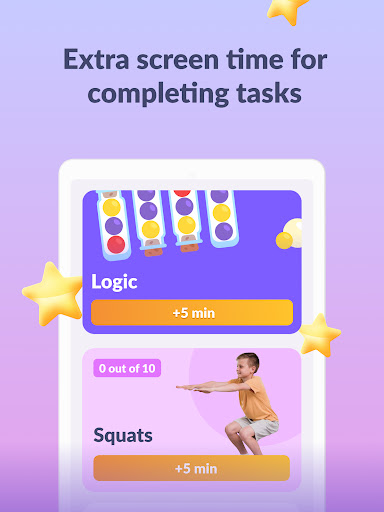
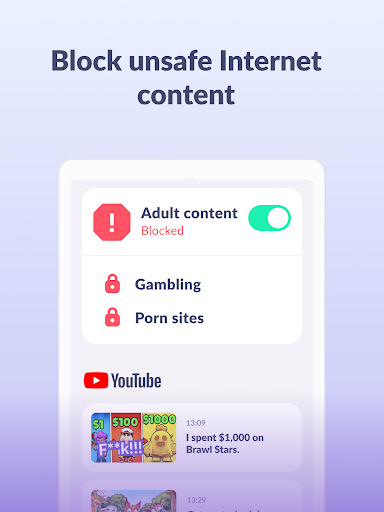
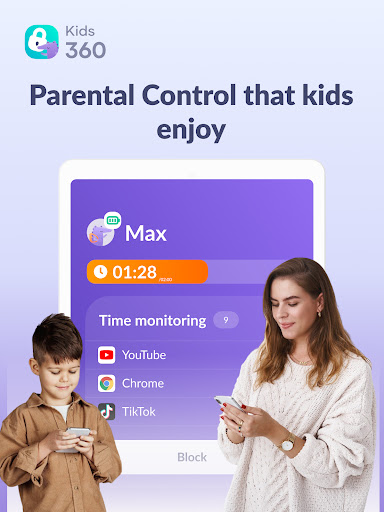
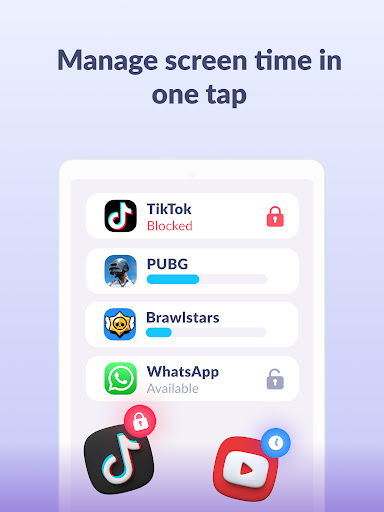
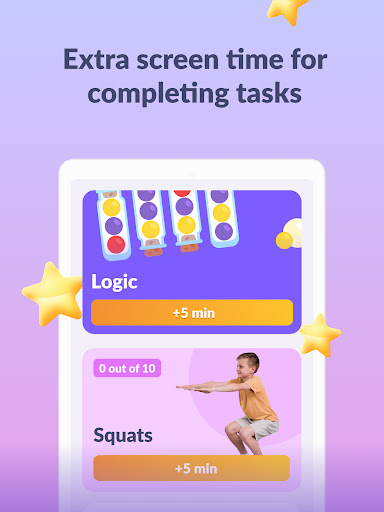
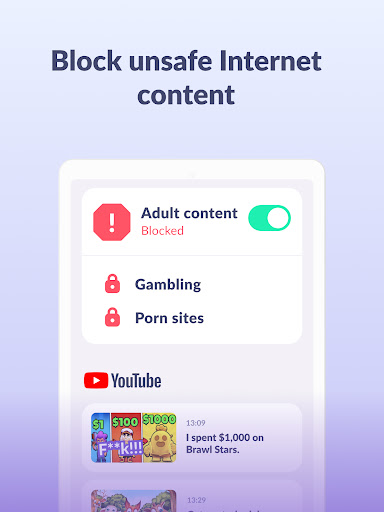
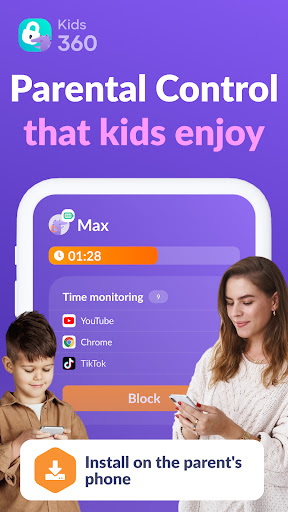
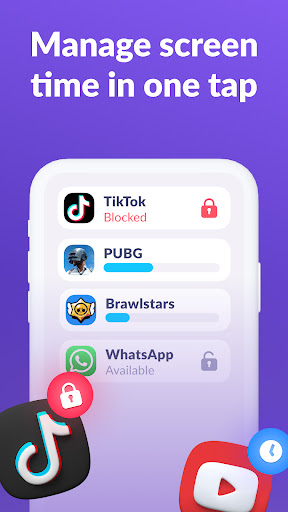
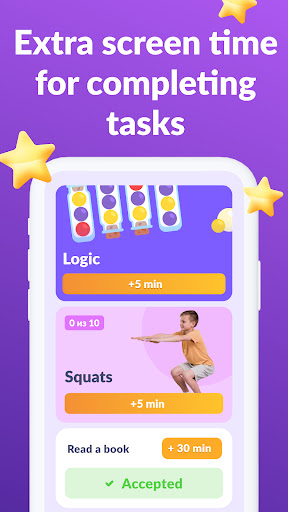


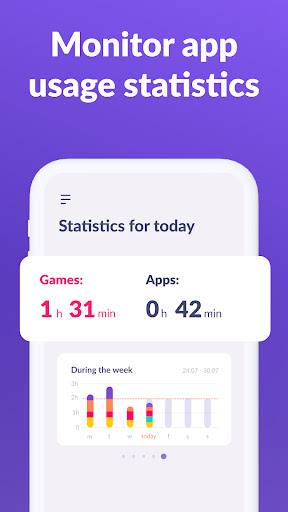
Kids360 is a comprehensive parental control app designed to help parents manage their children's device usage effectively. The application offers features such as screen time management, app blocking, and GPS tracking to ensure family safety. By setting specific time limits on distracting apps and games, parents can maintain a healthy balance between their child's online and offline life.
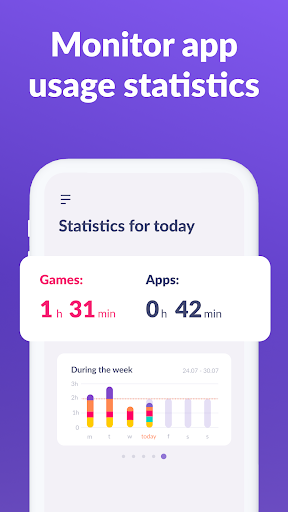
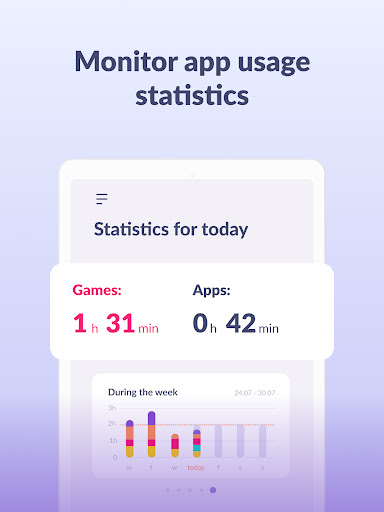
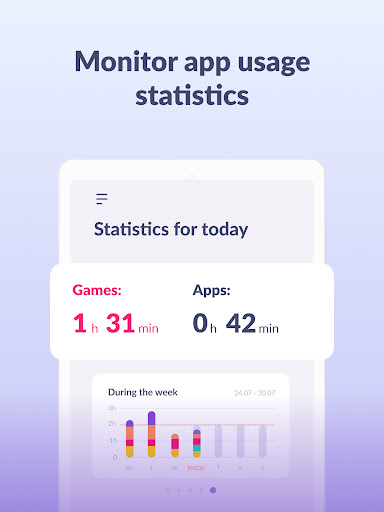
One of the key functionalities of Kids360 is its ability to track app usage statistics, providing insights into which applications children use most frequently and for how long. This feature allows parents to monitor their child's digital habits and make informed decisions about screen time allowances. Additionally, the app ensures essential communication channels remain accessible, maintaining a line of contact with your child at all times.
The true value of Kids360 lies in its dual-app system, working in tandem with Alli360 installed on the child's device. This setup enables real-time monitoring and control over the child’s smartphone activities, promoting responsible device usage while safeguarding their online presence. With GDPR compliance and transparent data handling policies, Kids360 prioritizes user privacy and security.
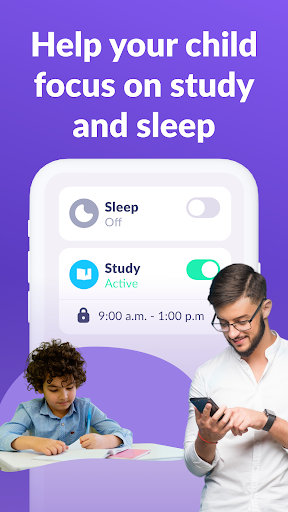
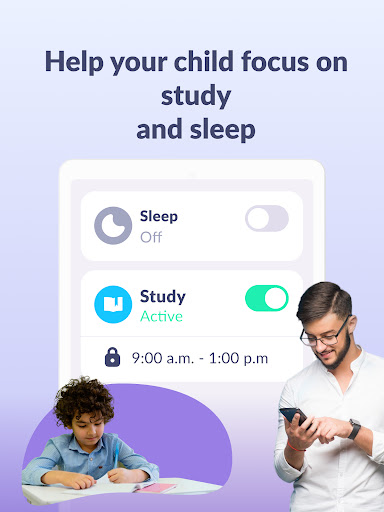
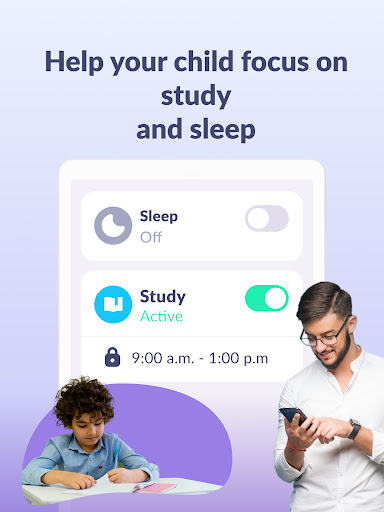
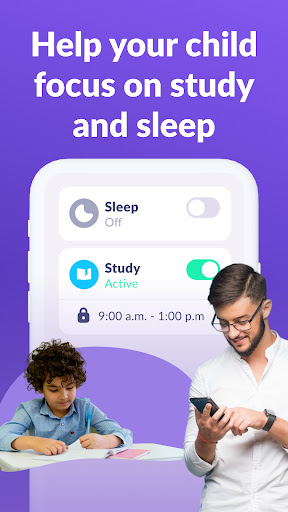
Kids360 stands out with its robust set of features tailored for modern parenting challenges. The app includes an app usage limiter that functions as a child lock, restricting access to distracting apps during designated times like school hours or bedtime. This helps establish a structured routine for children, enhancing productivity and ensuring adequate rest.
Another notable feature is the detailed usage schedule that allows parents to customize their child's daily routine. By defining specific time slots for educational activities, leisure, and sleep, parents can create a balanced lifestyle for their children. The app also provides comprehensive screen time analytics, showing exactly how much time is spent on each app, thus enabling better oversight and adjustment of usage patterns.
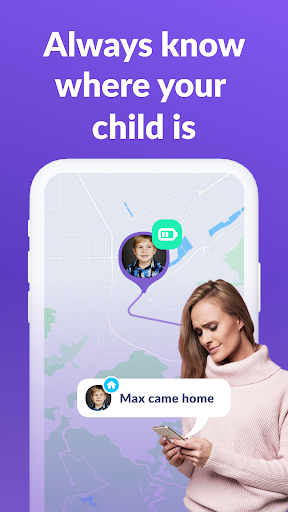
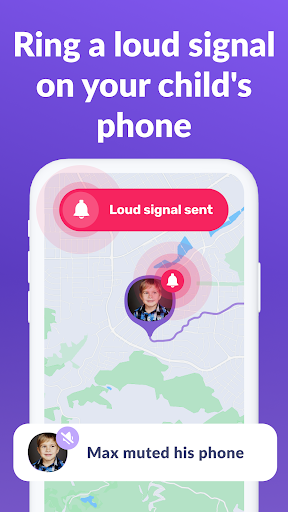
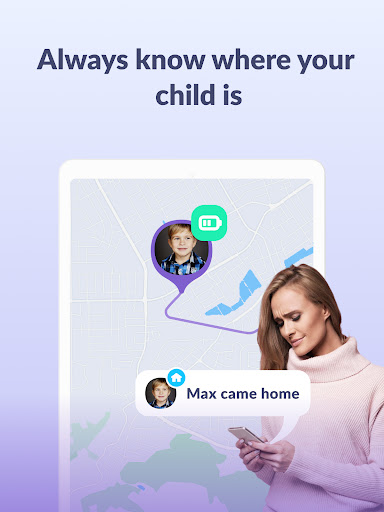
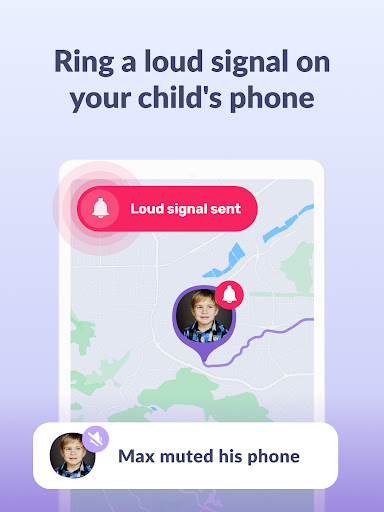
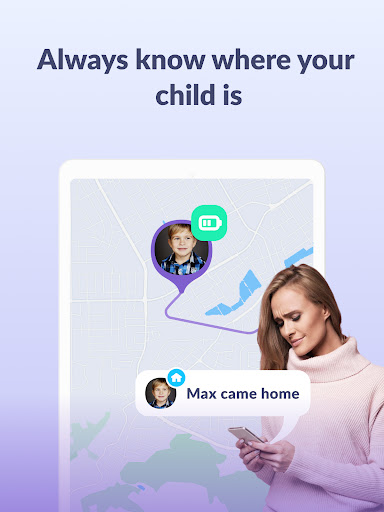
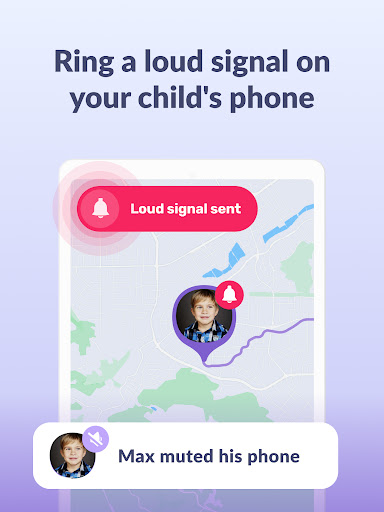
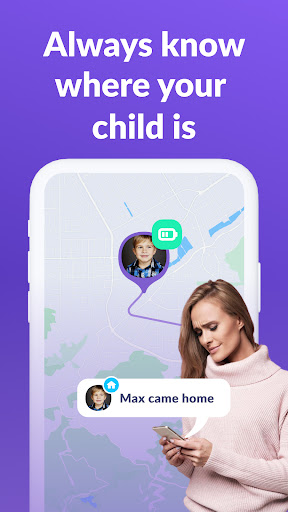
Kids360 further enhances family safety through its GPS tracking and app activity monitoring capabilities. Parents receive regular updates on their child's location and app usage trends, empowering them to take proactive measures if needed. These innovative tools not only protect children from potential online threats but also foster open communication between parents and kids regarding responsible technology use.
User-friendly interface
Effective screen time management
Comprehensive app usage tracking
Real-time GPS location updates
Transparent data privacy practices
Requires dual-app installation
Paid subscription for full features
Dependent on child's consent
Limited functionality without permissions
Potential resistance from tech-savvy kids

Family GPS locator app — child location tracker. GPS kids tracker, family safety
 4.70
4.70
Pregnancy and baby formula tips for moms, plus Enfamil coupons & cash back
4.10
Real-time family location with consent, check-ins & SOS—private by default.
4.40
Pinardin - Smart Parental Control, Online Safety & GPS Tracking!
4.80
Babysitting video camera - Turn your two phones or tablets into a single nanny.
4.40
Introduce real food to baby with First Foods® Database, baby led weaning BLW
4.80
GeoLog - Real-Time Location Tracker
4.40
Screen Time, App and Web Block & Monitoring, Location Tracker
3.60
GPS tracker app: Simple GPS phone tracker for fast family location tracking
4.60
A simple way to track your baby’s breastfeeding, diaper changes, sleep patterns.
4.90
Track your labor contractions
4.90
Daily Routine & Timer for kids, ADHD, & Autism
4.80
Pregnancy+ App has helped 80m moms track their pregnancy with info & support!
4.80
All-In-One Pregnancy Tracker, Your Baby's Milestones, Growth Stages & Parenting
4.70
GPS phone tracker: find kids on map. Location tracking and parental control.
4.50
Cherish every beat - capture your baby's heart sounds with our app
4.30
Watching baby, helping parents
4.10
Monitor screen time and build healthy habits with Family Safety
3.90
Play activities, milestones, expert-led classes, baby tracker, and more!
3.00


User Reveiws