


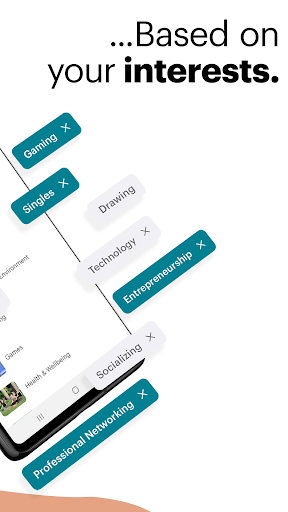

















Meetup is a dynamic social networking app that connects individuals with shared interests, both online and offline. With over 60 million members, it facilitates career networking, tech community discovery, personal branding, and hobby engagement. The app's core function is to help users find like-minded people through a vast network of 330,000 groups, spanning diverse activities from tech conferences to yoga classes.
The app stands out by offering tools for creating and joining events, participating in discussions, and building communities around specific interests. Whether you're looking to expand your professional network or simply make new friends who share your passions, Meetup provides the platform to do so. Its value lies in fostering meaningful connections and facilitating engaging experiences across various interest categories.
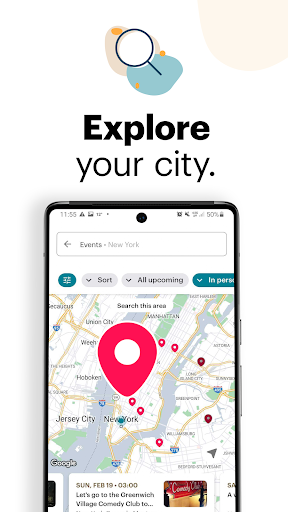
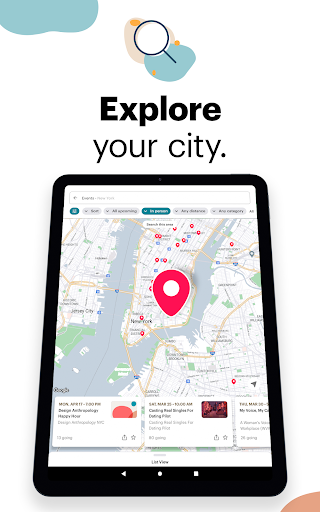
Meetup offers an array of features designed to enhance user interaction and community building. Users can discover local and online events by category, keyword search, or popularity in their area using an interactive map. The app allows saving preferred events for future reference and selecting potential friends to meet at these gatherings.
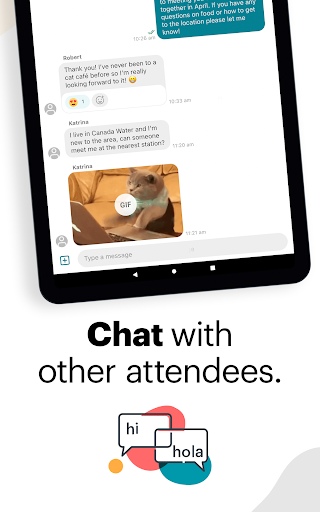
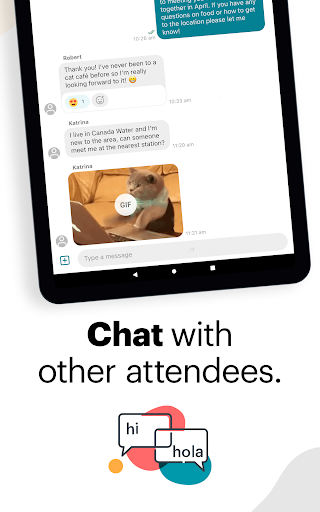
A key feature is the ability to start and manage your own groups based on specific topics. As a group creator, you can personalize event schedules, host online or in-person meetings, and watch your community grow as Meetup recommends your group to interested individuals. Additionally, the app supports continuous engagement through photo sharing, discussion boards, and instant messaging, ensuring the momentum between events remains strong.
These features collectively create a comprehensive social experience that not only connects people but also empowers them to build and nurture communities around shared interests.
User-friendly interface
Vast community network
Diverse event categories
Event creation tools
Strong engagement features
Occasional technical issues
Limited free event slots
Geographic limitations
Premium subscription costs
Learning curve for new users

Positive social
 4.20
4.20
The video chat to meet people in the blink of an eye!
3.90
Date single & make friend
4.60
Live pics from your friends - Only the photos you want to see
4.60
Find your next obsession.
3.50
Free texting (SMS) to US, Canada & more. Free new number. Call free & Text free.
4.30
Calling and texting app. 2nd virtual line plus new phone number. Txt & talk now.
4.40
Watch 24/7 great live stream, or go live to boost your social followers!
4.50
A video app from OpenAI - AI video generation by the maker of ChatGPT
4.60
Raise cute Pengus with friends
4.70
Social calendar for friends to make plans, group chat, share events & schedules
4.60
This version of Facebook uses less data and works in all network conditions.
4.60
Match, chat & date with singles nearby. The dating app to find true love
4.50
TikTok Lite - Designed for speed, simplicity, and saving your phone’s space!
4.40
Meet Strangers Online, Live Video Chat & Make Random Video Calls on Joi!
4.30
App to meet Lesbian, Gay, Bisexual, Transgender, Queer people. Find a local date
4.30
Chill and Chat with Tagged Live Video with millions of peeps
4.10
Join your friends and discover videos you love, only on TikTok
4.10
Create & share photos, stories, & reels with friends you love
3.90


User Reveiws