Zlink Carplay Android

4.5

Information

Category:

Libraries & Demo

Price:

Free

Rank:

33

Rating:

4.5

Overview

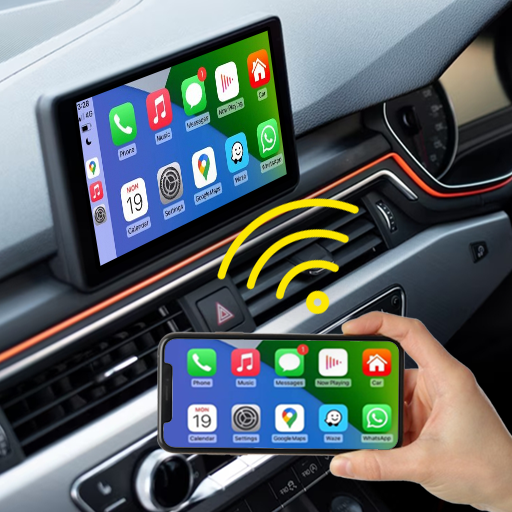
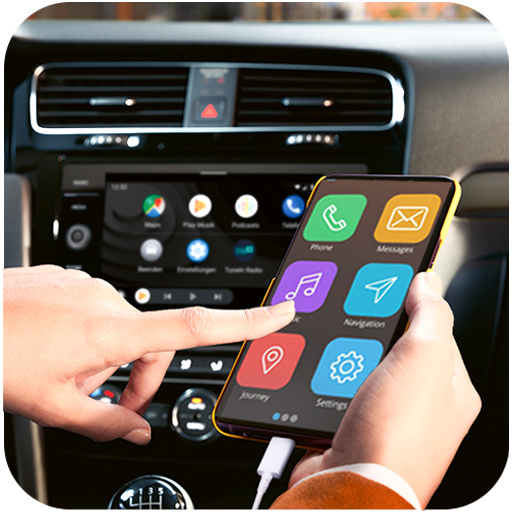
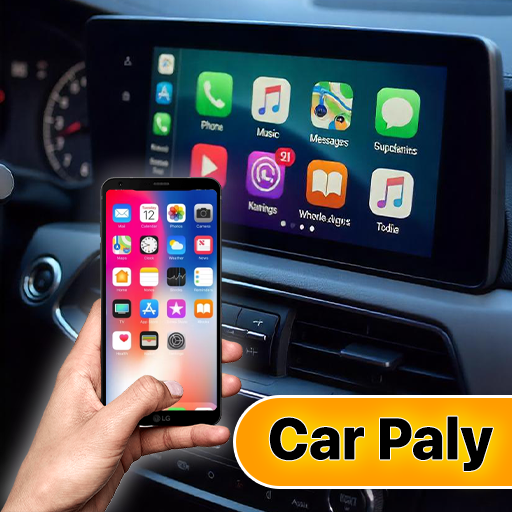
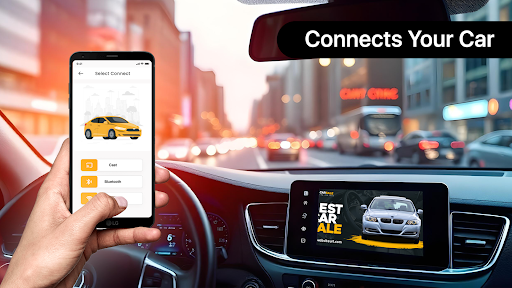
Zlink Carplay Android is a cutting-edge application designed to seamlessly connect your Android device to your car's display system without the need for cables. This innovative solution allows drivers to access their phone's essential apps directly on the car screen, ensuring a safer and more convenient driving experience. The app supports various functionalities including media playback, navigation, and hands-free communication.

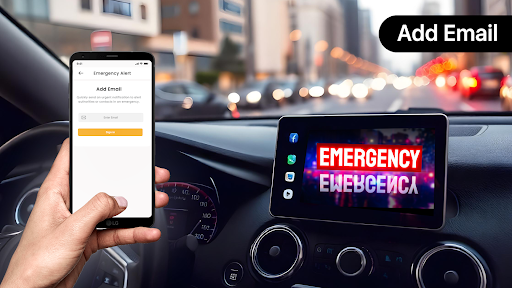
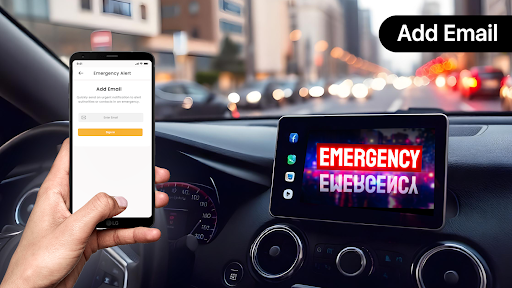
One of the standout features of Zlink Carplay Android is its user-friendly interface that automatically connects your smartphone to the car display, eliminating setup hassles. Whether you're going on a long road trip or commuting to work, this app enhances your driving experience by allowing you to watch videos, view photos, and play music on the car's larger screen. Additionally, it offers practical tools like parking location tracking, fuel usage monitoring, and emergency alerts, making it an indispensable companion for modern drivers.

Features

Zlink Carplay Android boasts an impressive array of features tailored to improve both safety and convenience while driving. First and foremost, the app provides immediate and hassle-free connectivity between your Android phone and car display, streamlining the process of mirroring your device screen. This feature ensures that you can focus on driving without being distracted by complex setup procedures.

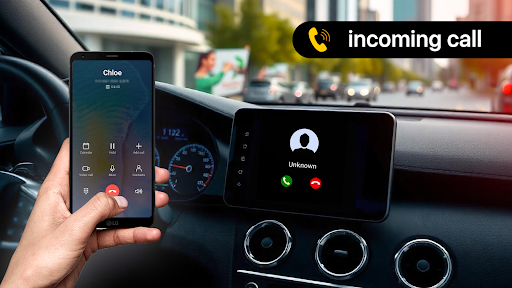
Beyond basic connectivity, Zlink Carplay Android offers advanced control options through hands-free voice commands. Drivers can manage calls, send messages, and control applications effortlessly, keeping their hands on the wheel at all times. The app also includes practical tools such as car parking assistance, which helps users save and locate their parking spots using maps, and a fuel chart check to monitor fuel consumption and costs. Furthermore, the easy customization feature allows users to organize their preferred apps for quick access, tailoring the experience to individual preferences.

Functionality completeness & coverage

Functionality completeness and coverage refer to the extent to which an application provides a comprehensive set of features that meet user needs across various use cases. For Zlink Carplay Android, this aspect is particularly crucial as it aims to seamlessly integrate smartphone functionalities with car systems. The app demonstrates remarkable functionality completeness by offering a wide array of features designed to enhance the driving experience. Core capabilities include immediate connectivity allowing users to effortlessly link their Android devices to their car screens without cumbersome manual setups. This feature alone significantly contributes to the app's overall functionality coverage by addressing one of the primary pain points for users seeking convenience and efficiency. Additionally, the app includes advanced control options through hands-free voice commands enabling drivers to manage calls send messages and control applications while keeping their hands on the wheel. This not only enhances safety but also broadens the app's functional scope. Other notable features contributing to functionality completeness are car parking assistance fuel chart checks emergency alerts and car maintenance reminders. Each of these features addresses specific needs such as helping users locate their parked cars monitor fuel consumption handle emergencies and maintain their vehicles properly. By incorporating these diverse functionalities Zlink Carplay Android ensures that users have access to a holistic set of tools that cater to both essential and supplementary driving requirements. Moreover the app supports easy customization allowing users to organize their preferred apps for quick access thereby tailoring the experience to individual preferences. This level of personalization further extends the app's functional coverage making it adaptable to different user lifestyles and preferences. Overall Zlink Carplay Android excels in providing a complete and well-rounded feature set that covers a broad spectrum of user needs enhancing both convenience and safety during drives.

Usability & operational smoothness

Usability and operational smoothness are critical factors that determine how effectively users can interact with an application and how seamlessly it performs its intended functions. In the context of Zlink Carplay Android these aspects are meticulously addressed to ensure a superior user experience. The app is designed with simplicity and user-friendliness at its core making it accessible even to those who may not be technologically savvy. One of the standout elements contributing to its usability is the automatic hassle-free connection between the smartphone and the car screen. This feature eliminates the need for complex setup processes allowing users to quickly and reliably link their devices with minimal effort. Furthermore the app offers advanced control through hands-free voice commands which greatly enhances operational smoothness. Drivers can manage various tasks such as handling calls sending messages and controlling applications without taking their hands off the wheel or eyes off the road. This seamless integration of voice control not only boosts usability but also reinforces the app's commitment to safety and convenience. Another aspect that bolsters usability is the inclusion of intuitive navigation and organization options. Users can easily customize their app layouts selecting and arranging their preferred applications for swift access. This flexibility ensures that the most frequently used features are readily available reducing the time and effort required to perform common tasks. Additionally the app provides clear and straightforward instructions for using its features such as car parking assistance fuel chart checks and emergency alerts. These instructions coupled with the app's logical flow contribute to an operationally smooth experience where users can effortlessly navigate through different functionalities without encountering confusion or frustration. The reliability of the app's performance further enhances its usability. Whether it's maintaining stable connections providing accurate information about parking locations or delivering timely emergency alerts Zlink Carplay Android consistently delivers on its promises. This reliability builds trust among users encouraging them to rely on the app for various driving-related tasks. In summary Zlink Carplay Android achieves high marks in usability and operational smoothness by focusing on intuitive design seamless performance and reliable functionality ultimately providing users with a pleasant and efficient driving companion.

Props

User-friendly interface

Seamless connectivity

Voice command support

Fuel usage tracking

Emergency alert system

Cons

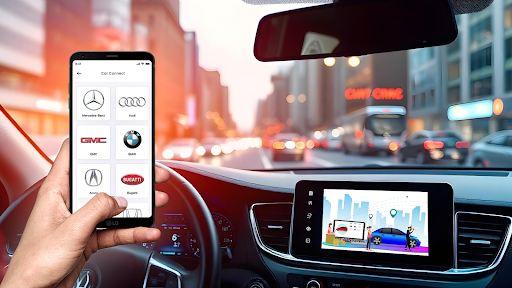
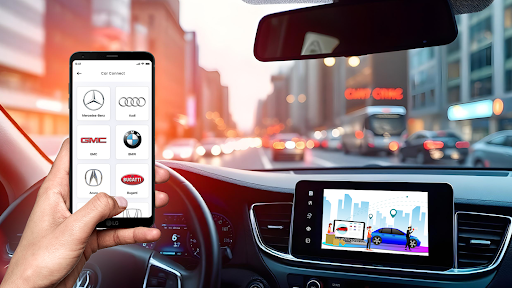
Limited vehicle compatibility

Occasional connection issues

No offline functionality

Premium features locked

High system requirements

Features and Functions

What is this app and what can I use it for?

A tool to connect your Android phone to car display for app access

How do I download and install this app on my device?

Visit Google Play Store, search for Zlink Carplay, and tap install

How do I get started after opening the app for the first time?

Open the app, grant necessary permissions, and follow on-screen instructions

What are the main features and capabilities of this app?

Key features include screen mirroring, voice control, and parking assistance

How can I customize my experience and adjust preferences?

Adjust settings in the app's preference menu to customize your experience

How do I save or bookmark my favorite content for later access?

Use the app's bookmark feature to save favorite content for later access

How can I share content with friends or on social media?

Share content via integrated social media and messaging options

How do I access detailed information and explore more content?

Access detailed info through the app's comprehensive help section

What permissions does this app need and how do I manage them?

The app needs location and storage permissions; manage in settings

How do I check for updates and keep the app running smoothly?

Enable automatic updates in Google Play Store to keep the app current
Show more

User Reveiws

{{ comment.reviewer_name }}
{{ comment.review_date_formatted}}
{{ comment.review_content }}
{{ tab.name }}
{{ comment.reviewer_name }}
{{ comment.review_date_formatted}}
{{ comment.review_content }}
No reviews with this rating