

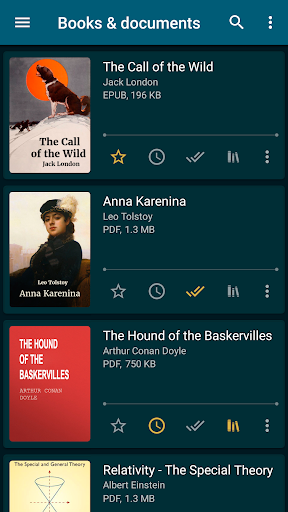
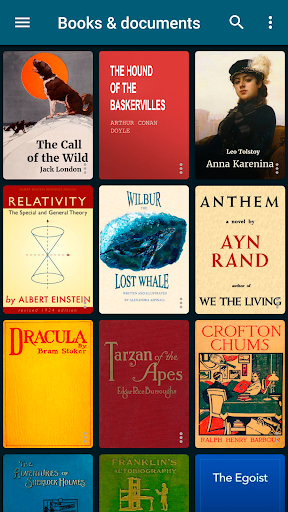
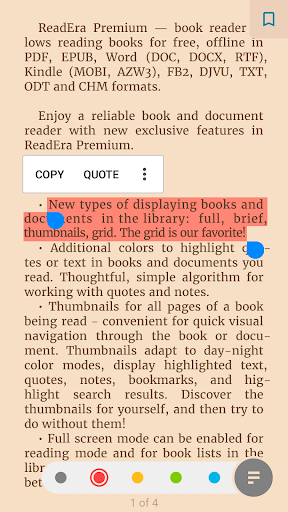
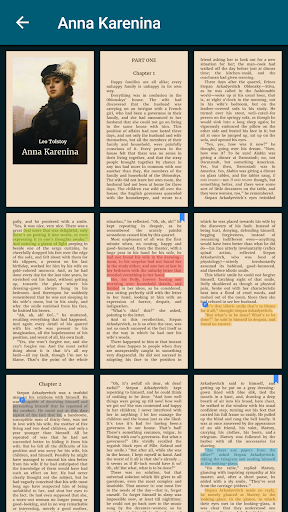
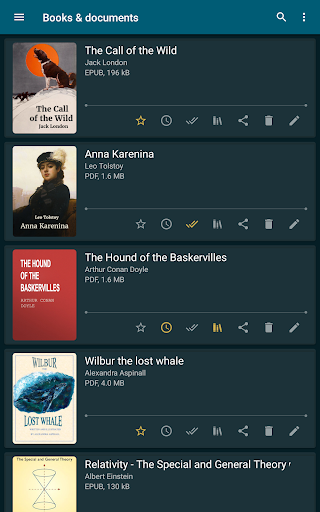
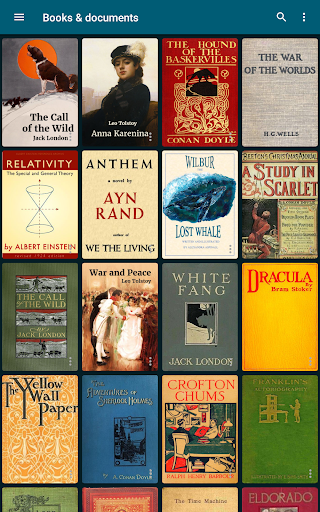
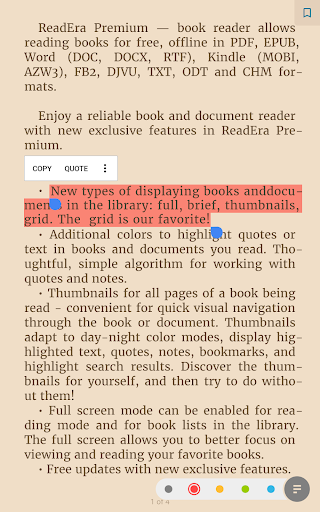
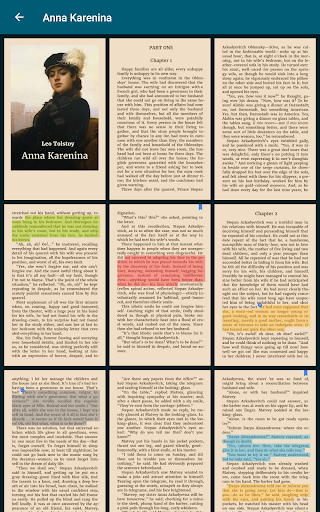
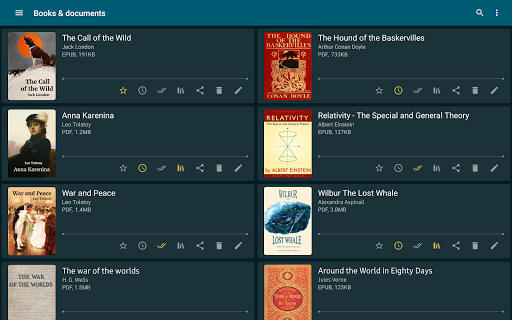
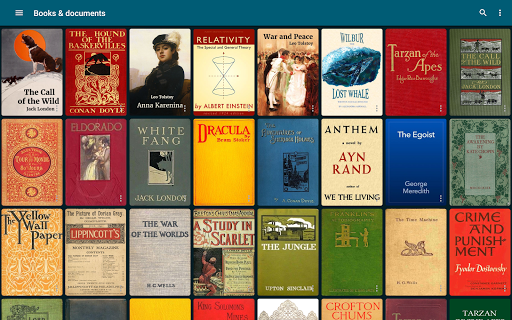
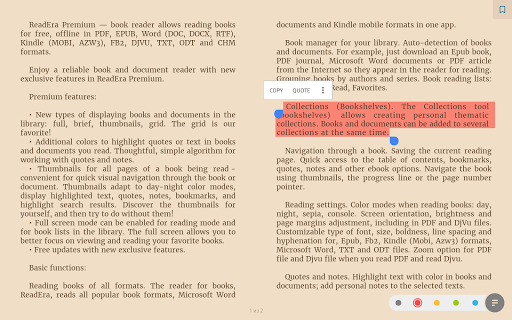
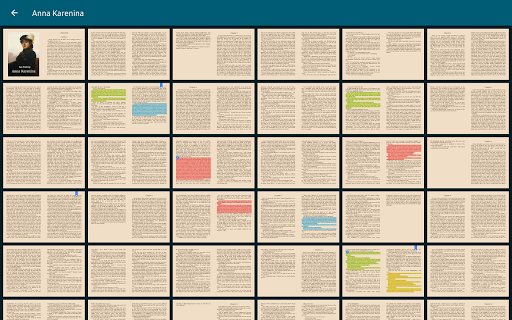
ReadEra Premium is an advanced ebook reader and document manager that transforms the way you interact with digital literature. This app serves as a comprehensive library tool, enabling users to automatically discover all compatible books and documents on their devices. With support for multiple formats including PDF, EPUB, Kindle, and Microsoft Word, ReadEra Premium caters to diverse reading needs.
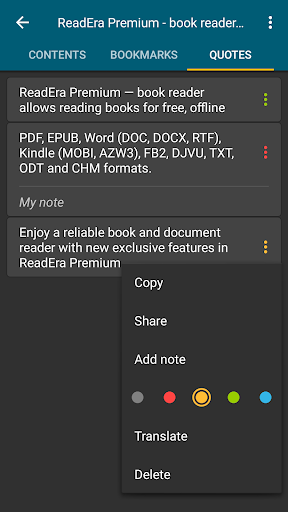
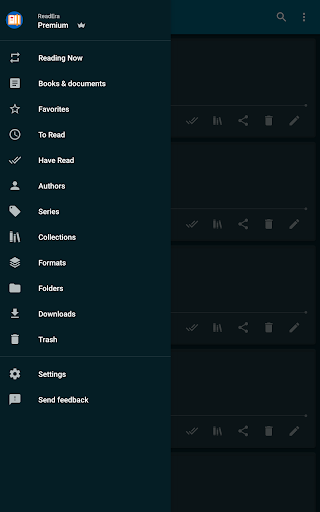
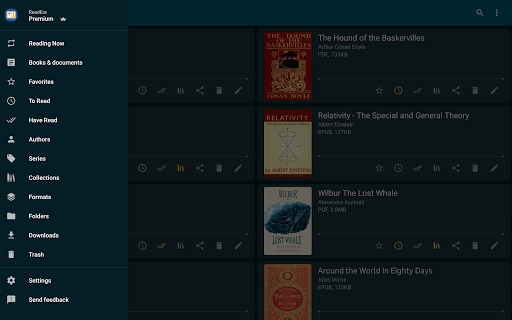
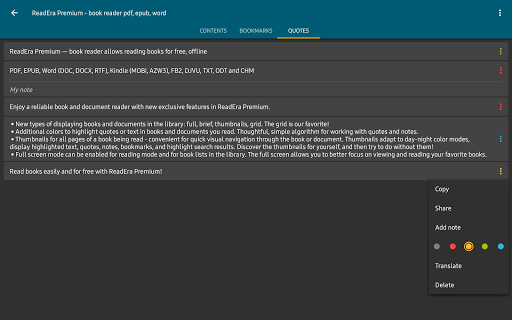
The application's strength lies in its robust organization features and customization options. Users can sort and group their library by authors, series, and formats, create personalized collections, and manage files across folders. The premium version offers enhanced functionalities such as Google Drive synchronization, background text-to-speech reading, and cross-book quote management, making it an indispensable tool for avid readers and professionals who need efficient document handling.
Whether you're a student managing research papers or a casual reader organizing your personal library, ReadEra Premium provides valuable solutions. Its ability to handle complex file management while maintaining an intuitive reading experience demonstrates its practical value in both academic and leisure contexts.
ReadEra Premium distinguishes itself through its comprehensive feature set designed for optimal reading and document management. The app's automatic book detection system scans your device for supported formats, while its advanced search functionality allows precise filtering by title, author, and other parameters. These organizational tools are complemented by sophisticated file management capabilities, including duplicate detection and folder navigation.
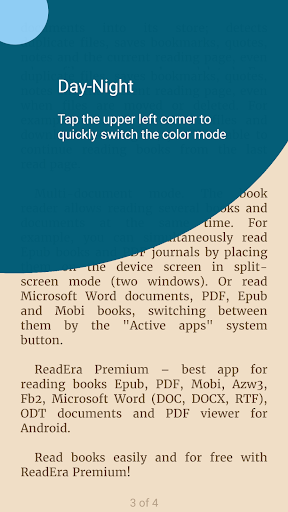
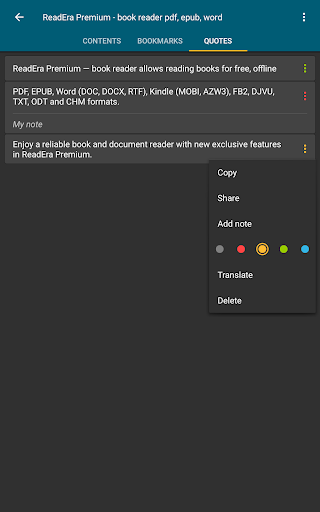
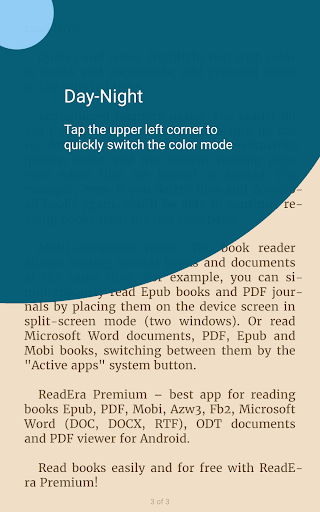
The premium subscription unlocks powerful enhancements that elevate the reading experience. Users benefit from seamless synchronization across devices via Google Drive, ensuring their library and reading progress remain up-to-date. The background text-to-speech feature enables hands-free listening, while the centralized quotes and notes section helps maintain organized research materials. Additional customization options include multiple color themes, font adjustments, and specialized reading modes for different file types.
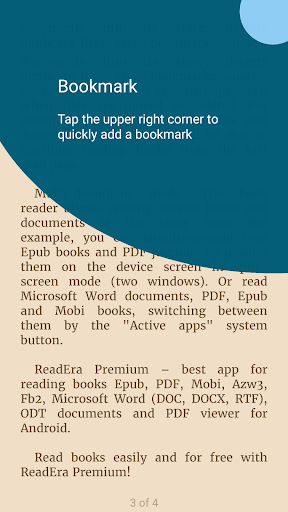
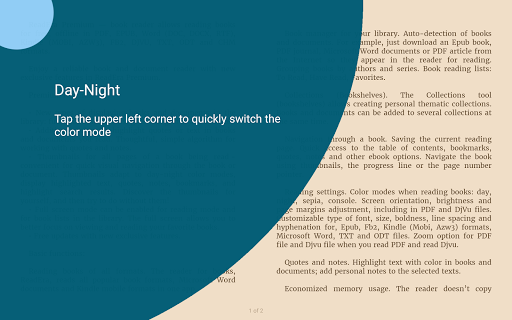
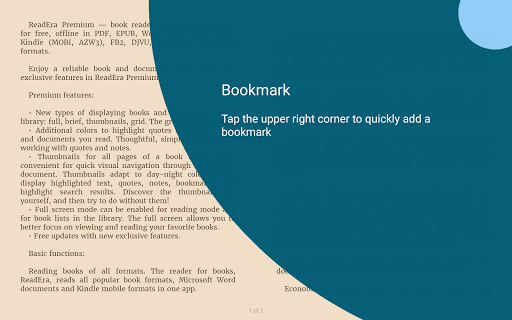
What sets ReadEra Premium apart is its attention to detail in user experience. The implementation of page thumbnails for quick navigation, custom font support, and various library view options demonstrate the developer's commitment to providing flexible reading solutions. These features collectively create a personalized and efficient environment for managing extensive digital libraries.
User-friendly interface
Multi-format support
Advanced organization tools
Offline functionality
Regular updates
Premium subscription required
Occasional performance issues
Limited free features
Large app size
Complex settings

A guide for the Court of Atonement spiritual healing process.
 4.5
4.5
Audiobook player with cross-device progress sync, playlists, and widget support.
4.80
Essential Technical Rescue Field Operations Guide 6, the Industry Standard Guide
4.20
Words spoken by native English speakers and full definitions.
4.60
Knots 360 Pro ( 3D ) shows you animated 192 knots in 3D perspective
4.10
Improve your vocabulary and grammar with the 15 biggest Oxford Dictionaries.
4.30
Enjoy your favorite books
3.50
"Do you like green eggs and ham?"
4.70
Full text, sheet music, and recordings of the print edition
4.60
The Original Tropical Freshwater Aquarium Fish And Plant Care Guide
4.80
Read and study the Bible and other content in over 1,000 languages.
4.80
Liturgy of the Hours totally off-line
4.80
Translate into 100+ languages with the world’s most accurate AI translator.
4.70
F9 Cookbook Mobile App
4.60
Read the romance stories on the go. Take my breath away, The Spoiled Girl
4.30
Holy Bible with verses and audio for studying and prayer
4.30
Zerobooks Light Novel Reader by GOLDENAGATO
4.20
A story reading app: Read stories, novels and books, or write your own.
3.90
All in one Calibre libraries on your phones and tablets.
3.80


User Reveiws