


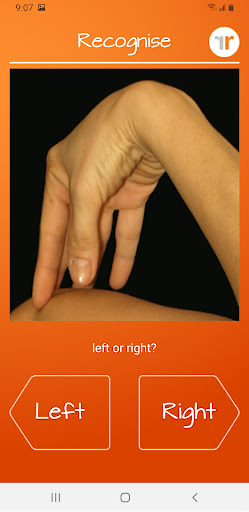
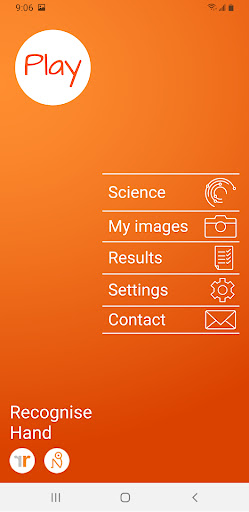
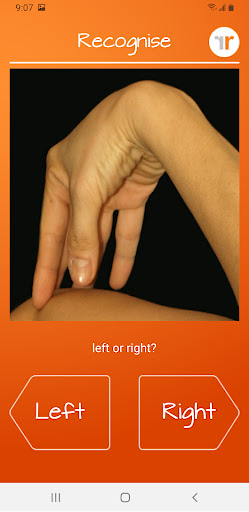
Recognise Hand is a specialized health and fitness application designed to assist users in reducing pain, enhancing performance, and aiding in rehabilitation through a structured Graded Motor Imagery program. The app focuses on improving the user's ability to distinguish between left and right body parts, an essential component of motor imagery therapy.
The application offers both testing and training modes. In the test mode, users can evaluate their proficiency in recognizing images of body areas as either left or right. The training mode allows users to exercise their brain's neuroplasticity using various tools, thereby promoting recovery and performance enhancement.
Recognise Hand is particularly beneficial for individuals undergoing rehabilitation due to complex pain or injury states. By integrating clinical tools and providing detailed progress tracking, it serves as a comprehensive aid for both patients and healthcare providers.
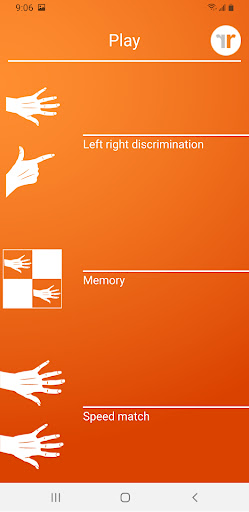
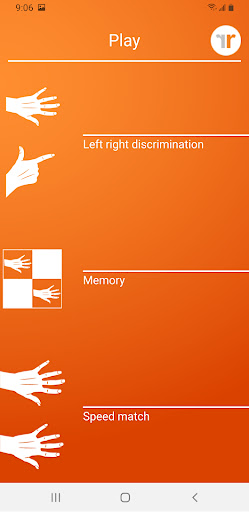
Recognise Hand boasts a variety of features aimed at optimizing the user's training experience. It includes 'Memory' and 'Speed match' tools that elevate the level of training by challenging the user's cognitive abilities and reaction times. These tools are complemented by graded difficulty levels and personal best challenges, ensuring continuous engagement and progress.
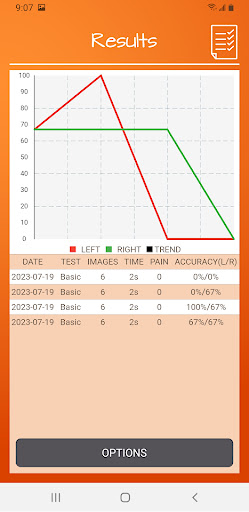
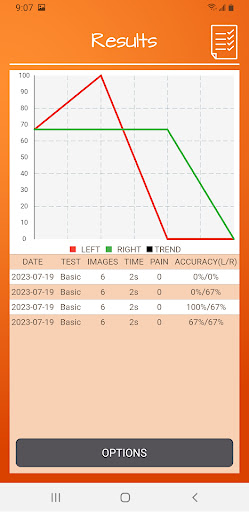
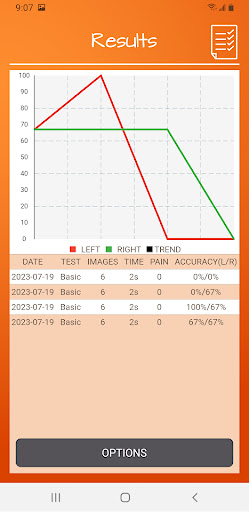
The app provides detailed onscreen results and graphs, allowing users to map their advancement over time effectively. Additionally, Recognise Hand facilitates powerful clinical integration through exporting and emailing results directly to clinicians or therapists, thus bridging the gap between personal training and professional healthcare.
Users can capture their own images using their device and incorporate them into their training routines. This customization enhances the relevance and effectiveness of the exercises. Furthermore, the app offers a comprehensive explanation of the science behind Left/Right Discrimination and Graded Motor Imagery, educating users about the underlying principles of their therapy.
Effective pain reduction
Enhanced performance
Comprehensive progress tracking
Clinical integration tools
Customizable training options
Requires consistent use
Limited to specific therapies
Premium pricing
Complex for beginners
Dependent on device camera quality
Weight loss app: home workout for women to lose weight & burn calories.
 4.80
4.80
a fun app full of surprises :)
4.70
HRV4Training helps you optimize goals and improve performance. No sensors needed
3.30
Interval timer for High Intensity Interval Training, Tabata and Circuit Training
4.20
The Crunch Mobile app - Find a gym, manage favorites, reserve & cancel classes.
4.60
Track heart rate & HRV in 30s! Get live health insights and anomaly alerts
4.40
Understand your body’s most meaningful messages and transform your health.
3.90
Jogging app for calorie counter and distance tracker. Running app to lose weight
4.20
Monitor blood sugar, gain insights, and manage diabetes with ease.
3.20
Wall Pilates at home & Pilates workout for beginners for core and weight loss.
4.80
Step Counter, track steps when you walk or run
4.70
Relax. Sleep Better. Feel Better.
4.50
Raccoon AI Calorie Counter. Intermittent Fasting & Timer. Macro, Carb, Protein
4.50
See what's really going on inside your head! Real time EEG graphs from your Muse
4.40
Fast Body building & Weight Loss. Home Workouts with Daily Coach, No Equipment.
4.30
Monitor, analyze, track, and convert blood sugar & help you control diabetes.
4.10
Enjoy the Gluten Free living with the best app. SCAN the barcodes & SEARCH.
3.60
GloryFit is a companion app for the smart bracelet.
3.60
Optimization for TRT & Enhanced Athletes
4.3


User Reveiws