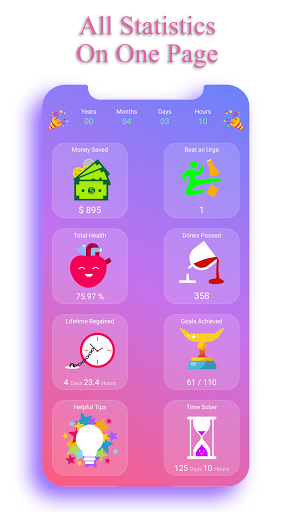

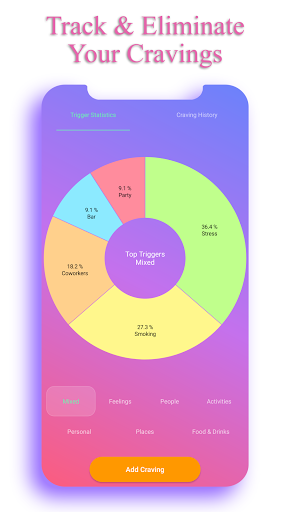
Sobriety Counter - EasyQuit Pro is a comprehensive health and fitness application designed to assist users in overcoming alcohol addiction. The app offers two primary modes: immediate cessation and gradual reduction of alcohol consumption. It incorporates motivational features that track the money saved by not drinking, provide health statistics showing bodily improvements without alcohol, and allow users to set personal motivations with reminder functions.
One of the key aspects of Sobriety Counter is its ability to engage users through a countdown timer that monitors health improvements, a memory game for distraction, and a 'Quit Slowly' mode with customized plans. Additionally, users can write personal motivations, earn beautifully designed badges for milestones achieved, and choose from various themes to personalize their experience. With a strong emphasis on privacy, the app ensures user data remains local on the device, providing peace of mind.
This app is particularly beneficial for individuals committed to improving their health by quitting alcohol. By offering financial savings insights, motivational reminders, and a supportive tracking system, Sobriety Counter - EasyQuit Pro empowers users to maintain sobriety and lead healthier lifestyles.
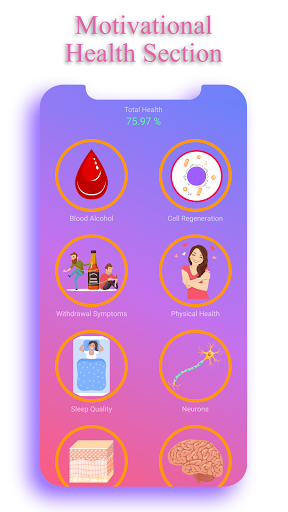
Sobriety Counter - EasyQuit Pro stands out due to its rich feature set tailored to support users on their journey to quit drinking. One of the main highlights is the Motivational Health Section, which includes a countdown timer displaying various health improvements over time. This visual representation helps users stay motivated by showing tangible benefits of their decision to stop drinking.
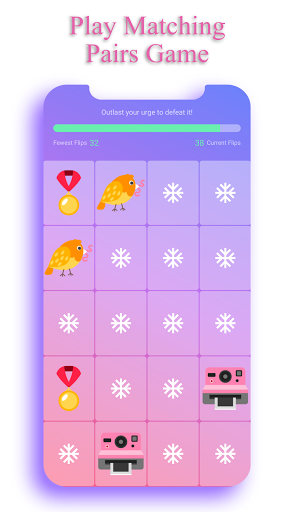
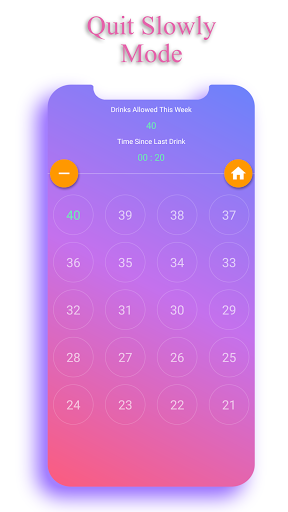
The app also tracks the money users save by not purchasing alcohol, allowing them to set custom rewards as incentives. A unique memory game serves as a distraction technique during cravings. Furthermore, the 'Quit Slowly' mode provides personalized plans and reminders, easing the transition to a drink-free life. Users can document their reasons for quitting, which the app revisits daily to reinforce commitment.
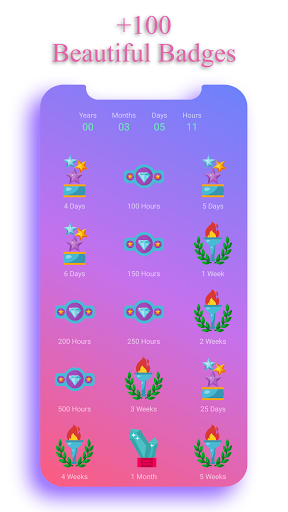
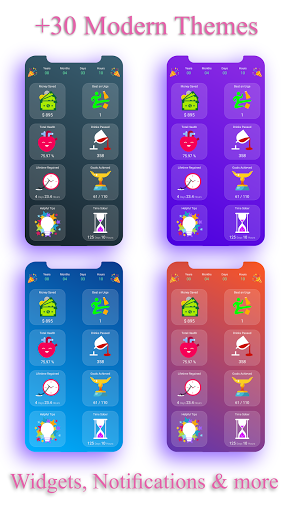
Additional features include 64 beautifully crafted badges celebrating sobriety milestones, 28 customizable themes for a personalized touch, and two home screen widgets displaying money saved and sober days count. Privacy is prioritized, with no login required and all data stored locally on the device, ensuring user information remains secure and private.
User-friendly interface
Motivational health stats
Customizable plans
Privacy-focused design
Engaging badge system
Limited social features
No community support
Premium-only access
Occasional bugs
Design inconsistencies

Relax to calm sounds, white noise, music, guided meditation and bedtime stories
 4.40
4.40
Period Tracker, the easiest way to track your periods!
4.50
Effortlessly and naturally release anxiety by harnessing the power of your brain
4.60
Blood Pressure Log, HRV & Heartbeat Tracker. Pulse Checker.
4.40
FODMAP, Gluten, Allergy, Vegan
4.50
Make sense of your health data.
3.80
Point, scan, and unlock truth in every bite.
4.50
Focus on BP & Health
3.80
Mood journal, habits, self-care tracker, self-love
4.90
Home workouts for fitness & fast bodybuilding at home - no equipment needed.
4.90
Weight loss app: home workout for women to lose weight & burn calories.
4.80
Easy to use step counter, calorie counter helps lose weight, count steps offline
4.80
Easy access to health benefits
4.70
Measure your Pupil Distance for Eyeglasses and VR headsets in 3 quick steps.
4.70
Your portable blood pressure tracker. Record, monitor, and analyze BP anytime.
4.30
beat yesterday.
4.00
Understand your body’s most meaningful messages and transform your health.
3.90
Dexcom G7 Continuous Glucose Monitoring
3.70
Using Recognise™ has been shown to reduce pain and improve performance.
4.4


User Reveiws