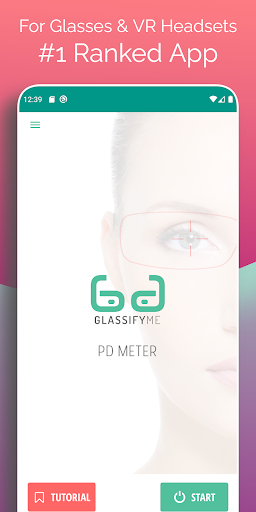
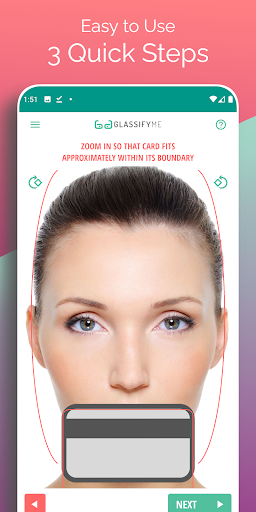
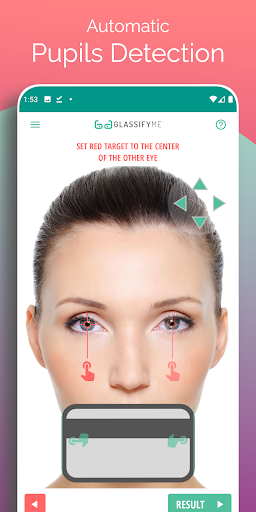
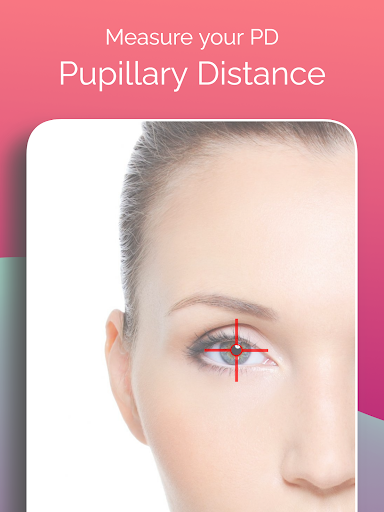
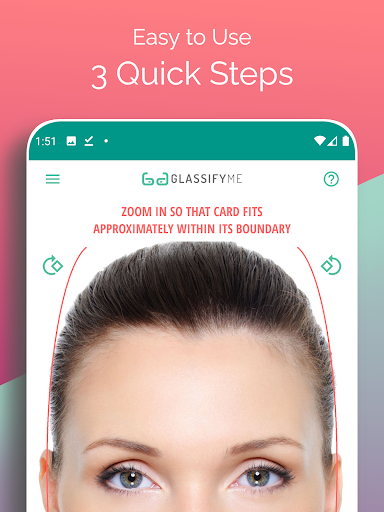

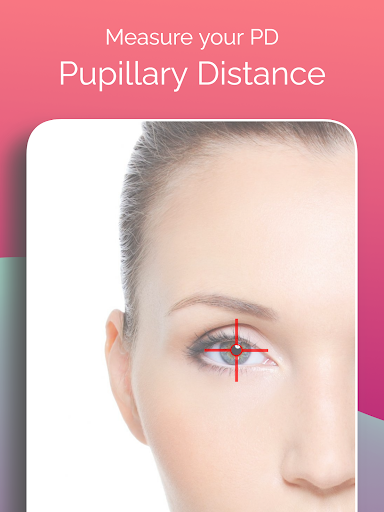

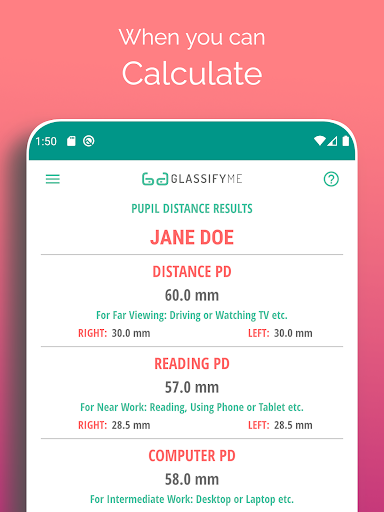
Pupil Distance PD Glasses & VR is a leading health and fitness application designed to accurately measure your Pupillary Distance (PD). This crucial measurement, essential for prescription glasses and VR headsets, is determined using advanced algorithms and eye detection technology. The app allows users to capture a photo with a standard-sized card for reference, ensuring precise sizing without the need for sensitive personal items like credit cards.
With its user-friendly interface and quick three-step process, this app stands out as the top choice for PD measurement. Whether you're taking a selfie or importing an existing photo, the app provides accurate results that are vital for proper vision correction and optimal VR experiences. Its innovative approach makes it an indispensable tool for anyone requiring precise pupillary measurements.
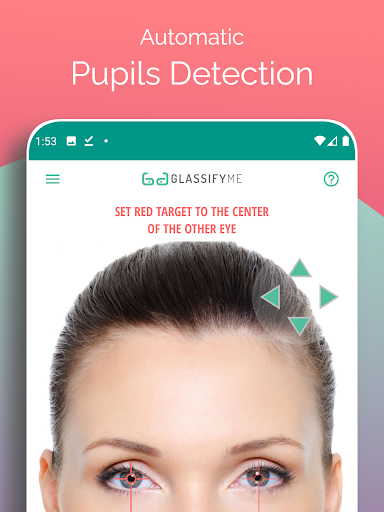
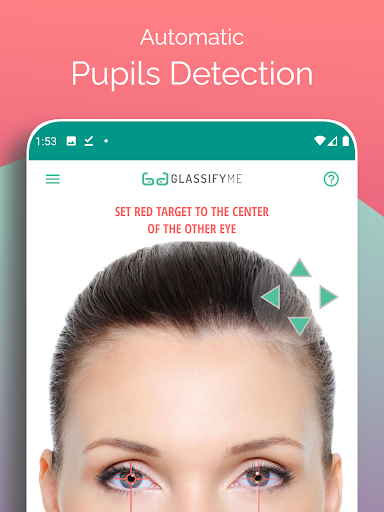
The PD Meter App offers several distinctive features that set it apart in the Health & Fitness category. Firstly, it employs an advanced algorithm capable of automatically detecting eyes and pupils, ensuring highly accurate PD measurements. Users can choose between taking a new photo or importing one from their gallery, providing flexibility and convenience.
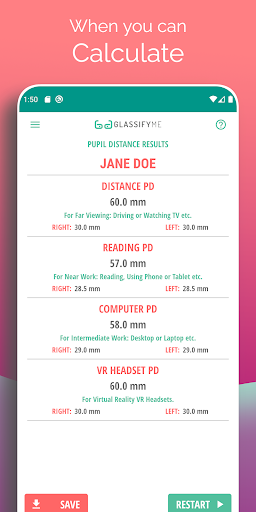
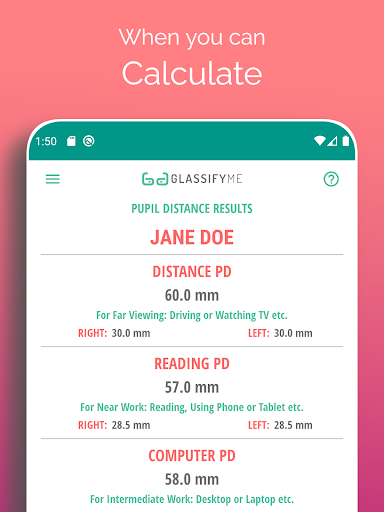
Another notable feature is the app's ability to measure both Distance and Reading PDs through a simple three-step process. By utilizing a standard-sized card for reference, the app eliminates the need for specialized equipment while maintaining measurement integrity. This combination of sophisticated technology and practical usability makes the PD Meter App an essential tool for anyone needing reliable pupillary distance measurements for glasses or VR applications.
Accurate PD measurement
User-friendly interface
Quick three-step process
Advanced eye detection
Flexible photo options
Requires a reference card
Limited to Android devices
No iOS version available
Dependent on photo quality
Internet connection needed

Easy access to health benefits
 4.70
4.70
Text notifications, button control, heart monitor & more for your Amazfit.
2.40
Chair Workout: Women's Edition for safe, flexible, and personalized fitness.
4.40
Home workouts for fitness & fast bodybuilding at home - no equipment needed.
4.90
Meditation app, head space app provides calm music to help you meditate & sleep
5.00
A simple way to calculate peptide doses and also to convert different units.
4.2
Histamine intolerance, low FODMAP diet and irritable bowel syndrome (IBS)
4.00
Interval timer for High Intensity Interval Training, Tabata and Circuit Training
4.20
Understand your body’s most meaningful messages and transform your health.
3.90
Walk. Earn: Get rewarded for every step! Walk, move, and earn real rewards.
4.70
The Crunch Mobile app - Find a gym, manage favorites, reserve & cancel classes.
4.60
Personal Measurements - Track your gains!
4.50
Fast Body building & Weight Loss. Home Workouts with Daily Coach, No Equipment.
4.30
beat yesterday.
4.00
Your Health Has Met Its App (℠)
3.90
Control your sleep in real-time wearing Garmin device
3.60
3D Body Measurement System
3.60
GloryFit is a companion app for the smart bracelet.
3.60
The Wear OS BeechBand app is designed to alleviate anxiety and other conditions
4.2


User Reveiws