
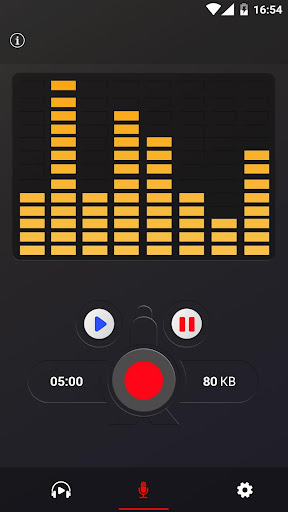
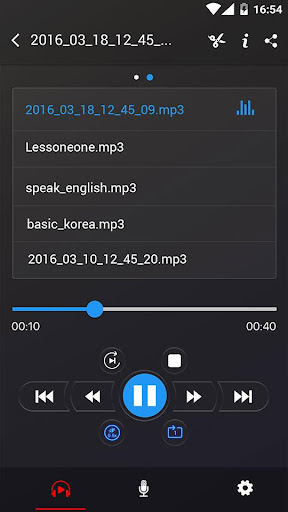
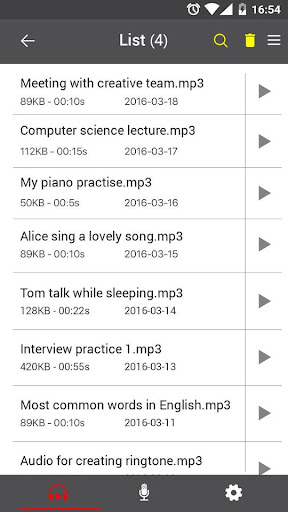
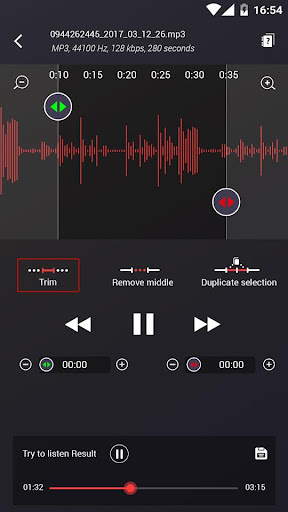
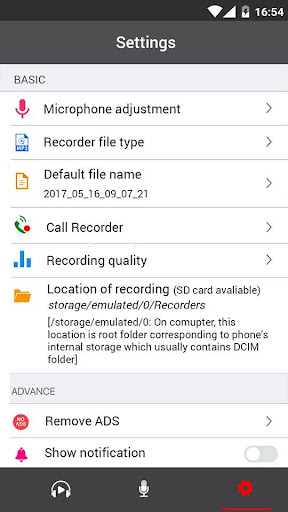
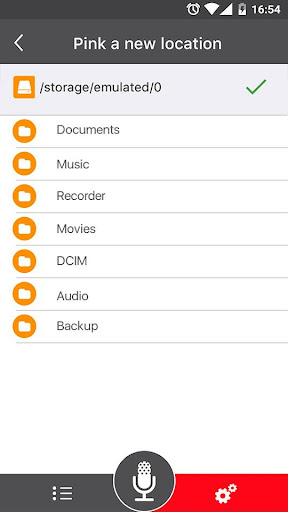


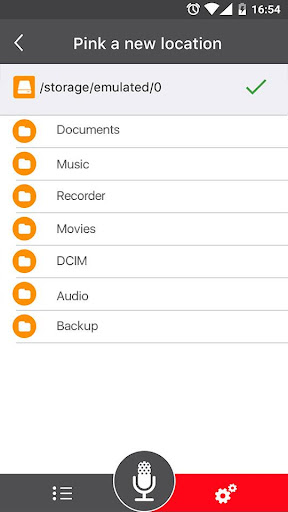


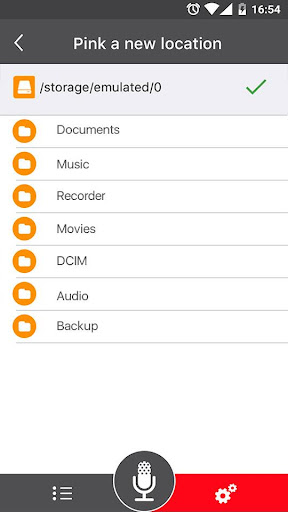
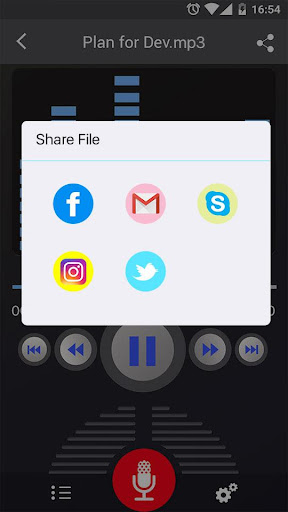
Voice Recorder is a versatile audio recording application designed for users who need to capture high-quality sound on their mobile devices. This app allows you to reliably record meetings, personal notes, speeches, lectures, and even songs without any time restrictions.
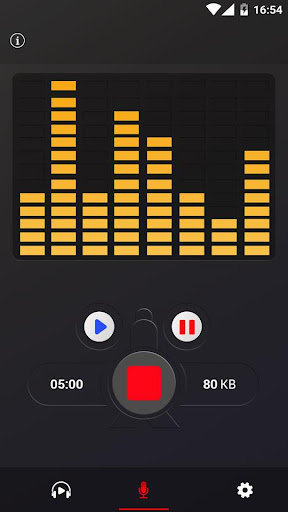
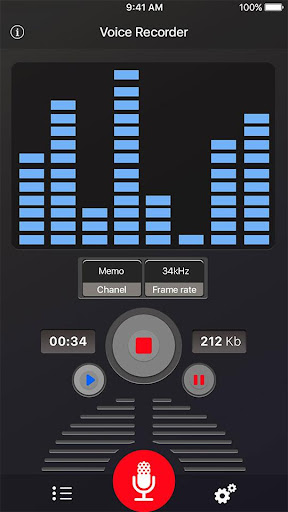
The application stands out with its simple user interface and ease of use, making it accessible for both casual and professional users. Whether you're recording a business meeting or an interview, Voice Recorder ensures your audio is captured in excellent quality. The app supports various formats like MP3 and OGG, and includes features such as live audio spectrum analysis and adjustable MP3 encoding sample rates.
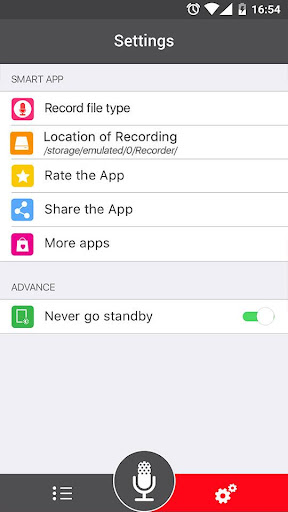
Voice Recorder offers an impressive array of features that cater to different recording needs. It supports high-quality recording with adjustable sample rates ranging from 8-44 kHz, ensuring optimal audio clarity. The app also allows background recording, enabling users to capture audio even when the screen is off.
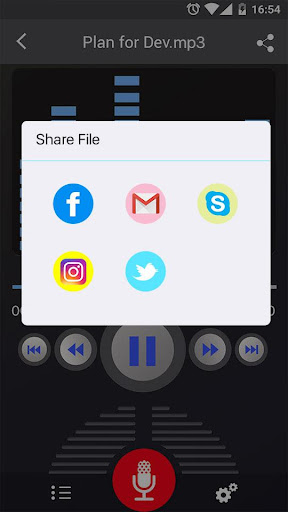
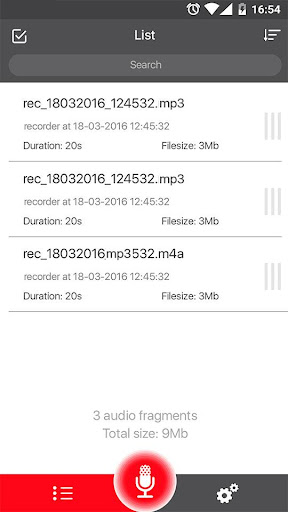
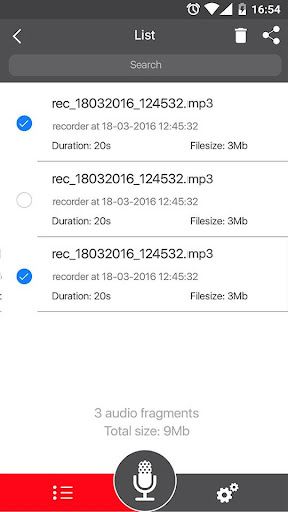
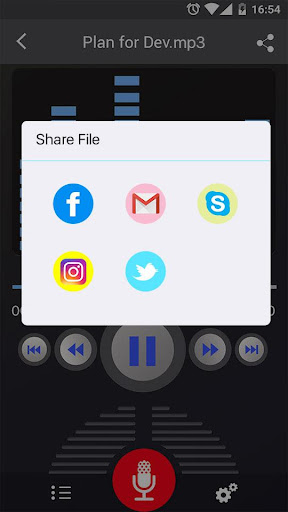
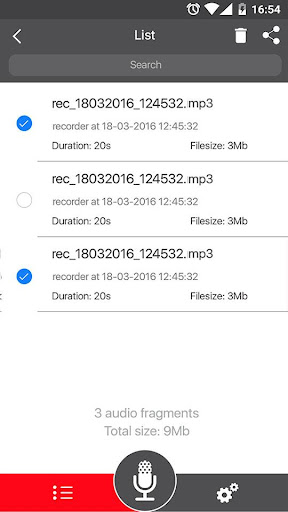
Additional functionalities include a microphone gain calibration tool, pause/resume controls during recording, and an easy-to-navigate recordings list. Users can conveniently play, pause, and stop audio files directly within the app. Sharing options are extensive, allowing recordings to be sent via email, SMS, social media platforms, cloud services, and more.
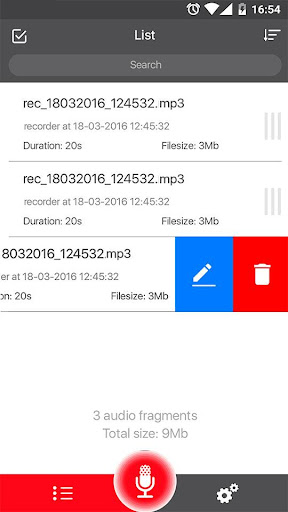
While the app doesn't support call recording, its comprehensive feature set makes it an excellent choice for most other recording scenarios. The ability to save, delete, and manage recordings directly from the app interface enhances user convenience and productivity.
User-friendly interface
High-quality recording
Extensive sharing options
Background recording capability
Adjustable sample rates
No call recording feature
Limited format support
Basic UI design
Occasional stability issues
Ads in free version
SqueezePlayer turns your Android phone or tablet into a SqueezeBox on its own!
 4.60
4.60
Pay Once, no monthly payment
4.60
JBL PartyBox APP works with 110/310/710/120/320/520/Encore/Encore 2/Encore Ess 2
4.80
Powerful beat maker & DJ mixer to remix tracks, make music, & perform DJ mix
3.70
Brian Eno and Peter Chilvers’ acclaimed music app Bloom, radically reinvented.
4.80
Enjoy singing any song, no matter how high or low it is
4.30
Music, News & Sports Radio Tuner App. Tune in Live FM & AM Radio Stations.
4.80
One-tap booster for max volume - enjoy powerful sound with this audio booster
4.50
Play your music offline without limits
4.80
Tune in to the greatest hits on UK Radio | The home of Capital, Smooth & Heart.
4.90
Responsive piano with great sounds, graphics, and songs
4.80
Record, Mix & Master with all n-Track effects, 64-bit audio and Stem Separation.
4.70
Recording studio w/ 10k beats, pro vocal FX and a network of 20M rappers & fans!
4.60
Help you quickly get started with Shokz headphones
4.40
Ringtone Maker is free app create ringtone from music files or your recording.
4.40
Full featured mp3 and audio player with Chromecast and Android Auto support.
4.40
VB-AUDIO Software / VBAN-Receptor allows listening to any VBAN Streams
4.10
Offline Tunes, Unlimited Vibes
3.90
The Minimalistic Premium Music Player. Handmade with passion for music
2.20


User Reveiws