
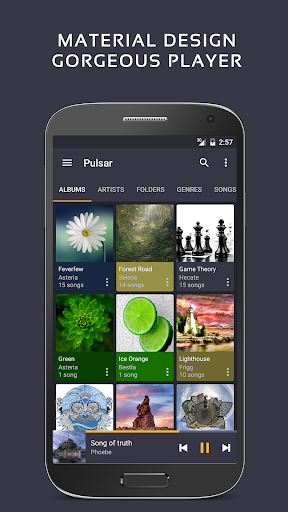

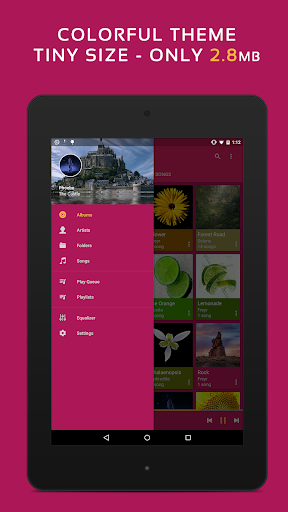
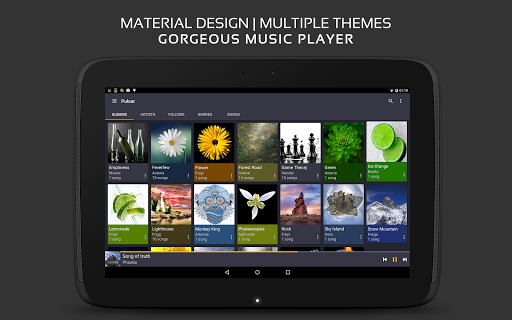
Pulsar Music Player Pro represents the pinnacle of offline music players for Android, offering an ad-free experience with a sleek material design interface. This premium version builds upon the already feature-rich free version by adding advanced customization options and audio controls.
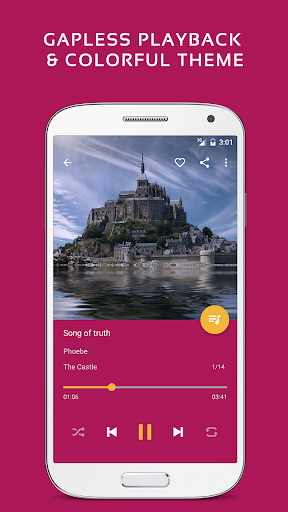
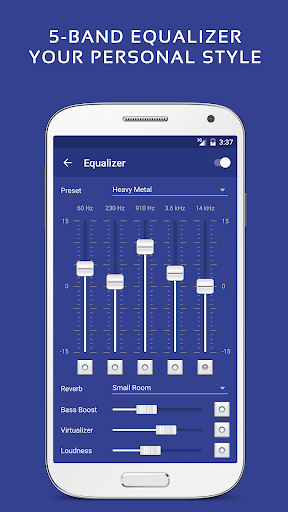
The app supports all essential music playback features including gapless playback, lyrics display, and crossfade, while introducing professional-grade functionalities like a 5-band equalizer, 9 pre-built EQ presets, and enhanced bass effects. Its comprehensive library management system allows users to organize and access their music collection effortlessly.
Designed for audiophiles and casual listeners alike, Pulsar Music Player Pro enhances the listening experience through advanced audio processing capabilities and seamless integration with Android Auto, Chromecast, and Last.fm services. The application's thoughtful design makes it perfect for both daily commutes and extended home listening sessions.
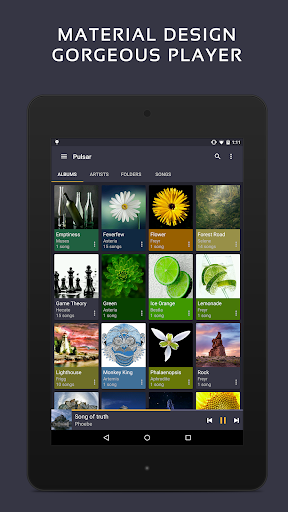
Pulsar Music Player Pro distinguishes itself through its extensive feature set that caters to every possible need of digital music enthusiasts. The application implements Google's material design principles throughout its interface, providing smooth animations and intuitive navigation patterns.
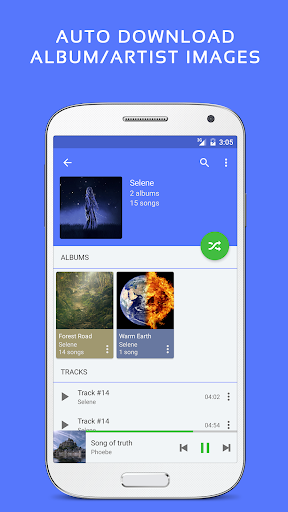
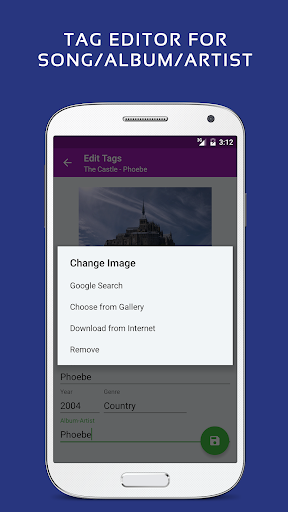
Among its most notable features are gapless playback support, customizable equalizer settings with professional presets, and advanced playback controls including speed adjustment and crossfading. The player also offers comprehensive library management tools, automatic album art downloading, and smart playlist creation based on listening habits.
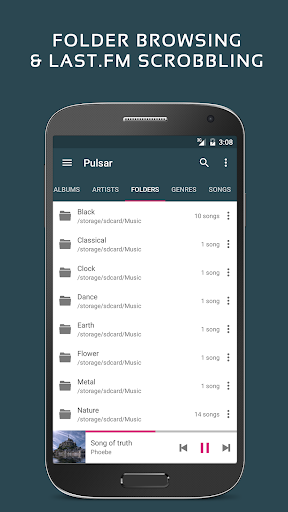
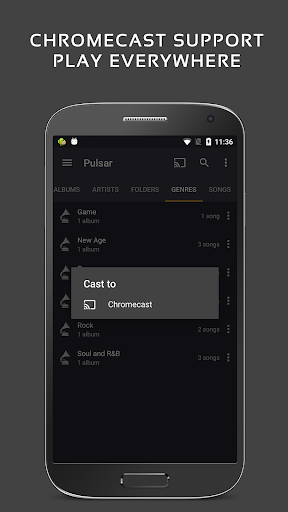
What sets the Pro version apart is its enhanced customization capabilities, including 16 additional themes and theme personalization options. The application also integrates seamlessly with various streaming devices through Chromecast support and provides essential features like sleep timer functionality and last.fm scrobbling for dedicated music collectors.
Ad-free listening experience
Advanced equalizer controls
Gapless audio playback
Customizable user interface
Comprehensive audio format support
Separate paid version required
No built-in streaming service
Advanced features may overwhelm beginners
Limited voice command functionality
Occasional scanning issues reported

Offline and always ad-free - stream in the highest quality available.
 4.10
4.10
Performance-Synthesizer & Multi-Track-Sequencer, polyphonic + multi timbral!
4.70
Simple & Intuitive Metronome
4.70
Ultimate Sonos Controller
4.70
The alternative folder based music player.
4.20
Offline Music Player & MP3 Player.Powerful equalizer, Lyrics, Themes, Tag Editor
4.80
Offline Music Player&MP3 Player with themes, equalizer, lyrics, music play mode
4.60
Powerful 10-Band equalizer pro with sound booster improves Android audio quality
4.30
Get alarms that fit your lifestyle and wake up to the sounds you love.
4.80
Make songs with AI! Any genre, custom lyric, song generator for music creation!
4.80
Your song collections with lyrics and chords on Android smartphones and tablets.
4.80
Responsive piano with great sounds, graphics, and songs
4.80
SqueezePlayer turns your Android phone or tablet into a SqueezeBox on its own!
4.60
The best music and audio player, with beautiful UI, music search and equalizer.
4.60
Save hundreds of dollars for a physical strobe tuner and instead use this app.
4.50
The Music Journey in Your Hands
4.30
The official Sonos app
4.10
Sing, record, and create music together — enhanced by smart voice tools.
4.00
USB audio recording and playback finally possible on Android 3.1 or higher!
3.90


User Reveiws