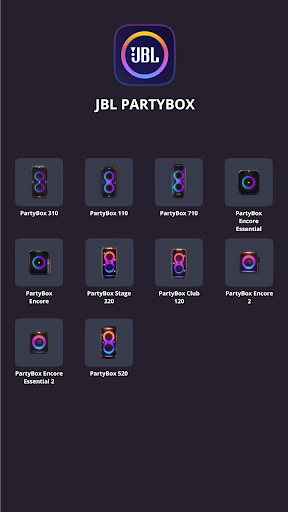
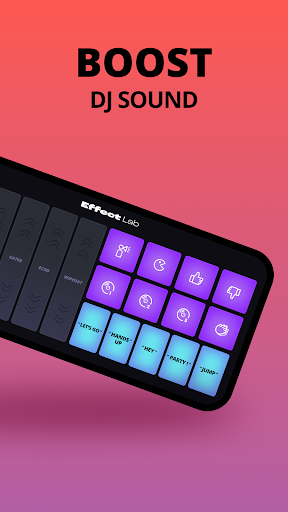
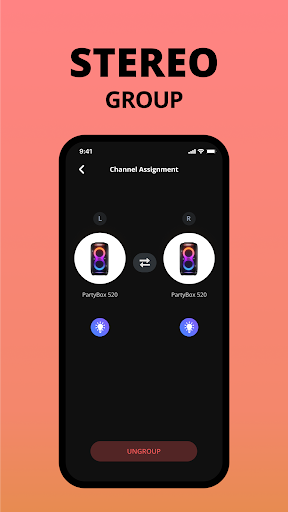
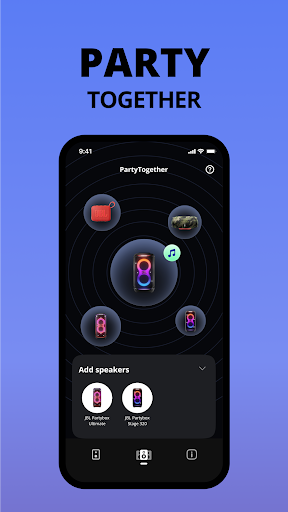
JBL PartyBox is a powerful music and audio application designed to enhance your party experience. This app allows users to wirelessly connect and control compatible JBL PartyBox speakers, including models like PartyBox 310, PartyBox 110, and PartyBox 710. With its intuitive interface, you can personalize speaker settings directly from your mobile device.
The application also provides important software updates and product support, ensuring your speaker system remains up-to-date and functions optimally. Whether you're hosting a large gathering or enjoying a quiet night in, JBL PartyBox delivers the sound quality and convenience needed to elevate any occasion.
One of the standout features of the JBL PartyBox app is its ability to connect compatible speakers wirelessly. This feature allows for seamless integration between your mobile device and JBL PartyBox speakers, providing effortless control over audio settings. Users can adjust volume, switch tracks, and even apply sound effects without needing to physically interact with the speaker.
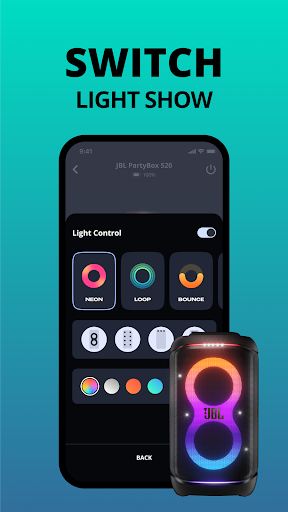
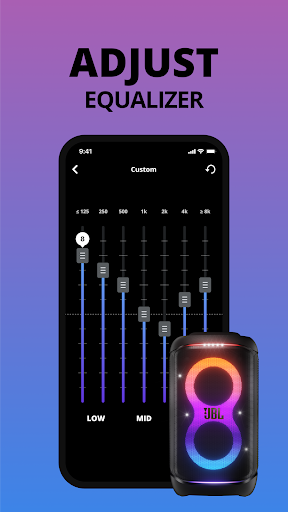
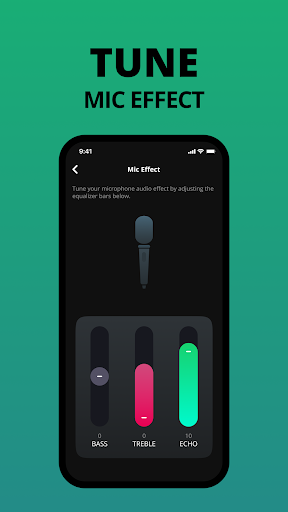
In addition to wireless connectivity, the app offers customization options that let users tailor their audio experience. You can tweak equalizer settings, create personalized light shows, and access exclusive content. The app also ensures that your speaker receives timely software updates, enhancing performance and adding new functionalities over time.
User-friendly interface
Wireless speaker control
Regular software updates
Customizable audio settings
Personalized light shows
Limited speaker compatibility
No offline functionality
Occasional connectivity issues
Requires stable internet
Advanced features need newer models
Equalizer, Bass Booster and Volume Booster (Eq & Bass) improve sound quality
 4.30
4.30
Formerly known as Spotistats! View your top tracks, artists, albums and more!
4.40
VB-AUDIO Software / VBAN-Receptor allows listening to any VBAN Streams
4.10
A High-Precision Audio Spectrum Analysis App
4.20
Ultimate Sonos Controller
4.70
The original SP-1200 experience on your iPad
4.20
Learn the notes on the guitar fretboard fast with this easy and fun app
4.60
Reverse your voice & songs instantly! Fun singing challenge with cool effects.
4.60
Sing, record, and create music together — enhanced by smart voice tools.
4.00
Offline Music Player & MP3 Player.Powerful equalizer, Lyrics, Themes, Tag Editor
4.80
Performance-Synthesizer & Multi-Track-Sequencer, polyphonic + multi timbral!
4.70
Most Advanced AI Song Generator and Music Creator. Rap, Pop, Rock, Gospel & more
4.70
Listen to live FM radio stations, sports, music and news on global radios online
4.70
Taal player that lets you sing any Indian & Western song with Tabla & Tanpura
4.60
A complete sound package for the sound engineer or enthusiast
4.60
Visualize the guitar fretboard, master scales & play through changes like a pro!
4.50
Full featured mp3 and audio player with Chromecast and Android Auto support.
4.40
Simply convert wav to mp3. Clear. Reliable. Safe.
4.5
Music Streaming suite for Ampache, Nextcloud Music and compatible backends.
4.3


User Reveiws