
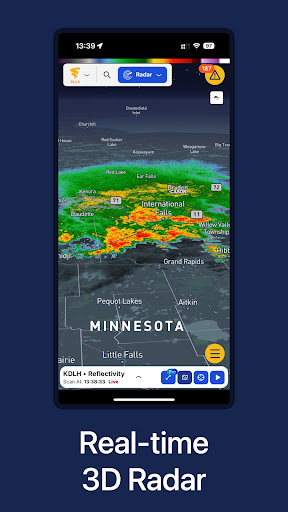

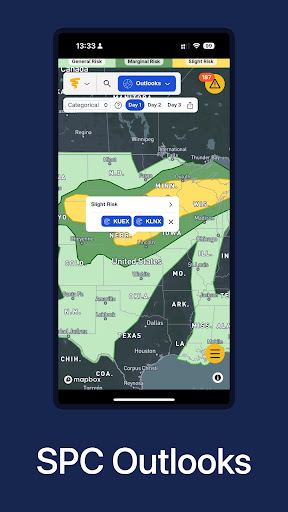
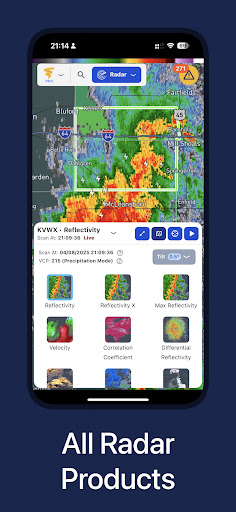
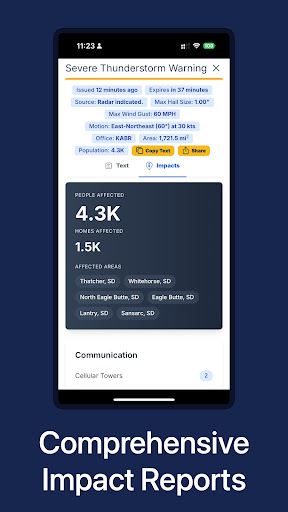
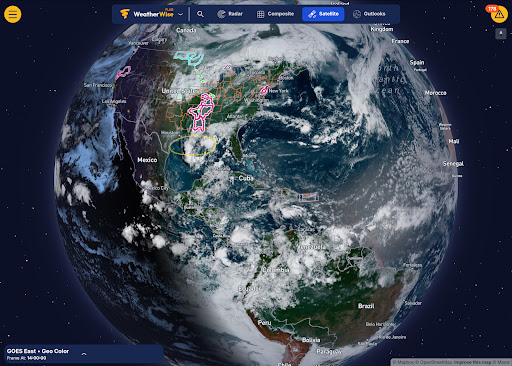

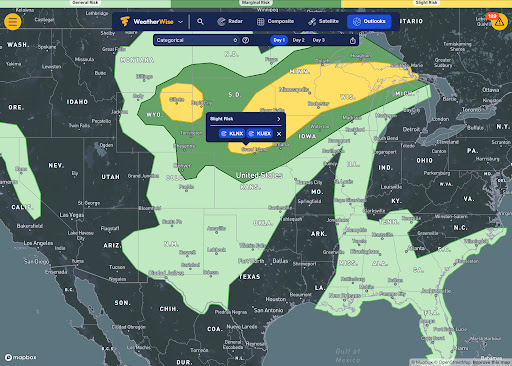
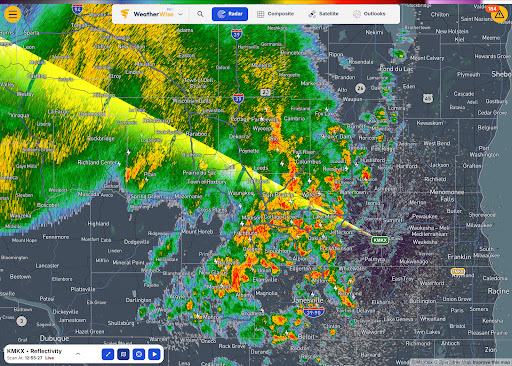
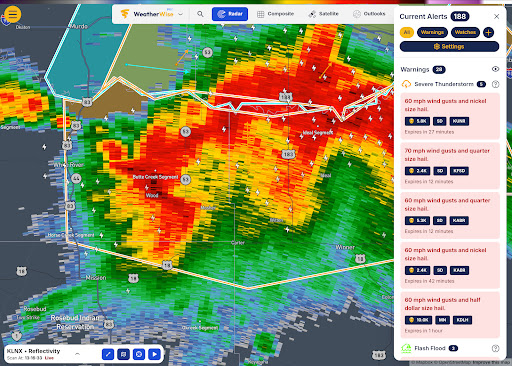
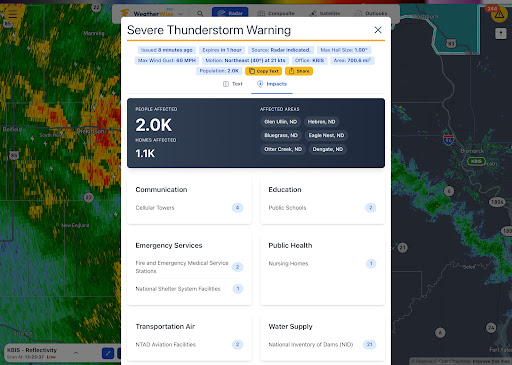
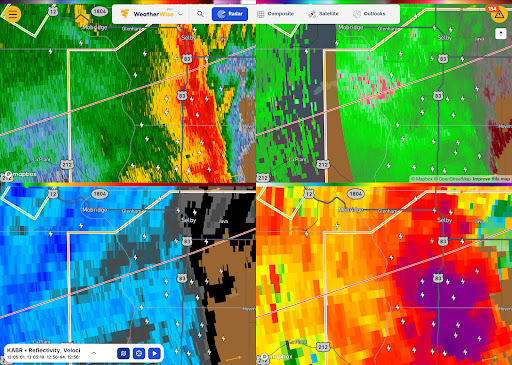
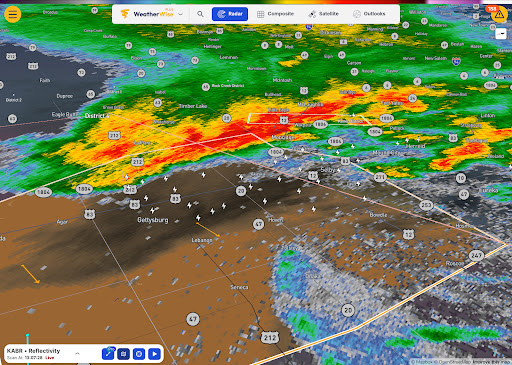

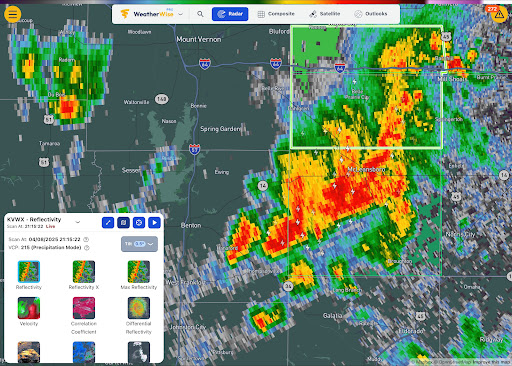
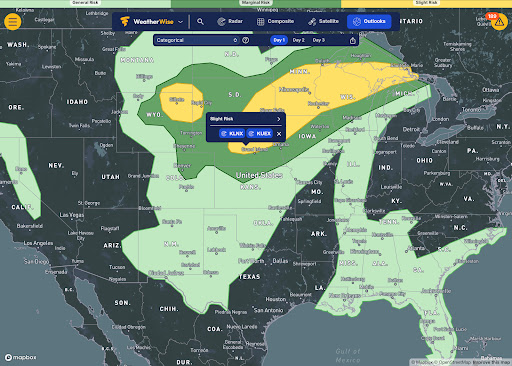
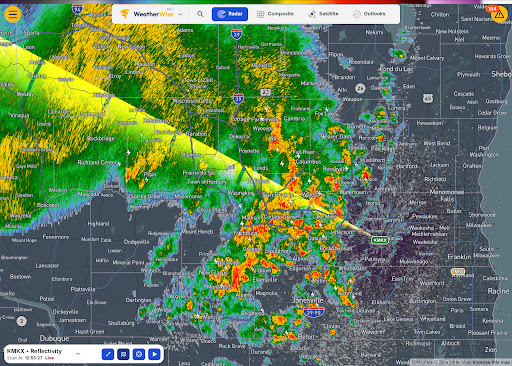
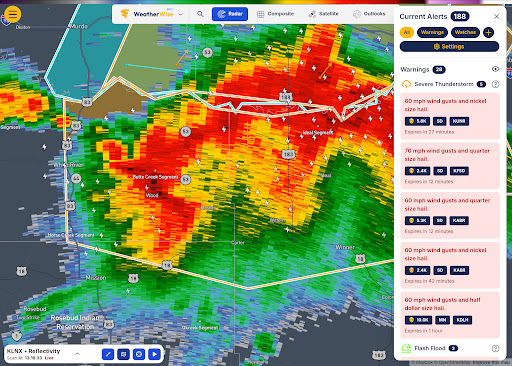
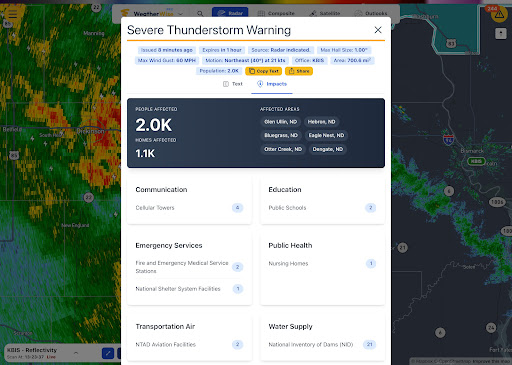
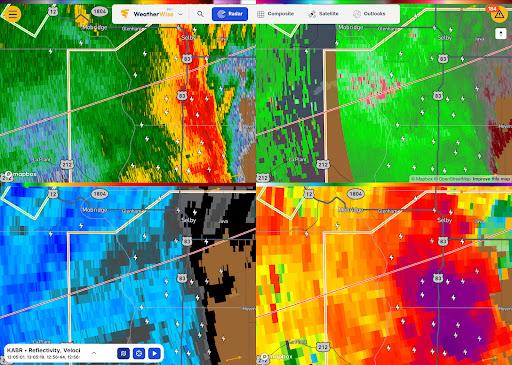
WeatherWise is a premier weather application designed to keep users informed and prepared for severe weather conditions. The app provides high-resolution radar data and advanced forecasting tools, ensuring reliable insights to safeguard what matters most. With its professional-grade features, WeatherWise caters to both casual users and weather enthusiasts who require detailed analysis.
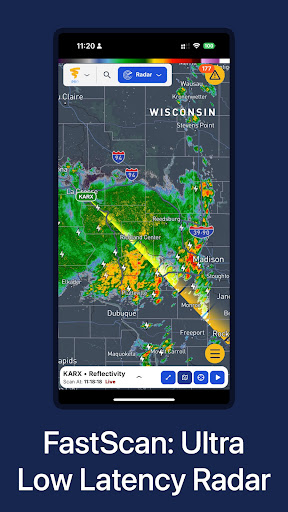
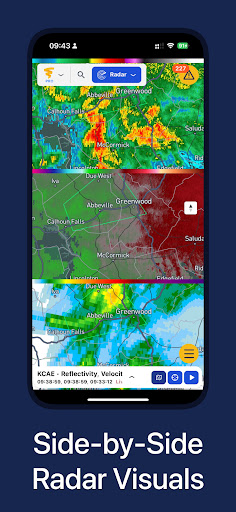
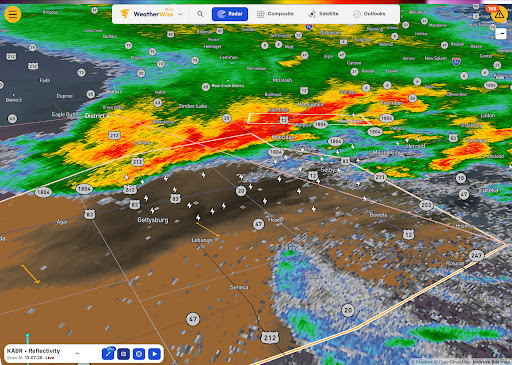
The app offers unique functionalities such as Triple/Quad View Radar Visuals, FastScan for ultra-low-latency updates, and 3D Radar visualization. These features allow users to analyze weather patterns with precision and clarity. Whether monitoring live storm chaser streams or tracking lightning in real-time, WeatherWise equips users with the necessary tools to make swift, informed decisions.
Available on mobile and tablet devices, WeatherWise ensures that critical weather information is accessible anytime, anywhere. Its intuitive interface and customizable options make it an essential tool for anyone looking to stay ahead of the weather.
WeatherWise stands out with its comprehensive suite of professional weather analysis tools. Subscribers to WeatherWise Pro gain access to advanced features like displaying up to four synchronized radar visuals simultaneously, which is particularly useful for comparing different weather data layers. The FastScan feature provides ultra-low-latency radar updates, crucial for tracking rapidly evolving weather conditions.
In addition to radar innovations, WeatherWise Plus offers 3D Radar and Map views, enabling users to visualize storms in three dimensions and explore global weather systems interactively. Enhanced lightning data and configurable playback frames further enrich the user experience by providing clearer insights into storm behavior and historical trends.
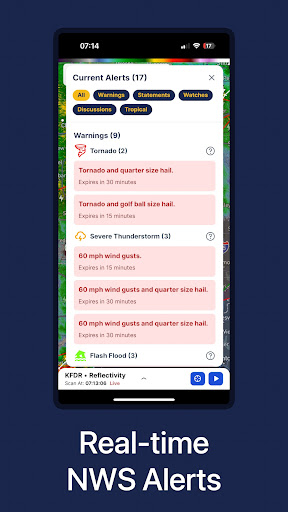
Core features such as real-time alerts from the National Weather Service, live weather cams, and lightning tracking are available for free, ensuring that all users have access to vital weather information without interruptions from ads. This combination of powerful tools and user-centric design makes WeatherWise an indispensable resource for weather monitoring.
High-quality radar data
Advanced forecasting tools
Real-time weather alerts
Ad-free core features
Professional-grade options
Paid subscription required
Complex for beginners
Limited free features
Occasional data delays
Regional limitations

Weather for Indiana, Kentucky and Ohio
 4.90
4.90
The most accurate weather app, hourly and daily weather, severe weather alerts
4.50
Arrive safely! Travel weather forecasts for your entire trip at time of arrival.
3.60
Know the weather earlier.
3.90
Quickly check the Hanalei river gauge height during heavy rains on Kaua'i.
4.5
View weather widget and map. Wind direction and speed. Tides times and waves
4.70
Track lightning strikes with our thunderstorms map, radar and lightning alarm.
4.70
Magnetic Compass meets smart tech: Get directions and weather alerts seamlessly
3.30
Prepare for severe weather with notifications, future radar, and live alerts.
4.60
Hurricane Tracker, Rain Map
4.80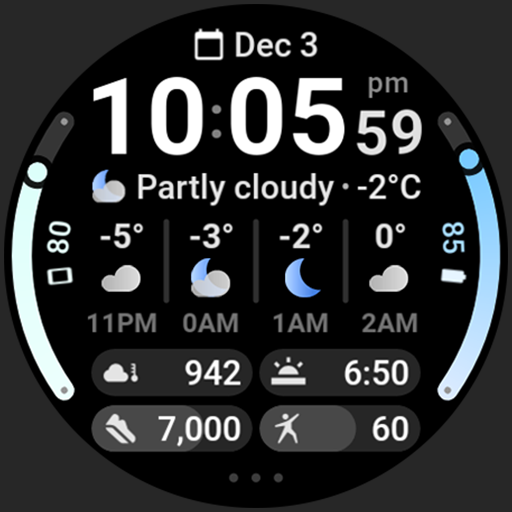
Hourly and daily weather forecast, current condition, temperature, UV and more!
4.70
Thermometer shows indoor and outdoor temperature
4.70
Weather radar map, storm tracker, local forecast, live rain alerts & daily news.
4.60
Track rainfall totals with ease using our rain gauge app. Accurate rain tracker.
4.50
Weather related custom complications for Wear OS. UV, Hi-Lo, AQI and more!
4.40
Global weather forecast, powered by layered radar & hourly weather updates
4.10
Instant weather updates, easy to check anytime on your home screen.
3.50
Most precise & accurate compass app give true North South East West directions.
3.00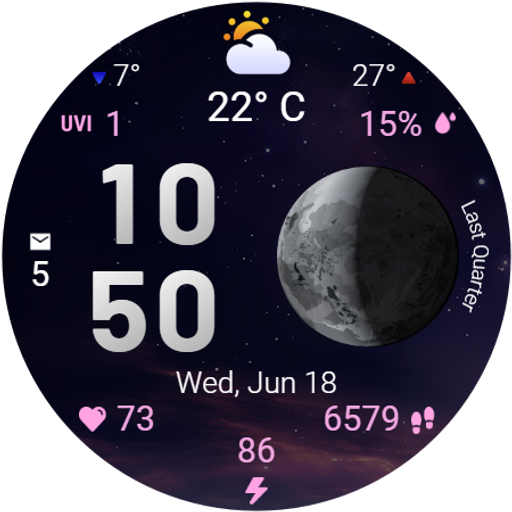
Detailed weather info and moon phase, subtle animation, customizable
4.5


User Reveiws