USB Connector Cast Phone to TV

3.70

Information

Category:

Libraries & Demo

Price:

Free

Rank:

11

Rating:

3.70

Overview

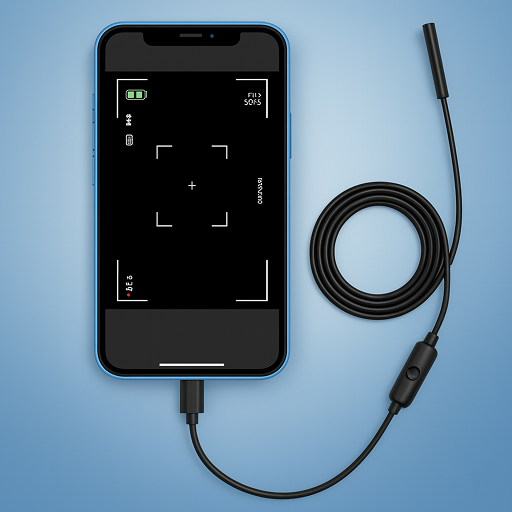
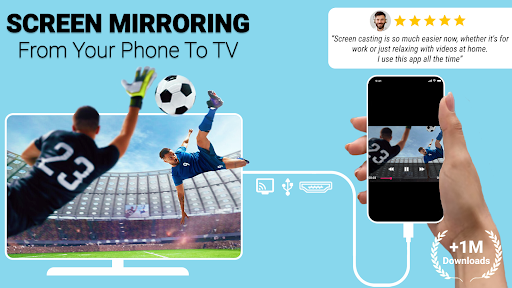
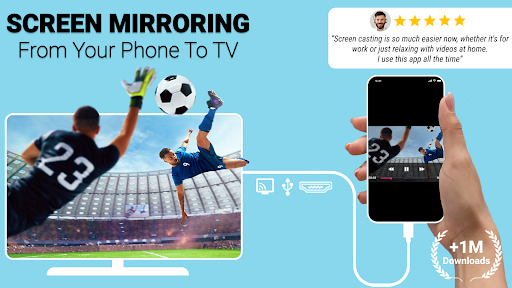
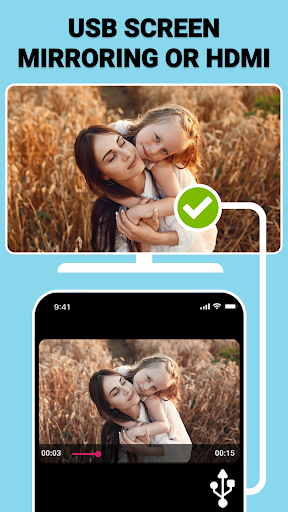
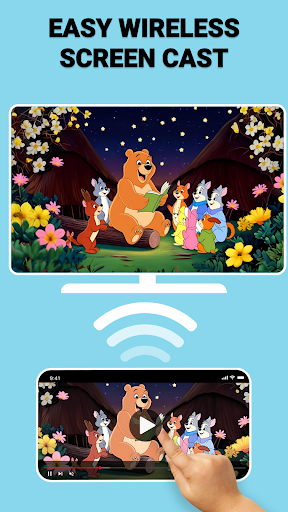
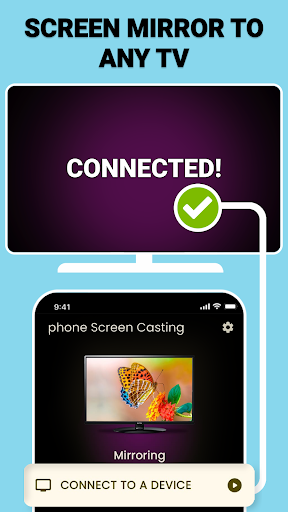
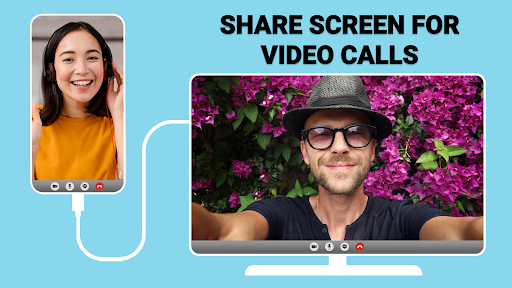
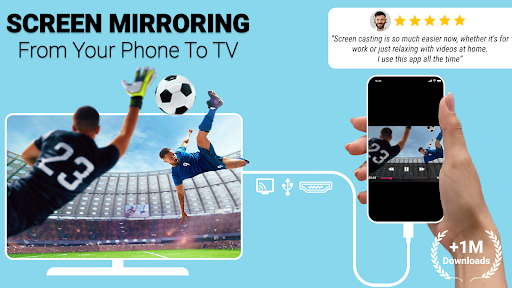
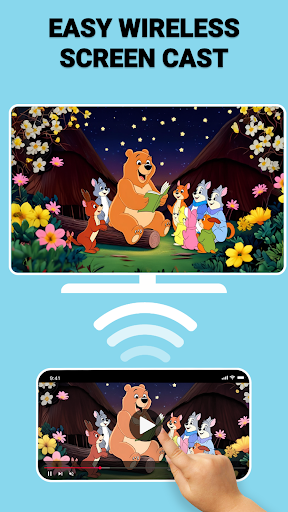
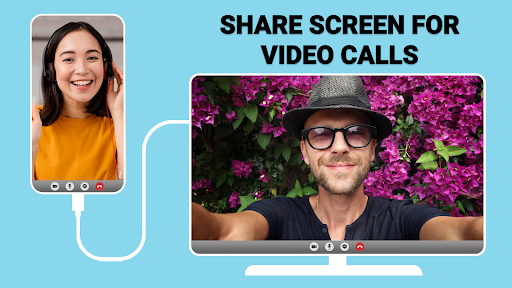
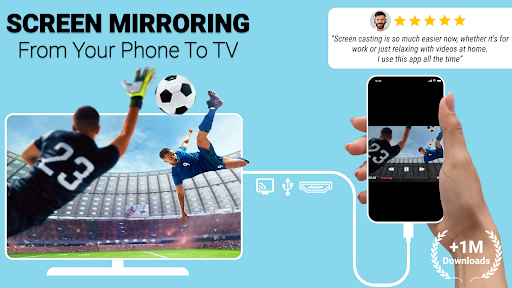
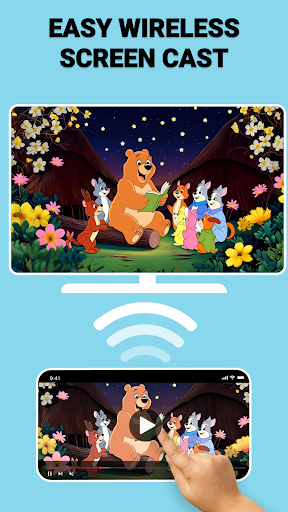
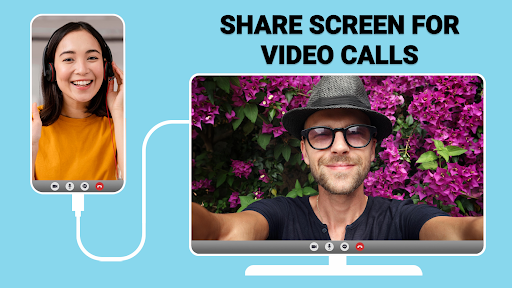
USB Screen Cast is a versatile screen mirroring application designed to connect your mobile device to a TV effortlessly. The app supports both wireless casting via WiFi and stable wired connections using a TV USB connector, ensuring reliable performance for various screen sharing needs.

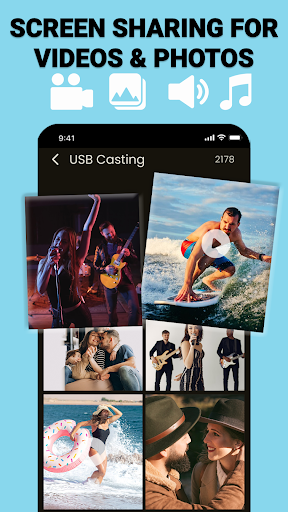
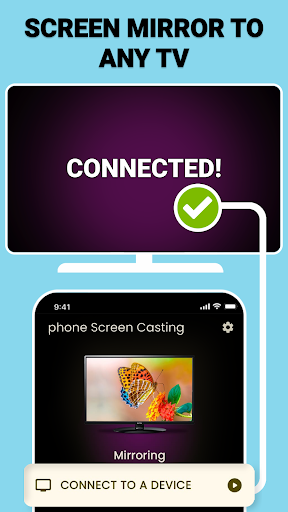
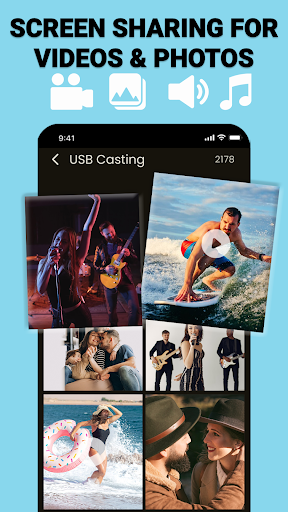
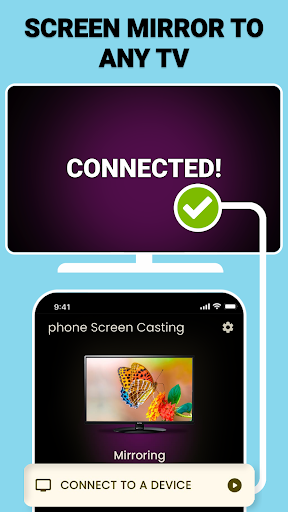
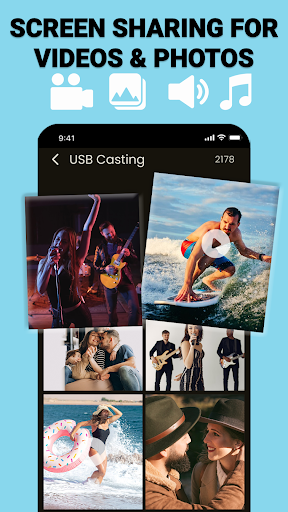
With its user-friendly interface, the app allows users to mirror their phone screens to TV with just a few taps. Whether you're streaming movies, delivering presentations, or sharing photos, USB Screen Cast provides seamless functionality that enhances both productivity and entertainment experiences.

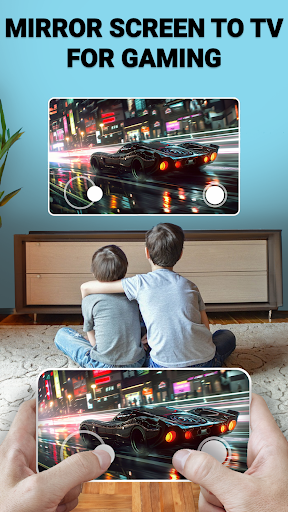
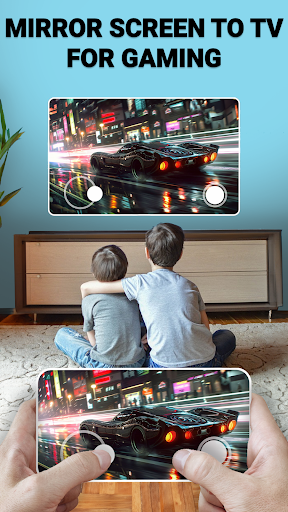
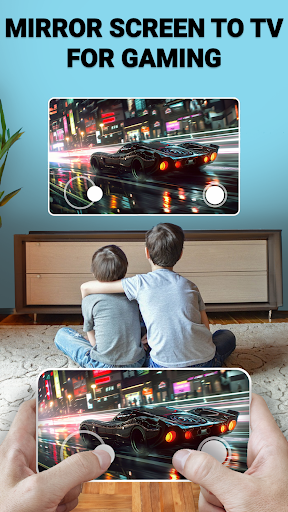
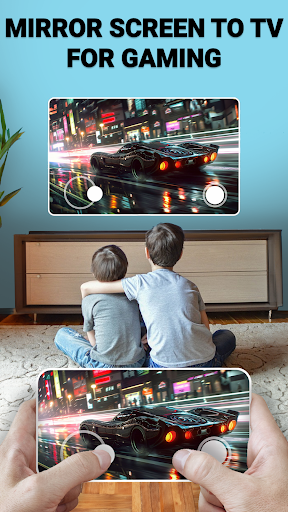
The app's key advantage lies in its dual connectivity options and high-quality mirroring capabilities. Users can enjoy lag-free screen sharing for gaming, streaming, and professional presentations, making it an ideal solution for both personal and business settings.

Features

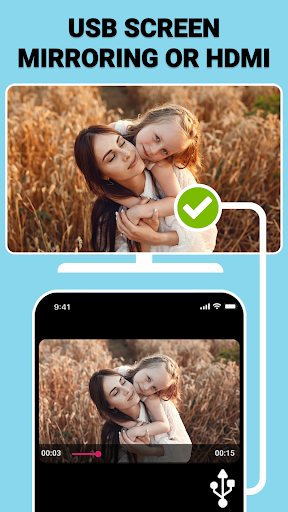
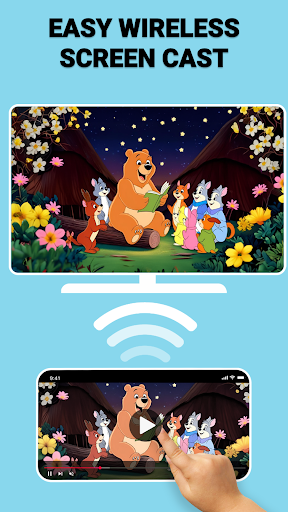
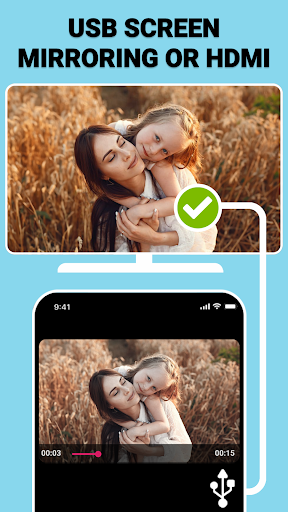
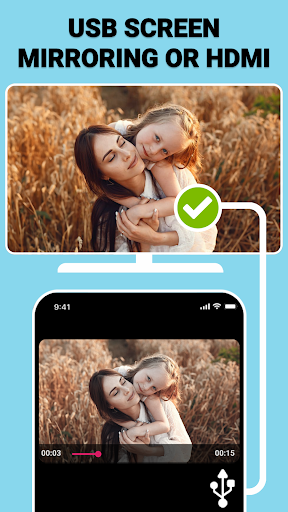
USB Screen Cast offers an impressive array of features that cater to different user needs. The app's wireless screen casting function enables clutter-free mirroring through WiFi networks, while the USB screen mirroring option ensures stable connections when wireless isn't optimal.

One notable feature is the customizable casting settings, allowing users to adjust resolution and optimize display preferences. This flexibility ensures the best possible viewing experience across various devices and screen sizes.

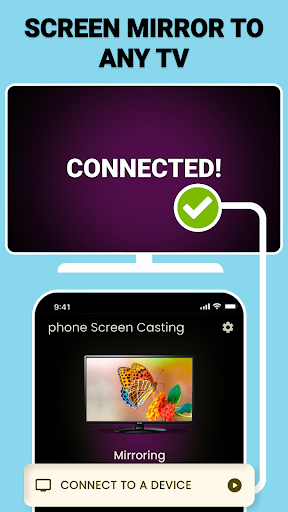
Additionally, the app's instant detection capability simplifies the connection process. Once launched, it automatically identifies compatible devices, enabling users to start mirroring with minimal setup time. These features collectively create a comprehensive screen sharing solution that adapts to different technical requirements and user preferences.

Functionality completeness & coverage

Functionality completeness and coverage refer to the extent to which an application provides a comprehensive set of features that cater to user needs across various use cases. For USB Connector Cast Phone to TV, this means offering versatile connectivity options that include both wireless screen casting via WiFi and stable USB screen mirroring for environments where wireless may not be feasible or reliable. The app ensures users can cast their phone screens to a TV effortlessly, providing solutions for different scenarios such as streaming movies, sharing photos, delivering presentations, or gaming. By covering these bases, the app demonstrates its commitment to functionality completeness. Users benefit from having multiple ways to connect their devices to a larger display, whether they are at home, in the office, or in any setting that requires either convenience or stability. This dual approach caters to diverse preferences and technical setups, ensuring that no matter the situation, users have a reliable method to share content. Furthermore, additional features like customizable casting settings allow users to adjust resolution and optimize the viewing experience according to their specific requirements. Such attention to detail enhances the overall utility of the app by addressing potential limitations in different display environments. In essence, the completeness and coverage of functionalities within USB Connector Cast Phone to TV empower users with flexibility, reliability, and ease of use, making it a robust tool for anyone looking to enhance their multimedia experience on a bigger screen.

Usability & operational smoothness

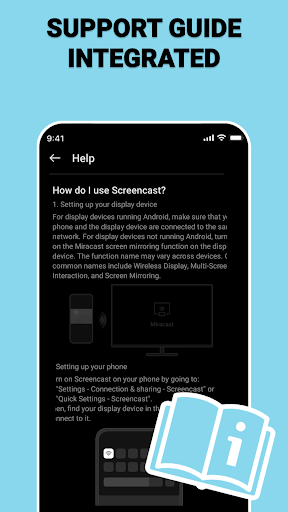
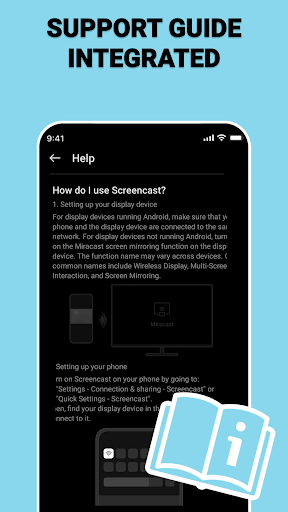
Usability and operational smoothness are critical factors that determine how easily users can interact with an application and achieve their desired outcomes without encountering obstacles or frustrations. For USB Connector Cast Phone to TV, usability begins with the straightforward setup process that allows users to quickly connect their devices through either WiFi or a TV USB connector. The intuitive interface guides users through each step, from connecting to the same WiFi network or plugging in the USB cable, launching the app, selecting the target TV device, and initiating the screen mirroring process. This simplicity reduces the learning curve and makes the app accessible even to those who may not be tech-savvy. Operational smoothness is further enhanced by the app's ability to deliver high-speed performance regardless of the chosen connection method. Whether using wireless casting or USB screen sharing, users experience minimal lag, ensuring that their activities such as streaming videos, playing games, or presenting slideshows remain uninterrupted and enjoyable. Additionally, the appu2019s reliability extends to maintaining stable connections throughout extended usage periods, preventing unexpected disconnections that could disrupt important tasks or entertainment sessions. These aspects contribute significantly to user satisfaction by creating a seamless interaction between the mobile device and the television. Overall, the emphasis on usability and operational smoothness in USB Connector Cast Phone to TV translates into a hassle-free user experience that prioritizes efficiency, stability, and enjoyment when sharing content on a larger display.

Props

User-friendly interface

Dual connectivity options

High-quality mirroring

Customizable settings

Instant device detection

Cons

Limited device compatibility

Requires WiFi for wireless

Premium features locked

Occasional connection issues

Interface could be improved

Features and Functions

What is this app and what can I use it for?

A screen mirroring app for TVs via USB or WiFi

How do I download and install this app on my device?

Search 'USB Screen Cast' on Google Play and install

How do I get started after opening the app for the first time?

Connect devices, launch app, select TV to mirror

What are the main features and capabilities of this app?

Wireless casting, USB mirroring, customizable settings

How can I customize my experience and adjust preferences?

Adjust resolution and display preferences in settings

How do I save or bookmark my favorite content for later access?

Use built-in bookmarking feature for favorite content

How can I share content with friends or on social media?

Share directly through app's integrated sharing option

How do I access detailed information and explore more content?

Explore detailed information in app's content library

What permissions does this app need and how do I manage them?

Needs WiFi access and storage permissions to function

How do I check for updates and keep the app running smoothly?

Check updates automatically in app settings
Show more

User Reveiws

{{ comment.reviewer_name }}
{{ comment.review_date_formatted}}
{{ comment.review_content }}
{{ tab.name }}
{{ comment.reviewer_name }}
{{ comment.review_date_formatted}}
{{ comment.review_content }}
No reviews with this rating