inCarDoc Pro

4.30

Information

Category:

Auto & Vehicles

Price:

$ 4.99

Rank:

15

Rating:

4.30

Overview

inCarDoc Pro is a comprehensive vehicle diagnostics tool designed for car owners and automotive professionals. This application serves as an OBD-II scanner, enabling users to read real-time parameters from their vehicle's Engine Control Unit (ECU). It provides detailed insights into engine performance, fault codes, and fuel economy metrics.

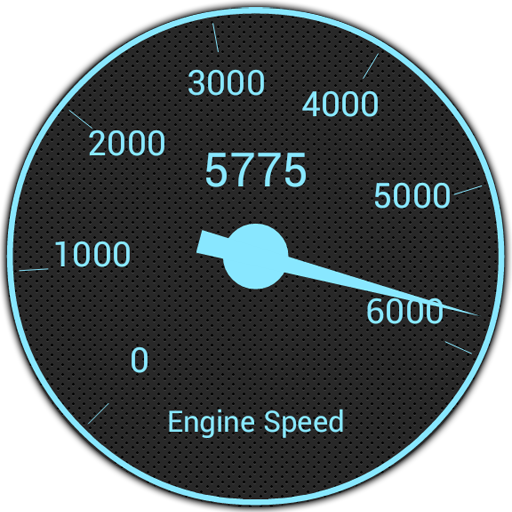
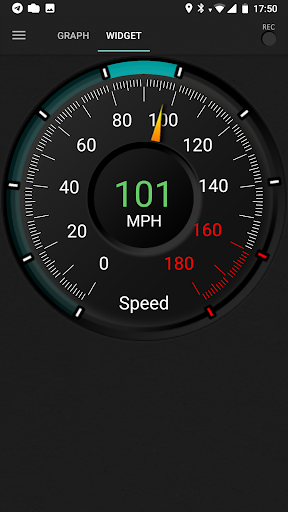
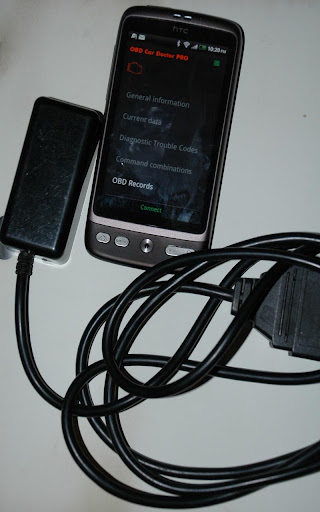
The app supports multiple connection methods including Bluetooth, WiFi, and BLE through compatible adapters like ELM327. Users can monitor speed, RPM, coolant temperature, and other critical parameters while driving. The pro version offers advanced features such as background data recording, GPS tracking, and server uploads for comprehensive vehicle health monitoring.

Features

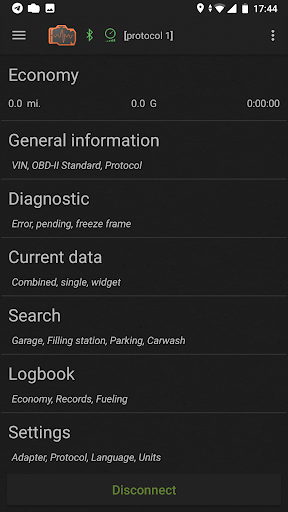
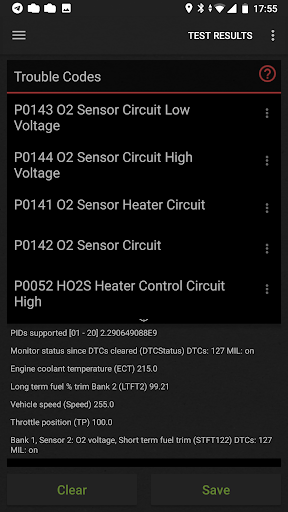
inCarDoc Pro stands out with its extensive feature set tailored for automotive diagnostics. The application can read and clear diagnostic trouble codes (DTCs), display freeze frame data, and provide detailed parameter identification (PID) readings from the vehicle's sensors.

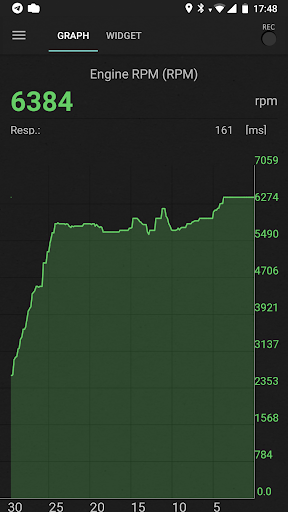
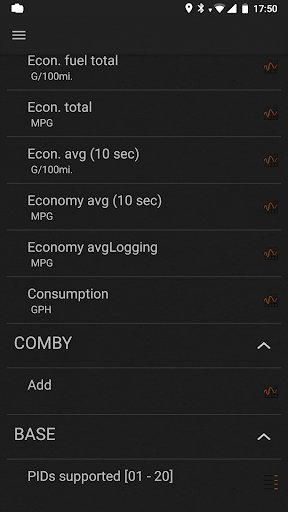
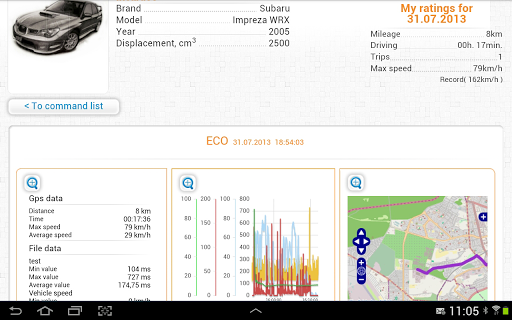
One of the key capabilities is its real-time parameter monitoring system that presents data through customizable widgets and charts. The pro version enables background recording of these parameters, allowing users to analyze historical data trends. Additionally, the built-in economizer function helps track fuel consumption patterns and provides trip-based statistics for improved efficiency analysis.

Advanced users will appreciate the console mode for sending direct OBD-II commands and the ability to create custom configurations for non-standard protocols. The application also maintains a detailed logbook for service records and maintenance tracking, making it an all-in-one solution for vehicle management.

Detailed vehicle information

Detailed vehicle information is a crucial feature for automotive diagnostic applications like inCarDoc Pro as it allows users to access comprehensive data about their vehicle's performance and health. This functionality typically includes the ability to read real-time and stored diagnostic parameters from the Engine Control Unit (ECU) of OBD-II compliant cars which provides insights into various aspects of the vehicle's operation. With inCarDoc Pro users can retrieve essential details such as speed rotation (RPM) coolant temperature pressure oxygen sensor readings and multiple other Parameter IDs (PIDs). The application supports advanced functionalities including fault code reading Check Engine Light (MIL) state analysis freeze frame data extraction and clearing diagnostic trouble codes (DTCs). These features enable car owners to understand the exact issues affecting their vehicles and make informed decisions regarding necessary repairs or maintenance. Additionally the app offers specialized tools like the Economizer mode which tracks fuel economy presenting both instant and average consumption statistics. However it is important to note that the availability of certain parameters depends on the specific make model and year of the vehicle. Overall this detailed vehicle information empowers users by providing transparency into their car's condition allowing them to monitor performance optimize fuel efficiency and maintain their vehicles more effectively.

Price transparency

Price transparency in automotive applications like inCarDoc Pro refers to the clear presentation of costs associated with vehicle diagnostics and maintenance services ensuring users have a complete understanding of what they are paying for. While inCarDoc Pro itself is a paid application that offers extensive features without advertisements its pricing structure is straightforward and honest. Users are informed upfront about the capabilities included in the pro version such as real-time parameter recording background mode operations GPS trace support and extended widgets for fuel economy and acceleration. Furthermore the application facilitates cost-effective vehicle management by enabling users to track fuel consumption and expenses through its logbook feature. This logbook allows for detailed records of fueling service events and maintenance activities helping car owners budget and plan for future expenditures. Although the app requires an ELM327 compatible OBD scanner for full functionality it also operates in GPS-only and demo modes offering some features without additional hardware costs. By providing these transparent pricing options and detailing the value added by each feature inCarDoc Pro ensures that users can make informed financial decisions regarding their vehicle upkeep. This approach not only builds trust but also enhances user satisfaction by delivering measurable value for the investment made in the application.

Props

Comprehensive diagnostics

Real-time monitoring

Customizable widgets

Background recording

Fuel economy tracking

Cons

Requires compatible adapter

No iOS support

Complex for beginners

Occasional connectivity issues

Premium price point

Features and Functions

What is this app and what can I use it for?

An OBD2 scanner app for car diagnostics and monitoring

How do I download and install this app on my device?

Search 'inCarDoc Pro' on Google Play Store and tap install

How do I get started after opening the app for the first time?

Pair your OBD2 adapter and grant necessary permissions

What are the main features and capabilities of this app?

Reads real-time parameters, DTCs, fuel economy stats

How can I customize my experience and adjust preferences?

Adjust units, widget layouts, and data preferences

How do I save or bookmark my favorite content for later access?

Save logs and notes in the built-in logbook feature

How can I share content with friends or on social media?

Share diagnostic reports via email or messaging apps

How do I access detailed information and explore more content?

View detailed parameter traces and historical data

What permissions does this app need and how do I manage them?

Needs location, storage, and drawing permissions

How do I check for updates and keep the app running smoothly?

Check Google Play Store regularly for updates and enable auto-update in settings
Show more

User Reveiws

{{ comment.reviewer_name }}
{{ comment.review_date_formatted}}
{{ comment.review_content }}
{{ tab.name }}
{{ comment.reviewer_name }}
{{ comment.review_date_formatted}}
{{ comment.review_content }}
No reviews with this rating