My Agenda Pro

4.30

Information

Category:

Lifestyle

Price:

$ 6.99

Rank:

24

Rating:

4.30

Overview

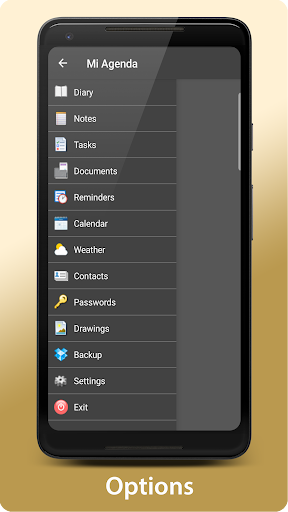
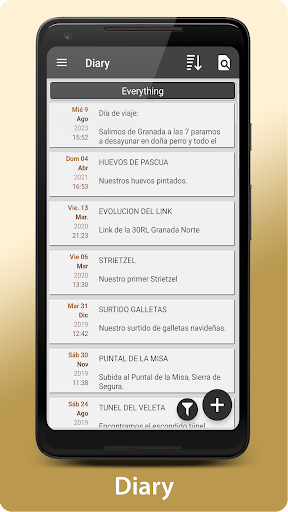
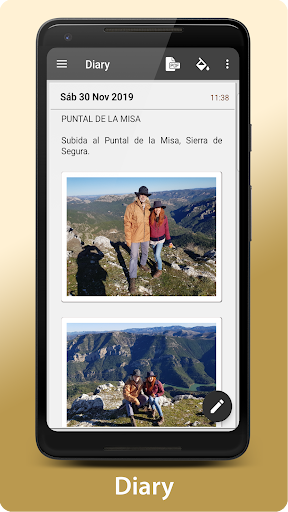
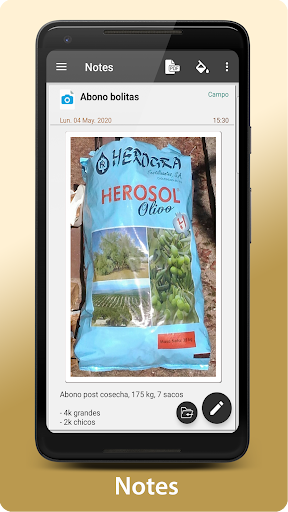
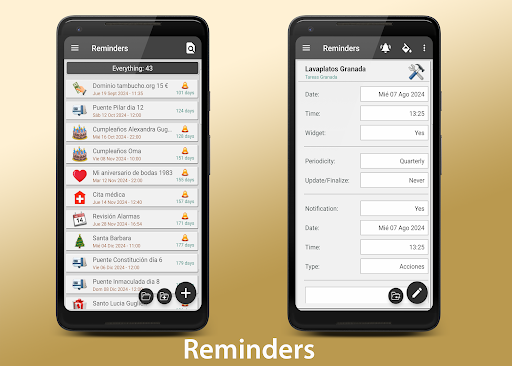
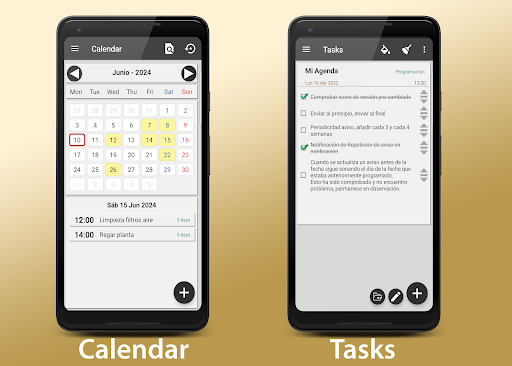
My Agenda Pro is a comprehensive lifestyle management app designed to streamline your daily tasks and keep your life organized. This all-in-one personal assistant offers a visual diary for capturing thoughts, ideas, and special moments through text, photos, and voice notes. With personalized task management, weather forecasts, and secure storage for contacts and passwords, it ensures you have everything you need at your fingertips.

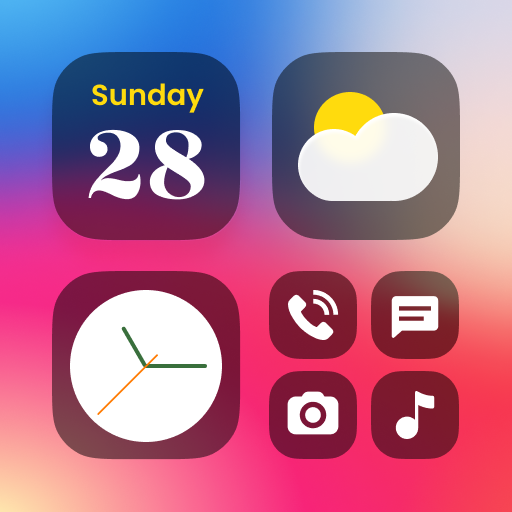
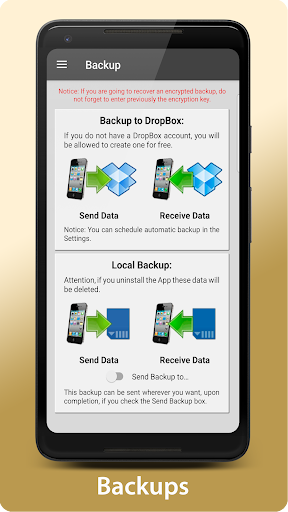
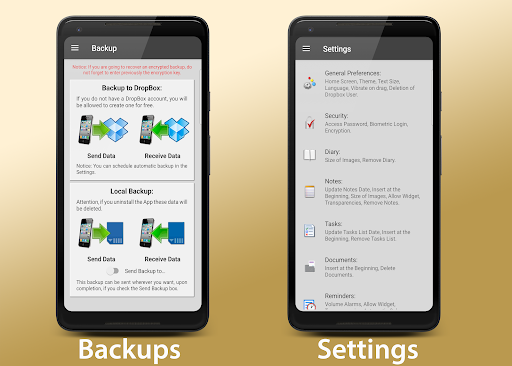
The app stands out with its creative tools like freehand drawing and sketching, alongside practical features such as automatic backups via Dropbox and manual options through various platforms. Custom widgets allow quick access to reminders and notes directly from your home screen. Its flexibility in organizing content and robust security measures, including password protection and fingerprint authentication, make it an indispensable tool for anyone seeking efficiency and peace of mind.

Features

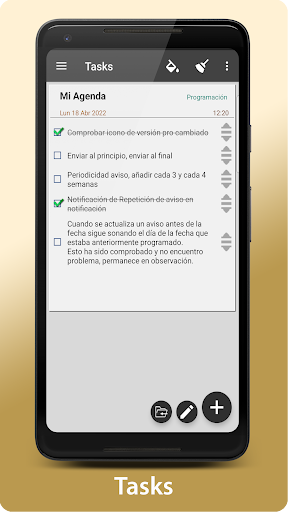
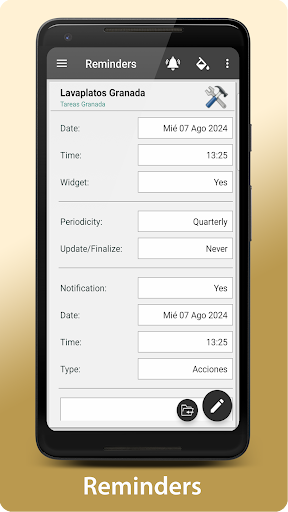
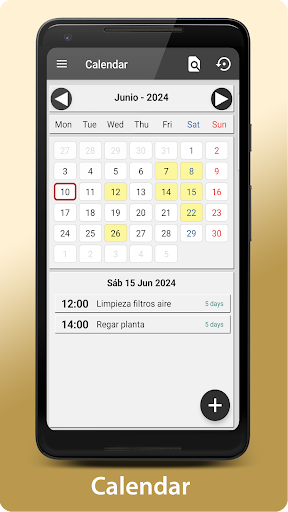
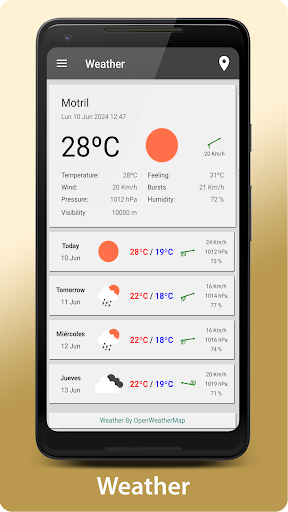
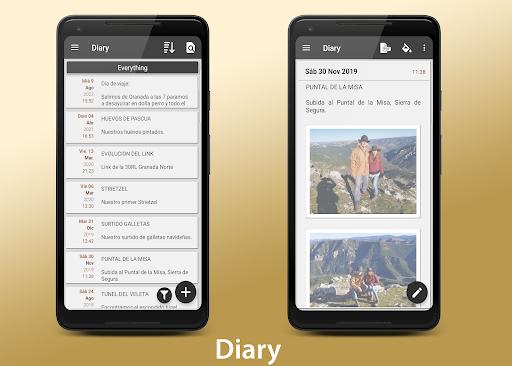
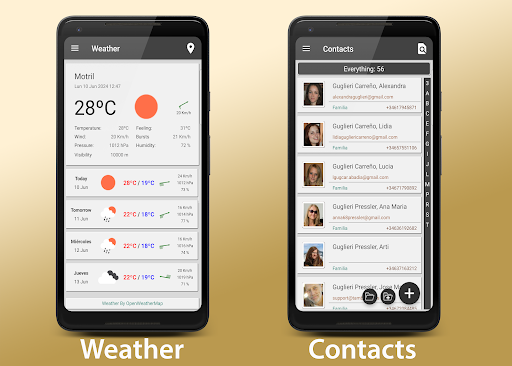
My Agenda Pro boasts an array of sophisticated features tailored to enhance productivity and creativity. The app's visual diary lets users document their lives vividly, while personalized task lists and reminders help manage time effectively. Weather forecasts for up to 15 days ensure you're always prepared, no matter where you are.

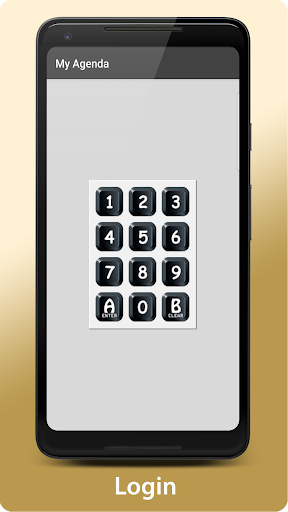
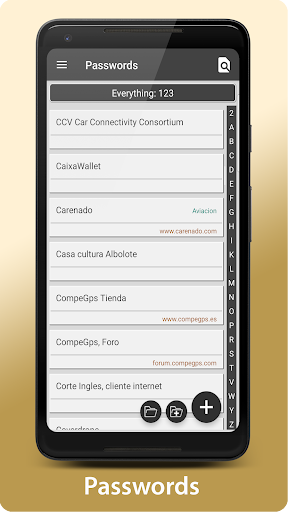
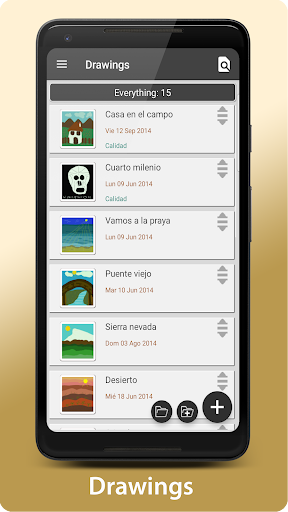
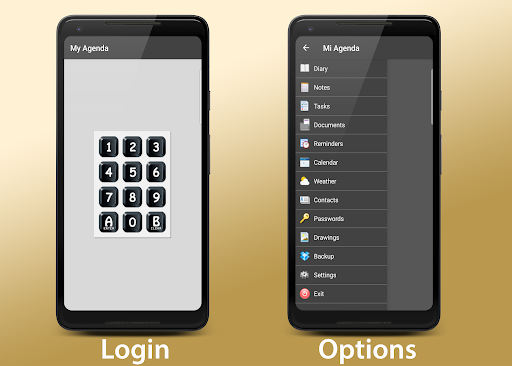
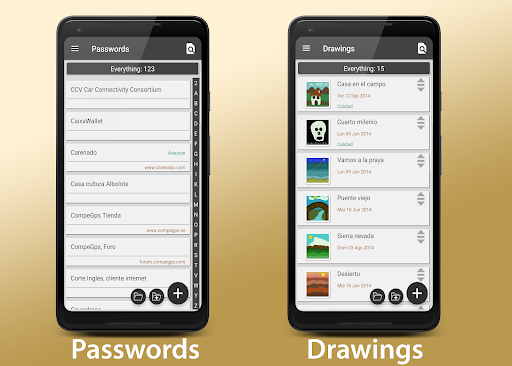
Security is paramount, with encrypted storage for sensitive information accessible via password or fingerprint. Creative professionals will appreciate the ability to draw and sketch freely, while automatic backups provide peace of mind by safeguarding data against loss. Customizable widgets bring essential functions to your home screen, and flexible sharing options allow converting notes into PDFs for easy distribution across multiple platforms.

Lifestyle category coverage

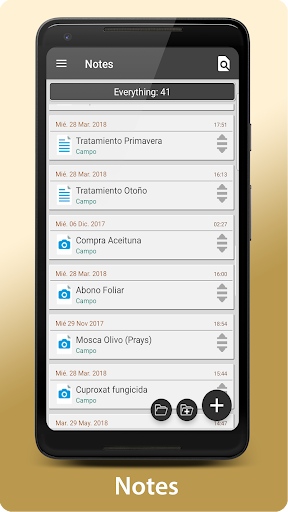
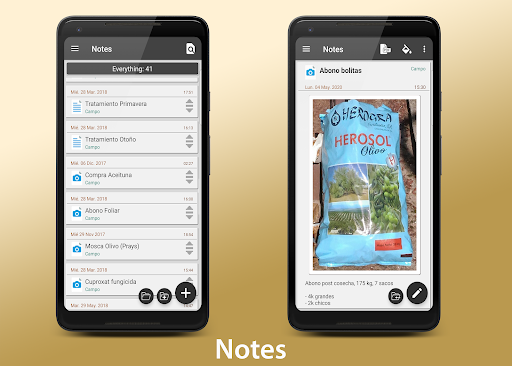
Lifestyle applications serve as comprehensive tools that cater to various aspects of daily living, offering functionalities that enhance productivity, creativity, and personal organization. My Agenda Pro excels in lifestyle category coverage by integrating an extensive range of features designed to streamline the user's day-to-day activities. The app consolidates note-taking with multimedia support, task management with personalized reminders, weather forecasting for planning purposes, secure storage for sensitive information, creative outlets through drawing and sketching, and robust backup solutions across multiple platforms. This wide array of services ensures that users can manage different facets of their lives within a single application, promoting efficiency and convenience. By covering these diverse areas, My Agenda Pro not only meets but anticipates the needs of individuals seeking an all-encompassing digital assistant. The inclusion of customizable widgets further enhances accessibility, allowing users to keep critical information at their fingertips directly on their home screens. Such comprehensive lifestyle category coverage positions My Agenda Pro as a versatile tool that adapts to various user preferences and requirements, ultimately fostering a more organized and secure approach to personal and professional life management.

Content authenticity & expert credibility

In the realm of lifestyle applications, content authenticity and expert credibility are paramount to establishing trust and reliability among users. My Agenda Pro addresses these concerns by implementing stringent measures to ensure the accuracy and security of its content offerings. For instance, the app provides a secure environment for storing contacts and passwords, utilizing encryption methods that safeguard personal data against unauthorized access. This commitment to security extends to its backup solutions, which include synchronization with trusted cloud services like Dropbox and manual options via email or messaging apps, ensuring data integrity and availability. Furthermore, My Agenda Pro supports the conversion of notes into PDF format, enabling users to share verified and unaltered content through various channels. While the app does not explicitly mention expert endorsements, its feature set implies a level of sophistication and attention to detail that suggests development informed by best practices in information management and cybersecurity. The emphasis on protecting user information through password protection, fingerprint authentication, and data encryption underscores the app's dedication to maintaining high standards of content authenticity and user privacy. Additionally, the provision of a direct line of communication with the development team via the Developer Email demonstrates a willingness to engage with users and address any concerns regarding content validity or functionality. These elements collectively contribute to a perception of My Agenda Pro as a credible and trustworthy tool for managing personal information and enhancing daily productivity.

Props

User-friendly interface

Comprehensive feature set

Secure data encryption

Versatile organization tools

Reliable customer support

Cons

Premium features require subscription

Occasional sync issues reported

Limited free storage capacity

Advanced tools may overwhelm beginners

Some features only available on Android

Features and Functions

What is this app and what can I use it for?

A versatile lifestyle app for managing tasks, notes, and more.

How do I download and install this app on my device?

Visit Google Play Store, search 'My Agenda Pro', tap Install.

How do I get started after opening the app for the first time?

Follow the setup wizard, create an account, explore basic features.

What are the main features and capabilities of this app?

Includes diary, task manager, weather forecast, secure storage.

How can I customize my experience and adjust preferences?

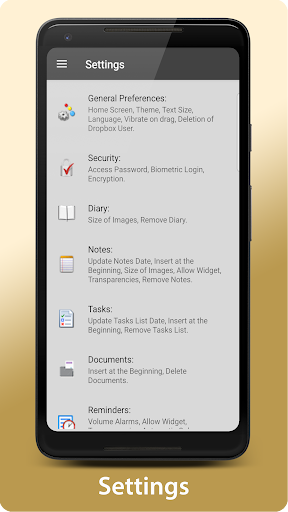
Adjust settings via the Preferences menu for a tailored experience.

How do I save or bookmark my favorite content for later access?

Use the Save option to store favorites locally or in the cloud.

How can I share content with friends or on social media?

Tap Share button, select platform, send content easily.

How do I access detailed information and explore more content?

Navigate detailed menus, use search function for extensive info.

What permissions does this app need and how do I manage them?

Requires storage, location permissions; manage in settings.

How do I check for updates and keep the app running smoothly?

Enable auto-updates in Google Play Store for seamless performance.
Show more

User Reveiws

{{ comment.reviewer_name }}
{{ comment.review_date_formatted}}
{{ comment.review_content }}
{{ tab.name }}
{{ comment.reviewer_name }}
{{ comment.review_date_formatted}}
{{ comment.review_content }}
No reviews with this rating