
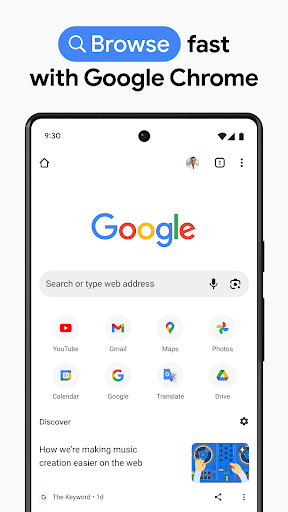
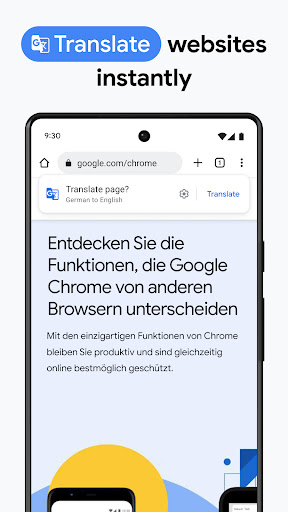
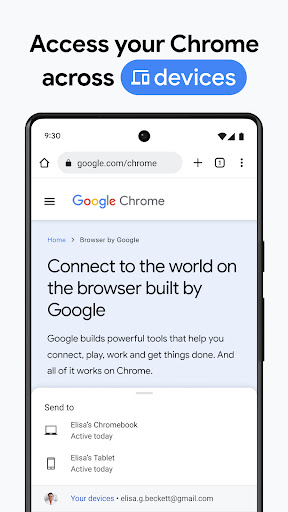
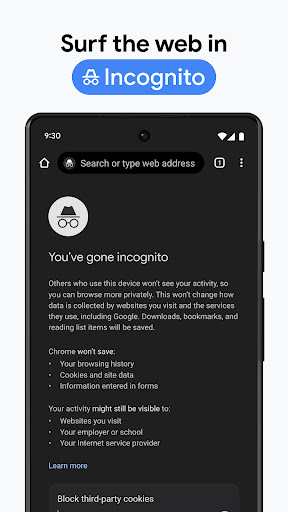
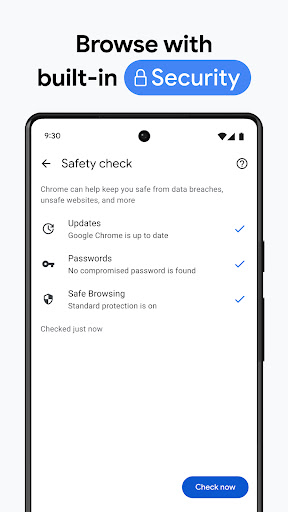
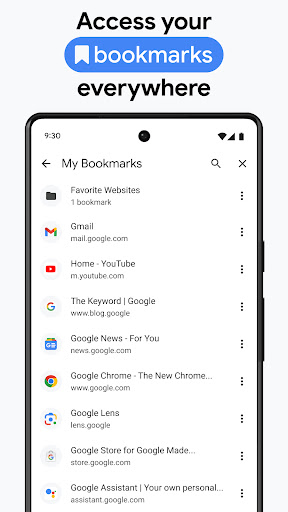

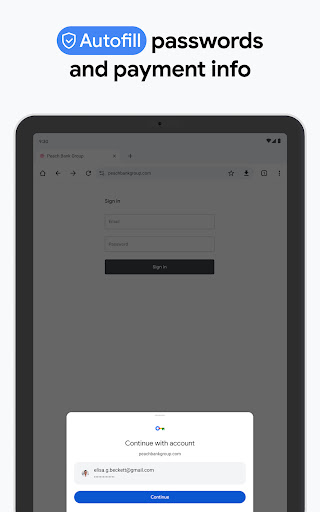

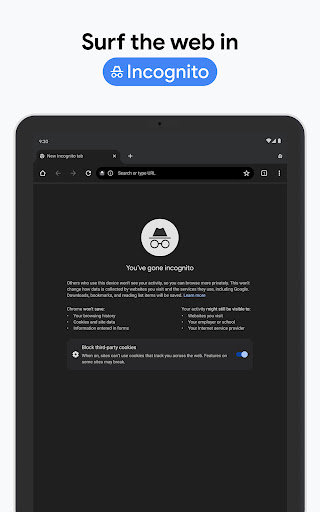
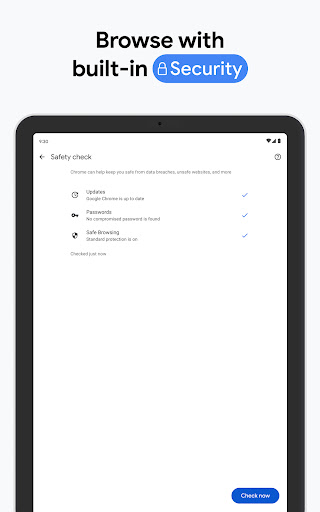
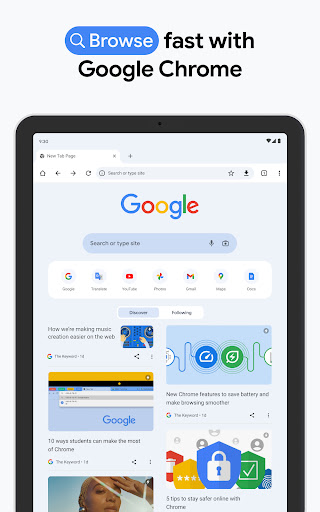
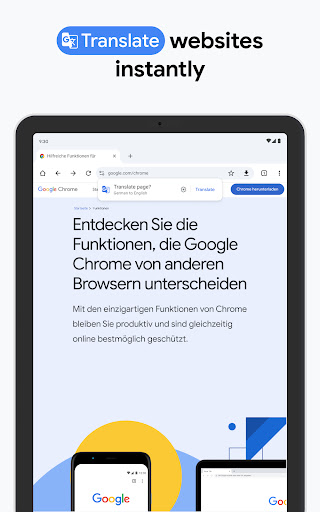
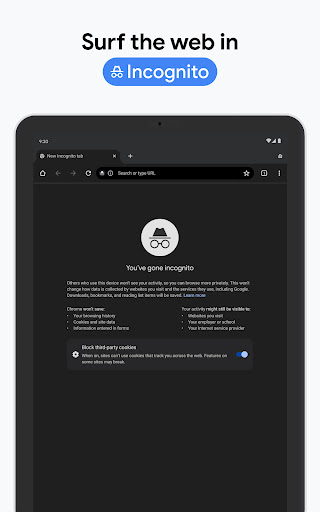
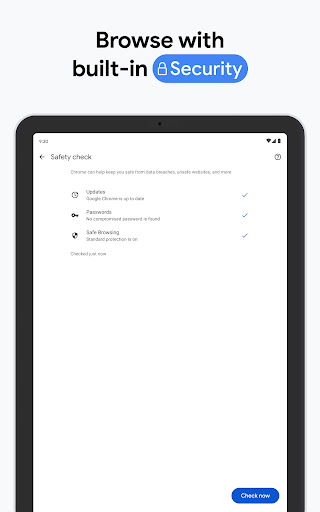
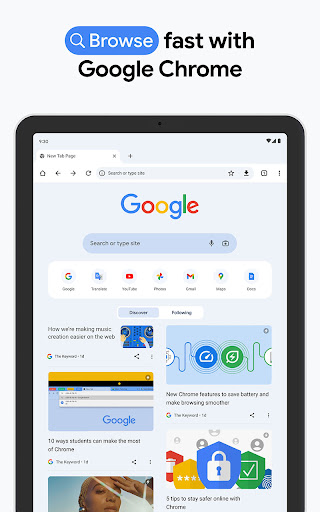

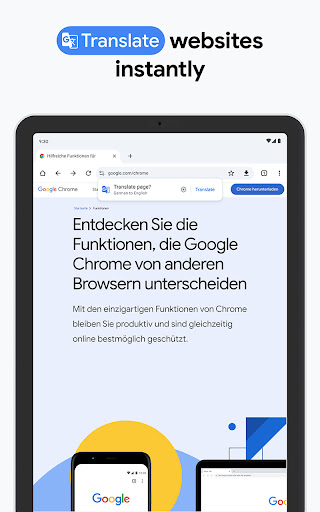
Google Chrome is a fast and secure browser that brings the best of Google's capabilities to your fingertips. With features like voice search, Google Lens integration, and real-time translation in over 130 languages, it allows users to seamlessly navigate and interact with the web. The browser also offers top-tier security through Enhanced Protection Mode, safety alerts, and integrated password management.
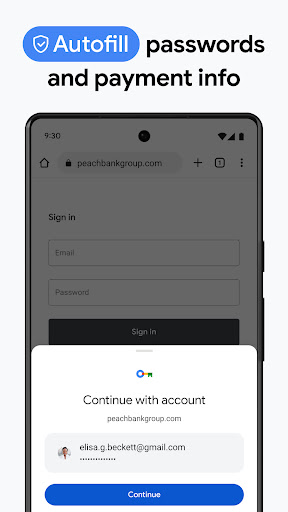
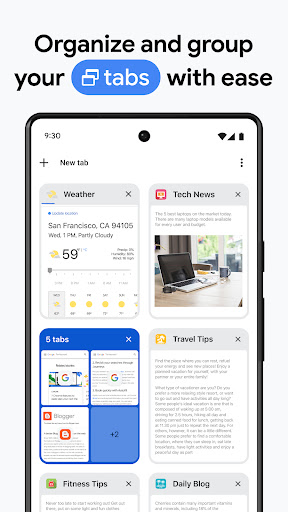
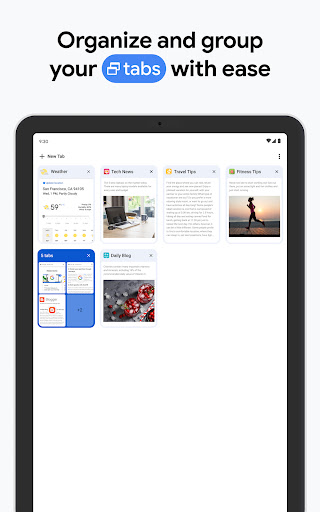
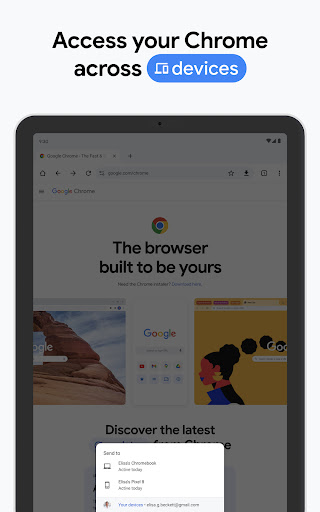
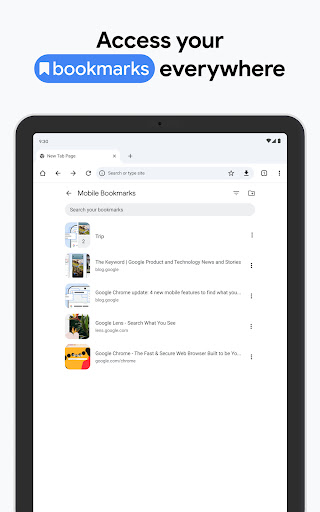
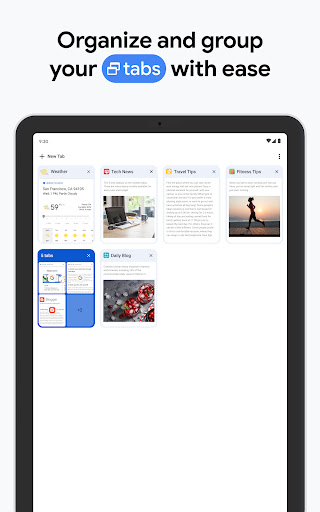
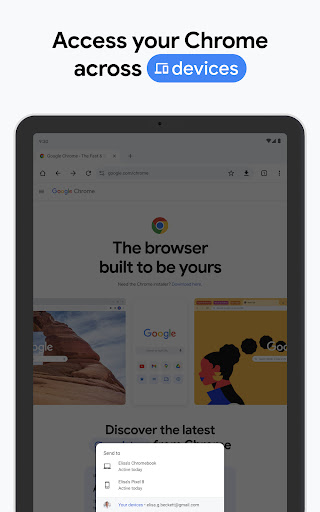
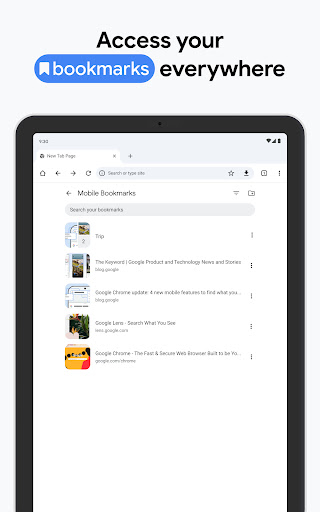
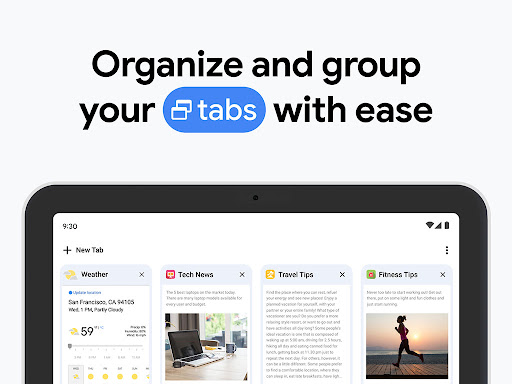
Designed for cross-device functionality, Chrome enables users to sync bookmarks, tabs, and passwords across their devices. Its organizational tools like Tab Groups and Autofill further enhance productivity, making browsing more efficient and personalized. Whether you're searching, translating, or managing sensitive data, Chrome ensures a smooth and secure experience tailored to modern web users.
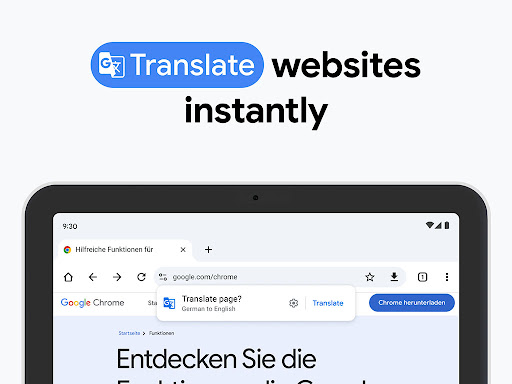
Google Chrome stands out with its robust integration of Google services, offering functionalities like hands-free voice search and visual queries through Google Lens. Its translation feature supports over 130 languages, allowing users to browse global content effortlessly. Security is prioritized with Enhanced Protection Mode, which safeguards against malicious websites, while Safety Check provides proactive notifications about potential risks.
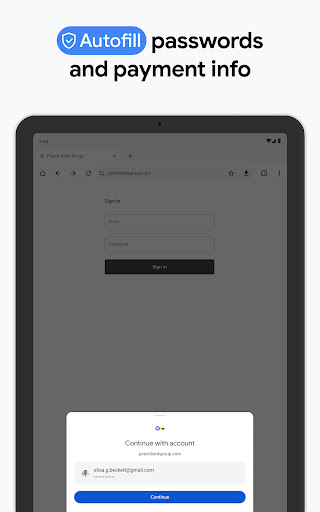
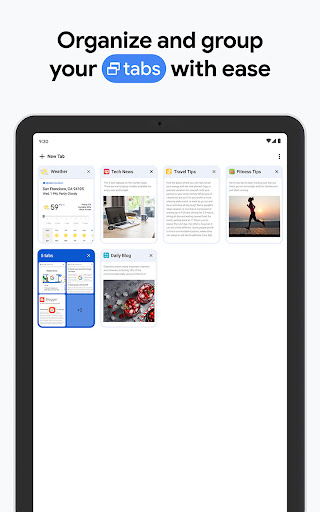
The browser excels in synchronization and convenience. By signing into Chrome, users can access synced bookmarks, open tabs, and saved passwords from any device. Tab Groups help organize multiple tasks efficiently, while Autofill minimizes repetitive typing by storing payment details, addresses, and login credentials securely. These innovations ensure Chrome remains a versatile tool for both casual browsing and professional use.
Fast browsing speed
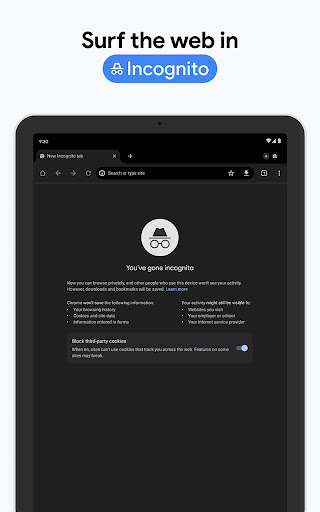
Advanced security features
Seamless cross-device sync
Integrated Google services
User-friendly interface
High memory usage
Limited customization options
Privacy concerns with tracking
No built-in ad blocker
Occasional lag on older devices

SMS Messenger ensures that communication become effortless and accessible.
 3.80
3.80
Adblock & VPN Browser: Blocks banners, pop-ups and video ads, fast downloader!
4.60
Messenger for SMS - texting message app, faster, simpler & safer, for you.
4.70
Connect and browse the internet with a fast VPN proxy server and IP blocker.
4.50
2nd Phone Number Line for Anonymous Texting, Calling, and Picture Messages
4.30
Smart and simple anti-wiring application - IMSI-catchers catcher
4.40
Bringing the functionality of Winlink to your Android device
4.3
Enhance browsing with AI-powered features and Copilot.
4.70
Telegram is a messaging app with a focus on speed and security.
4.00
Manage your mobile phone plan, check unlimited 5g data usage and track rewards
4.50
Simple tool for businesses to talk to their customers.
4.40
Block spam calls & scam - no more annoying calls with the call blocker function
4.30
Messages is Private SMS Messenger 2023 with text message, instant messaging.
4.00
Measure BHP, Torque & 0-60 Clear car OBD faults View engine data in Google Earth
4.00
Tether to Windows, OS X, Linux PCs or Android tablets. No root. No tether fees.
3.90
Call Forwarding is easy and simple application to use.
3.80
Pure modern IRC experience for Android
3.70
Fast, Simple And Secure Application That Provides SMBv3 Server On Your Device
3.30
A Browser with powerful ad blocker to help focus on what really matters.
3.00


User Reveiws