
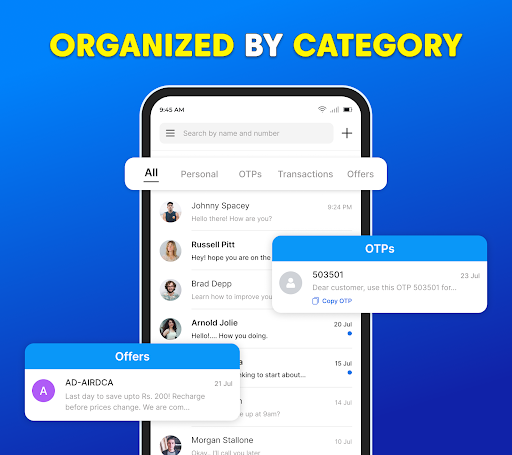
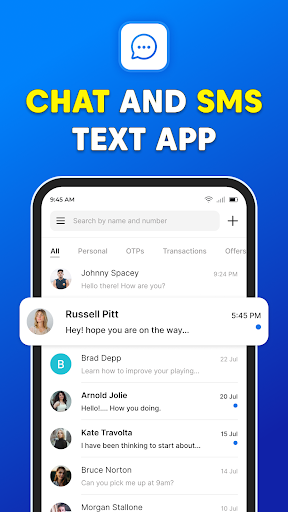
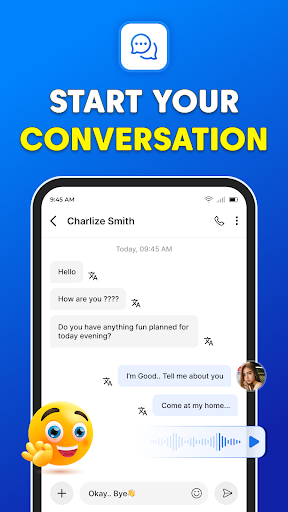
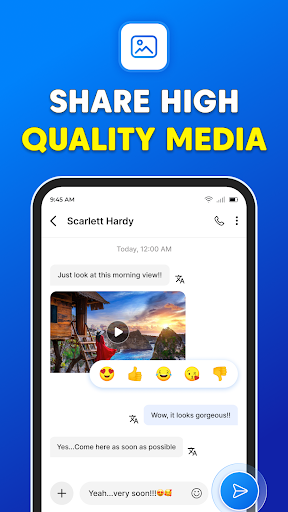
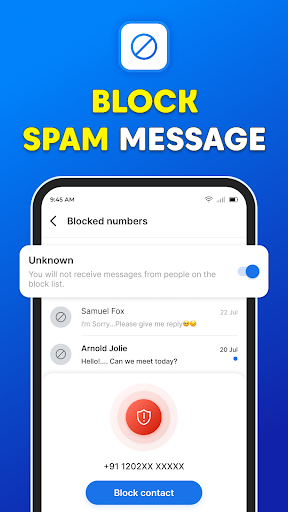
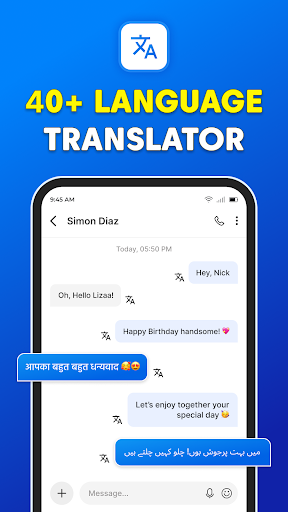

Messages: SMS Text Messenger is a comprehensive communication app designed for seamless private messaging. The core functionality allows users to send text messages (SMS, MMS), share multimedia content such as pictures, GIFs, videos, audios, and stickers with contacts. It supports end-to-end encryption, ensuring secure conversations across devices like smartphones and tablets.
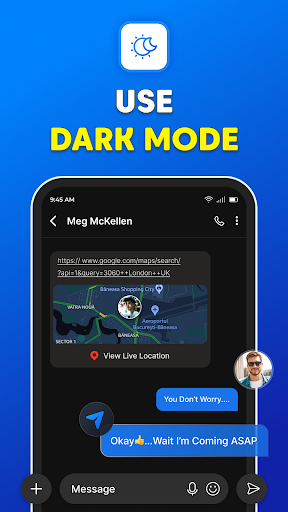
Beyond basic texting, the app offers advanced features including group chats, file sharing, and voice calls without requiring an internet connection. Its powerful backup and restore function ensures messages are never lost, while scheduled messaging helps users manage their communication effectively. With a user-friendly interface and options like dark mode, it provides both style and convenience.
This app is particularly useful for individuals seeking a reliable, secure messaging solution that combines traditional SMS capabilities with modern enhancements. Whether for personal or professional use, Messages: SMS Text Messenger delivers a complete communication experience.
Messages: SMS Text Messenger stands out with its rich feature set tailored for diverse communication needs. One of the key highlights is its support for multiple content formats, enabling users to exchange text messages, images, GIFs, videos, and audio effortlessly. The app's end-to-end encryption ensures privacy, making it suitable for sensitive conversations.
The inclusion of group chat functionality fosters collaboration among friends, family, or colleagues by allowing simultaneous communication with multiple participants. Additionally, the app's ability to handle multimedia files enhances interaction quality. Features like scheduled messaging provide users control over timing, while the backup and restore option safeguards important data against accidental loss.
Another innovative aspect is the post-call SMS access, which lets users respond promptly after phone calls. Combined with a visually appealing dark mode and customizable settings, these features collectively create a versatile and engaging messaging platform.
User-friendly interface
End-to-end encryption
Multimedia sharing
Scheduled messaging
Backup and restore
Limited cross-platform
No video calling
Ads in free version
Occasional bugs
Heavy on storage

 3.90
3.90
A web browser that respects your privacy.
4.30
Google's fast and secure browser
4.10
Connect and browse the internet with a fast VPN proxy server and IP blocker.
4.50
Messenger, an MMS & SMS messages app with Blockers, Driving mode & Private box
4.60
Faster version of Messages. Messenger for your contacts.
4.50
Fast, Simple And Secure Application That Provides SMBv3 Server On Your Device
3.30
Fast internet with AI, Adblock & VPN. Browse on a safe, incognito web browser.
4.70
Share the moment!
4.10
Read OBD2 data and DTCs Create custom dashboards Enhanced diagnostics available
4.70
Save 10% automatically on your first international mobile top up.
4.60
Smart and simple anti-wiring application - IMSI-catchers catcher
4.40
Our Black Friday sale is here. Unlock special discounts on Proton Mail now.
4.30
Chill zone on your phone: relax with fun reels & hype shorts!
4.20
A customizable phone number in the cloud
4.20
Send SMS and chat messages easily with a fast text messaging app for Android.
4.10
WazzapMigrator: transfer your WhatsApp history from iPhone to Android
4.00
SMS Messenger ensures that communication become effortless and accessible.
3.80
A softphone app with seamless SIP calling and an intuitive VoIP dialer
3.50


User Reveiws