

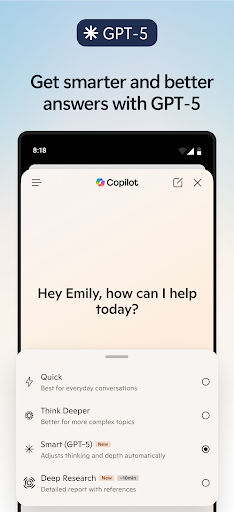
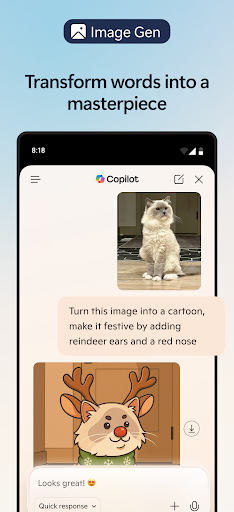

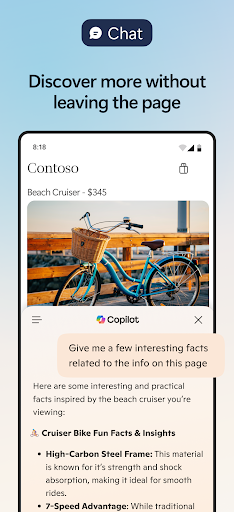
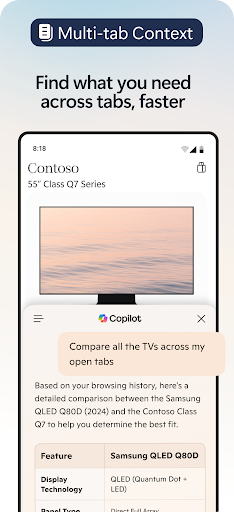

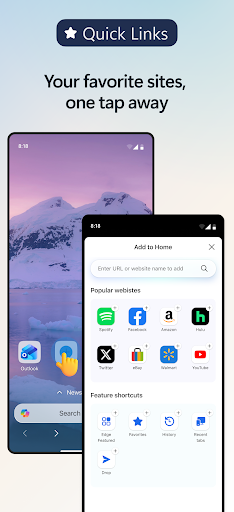
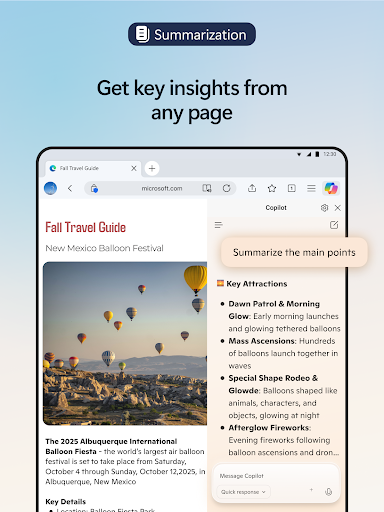
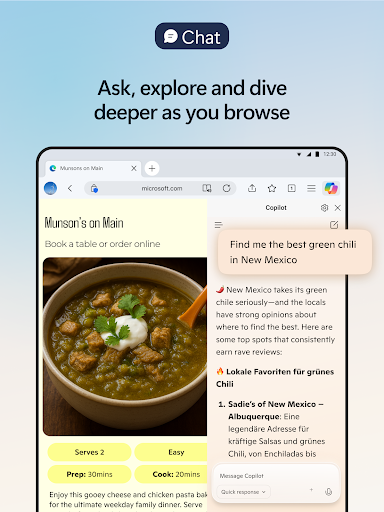
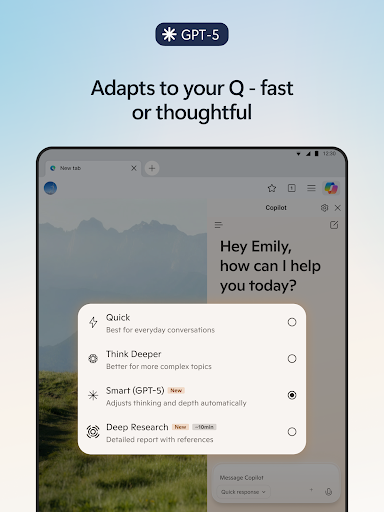


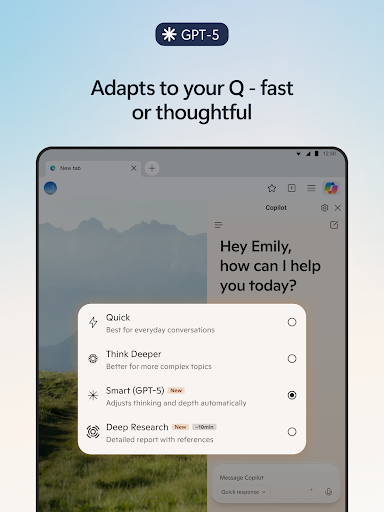

Microsoft Edge is a cutting-edge Communication browser with integrated Copilot, your personal AI assistant. It revolutionizes browsing by offering smarter search capabilities, content summarization, and even image creation. Powered by advanced AI models from OpenAI and Microsoft, including GPT-5, it delivers expert-level assistance while maintaining optimal performance.
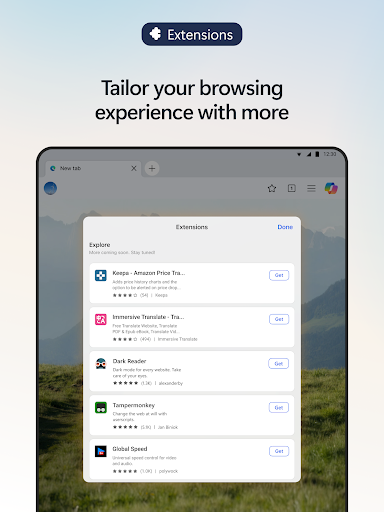
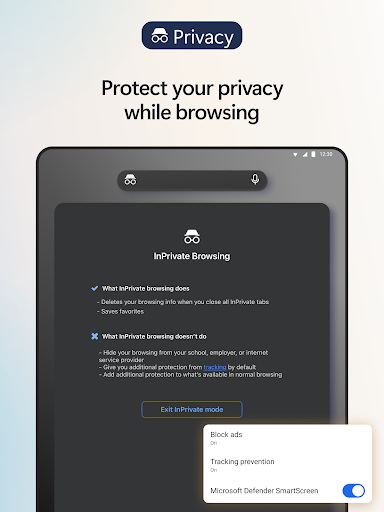
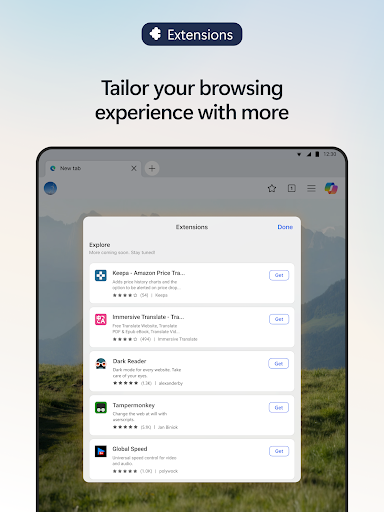
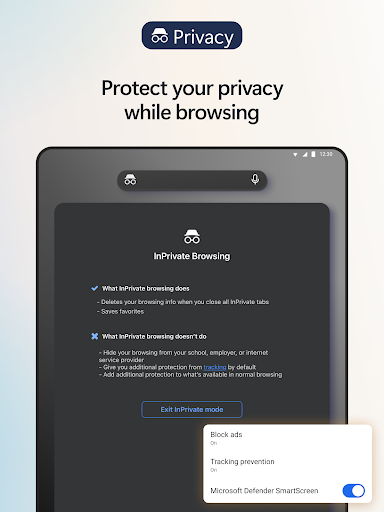
The browser supports extensive customization through extensions, allowing features like cookie management and website theme adjustments. With privacy at its core, Edge incorporates robust security measures such as tracking prevention, ad blocking, and private browsing modes. This ensures users can browse safely while enjoying an enhanced, personalized experience.
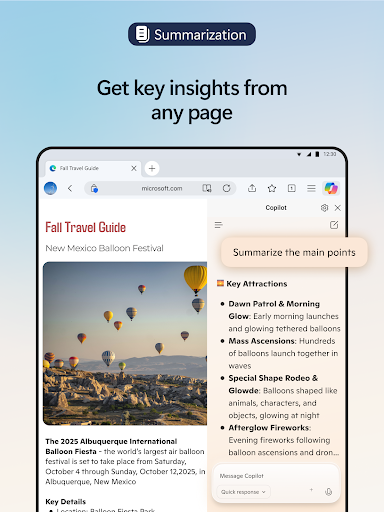
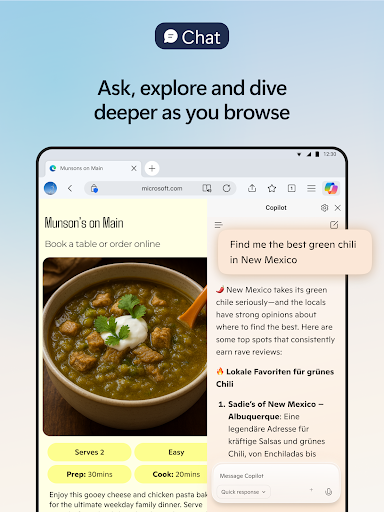
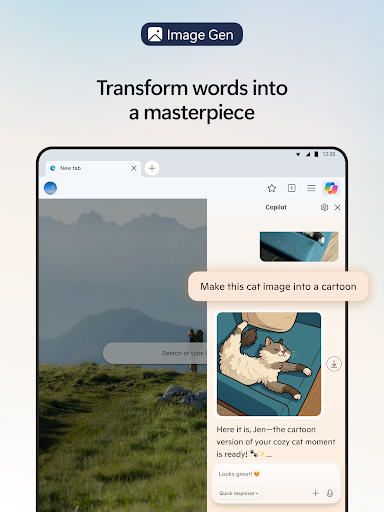
Microsoft Edge stands out with its innovative AI-driven features that redefine web browsing. The built-in Copilot assistant transforms how users interact with online content by providing instant summaries of articles and videos, answering contextual questions, and generating visual content based on text descriptions.
Productivity-focused features include voice commands for hands-free operation, multi-language translation tools, and Read Aloud functionality with natural-sounding voices. The browser's extension ecosystem enables power users to tailor their browsing experience while maintaining high performance standards. Advanced security features like Microsoft Defender SmartScreen and password monitoring ensure comprehensive protection against modern cyber threats.
Integrated AI assistant
Advanced privacy controls
Multi-language support
Customizable extensions
Content creation tools
Resource-intensive
Limited cross-platform
Learning curve
Extension availability
Occasional bugs

BiP is a fast, secure, free messaging and HD video calling app!
 4.10
4.10
Official NDI app: turn your phone into a professional live-streaming IP camera.
3.20
Welcome to the future of phone service.
4.60
An agentic AI browser for Android, built by Perplexity
4.50
Fast, Simple And Secure Application That Provides SMBv3 Server On Your Device
3.30
Bringing the functionality of Winlink to your Android device
4.4
Simple tool for businesses to talk to their customers.
4.40
Caller ID, Spam Call & SMS Blocker
3.80
Useful. Social. Expressive.
4.70
A browser that does more than load page, like keeping your privacy safe.
4.70
Save 10% automatically on your first international mobile top up.
4.60
Phone Dialer with Caller ID, Address Book & Contacts Manager.
4.30
SMS Messenger is a lightning-fast messaging app.
4.20
Google's fast and secure browser
4.10
WazzapMigrator: transfer your WhatsApp history from iPhone to Android
4.00
A softphone with crystal clear SIP Calling & Reliable VoIP dialer
4.00
SMS Messenger ensures that communication become effortless and accessible.
3.80
A Browser with powerful ad blocker to help focus on what really matters.
3.00
Manage Phone Calls, call history, and contacts easily with Phone Pro.
4.5


User Reveiws