


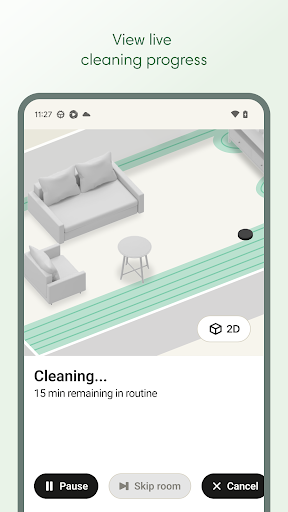
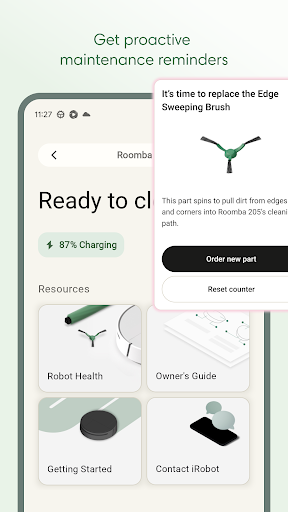
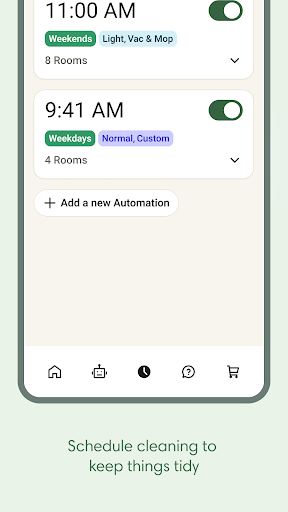
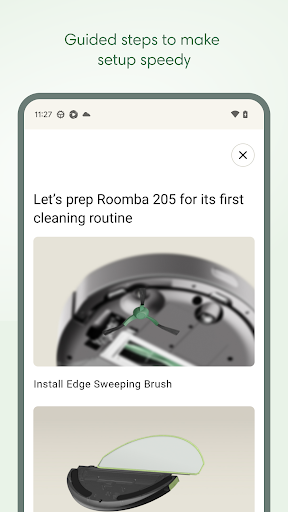
Roomba Home is a smart cleaning management app designed for Roomba vacuum robot owners. The application allows users to remotely control their cleaning devices, offering functionalities such as starting, stopping, and scheduling cleaning sessions. It also provides advanced features like personalized cleaning routines, real-time tracking of the robot's cleaning path, and smart home integration.
The app supports detailed home mapping, enabling users to label rooms and set specific cleaning zones. With compatibility across various Roomba models, it delivers an intelligent cleaning experience that adapts to different household needs. Whether you need routine maintenance or spot cleaning, Roomba Home ensures your living space remains immaculate with minimal effort.
Roomba Home offers a comprehensive suite of features that enhance the robotic vacuuming experience. One standout feature is the Routine Builder, which lets users customize cleaning schedules and preferences for different rooms. Users can adjust suction power, mopping intensity, and cleaning passes to suit their specific requirements.
Another notable aspect is the app's mapping capability, which saves up to five floor plans and allows users to label rooms and create no-go zones. Real-time monitoring provides insights into the robot's current cleaning activities, while voice assistant compatibility enables hands-free operation through Alexa, Siri, or Google Assistant. These features collectively ensure optimal cleaning performance tailored to individual preferences.
User-friendly interface
Customizable cleaning schedules
Real-time activity tracking
Voice command support
Multi-floor mapping
Limited to Roomba models
Requires Wi-Fi connection
No 5GHz network support
Premium features may cost extra
Occasional connectivity issues
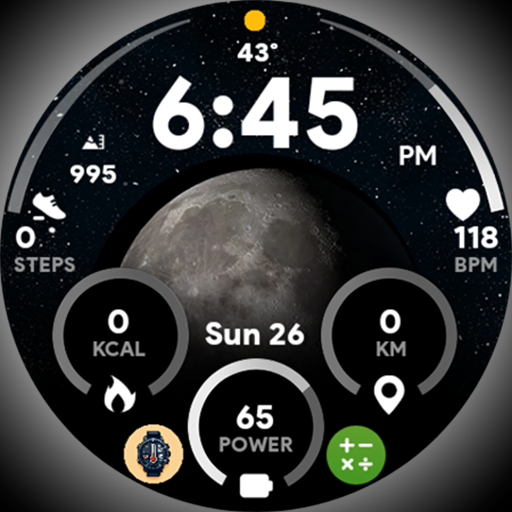
Unique informative Dial with Live Moon Phase at a glance!
 3.60
3.60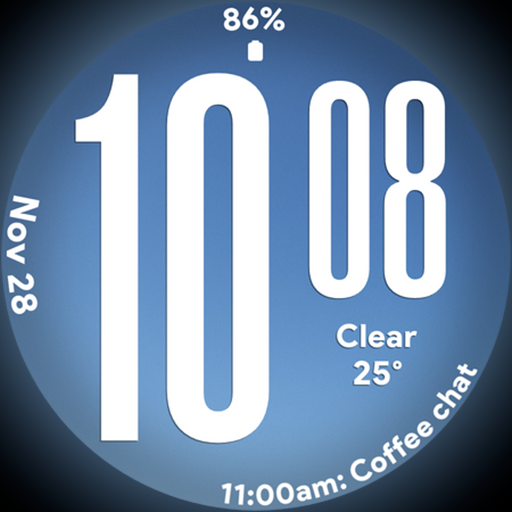
Big bold weather watch face with dynamic backgrounds and 3 complications
4.1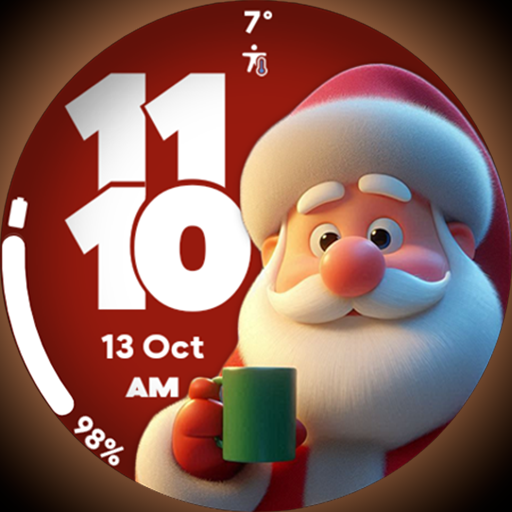
Customize your Wear OS watch with festive Christmas figures and colors!
4.2
Play fun games, complete quick surveys, and earn money. It's fun and easy!
4.40
Kasa Smart is your portal to your TP-LINK Smart Home.
4.70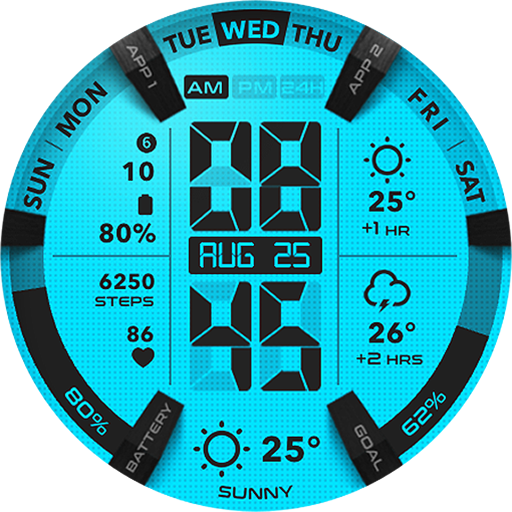
Retro animated weather with hourly forecast Watch Face for Wear OS
4.60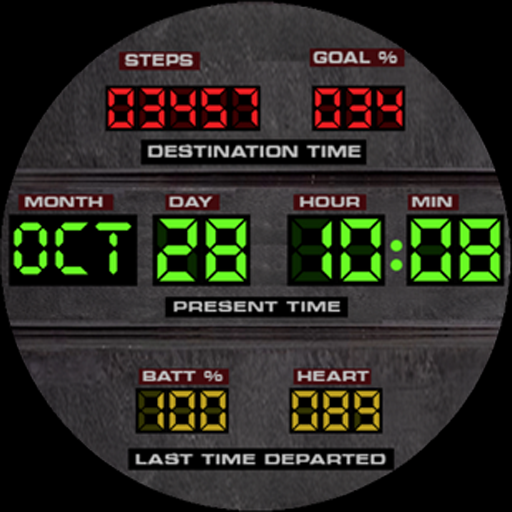
Futuristic watchface inspired by Back to the Future: sleek, retro, timeless
4.3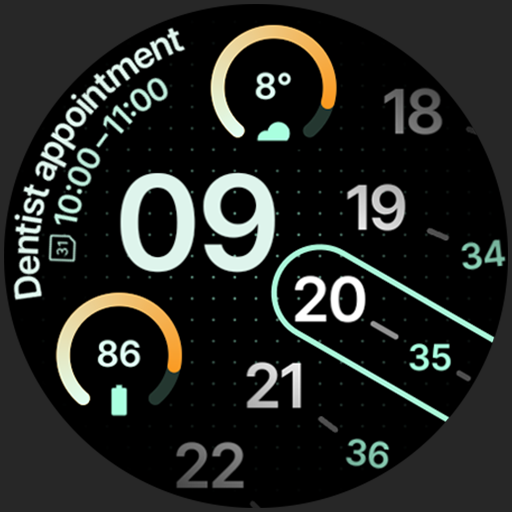
A unique and customizable watch face which rotates its layout every minute.
4.80
Subwoofer school’s in session! You’ve now enrolled into KICKER U.
3.80
Daily lessons from A Course in Miracles with scheduled reminders
4.80
Your store’s deals, where you are.
4.80
The App can control Roborock vacuum cleaners from anywhere with rich features.
4.60
The all-new Cync app. The simple, connected app for Cync and C by GE.
4.50
Discover your Nationality, Family Origin, and Ancestry from one selfie
4.50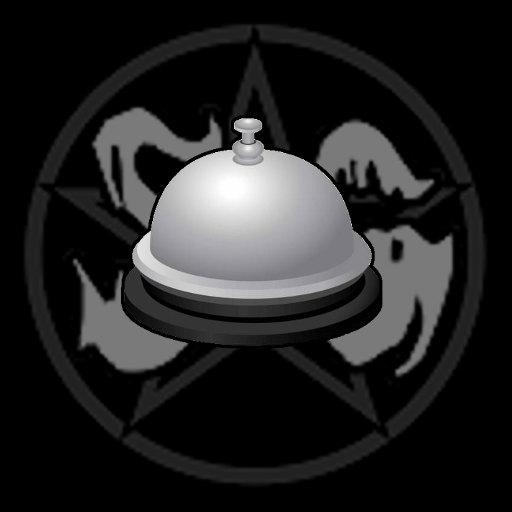
Paranormal Spirit Bell Trigger Device
4.30
Discounts, savings, and rewards
4.20
Paranormal EVP, Ghost Box, Spirit box, ITC, Haunted, Spirit communication device
3.70
Take Hobby Lobby with you wherever you go!
3.40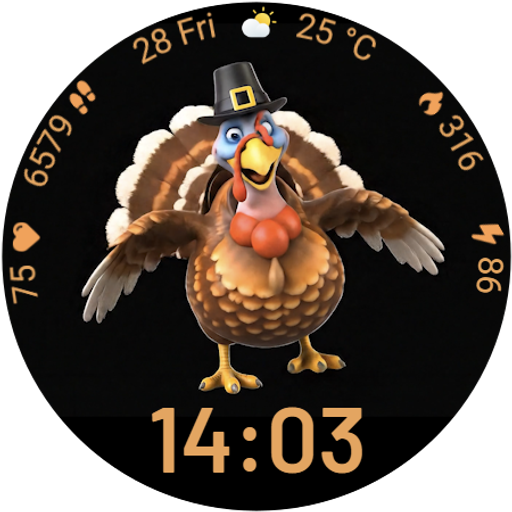
Cute animated Thanksgiving watchface for your WearOS smartwatch
4.0


User Reveiws