SportWerks - Workout Tracker

3.90

Information

Category:

Health & Fitness

Price:

$ 4.99

Rank:

41

Rating:

3.90

Overview

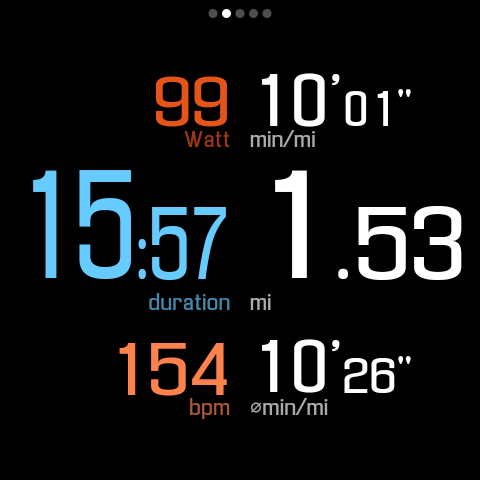
SportWerks is a comprehensive workout tracker designed specifically for Wear OS watches, offering users the ability to customize their workout screens with large, easy-to-read numbers. This app accurately tracks various types of workouts from the Google Exercise library and automatically syncs data to popular fitness platforms like Strava, FinalSurge, or TrainingPeaks. It also provides .FIT files for integration with any fitness management system.

The app's core value lies in its standalone functionality on Wear OS devices, eliminating the need for a paired phone during workouts. Whether you're running, cycling, swimming, or engaging in other activities, SportWerks ensures accurate tracking of metrics such as heart rate, location, pace, power, and elevation. Its customizable interface and real-time companion app make it an essential tool for fitness enthusiasts who demand precision and flexibility.

Features

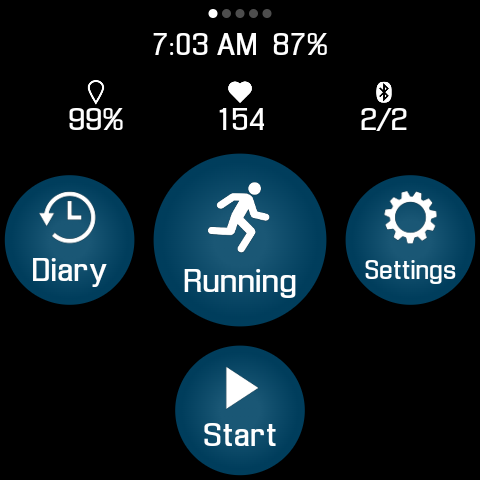
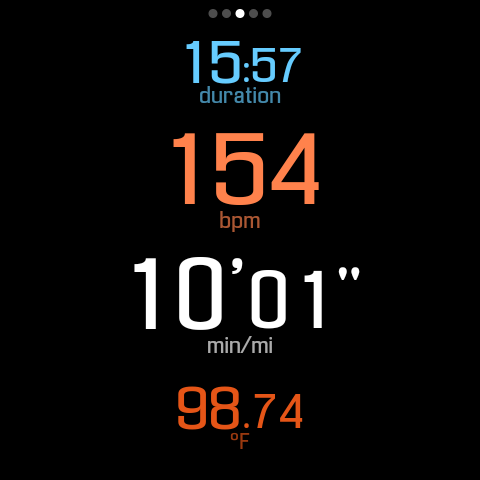
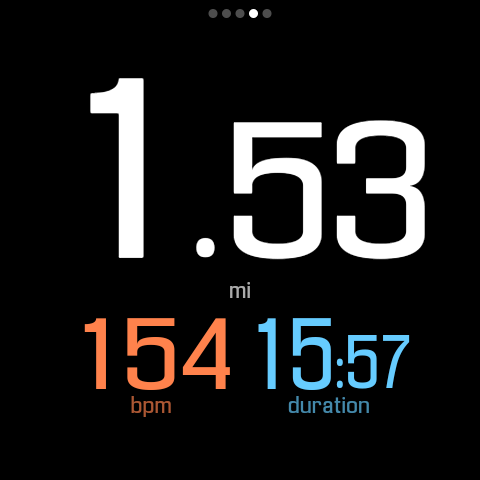
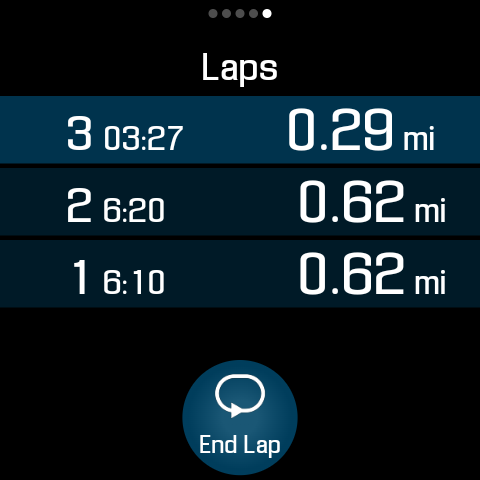
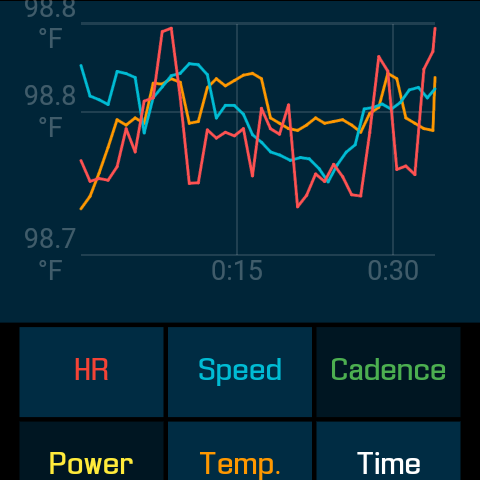
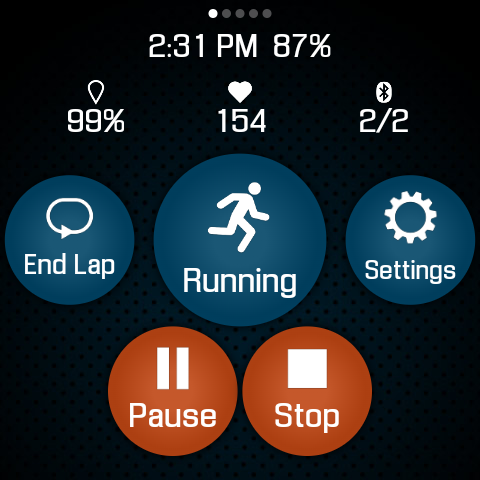
SportWerks stands out with its extensive feature set tailored for fitness tracking. The app supports multiple workout types including running, walking, cycling, hiking, swimming, and more. Users can choose from various workout screens (6-values, 4-values, 3-values, Laps) and toggle them on/off easily. It connects seamlessly with leading Bluetooth-Low-Energy (BLE) devices from brands like Stryd, CORE, Wahoo, Polar, and Suunto.

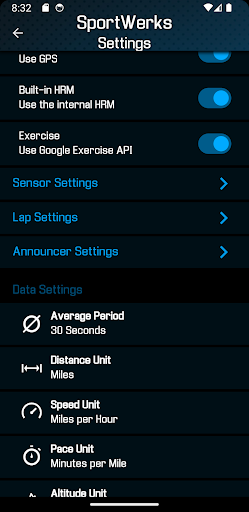
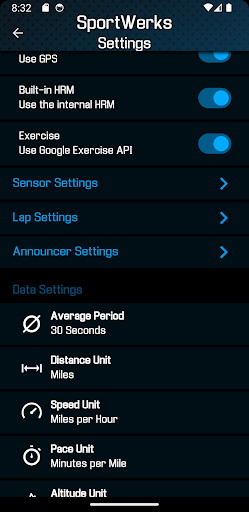
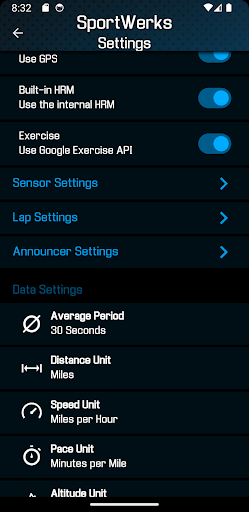
One of the key innovations is its automatic syncing capability with major fitness platforms such as Strava, FinalSurge, and TrainingPeaks. Additionally, users receive .FIT files for each workout, enabling integration with any fitness management system. The companion Android app allows real-time customization of settings directly on the watch and helps manage .FIT files efficiently. With lap presets, announcer duration options, and audio notifications via watch speaker or headset, SportWerks delivers a personalized and distraction-free workout experience.

Personalized planning

Personalized planning in fitness applications refers to the ability to tailor workout experiences according to individual user preferences and needs ensuring that each session is as effective as possible. SportWerks - Workout Tracker excels in this area by offering users extensive customization options directly from their Wear OS watch without needing a phone. The app allows you to choose from multiple workout screens such as 6-values 4-values 3-values or Laps and toggle these screens on or off with a simple button tap. This flexibility ensures that users can view only the data they find most relevant during their workouts whether it's heart rate location stride rate pace power elevation or other metrics. Additionally SportWerks supports connections to various Bluetooth-Low-Energy BLE devices like heart-rate monitors and cycling power meters from leading fitness companies including Stryd CORE Wahoo Polar and Suunto. By integrating with these devices SportWerks provides a personalized experience that caters to different workout types and preferences enhancing the overall effectiveness of each session. Users benefit from this level of personalization as it allows them to focus on specific goals whether they are training for endurance building strength or improving cardiovascular health. Moreover the app enables users to set lap lengths and announcer durations from preset lists notifying them via watch speaker or paired headset at selected intervals. This auditory feedback helps users maintain focus and motivation without needing to look at their watch making workouts safer and more efficient. Overall SportWerks delivers a highly personalized planning experience empowering users to optimize their fitness routines according to their unique requirements and objectives.

Progress visualization

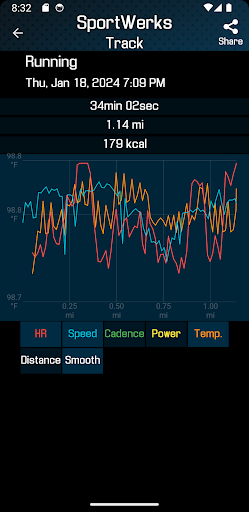
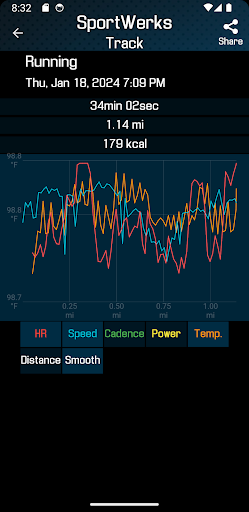
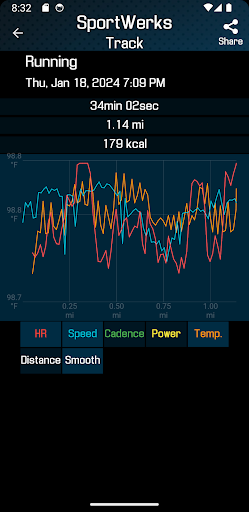
Progress visualization is a critical component of any fitness application as it allows users to track their achievements and stay motivated by seeing tangible results of their efforts. SportWerks - Workout Tracker offers robust progress visualization features designed to keep users engaged and informed about their fitness journey. One of the standout aspects of SportWerks is its ability to automatically send workout data to popular fitness platforms like Strava FinalSurge and TrainingPeaks or provide users with a .FIT file for importing into any other fitness management system. This seamless integration ensures that users can visualize their progress across multiple platforms creating a comprehensive overview of their fitness activities. Additionally the companion app for Android-based phones enhances progress visualization by allowing users to manage settings and .FIT files in real-time. Through this companion app users can adjust nearly any setting on the watch app and see changes reflected immediately providing a dynamic way to monitor and adjust their progress tracking. SportWerks also tracks all aspects of a workout including heart rate location stride rate pace power elevation and more presenting this data in an easy-to-understand format. The app supports various workout types listed in the Google Exercise library such as Running Walking Cycling Hiking Indoor free-style Swimming Rowing Alpine Skiing Nordic Skiing Snowboarding Treadmill and Spinbike. By covering such a wide range of activities SportWerks ensures that users can visualize progress in diverse fitness areas. Furthermore the app's ability to notify users via watch speaker or paired headset at set distances or timed intervals adds another layer of progress visualization. These notifications serve as milestones helping users recognize achievements during their workouts and encouraging continued effort. Overall SportWerks provides a thorough and engaging progress visualization experience enabling users to see their advancements clearly and maintain motivation towards their fitness goals.

Props

Accurate tracking

Customizable screens

Wide device compatibility

Automatic data syncing

Real-time companion app

Cons

Limited to Wear OS

No iOS companion app

Premium features may require payment

Complex setup for beginners

Battery consumption concerns

Features and Functions

What is this app and what can I use it for?

A versatile fitness tracker for Wear OS with customizable screens and automatic data syncing.

How do I download and install this app on my device?

Visit Google Play Store, search for SportWerks, and tap Install to download and install the app on your Wear OS device.

How do I get started after opening the app for the first time?

Launch SportWerks, follow the setup wizard to configure preferences, and start tracking your first workout.

What are the main features and capabilities of this app?

Tracks various workouts, connects to BLE devices, syncs data to fitness platforms, and offers real-time customization via companion app.

How can I customize my experience and adjust preferences?

Use the companion app to adjust workout screens, notification settings, and connected devices according to your preferences.

How do I save or bookmark my favorite content for later access?

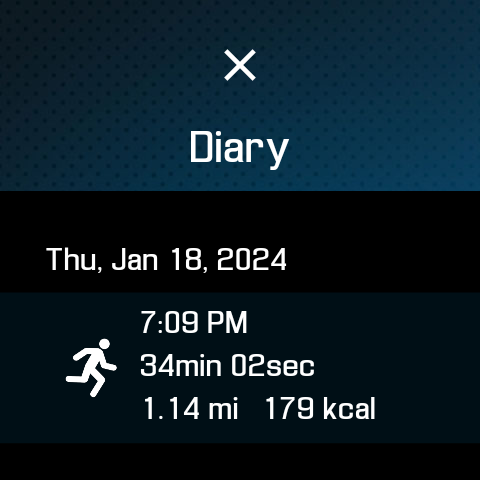
Workouts are saved automatically; export .FIT files through the companion app for later access or sharing.

How can I share content with friends or on social media?

Share workout data by exporting .FIT files or syncing directly to supported social media-connected fitness platforms.

How do I access detailed information and explore more content?

Access detailed workout metrics within the app; use the companion app to explore historical data and trends.

What permissions does this app need and how do I manage them?

Requires permissions for location, storage, and Bluetooth connections; manage these in device settings.

How do I check for updates and keep the app running smoothly?

Enable automatic updates in Google Play Store settings to keep SportWerks running smoothly with the latest features.
Show more

User Reveiws

{{ comment.reviewer_name }}
{{ comment.review_date_formatted}}
{{ comment.review_content }}
{{ tab.name }}
{{ comment.reviewer_name }}
{{ comment.review_date_formatted}}
{{ comment.review_content }}
No reviews with this rating