
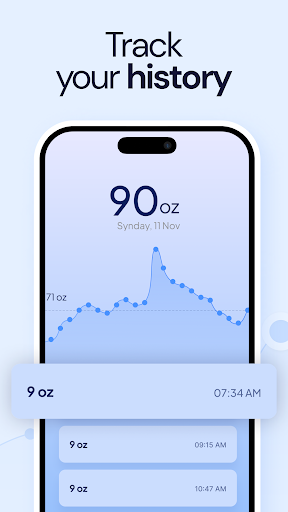
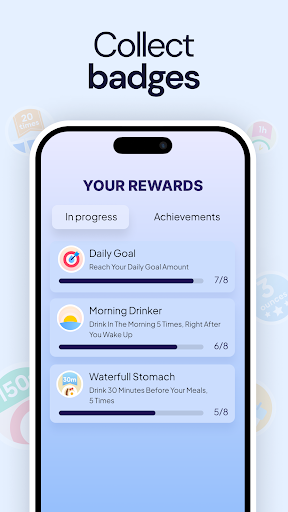
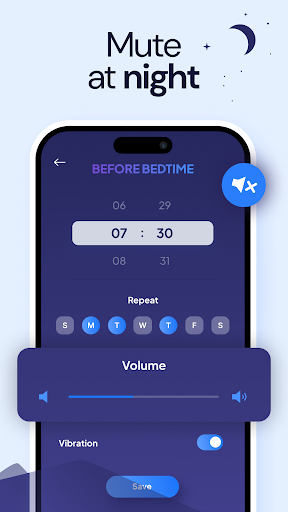
My Water Tracker & Reminder is a comprehensive hydration management app designed to help users maintain optimal water intake. The app serves as a personal hydration coach, offering features like customizable daily goals, detailed progress tracking, and smart reminders. Whether you're following an intermittent fasting regimen or simply aiming to improve your daily water consumption, this app provides the tools you need.
The app's core functionality revolves around its intelligent reminder system and detailed tracking capabilities. Users can log their water intake effortlessly and visualize their progress through intuitive charts. Its versatility makes it suitable for various user groups, from health enthusiasts tracking their fitness journey to individuals seeking better wellness through proper hydration. By promoting consistent water consumption, the app helps users achieve better overall health and well-being.
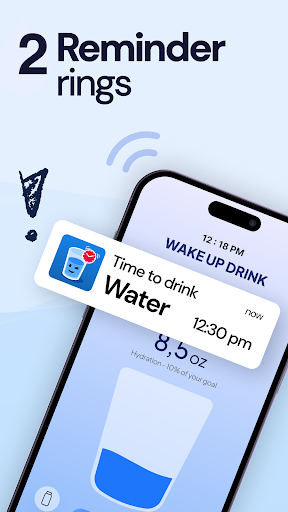
My Water Tracker & Reminder stands out with its robust feature set tailored for effective hydration management. The app's personalized drink water reminders adapt to users' schedules and activity levels, ensuring timely hydration throughout the day. Its intuitive interface allows for effortless logging of water intake with simple taps, making daily tracking a seamless experience.
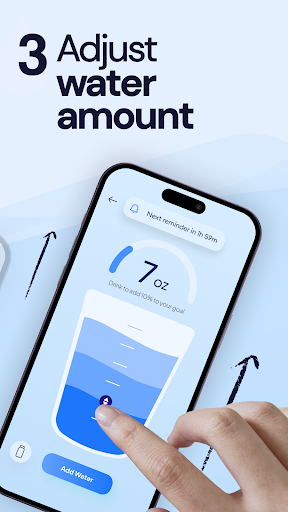
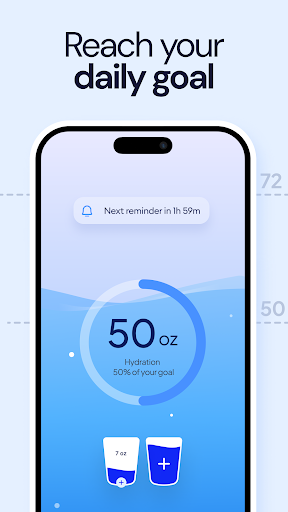
One of the app's key strengths lies in its comprehensive customization options. Users can set specific hydration goals based on their individual needs, whether they're focused on weight loss, fitness routines, or general health improvement. The app's support for water fasting adds another layer of utility, providing gentle reminders that align with fasting schedules. Additionally, the app offers visual progress tracking and container-specific measurements, allowing users to monitor their intake patterns and make informed adjustments to their hydration habits.
User-friendly interface
Customizable hydration goals
Smart reminder system
Comprehensive tracking features
Free with all features accessible
Limited social sharing options
No advanced analytics dashboard
Basic notification sounds
Occasional syncing issues
Interface could use modernization
App to stop smoking slowly or now with a motivational badges and helpful tips
 4.80
4.80
Control your sleep in real-time wearing Garmin device
3.60
Period Tracker, the easiest way to track your periods!
4.50
Meditation app, head space app provides calm music to help you meditate & sleep
5.00
Measure real-time wrist & ambient temperature with your Galaxy Watch (Wear OS)
3.20
Measure your Pupil Distance for Eyeglasses and VR headsets in 3 quick steps.
4.70
Track sleep cycle, relax with white noise, sleep sounds & smart alarm clock
3.80
Understand your body’s most meaningful messages and transform your health.
3.90
Scan food & cosmetic products and evaluate their impact on your health
4.80
A brain game that moves you
4.70
The Crunch Mobile app - Find a gym, manage favorites, reserve & cancel classes.
4.60
The Official Blood Type Diet® App - know your categorized foods anytime.
4.50
50 HD sounds to help you relax during the day and sleep great at night!
4.40
Grow with self-tests and personal routine.
4.30
Looking to take control of your health? Our psychology-based programs can help.
4.10
SportWerks - Workout Tracker for Wear OS Watches
3.90
Sync your activities of the most popular sports tracking services
2.70
Insanity blocks of intense physical activity, short breaks of 30 seconds.
4.0
A simple way to calculate peptide doses and also to convert different units.
4.2


User Reveiws