
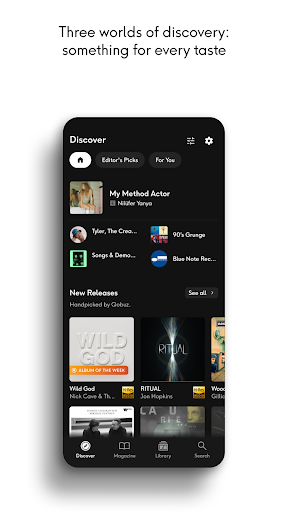
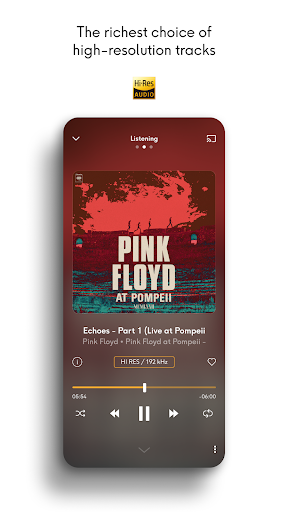

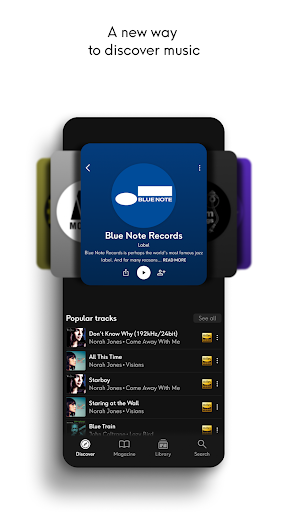
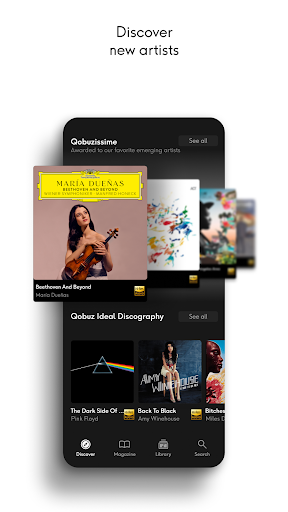
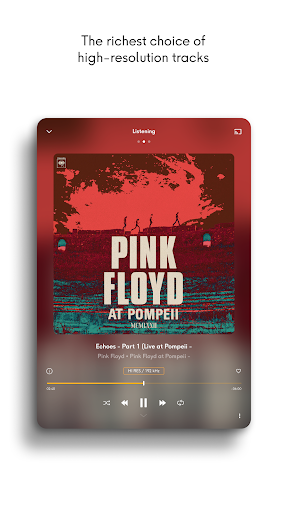
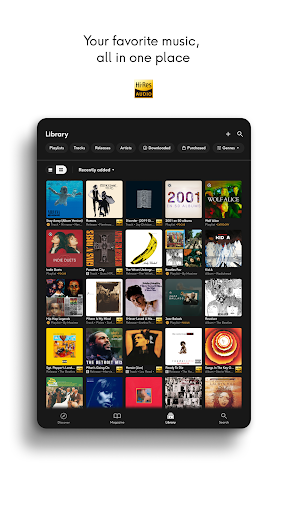

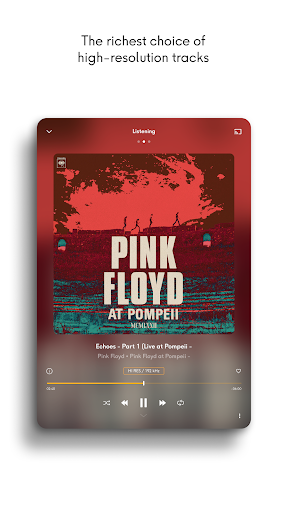
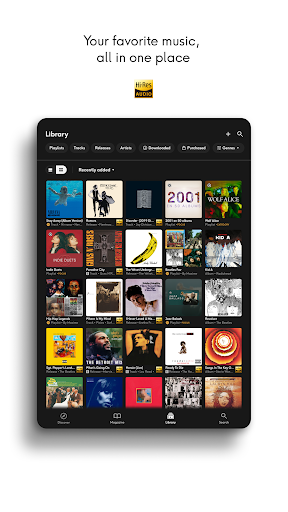
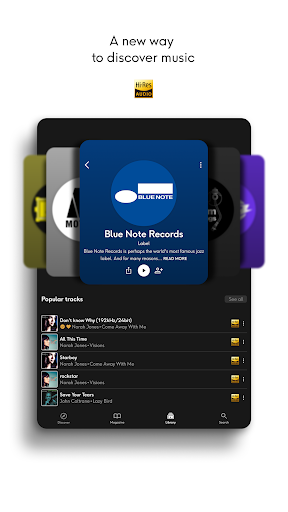
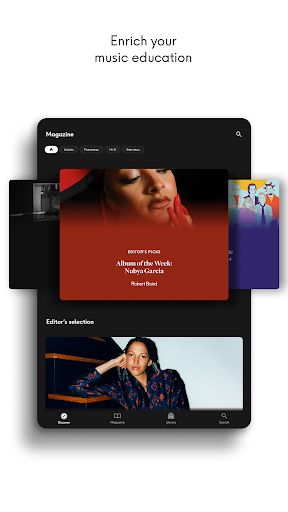

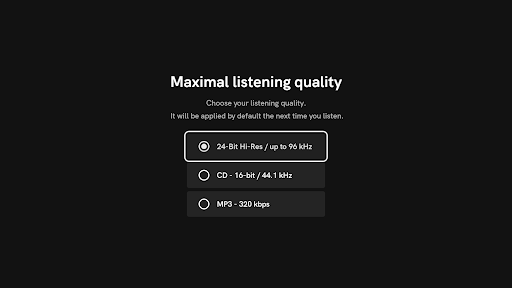
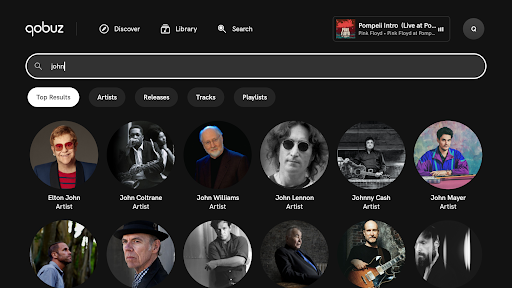
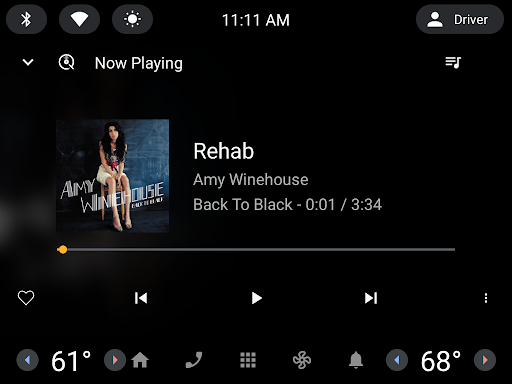
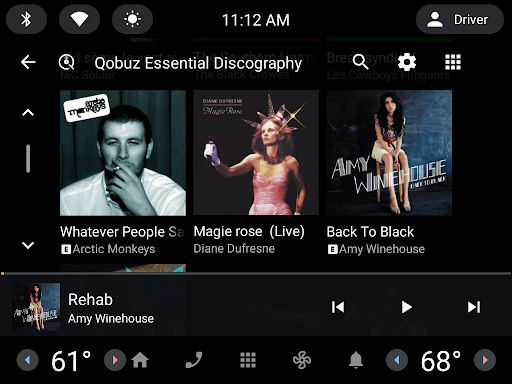
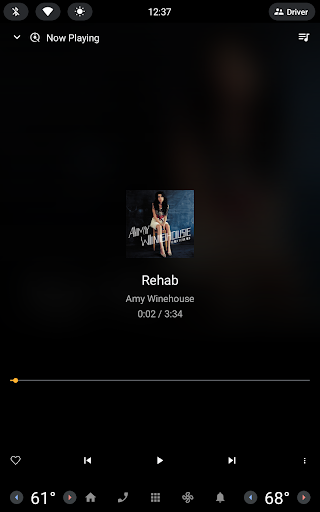
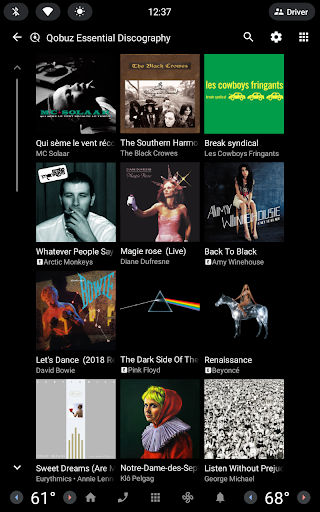
Qobuz is a premier music streaming and editorial platform that offers an unparalleled listening experience with over 100 million tracks in high resolution and CD quality. The app stands out by providing exclusive editorial content, including articles, interviews, and reviews curated by music experts. This unique combination of high-quality audio and rich editorial material makes Qobuz a go-to choice for discerning music enthusiasts.
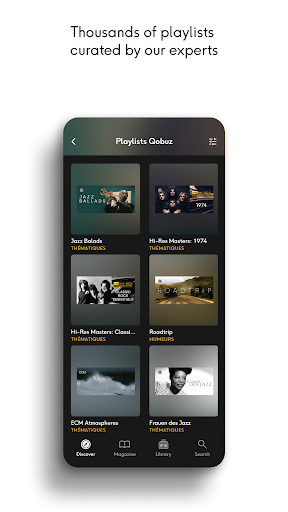
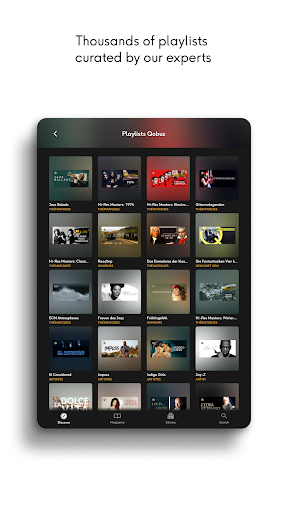
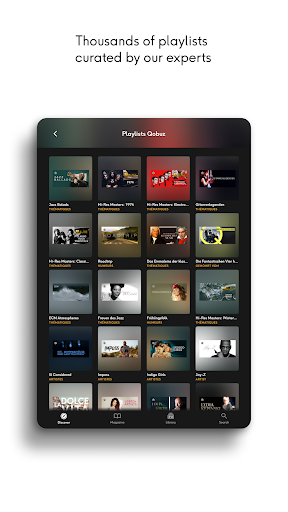
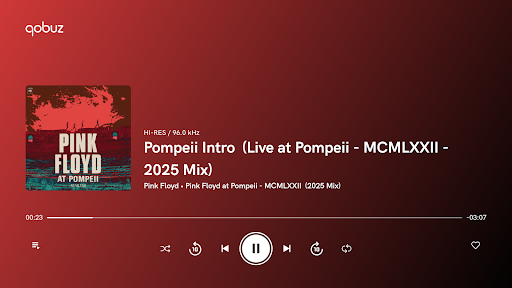
The app's human-curated playlists span various genres such as rock, classical, jazz, electronic, pop, funk, soul, R&B, metal, and more, ensuring there's something for every listener. With offline mode capabilities, users can enjoy their favorite music without an internet connection. Additionally, Qobuz supports Hi-Res audio playback on compatible devices, offering a truly authentic sound experience straight from the studio.
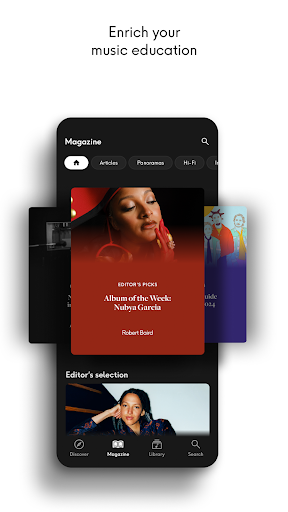
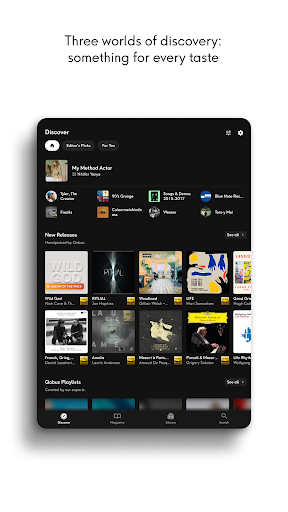
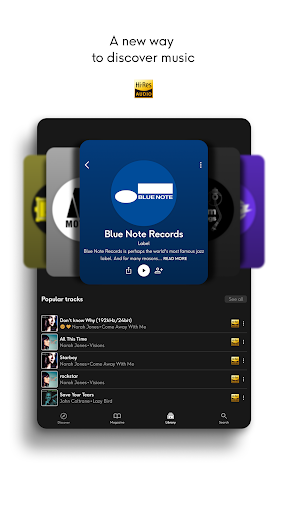
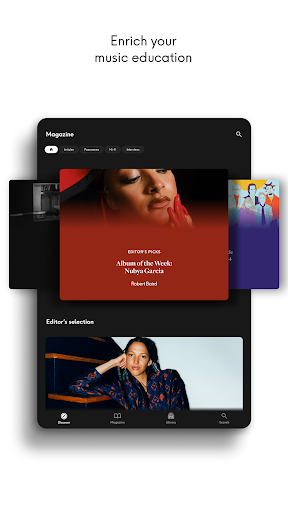
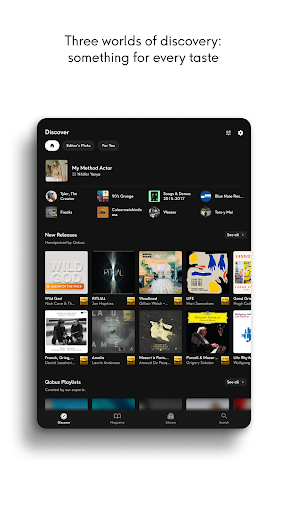
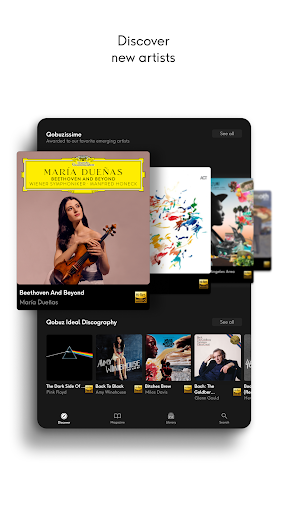
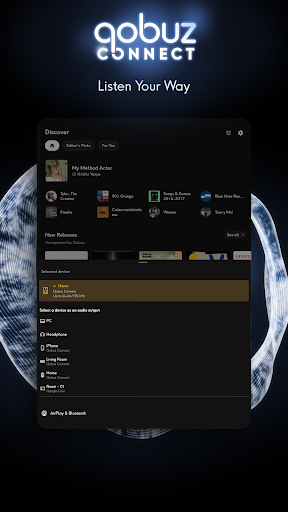
Qobuz boasts a plethora of features designed to enhance the user's music discovery and listening experience. One standout feature is its Discover page, which simplifies exploration with a clean interface, simplified navigation, and a dedicated search bar for quick access to desired content. Users can dive deep into unique editorial content like news articles, artist interviews, and comprehensive panoramas covering specific artists, albums, genres, or periods.
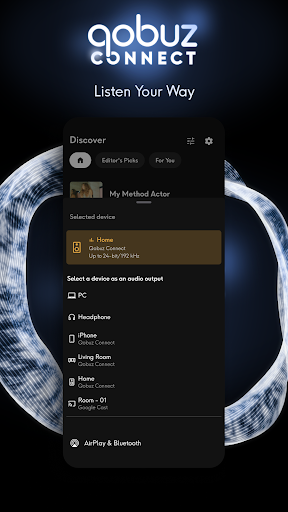
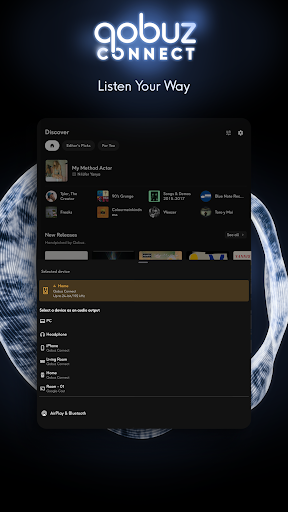
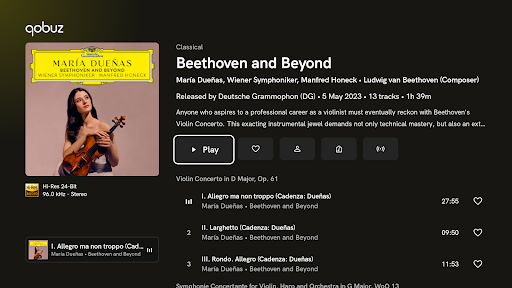
Another significant feature is the Hi-Fi section, which helps users optimize their listening experiences with recommendations for the best audio equipment. The app also provides digital booklets with liner notes and album details, enriching the user's music education. Furthermore, Qobuz ensures seamless integration with major wireless listening devices and prestigious Hi-Fi brands, maintaining top-notch audio quality across all platforms.
High-quality audio streaming
Extensive music library
Expert-curated content
Offline listening mode
Cross-device compatibility
Higher subscription cost
Limited free content
Complex interface for beginners
Fewer social features
Requires good internet for initial download

Time Guru will strengthen your internal sense of musical time via random muting.
 4.30
4.30
The Cubase remote control app
3.60
Remove ads permanently from Music Visualizer
4.4
DJ Music Mixer - DJ Remix: remix songs, make beat music & record mix of DJ.
4.40
Visualize the guitar fretboard, master scales & play through changes like a pro!
4.50
Enjoy singing any song, no matter how high or low it is
4.30
Full featured mp3 and audio player with Chromecast and Android Auto support.
4.40
Get alarms that fit your lifestyle and wake up to the sounds you love.
4.80
Melody Beat: Great for travel, workouts, offline vibes, play your tunes anytime.
4.10
24,000 free audio books and no ads!
4.90
Full-featured, High-Quality Groovebox Workstation, perfect for Live Performance!
4.80
Music, News & Sports Radio Tuner App. Tune in Live FM & AM Radio Stations.
4.80
Responsive piano with great sounds, graphics, and songs
4.80
Taal player that lets you sing any Indian & Western song with Tabla & Tanpura
4.60
Super Sound Editor, Song Maker & Mixer, Vocal Remover, Voice Recorder & Changer!
4.60
Turn your phone into a musical instrument from the future!
3.90
Learn to play the piano using falling notes!
3.80
The Minimalistic Premium Music Player. Handmade with passion for music
2.20
Simply convert wav to mp3. Clear. Reliable. Safe.
4.4


User Reveiws