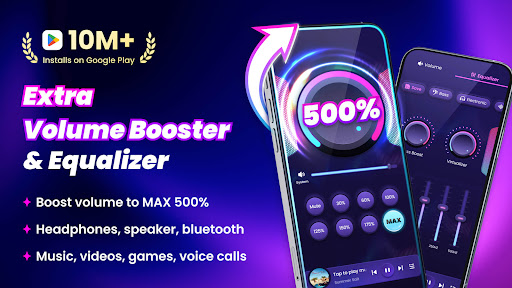

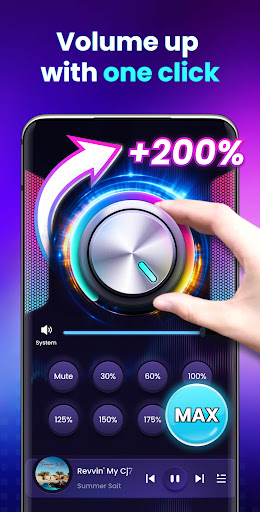
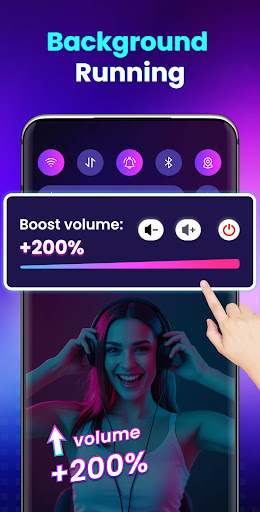

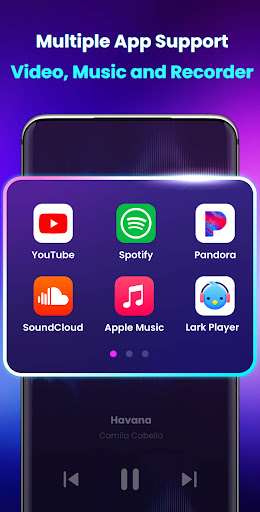
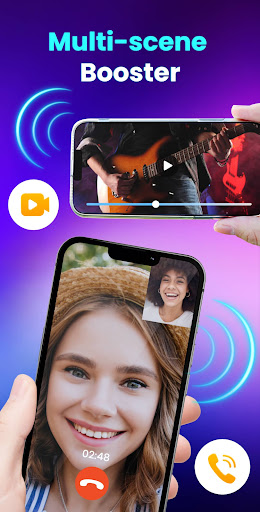
Volume Booster - Sound Booster is a powerful audio enhancement application designed for Android users who desire louder sound output from their devices. This app allows you to amplify your system volume up to 200%, surpassing the standard maximum limit, making it ideal for music playback, video streaming, gaming, and more.
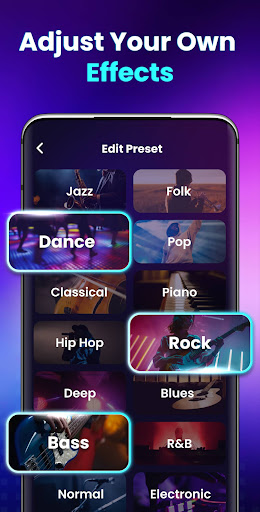
The app's standout feature is its ability to boost all types of audio including media, alarms, ringtones, and even external speakers or Bluetooth devices without compromising sound quality. With user-friendly controls, Volume Booster provides an intuitive interface with customizable sound modes, stereo surround effects, and music spectrum visualization that enhances your overall auditory experience.
Whether you're at home or on the go, this portable sound amplifier transforms your device into a high-powered speaker system, perfect for parties, personal listening, or any scenario where louder sound is preferred.
Volume Booster - Sound Booster offers a comprehensive suite of features tailored to maximize your device's audio potential. One of its primary capabilities is the extra volume boosting function, which supports amplification of various audio streams such as music, videos, games, audiobooks, and alarms, ensuring every sound is loud and clear.
In addition to volume control, the app includes advanced functionalities like stereo surround sound effects and dynamic music spectrum visuals that move in sync with your audio. The built-in music player further enriches the user experience by displaying song covers, titles, and artists while allowing playback controls directly within the app.
Designed for convenience, Volume Booster also supports background operation, lock screen controls, and quick adjustments via home screen widgets and notification bar shortcuts. These features ensure seamless integration into your daily routine, providing effortless access to amplified sound whenever you need it.
Boosts volume up to 200%
Preserves sound quality
Easy-to-use interface
Customizable sound modes
Supports background play
No iOS version available
May drain battery faster
Potential hearing risk
Limited Bluetooth support
Interface ads present

The Skullcandy App Experience
 3.20
3.20
Offline and always ad-free - stream in the highest quality available.
4.10
Music Streaming suite for Ampache, Nextcloud Music and compatible backends.
4.3
Help you quickly get started with Shokz headphones
4.40
The Minimalistic Premium Music Player. Handmade with passion for music
2.20
PowerAudio is a powerful offline music player.
4.20
Travel To The Music Universe
3.40
One-tap booster for max volume - enjoy powerful sound with this audio booster
4.50
Get alarms that fit your lifestyle and wake up to the sounds you love.
4.80
Gorgeous UI, Powerful music Search and Equalizer, the great choice for you!
4.70
Most Advanced AI Song Generator and Music Creator. Rap, Pop, Rock, Gospel & more
4.70
Record, Mix & Master with all n-Track effects, 64-bit audio and Stem Separation.
4.70
Over 100 million tracks available for high quality streaming and download
4.60
AI Music Maker: Generate And Compose AI Tunes & AI Songs & AI Music & AI Melody!
4.60
Reverse your voice & songs instantly! Fun singing challenge with cool effects.
4.60
Let your Android device with the sound effects you want
4.50
The alternative folder based music player.
4.20
Sing, record, and create music together — enhanced by smart voice tools.
4.00
The Cubase remote control app
3.60


User Reveiws