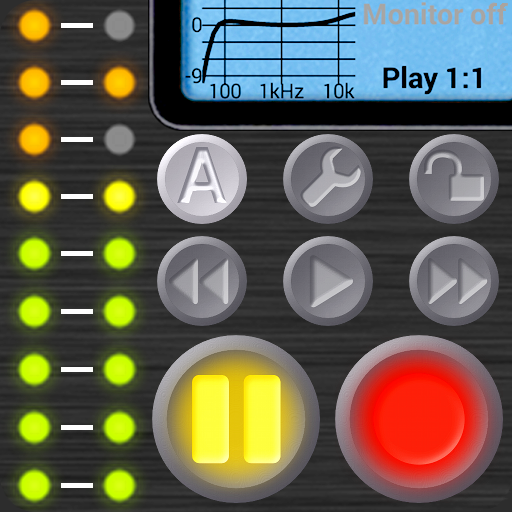
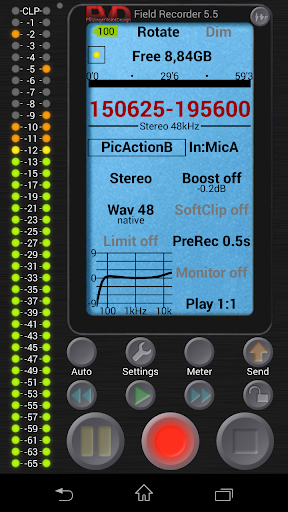
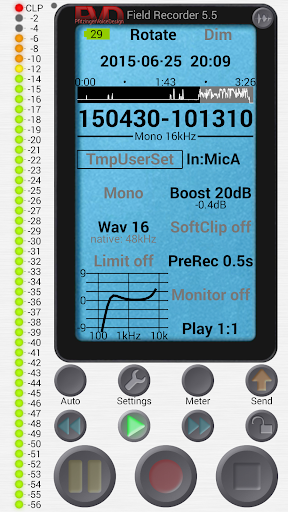
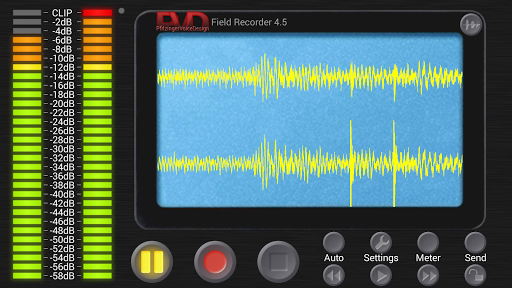
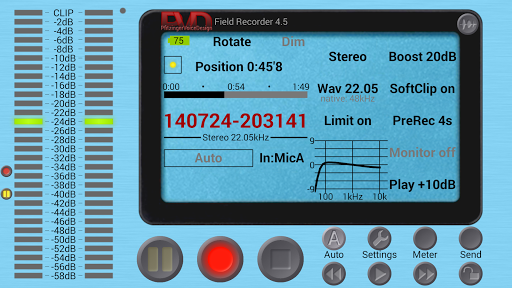

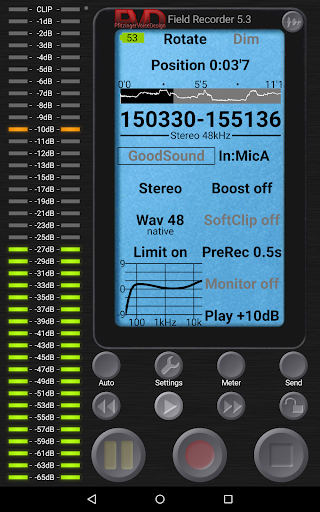

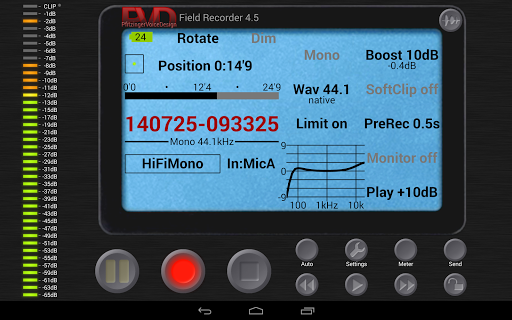

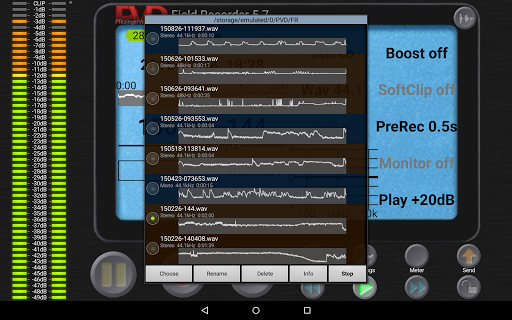
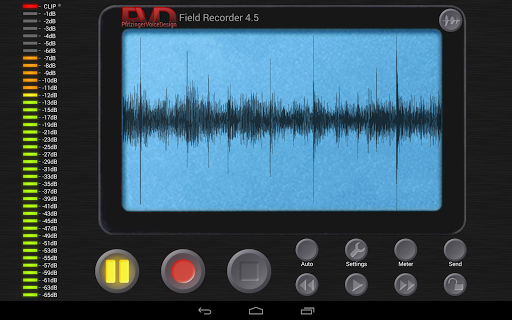
Field Recorder transforms your mobile device into a versatile audio recording tool, offering professional-grade features in a portable package. Designed for audiophiles and professionals alike, this app provides extensive control over audio parameters with support for various input devices.
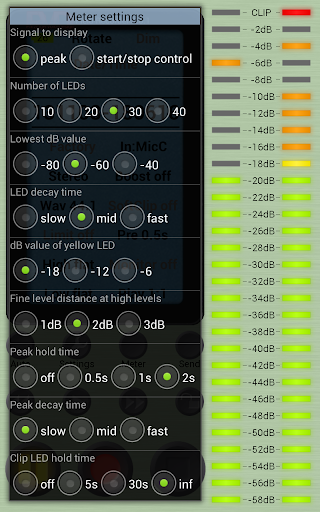
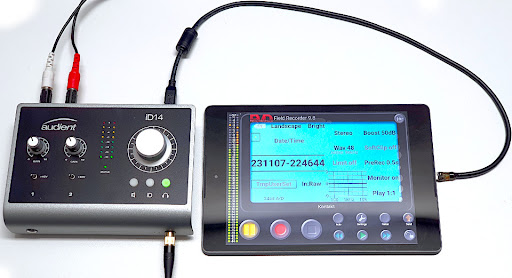
The application excels in capturing high-quality audio through built-in or external microphones, as well as USB sound cards. Its advanced equalizer, limiter, and adjustable settings make it suitable for diverse recording scenarios from concerts to interviews. Users can instantly share their recordings across multiple platforms.
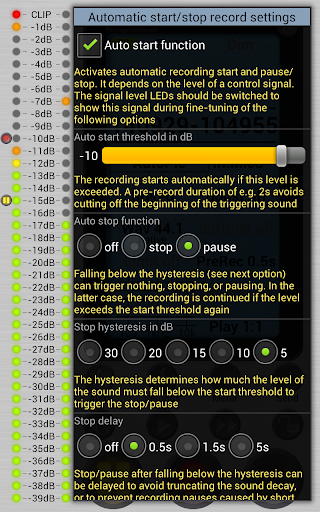
Ideal for musicians, journalists, and sound enthusiasts, Field Recorder ensures no important moment is missed with its pre-recording buffer and auto-start functionality. The app's customizable interface and monitoring capabilities further enhance the recording experience.
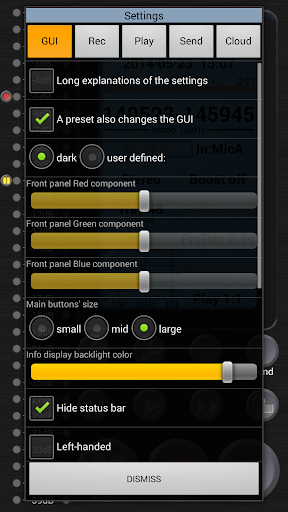
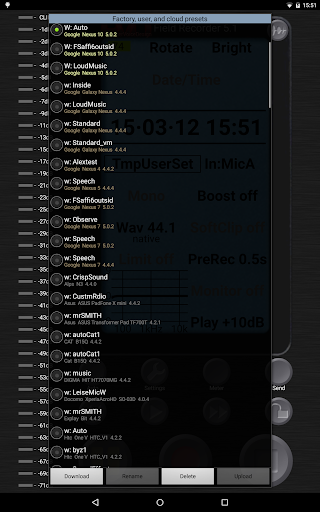
Field Recorder stands out with its comprehensive feature set tailored for audio professionals. The app offers unparalleled flexibility in audio parameter adjustments, allowing users to create and save custom presets for different recording situations.
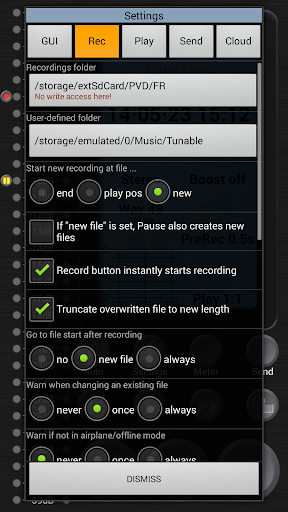
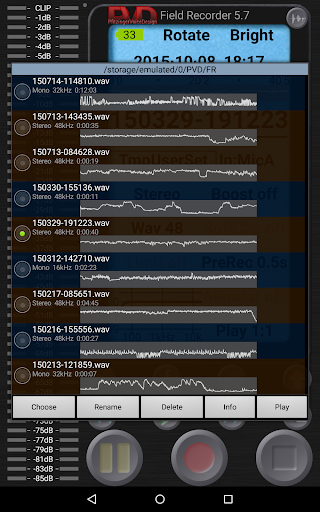
Advanced functionalities include pre-defined presets for common tasks, automatic file management at 4GB size limits, and real-time audio processing tools like low-cut filters and parametric equalizers. The app also supports various file formats and enables seamless integration with helper apps for format conversion.
Unique capabilities such as email alerts based on noise levels, gapless file splitting, and configurable auto-start/stop controls demonstrate the app's innovative approach to mobile recording. These features collectively ensure optimal audio capture quality and workflow efficiency.
User-friendly interface
High-quality audio recording
Extensive customization options
Real-time audio processing
Versatile file format support
Complex for beginners
Requires additional apps
Consumes significant storage
Limited free features
Occasional stability issues

Background pads for your band
 3.80
3.80
Record, Mix & Master with all n-Track effects, 64-bit audio and Stem Separation.
4.70
A sleek, no-frills player designed for true music lovers.
4.20
The iconic iOS metronome app is now on Android.
3.70
Reverse your voice & songs instantly! Fun singing challenge with cool effects.
4.60
Sing, record, and create music together — enhanced by smart voice tools.
4.00
Travel To The Music Universe
3.40
One-tap booster for max volume - enjoy powerful sound with this audio booster
4.50
Play your music offline without limits
4.80
Music, News & Sports Radio Tuner App. Tune in Live FM & AM Radio Stations.
4.80
Responsive piano with great sounds, graphics, and songs
4.80
Walkout Song DJ is the most intuitive app to manage your sports music.
4.70
Learn and play 2M+ music tabs & chords on guitar, ukulele, bass, and more
4.30
Network/Cloud Streaming, Visualization, Graphic Equalizer and Sound Effects.
4.20
Smart piano keyboard, Classical to Pop, Real-time multiplayer connection!
4.20
Permanently backup Now Playing. Maps, filters & listening stats.
4.00
The ultimate media player for Android devices
3.90
USB audio recording and playback finally possible on Android 3.1 or higher!
3.90
Sheet music reader, piano & music note player. Play music score & learn to read.
3.90


User Reveiws