
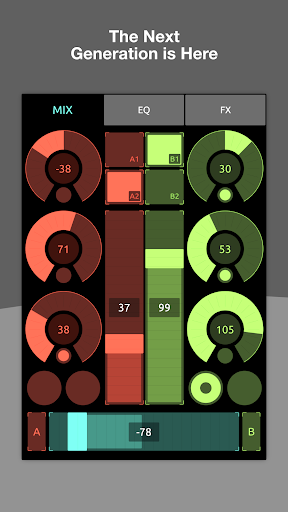
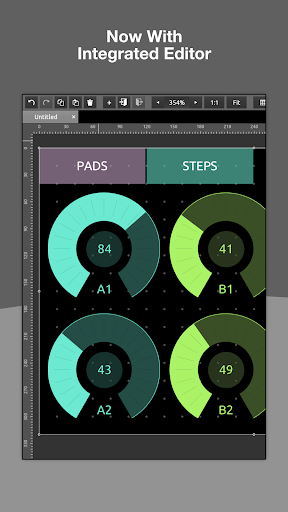
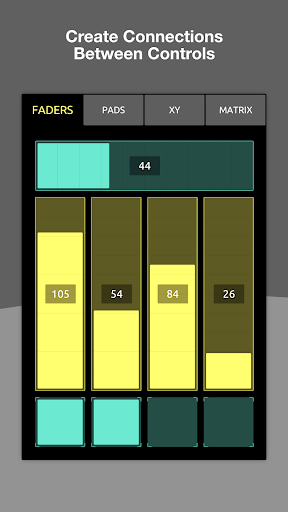
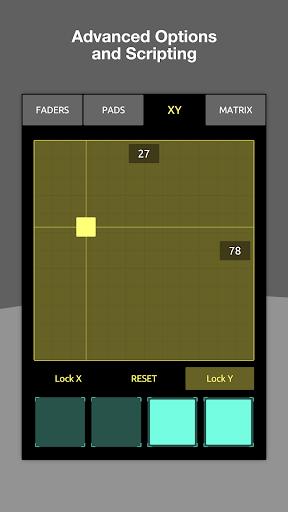
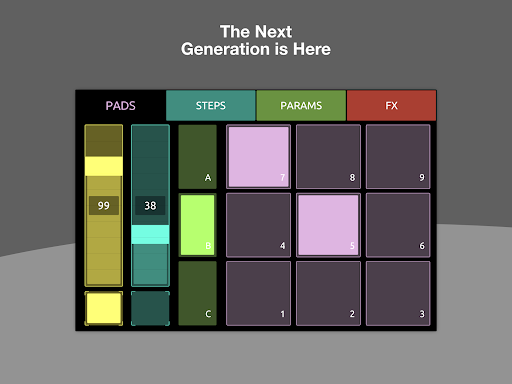
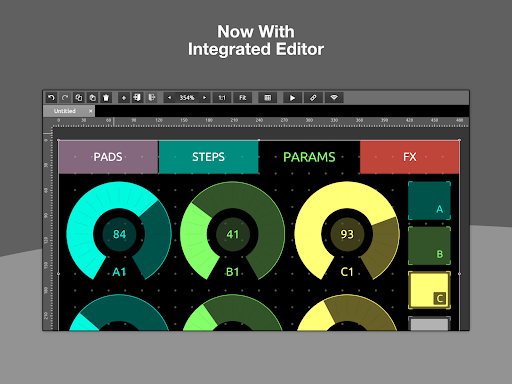
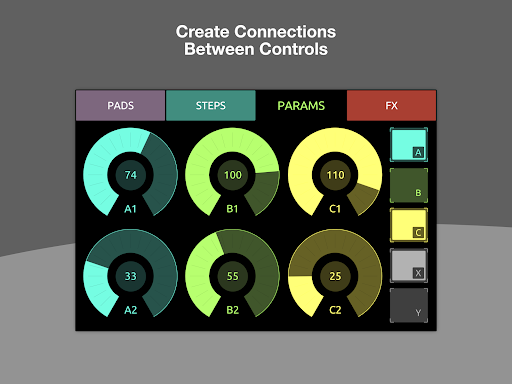
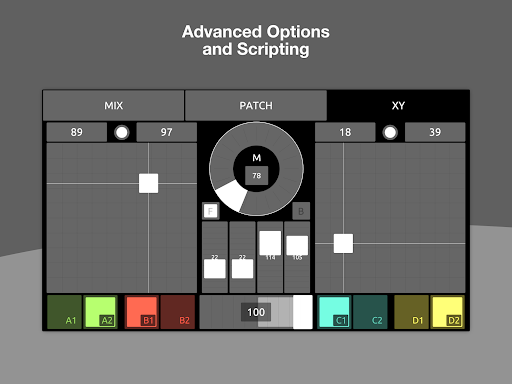
TouchOSC is a cutting-edge music and audio control application designed for creative professionals. The app features a powerful GPU-driven editor that allows users to create complex control layouts with precision and ease. Available on multiple platforms, it supports simultaneous MIDI and OSC messaging over various connections including UDP, TCP, and USB.
The application enables cross-network synchronized editing, allowing multiple devices to be connected for real-time previewing and testing. Its innovative scripting engine provides deep access to controller functions, enabling limitless customization. With support for both simple and advanced tasks through local messages and scripting, TouchOSC represents the next generation of audio control technology.
Ideal for musicians, producers, and live performers, TouchOSC enhances workflow efficiency by offering precise control over audio parameters. Whether performing live or working in the studio, this app streamlines the creative process while maintaining professional-grade functionality.
TouchOSC boasts an array of sophisticated features tailored for music and audio professionals. The integrated GPU-powered editor delivers exceptional speed and responsiveness, making complex layout creation intuitive and efficient. Supporting multiple protocols like MIDI and OSC, the app ensures seamless communication across different devices and platforms.
A standout feature is its cross-network synchronized editing capability. This allows users to connect multiple instances of TouchOSC for real-time collaboration and testing. The inclusion of a lightweight scripting engine offers unprecedented access to controller functionalities, empowering users to customize their setups extensively.
For simpler tasks, the app includes a local messaging system that eliminates the need for extensive coding. This dual approach caters to both novice users and seasoned professionals, providing flexibility without compromising on power or performance.
User-friendly interface
Multi-platform support
Advanced scripting capabilities
Real-time synchronization
Comprehensive protocol support
Steep learning curve
Resource-intensive
Limited free features
Occasional bugs
High system requirements

The Skullcandy App Experience
 3.20
3.20
Full-featured, High-Quality Groovebox Workstation, perfect for Live Performance!
4.80
Background pads for your band
3.80
More downloads than any other metronome. Includes drum machine & tempo trainer.
4.80
Visualize the guitar fretboard, master scales & play through changes like a pro!
4.50
Help you quickly get started with Shokz headphones
4.40
A complete sound package for the sound engineer or enthusiast
4.60
Reverse your voice & songs instantly! Fun singing challenge with cool effects.
4.60
Travel To The Music Universe
3.40
AI Music Maker: Generate And Compose AI Tunes & AI Songs & AI Music & AI Melody!
4.60
A synth that really lets you shape your sounds!
4.50
Your HD audio recorder on the go for music, meetings, ambience, animal sounds…
4.30
Enjoy singing any song, no matter how high or low it is
4.30
PowerAudio is a powerful offline music player.
4.20
Permanently backup Now Playing. Maps, filters & listening stats.
4.00
Turn your phone into a musical instrument from the future!
3.90
USB audio recording and playback finally possible on Android 3.1 or higher!
3.90
Offline Tunes, Unlimited Vibes
3.90
Make music anywhere. Turn your device into an instrument.
4.2


User Reveiws