
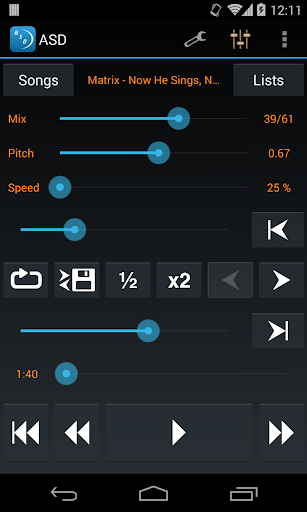
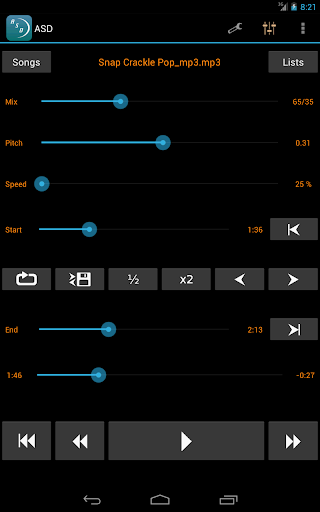
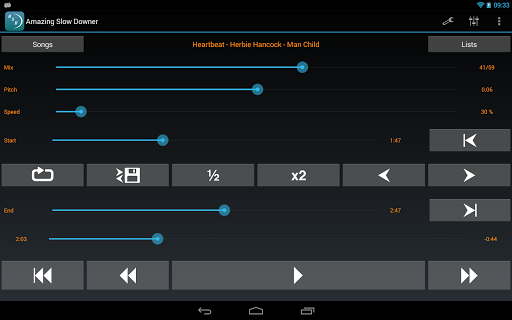
Amazing Slow Downer is a powerful tool designed for musicians, transcribers, and dancers who want to learn and improve their skills. This app allows users to slow down music without changing the pitch, making it easier to learn new songs and techniques.
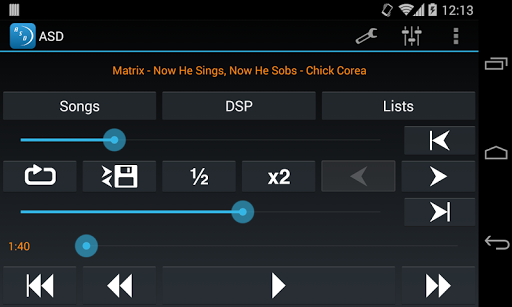
The core functionality includes adjusting playback speed between 25% and 200%, setting seamless loops by touching 'Set' buttons during playback, and changing the tuning or musical key. These features make it an ideal choice for anyone in the music industry looking to refine their craft.
Whether you're practicing an instrument, transcribing music, or perfecting dance routines, Amazing Slow Downer provides outstanding sound quality and versatile tools that enhance your learning experience.
Amazing Slow Downer offers a rich set of features tailored for musicians and audio enthusiasts. One of its standout capabilities is the ability to change playback speed from 25% to 200% without altering the pitch, allowing detailed study of complex musical pieces.
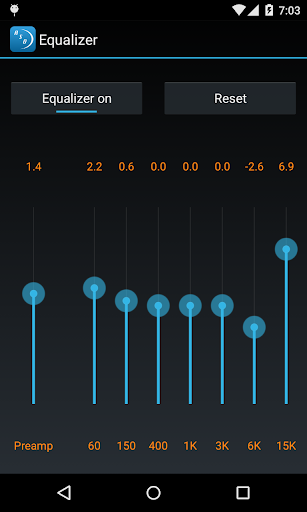
In addition to speed control, the app supports changing the tuning or musical key, which is invaluable for musicians who need to adapt songs to different instruments or vocal ranges. The seamless loop feature enables users to focus on specific sections of a track, enhancing practice sessions.
These innovative features provide significant value by offering precise control over music playback, thus catering to both amateur learners and professional musicians aiming to hone their skills with high-quality audio manipulation tools.
User-friendly interface
High-quality audio processing
Seamless looping capability
Pitch-independent speed adjustment
Versatile tuning options
No official Spotify support
Limited free version features
Occasional bugs reported
Subscription cost required
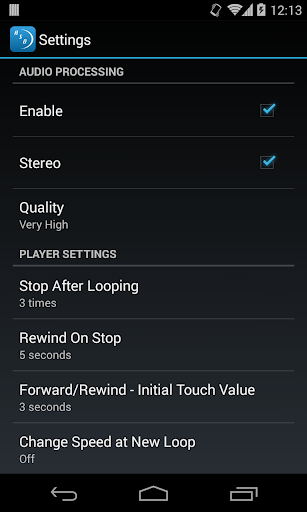
Advanced settings may overwhelm beginners
Your HD audio recorder on the go for music, meetings, ambience, animal sounds…
 4.30
4.30
The Cubase remote control app
3.60
A synth that really lets you shape your sounds!
4.50
Remove ads permanently from Music Visualizer
4.0
Background pads for your band
3.80
Most Advanced AI Song Generator and Music Creator. Rap, Pop, Rock, Gospel & more
4.70
Network/Cloud Streaming, Visualization, Graphic Equalizer and Sound Effects.
4.20
The only true audiophile music player with Hi-Fi audio rendering and DSP engine
3.90
Get alarms that fit your lifestyle and wake up to the sounds you love.
4.80
Full-featured, High-Quality Groovebox Workstation, perfect for Live Performance!
4.80
A complete sound package for the sound engineer or enthusiast
4.60
Save hundreds of dollars for a physical strobe tuner and instead use this app.
4.50
Learn and play 2M+ music tabs & chords on guitar, ukulele, bass, and more
4.30
Time Trainer: accurate metronome w tools to help you develop your internal time!
4.20
A sleek, no-frills player designed for true music lovers.
4.20
No wifi music app. Mp3 offline. Tuner radio, young radio music. Music downloader
4.20
PowerAudio is a powerful offline music player.
4.20
Offline and always ad-free - stream in the highest quality available.
4.10
Offline Tunes, Unlimited Vibes
3.90


User Reveiws